10 Essential Unit Testing Best Practice Principles for 2025

In modern software development, code that simply ‘works’ is no longer enough. We need code that is reliable, maintainable, and easy to refactor without fear. This is where a solid unit testing best practice comes in. Unit tests are the first line of defense against bugs, regressions, and the slow creep of technical debt. They act as a critical safety net, allowing development teams to innovate, iterate on features, and deploy with a high degree of confidence. For developers using AI assistants in VS Code or Cursor, robust tests provide the guardrails needed to safely apply and validate AI-generated code suggestions.
This article moves beyond theory to provide a prioritized, actionable roundup of core principles. It breaks down 10 foundational patterns that separate fragile, high-risk codebases from resilient, scalable ones. We will explore everything from structuring your tests for maximum clarity using the Arrange-Act-Assert pattern to advanced strategies for handling complex dependencies with mocks and stubs. You will learn concrete naming conventions that make test failures easy to diagnose, see how to leverage test fixtures for clean and repeatable setups, and understand why isolating tests from one another is non-negotiable for a stable CI pipeline.
For engineering managers and team leads, adopting these practices provides visibility into code quality and helps standardize effective workflows, especially when integrating AI-assisted development. This guide is your blueprint for building a testing culture that values quality not as a final gate, but as an integral part of the development process itself. Each point is designed to be immediately applicable, helping you and your team write tests that build confidence and accelerate delivery speed, ensuring your codebase is built to last.
1. Arrange-Act-Assert (AAA) Pattern
Clarity and structure are the cornerstones of effective unit tests, and the Arrange-Act-Assert (AAA) pattern is a foundational unit testing best practice that delivers both. First coined by Bill Wake, this simple yet powerful structure divides your test method into three distinct, logical sections. This separation makes your tests instantly readable, predictable, and far easier for other developers (or your future self) to understand and maintain.

The AAA pattern works by creating a clear narrative for what your test is doing:
- Arrange: In this first section, you set up all the necessary preconditions and inputs. This includes creating objects, preparing mock dependencies, or seeding test data required for the test scenario.
- Act: This is the heart of the test where you execute the specific method or function you want to validate. Ideally, this section contains only a single line of code that calls the unit under test.
- Assert: Finally, you verify that the outcome of the
Actstep matches your expectations. This involves checking the return value, the state of an object, or whether a mock method was called correctly.
Practical Implementation
Let’s see the AAA pattern in a simple user authentication test using a JavaScript testing framework like Jest:
describe(‘AuthenticationService’, () => { it(‘should return a user object on successful login’, () => { // Arrange const mockUserService = { findUser: jest.fn().mockReturnValue({ id: 1, name: ‘Jane Doe’ }), }; const authService = new AuthenticationService(mockUserService); const email = ‘jane.doe@example.com’; const password = ‘correct-password’;
// Act
const result = authService.login(email, password);

// Assert
expect(result.isAuthenticated).toBe(true);
expect(result.user.name).toEqual('Jane Doe');
expect(mockUserService.findUser).toHaveBeenCalledWith(email);
}); });
Actionable Tips for AAA
To get the most out of this pattern, follow these tips:
- Use Comments: Explicitly add
// Arrange,// Act, and// Assertcomments to delineate the sections. This small effort dramatically improves readability. - Keep Arrange Concise: For complex setups, use helper functions, test data builders, or fixtures to keep the
Arrangeblock clean and focused on the relevant data for that specific test. - Single Act per Test: Each test should focus on a single action or behavior. If you find yourself needing multiple
Actsections, it’s a sign that you should split your test into smaller, more focused tests.
2. Test-Driven Development (TDD)
Test-Driven Development (TDD) flips the traditional development process on its head, advocating for writing tests before writing the implementation code. Popularized by Kent Beck, this methodology is a core unit testing best practice that enforces a disciplined, incremental workflow. By starting with a test, developers define what the code should do before deciding how it will do it, leading to cleaner, more intentional designs and comprehensive test coverage from the ground up.

TDD operates on a simple, repeating cycle known as “Red-Green-Refactor”:
- Red: Write a small, failing unit test for a new piece of functionality. The test will fail because the required code doesn’t exist yet. This step clarifies requirements.
- Green: Write the absolute minimum amount of production code necessary to make the test pass. The goal here is not elegance, but simply to satisfy the test’s assertions.
- Refactor: With the safety net of a passing test, you can now clean up and improve the code you just wrote. This includes both the production code and the test code, ensuring they are maintainable and efficient.
Practical Implementation
Let’s apply the TDD cycle to a new feature in a Python e-commerce application: applying a discount coupon.
First, write a failing test (Red):
test_cart.py
import pytest
def test_apply_valid_coupon(): # Red: This test fails because apply_coupon doesn’t exist cart = Cart(total_price=100.00) cart.apply_coupon(“SAVE10”) assert cart.total_price == 90.00 Next, implement the bare minimum code to make it pass (Green):
cart.py
class Cart: def init(self, total_price): self.total_price = total_price
def apply_coupon(self, coupon_code):
    # Green: Hardcode the logic just to pass the test
    if coupon_code == "SAVE10":
        self.total_price *= 0.90
Finally, improve the implementation (Refactor):
cart.py
(Refactor stage, after adding more tests for different coupons)
COUPONS = {“SAVE10”: 0.10, “SAVE20”: 0.20}
class Cart: def init(self, total_price): self.total_price = total_price
def apply_coupon(self, coupon_code):
    discount = COUPONS.get(coupon_code, 0)
    self.total_price -= self.total_price * discount
Actionable Tips for TDD
- Start Small: Write the simplest test you can think of. A test for a null input or a default value is a great starting point.
- Strict Cycle Adherence: Do not write new production code unless a test is failing. Resist the urge to skip steps or write too much code in the “Green” phase.
- Refactor Fearlessly: The refactor step is not optional. It is where you improve the design and maintainability of your system, backed by the confidence of passing tests.
- Test Names as Specifications: Use descriptive test names that clearly state the behavior being tested. This makes your test suite act as living documentation for your system.
3. Single Responsibility Principle in Tests
Just as production code benefits from the Single Responsibility Principle (SRP), so do your tests. This foundational unit testing best practice dictates that each test should focus on one, and only one, specific behavior or scenario. When a test has a single, clear purpose, it becomes exponentially easier to understand, debug when it fails, and maintain over the long term.
Adhering to SRP in your tests prevents them from becoming bloated, multi-purpose scripts that try to validate everything at once. Instead of a single test for “user login,” you would create separate, focused tests for a successful login, a login with a wrong password, a login with an unknown username, and a login for a locked account. This isolation means a failure in one test points directly to a specific problem.
Practical Implementation
Let’s apply SRP to a password validator function in Python using the pytest framework. Instead of one large test checking all rules, we create distinct tests for each rule.
import pytest
def is_valid_password(password): # (Implementation for password validation logic) # … checks length, numbers, special characters pass
Test 1: Checks for minimum length
def test_password_is_rejected_if_too_short(): # Arrange short_password = “pw”
# Act
is_valid = is_valid_password(short_password)

# Assert
assert is_valid is False
Test 2: Checks for required number
def test_password_is_rejected_without_a_number(): # Arrange password_no_number = “Password!”
# Act
is_valid = is_valid_password(password_no_number)

# Assert
assert is_valid is False
Test 3: Checks for required special character
def test_password_is_rejected_without_special_char(): # Arrange password_no_special = “Password123”
# Act
is_valid = is_valid_password(password_no_special)

# Assert
assert is_valid is False
Actionable Tips for SRP
To effectively apply the Single Responsibility Principle in your tests, consider these tips:
- One Logical Assert per Test: While a test might have multiple
expectorassertstatements, they should all validate a single logical outcome. For example, asserting a user object is not null and has a specific ID both confirm the same outcome: the correct user was returned. - Descriptive Test Names: Your test name should clearly state the single behavior it is verifying. Use a format like
shouldDoX_whenYorgivenX_whenY_thenZto describe the context, action, and expected outcome. - Embrace Parameterized Tests: For testing the same behavior with different inputs (like various invalid password formats), use parameterized tests. This keeps the test logic singular while avoiding repetitive code. Applying SRP is a key aspect of clean code and effective testing, concepts often tied to robust code refactoring techniques.
4. Mocking and Stubbing Dependencies
To truly test a unit of code in isolation, you must control its environment. Mocking and stubbing are essential unit testing best practice techniques that replace external dependencies like databases, APIs, or file systems with controllable test doubles. This practice allows you to focus solely on the logic of the component under test, making your tests faster, more reliable, and independent of external systems.
This approach isolates the unit under test from the unpredictable nature of the outside world:
- Stubs: Provide canned answers to calls made during the test. For example, a database stub might return a predefined user object when its
getUsermethod is called, without ever hitting a real database. - Mocks: Are objects that register calls they receive. In addition to providing fake responses, mocks allow you to verify interactions, such as confirming that a specific method was called with the correct parameters.
Practical Implementation
Let’s look at a Python example using unittest.mock to test a service that relies on an external API client. We want to verify the service’s error-handling logic when the API fails.
import unittest from unittest.mock import Mock
Assume these classes exist
class ApiClient: def get_user_data(self, user_id): # In real life, this makes an HTTP request pass
class UserService: def init(self, api_client): self.api_client = api_client
def get_user_name(self, user_id):
    try:
        user_data = self.api_client.get_user_data(user_id)
        return user_data['name']
    except Exception:
        return "User not found"
class TestUserService(unittest.TestCase): def test_get_user_name_handles_api_failure(self): # Arrange mock_api_client = Mock() mock_api_client.get_user_data.side_effect = Exception(“API Unavailable”) user_service = UserService(mock_api_client)
    # Act
    result = user_service.get_user_name(123)

    # Assert
    self.assertEqual(result, "User not found")
    mock_api_client.get_user_data.assert_called_once_with(123)
Actionable Tips for Mocking
To use mocks and stubs effectively, consider these tips:
- Mock Roles, Not Objects: Focus on mocking external dependencies that cross architectural boundaries (database, network, file system), not internal helper classes within your own module.
- Use Mocking Libraries: Leverage powerful libraries like Mockito for Java, Moq for .NET, or Jest’s built-in mocking for JavaScript. These tools simplify mock creation and verification. As you dive deeper, you can explore detailed guides on unit testing with Java that cover these tools.
- Verify Interactions Deliberately: Don’t just assert the final state; also assert that the unit under test interacted with its dependencies as expected. For instance, verify a
savemethod was called exactly once.
5. Use of Test Fixtures and Builders
As your application grows, the setup required for each test can become repetitive and complex. A crucial unit testing best practice is to manage this complexity using Test Fixtures and the Builder Pattern. This approach streamlines the Arrange phase of your tests by providing pre-defined, reusable objects and data structures, which significantly reduces boilerplate and improves overall test clarity.
Test fixtures establish a known, consistent state for your tests to run against, like a pre-populated in-memory database. The Builder Pattern, a classic design pattern, offers a fluent and readable way to construct complex test objects, allowing you to specify only the properties relevant to a particular test while relying on sensible defaults for the rest.
These techniques work together to create a testing environment that is both robust and easy to maintain:
- Test Fixtures: These are responsible for setting up the environment. This could involve creating a standard set of users in a database, initializing a mock service with default behaviors, or loading a specific configuration file before tests run.
- Builder Pattern: This pattern is used within the
Arrangeblock to create specific instances of objects needed for a single test. It provides a clean API to customize object creation without long, unreadable constructor calls. - Reduced Boilerplate: By abstracting away setup logic, your tests become focused purely on the behavior being validated, making them shorter and more expressive.
Practical Implementation
Let’s implement a UserBuilder in TypeScript to simplify creating User objects in tests. This builder provides sensible defaults and methods to override them.
// The object we are testing with class User { id: string = ‘default-id’; name: string = ‘Default User’; isAdmin: boolean = false; lastLogin: Date = new Date(); }
// The Builder class UserBuilder { private user = new User();
withAdminRole() { this.user.isAdmin = true; return this; }
withName(name: string) { this.user.name = name; return this; }
build() { return this.user; } }
// Usage in a test it(‘should disable access for non-admin users’, () => { // Arrange const regularUser = new UserBuilder().withName(‘John Doe’).build(); const accessControl = new AccessControlService();
// Act const canAccess = accessControl.canAccessAdminPanel(regularUser);
// Assert expect(canAccess).toBe(false); });
Actionable Tips for Fixtures and Builders
To effectively implement these patterns, consider the following advice:
- Provide Sensible Defaults: Builders should create valid, usable objects with no extra configuration. The goal is for most tests to use the defaults.
- Keep Fixtures Minimal: A test fixture should only contain the data necessary to establish a baseline state. Avoid creating monolithic fixtures that serve every possible test case.
- Use Setup/Teardown for State: For fixtures that interact with external state like a database, use your testing framework’s
beforeEach/afterEach(or equivalent) hooks to ensure a clean state for every test. - Name Descriptively: Use clear, intention-revealing names for your builder methods (e.g.,
withAdminRole(),asDeactivated()) to improve test readability.
6. Test Naming Conventions
A failing test suite should read like a clear, concise bug report, and that clarity begins with the test name itself. Adopting descriptive naming conventions is a crucial unit testing best practice that transforms your tests into living documentation. A well-named test, like shouldThrowExceptionWhenPasswordIsTooShort, instantly communicates its purpose, the scenario under test, and the expected outcome, eliminating guesswork when a test fails.
This practice moves away from vague names like test1 or testLogin that force developers to read the implementation to understand its intent. Instead, the test name becomes the first and most important piece of information, making maintenance and debugging significantly faster. When a test breaks, the name alone should tell you exactly what functionality is no longer working as expected.
The core idea is to embed the test’s context and expectation directly into its name. This creates a powerful feedback loop for developers, where the test results provide a clear narrative of the application’s health.
Practical Implementation
Several popular and effective naming patterns exist. One of the most widely adopted is the UnitOfWork_StateUnderTest_ExpectedBehavior pattern, popularized by Roy Osherove. Let’s apply this to a C# test using xUnit:
public class CalculatorTests { [Fact] public void Add_NegativeAndPositiveNumbers_ReturnsCorrectSum() { // Arrange var calculator = new Calculator(); int a = -10; int b = 5;
    // Act
    var result = calculator.Add(a, b);

    // Assert
    Assert.Equal(-5, result);
}

[Fact]
public void Add_TwoPositiveNumbers_ReturnsCorrectSum()
{
    // Arrange
    var calculator = new Calculator();
    int a = 2;
    int b = 3;

    // Act
    var result = calculator.Add(a, b);

    // Assert
    Assert.Equal(5, result);
}
}
Actionable Tips for Naming
To master descriptive test naming, consider these strategies:
- Embrace
UnitOfWork_StateUnderTest_ExpectedBehavior: This pattern is explicit and structured.UnitOfWorkis the method being tested,StateUnderTestis the specific scenario, andExpectedBehavioris the outcome. - Try BDD-Style Names: For more complex business logic, use Behavior-Driven Development (BDD) phrasing like
Given_UserIsAdmin_When_DeletingProduct_Then_ProductIsRemoved. This tells a clear story. - Use
shouldfor Clarity: A simpler, more readable alternative isshould_ExpectedBehavior_when_StateUnderTest, such asshould_ReturnAuthenticatedUser_when_CredentialsAreValid. - Avoid Ambiguity: Never use generic or technical names like
testCalculateortest_ok_1. Always be specific about the scenario and the expected result.
7. Test Coverage Monitoring
While unit tests verify that your code works as expected, test coverage monitoring answers a critical follow-up question: “How much of our code is actually being tested?” This essential unit testing best practice involves using tools to measure the percentage of your codebase exercised by your test suite. It helps identify untested logic, dead code, and high-risk areas that need more attention.

The process works by instrumenting your code during the test run. Tools like JaCoCo (Java), Istanbul/nyc (JavaScript), or Coverage.py (Python) track which lines, branches, and functions are executed. The output is a detailed report that highlights exactly what was missed, giving you a clear roadmap for improvement. This data-driven approach moves your testing strategy from guesswork to a focused, measurable effort. It’s often paired with other quality checks; you can learn more about how code analysis tools improve code quality in general.
Practical Implementation
Integrating coverage reporting into a Continuous Integration (CI) pipeline is a standard industry practice. For example, you can configure your CI job to fail if a new commit causes the project’s test coverage to drop below a predefined threshold, like 80%.
Example snippet for a GitHub Actions workflow
-
name: Run tests and collect coverage run: npm test – --coverage
-
name: Check coverage threshold uses: codecov/codecov-action@v3 with: token: ${{ secrets.CODECOV_TOKEN }} fail_ci_if_error: true verbose: true
Actionable Tips for Test Coverage
To use coverage metrics effectively, follow these guidelines:
- Set Realistic Targets: Aiming for 100% coverage often leads to low-value tests and diminishing returns. A healthy target for most projects is between 70-85%, focusing on critical business logic first.
- Analyze Reports, Don’t Just Read Percentages: Use the detailed reports to find untested
if/elsebranches orswitchcases in complex functions. These are often where bugs hide. - Monitor Trends Over Time: A single number is a snapshot. Tracking coverage trends helps you see if your team’s testing discipline is improving or slipping over time.
- Integrate into CI/CD: Automate coverage checks in your pipeline. This creates a quality gate that prevents untested code from reaching production.
8. Avoiding Test Interdependencies
For a test suite to be reliable and deterministic, each test must operate like a self-contained universe. Avoiding test interdependencies is a critical unit testing best practice that ensures your tests can run in any order without influencing one another. When tests share state or rely on a specific execution sequence, they become fragile, difficult to debug, and impossible to parallelize, leading to slow and unreliable feedback loops.
A test that depends on another test’s side effects is a ticking time bomb. This dependency might not be obvious at first, but it will eventually cause flickering tests that pass or fail unpredictably. The core principle is simple: every test must be responsible for setting up its own world and tearing it down cleanly, leaving no trace for subsequent tests. This isolation guarantees that a test’s success or failure is based solely on its own logic, not the ghost of a previously executed test.
Practical Implementation
The most common way to enforce this isolation is through setup and teardown methods, which are standard features in most testing frameworks. These methods run before and after each individual test, providing a clean slate every time.
Consider this example using xUnit for .NET, where a new DatabaseContext is created for each test and disposed of afterward:
public class OrderServiceTests : IDisposable { private readonly InMemoryDbContext _context; private readonly OrderService _service;
// Constructor acts as a "setup" for each test
public OrderServiceTests()
{
    _context = new InMemoryDbContext();
    _context.Database.EnsureCreated(); // Fresh in-memory DB
    _service = new OrderService(_context);
}

[Fact]
public void CreateOrder_AddsOrderToDatabase()
{
    // Arrange
    var newOrder = new Order { ProductId = 123, Quantity = 2 };

    // Act
    _service.CreateOrder(newOrder);

    // Assert
    Assert.Single(_context.Orders);
    Assert.Equal(123, _context.Orders.First().ProductId);
}

// IDisposable.Dispose acts as a "teardown" for each test
public void Dispose()
{
    _context.Database.EnsureDeleted();
    _context.Dispose();
}
}
Actionable Tips for Isolation
To ensure your tests remain independent and robust, follow these guidelines:
- Leverage Setup/Teardown: Use
beforeEach/afterEach(in Jest/Jasmine),[SetUp]/[TearDown](in NUnit), or constructor/IDisposable(in xUnit) to create and destroy test-specific resources. - Never Share State: Avoid static variables, singletons, or any global state that can be modified by one test and read by another. Each test should create its own fresh instances and data.
- Run Tests in Random Order: Many test runners have an option to randomize the execution order. Enabling this is a powerful way to proactively uncover hidden dependencies you didn’t know you had.
9. Parameterized and Data-Driven Tests
Writing tests for multiple input variations can quickly lead to repetitive, bloated test suites. Parameterized testing is a powerful unit testing best practice that elegantly solves this problem by allowing you to run the same test logic against a collection of different data sets. This approach dramatically reduces code duplication, simplifies maintenance, and ensures comprehensive coverage of edge cases without clutter.
Instead of writing a separate test method for each input, you create a single test template and provide it with various inputs and their expected outcomes. This makes your test suite more concise and focuses on the behavior rather than the boilerplate setup. It’s a highly efficient way to validate logic like password rules, discount calculations, or input format validators.
The core idea is to separate the test logic from the test data:
- Define a Test Method: Write a single test method that accepts parameters representing the inputs and expected results for your unit under test.
- Provide Data Sources: Supply a collection of data to the test method. This data can come from inline values, methods, or external files like a CSV.
- Execute and Assert: The testing framework automatically runs the test method once for each item in your data source, substituting the parameters and performing the assertions.
Practical Implementation
Let’s see this in action with a Python example using the pytest framework to test a function that validates email addresses.
import pytest
def is_valid_email(email):
Simplified validation logic for demonstration
return “@” in email and “.” in email.split(‘@’)[1]
@pytest.mark.parametrize(“email, expected”, [ (“test@example.com”, True), # Valid case (“user.name@domain.co”, True), # Valid case with dot (“invalid-email”, False), # Missing @ (“test@domain”, False), # Missing TLD dot (“@example.com”, False), # Missing local part (“”, False) # Empty string ]) def test_email_validation(email, expected): # Arrange - (Implicitly done by pytest parameters)
# Act
result = is_valid_email(email)

# Assert
assert result == expected
Actionable Tips for Parameterized Tests
To implement this practice effectively, follow these guidelines:
- Use Framework Features: Leverage built-in support like JUnit 5’s
@ParameterizedTestwith annotations like@CsvSourceor@ValueSource, orpytest’s@pytest.mark.parametrizedecorator. - Organize Data Clearly: Keep your data sources readable. For simple cases, inline lists or tuples are fine. For more complex scenarios, consider loading data from dedicated helper methods or external files (e.g., CSV, JSON).
- Use Descriptive Names: Utilize features that allow you to name each test invocation based on its parameters. This makes test reports much easier to debug, as you can instantly see which specific data set caused a failure.
- Keep Parameter Sets Focused: Each parameterized test should validate a single logical behavior. If you are testing both valid and invalid inputs, it’s often clearer to create two separate parameterized tests for each category.
10. Testing Edge Cases and Error Conditions
Robust software doesn’t just handle the “happy path”; it behaves predictably and securely when faced with unexpected or extreme inputs. Testing edge cases and error conditions is a critical unit testing best practice that hardens your code against these scenarios. This practice involves deliberately pushing the boundaries of your functions with inputs like nulls, empty collections, zero values, and exceptions to ensure they fail gracefully or handle adversity as designed.
This proactive approach moves beyond simple validation to ensure system integrity. By focusing on the boundaries, you uncover hidden bugs and logical flaws that typical “sunny day” tests would miss, ensuring your application is resilient and reliable under all conditions.
- Boundary Values: This includes testing the minimum and maximum valid values for a parameter (e.g., for a function accepting numbers 1-100, test with 0, 1, 100, and 101).
- Empty or Null Inputs: Check how the code behaves when it receives null references, empty strings, or empty arrays/lists where it expects data.
- Exceptional Conditions: Validate that your code throws the correct type of exception with the expected message when an error condition, like division by zero, is intentionally triggered.
Practical Implementation
Let’s look at a Python function designed to find the average of a list of numbers. The edge cases are numerous: an empty list, a list with non-numeric types, or a None value.
import pytest
def calculate_average(numbers): if not numbers: raise ValueError(“Input list cannot be empty”) return sum(numbers) / len(numbers)
Test case for an empty list
def test_calculate_average_empty_list_raises_error(): # Arrange empty_list = []
# Act & Assert
with pytest.raises(ValueError) as excinfo:
    calculate_average(empty_list)
assert "Input list cannot be empty" in str(excinfo.value)
Test case for a list with a single item (a simple boundary)
def test_calculate_average_single_item_list(): # Arrange single_item_list = [5]
# Act
result = calculate_average(single_item_list)

# Assert
assert result == 5
Actionable Tips for Edge Case Testing
To ensure comprehensive coverage, systematically identify and test for potential failure points:
- Think in Opposites: For every valid input, consider its opposite. If you test with a populated list, also test with an empty one. If you test with a positive number, test with zero and a negative one.
- Test Expected Exceptions: Don’t just test that an error is thrown; use your testing framework’s tools (
pytest.raises,expect().toThrow()) to assert that the specific type of exception is thrown with the correct error message. - Equivalence Partitioning: Group inputs into classes that are expected to be handled similarly. For a function processing age, you might have partitions like
negative numbers,0-17,18-65, and65+. Test one value from each partition.
Unit Testing Best Practices: 10-Point Comparison
| Technique | Implementation Complexity 🔄 | Resource & Maintenance ⚡ | Expected Outcomes ⭐ | Ideal Use Cases 💡 | Key Advantages 📊 |
|---|---|---|---|---|---|
| Arrange-Act-Assert (AAA) Pattern | Low — clear three-part structure, easy to adopt | Low — no special tooling; minimal boilerplate | ⭐⭐⭐ — improved readability & maintainability | Small-to-medium unit tests where clarity matters | Consistent organization; easier failure diagnosis |
| Test-Driven Development (TDD) | High — requires discipline and workflow change | Moderate–High — time investment, CI support recommended | ⭐⭐⭐⭐ — better design and early defect reduction | New features, critical modules, API design | Drives design, ensures tests-first documentation |
| Single Responsibility Principle in Tests | Low — straightforward to apply per-test | Low — more tests may increase maintenance | ⭐⭐⭐ — focused, fast, easy-to-debug tests | Unit-level behavior verification, validators | Isolated failures; clearer test intent |
| Mocking and Stubbing Dependencies | Medium — requires mock patterns and discipline | Moderate — mock libraries and upkeep of expectations | ⭐⭐⭐ — fast, deterministic unit tests (risk: mismatch with real behavior) | Isolating business logic from external systems | Enables error scenario testing; removes I/O from unit tests |
| Use of Test Fixtures and Builders | Medium — initial setup effort for reusable data | Moderate — fixture upkeep; builders need maintenance | ⭐⭐⭐ — reduced boilerplate; consistent test data | Tests requiring complex objects or DB states | Reusable setup; readable object creation; less duplication |
| Test Naming Conventions | Low — process change, easy to enforce | Low — requires team discipline | ⭐⭐ — improves diagnosability and documentation | All test suites; especially large codebases | Self-documenting tests; faster debugging |
| Test Coverage Monitoring | Medium — tooling and CI integration needed | Moderate — maintain thresholds and reports | ⭐⭐ — visibility into untested areas; not a quality guarantee | CI pipelines; release gating; legacy code audits | Highlights gaps and trends; supports prioritization |
| Avoiding Test Interdependencies | Medium–High — careful isolation and design | Moderate — setup/teardown and isolation infra | ⭐⭐⭐ — reliable, order-agnostic, parallelizable tests | Shared-resource tests (DB, filesystem), CI clusters | Deterministic runs; enables parallel execution |
| Parameterized and Data-Driven Tests | Low–Medium — depends on framework support | Low — test data maintenance required | ⭐⭐⭐ — broad scenario coverage with less code | Validation logic, combinatorial inputs, business rules | Reduces duplication; easy to add scenarios |
| Testing Edge Cases and Error Conditions | Medium–High — needs domain analysis | Moderate — many specific test cases to maintain | ⭐⭐⭐⭐ — catches rare bugs; improves robustness | Boundary logic, error handling, critical calculations | Ensures robustness; uncovers hidden failure modes |
From Practice to Culture: Standardizing Your Testing Workflow
We’ve explored a comprehensive suite of unit testing best practices, moving from foundational structures like the Arrange-Act-Assert pattern to strategic approaches like Test-Driven Development. Each principle, from ensuring a single responsibility in your tests to meticulously mocking dependencies and naming tests for clarity, serves a singular purpose: to build a robust, maintainable, and reliable software system. The true power of these techniques is unlocked when they are applied consistently, creating a safety net that catches regressions before they reach production and gives developers the confidence to refactor and innovate freely.
But adopting a unit testing best practice is not just about writing individual tests better. It’s about elevating the entire development lifecycle. By focusing on isolating tests, parameterizing inputs, and deliberately testing edge cases, you move from a reactive “does it work?” mindset to a proactive “can it break?” approach. This shift is fundamental. It transforms testing from a chore into an integral part of the design process, ensuring that quality is built in, not bolted on.
Key Takeaways for Building a Testing Culture
To truly internalize these concepts and scale them across your team, focus on three core pillars:
-
Consistency is King: The value of unit tests multiplies with consistency. Adhering to shared naming conventions, consistent use of the AAA pattern, and standardized approaches to mocking create a predictable and easy-to-navigate test suite. This lowers the cognitive load for everyone on the team, making it easier to read, write, and maintain tests.
-
Go Beyond Coverage Metrics: While metrics like code coverage are useful starting points, they don’t tell the whole story. A high-quality test suite is defined by its ability to prevent bugs and provide clear, actionable feedback when failures occur. Focus on the quality of assertions and the clarity of test names over raw percentages. A well-written test should read like a specification for the code it covers.
-
Embrace Modern Tooling and AI: Manually implementing every best practice can be time-consuming. Modern development workflows, especially those incorporating AI assistants in editors like VS Code or Cursor, can dramatically accelerate test creation. The next step is to standardize these powerful new workflows.
Standardize and Scale with a Workflow Manager
Individual developers applying these principles is a great start, but the real organizational benefit comes from creating a shared, measurable standard. This is where the gap between individual practice and team culture often lies. How do you know if your team’s AI-assisted workflows are actually effective? How do you share the most successful prompts and patterns for generating high-quality tests?
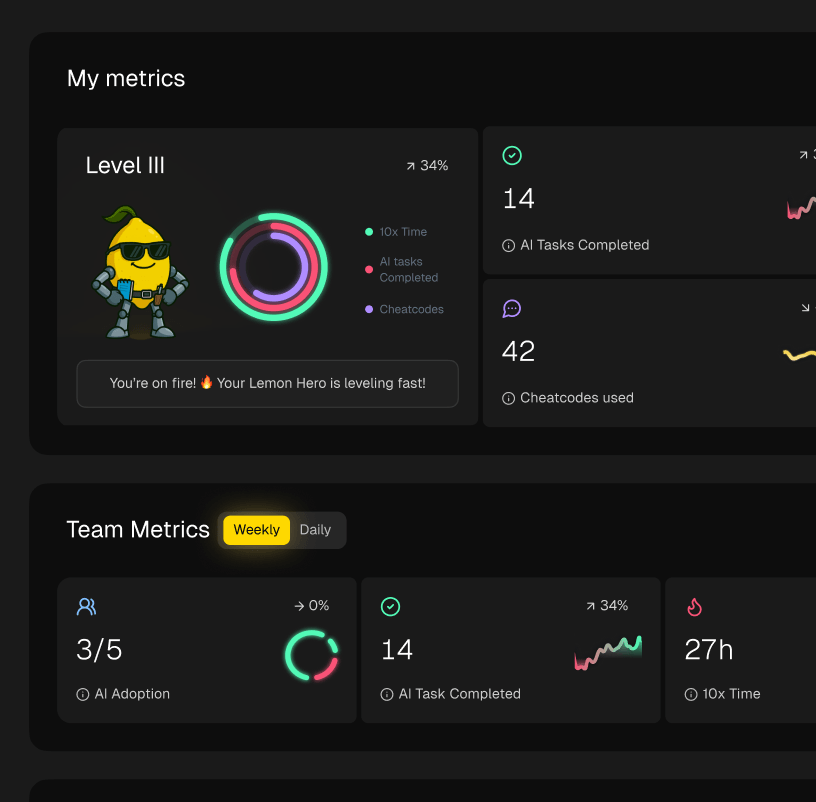
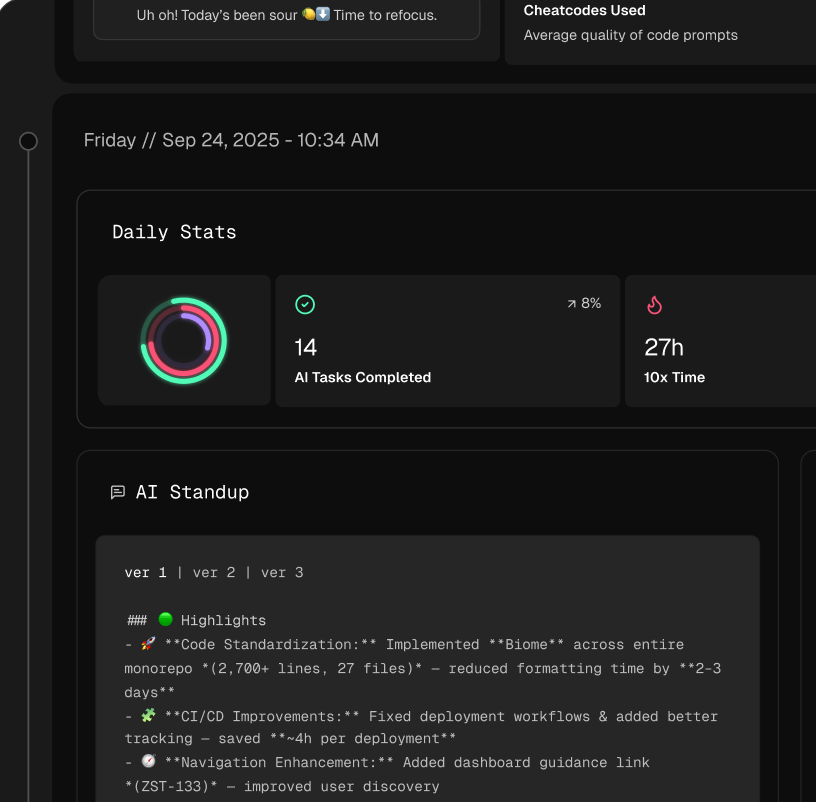
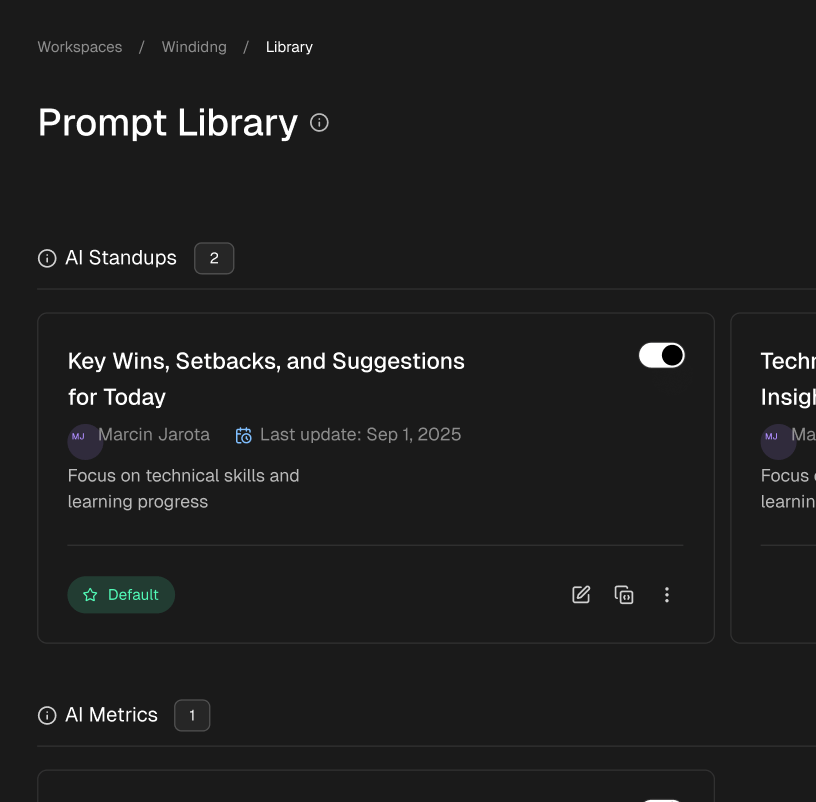
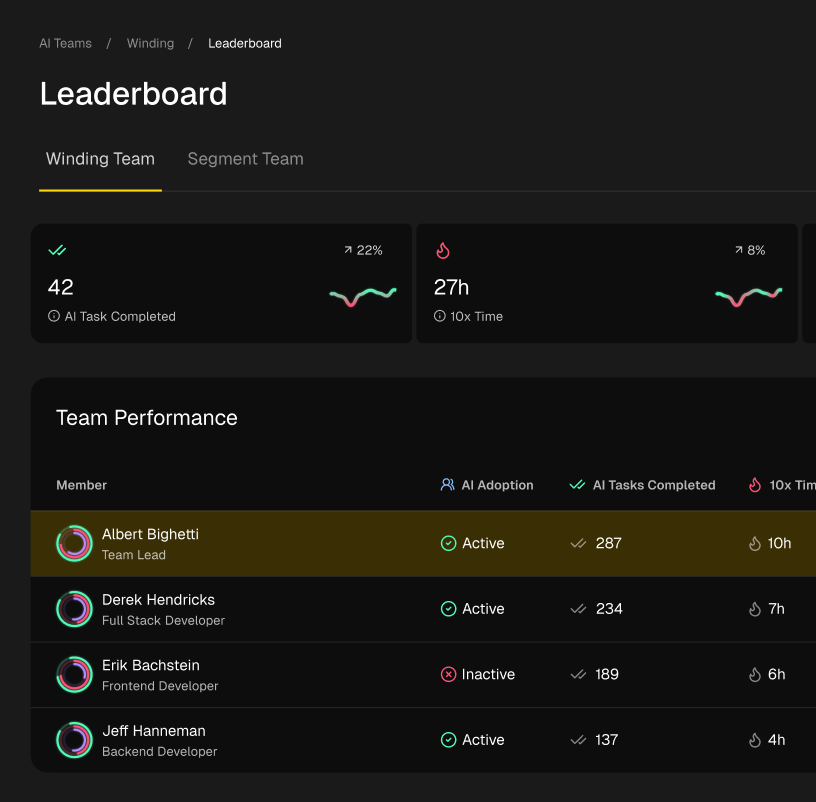
This is precisely the problem tools like Zest are built to solve. Zest provides visibility into AI-assisted development, allowing teams and managers to capture, measure, and standardize the very workflows we’ve discussed. It helps you identify which developers are successfully using AI to generate robust, well-structured tests and then turns those successful patterns into shareable “cheatcodes” for the entire organization. By tracking metrics on AI adoption and its impact on test quality, Zest transforms abstract best practices into a tangible, data-driven engineering standard. This closes the loop, turning individual expertise into a scalable, cultural asset that accelerates your entire team.
Ready to turn unit testing best practices into a standardized, measurable part of your team’s culture? Zest helps you capture and share the most effective AI-assisted workflows, providing the visibility needed to scale developer productivity. See how your team can build better and faster by visiting Zest.
Level Up Your Unit Testing Workflow
Transform these best practices from theory into a repeatable, team-wide standard with a data-driven approach.
📊 Core Testing Metrics
- Test Suite Execution Time — total seconds to run all unit tests, aiming for reduction
- Code Coverage % — percentage of codebase exercised by tests, aiming for mindful increases
- Defect Escape Rate — number of bugs found in production that should have been caught by unit tests
🕹️ My Cheatcodes
- 🌱 Arrange-Act-Assert — the fundamental structure for every clear, readable test
- 🦎 One Assert Per Test — ensures each test has a single, focused reason to fail
- ⚡ Isolate Everything — use mocks and stubs to ensure tests are independent and deterministic
📈 Reflection Points
- 💡 Is my test name clear enough to fail without reading the code?
- 🧩 Am I testing one logical concept per test function?
- 📘 Could a new team member understand this test's purpose in under 30 seconds?
✅ Before Merging Your PR
- 🔍 Run the full unit test suite
- 📊 Verify new code meets coverage standards
- 🧭 Ensure no tests are interdependent or flaky
- 📈 Confirm all new logic has positive and negative test cases
Gallery
Lemon shots