10 Essential SDLC Best Practices for High-Performing Teams
The Software Development Lifecycle (SDLC) provides the foundational framework for building and maintaining high-quality applications. However, simply following a process isn’t a guarantee of success. The critical difference between shipping reliable software on time and getting trapped in a cycle of bugs, delays, and mounting technical debt often lies in the specific practices your team consistently applies. Integrating proven SDLC best practices isn’t about enforcing rigid, bureaucratic rules; it’s about establishing a predictable, efficient, and secure system that empowers developers, managers, and product teams to deliver their best work.
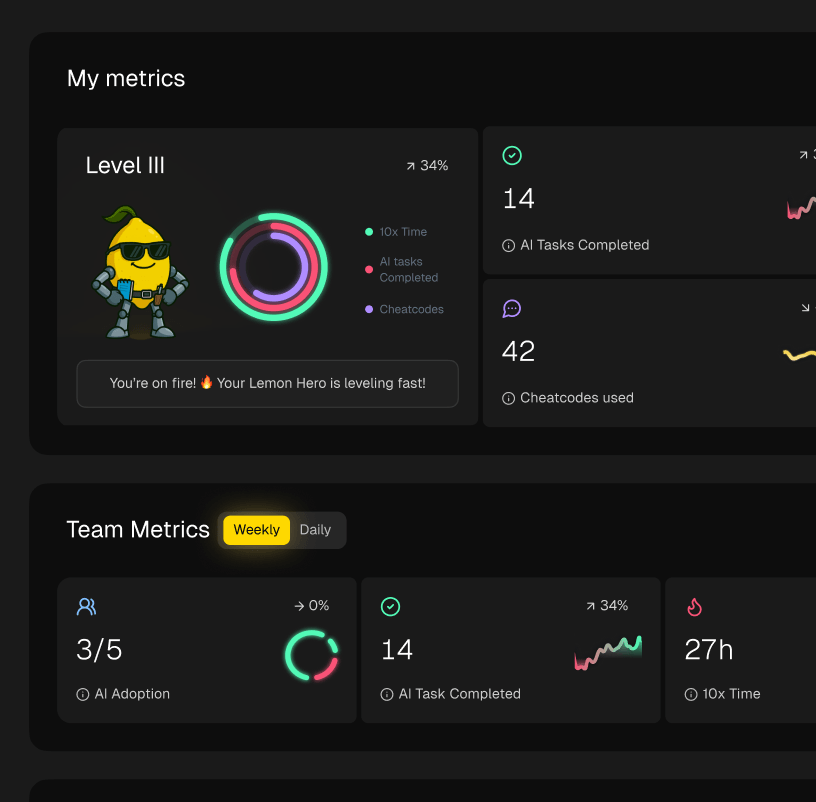
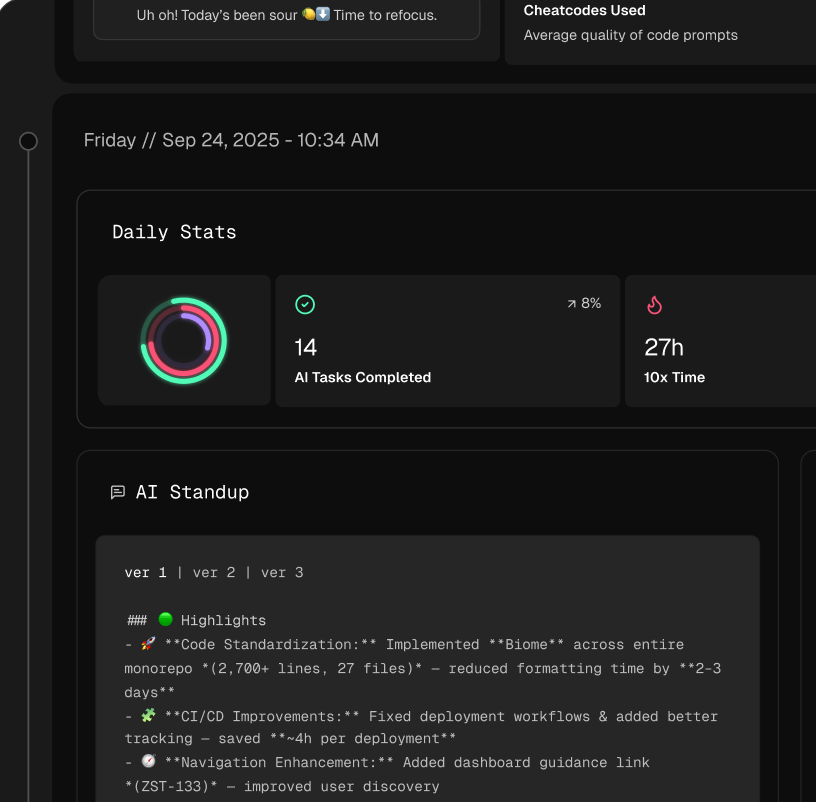
This guide moves beyond theory to provide a prioritized, phase-by-phase roundup of essential practices. We will explore 10 core disciplines that transform development from a reactive, chaotic process into a controlled, repeatable engine for value creation. For each practice, you’ll find concrete actions, common pitfalls to avoid, and practical examples to guide implementation. We will also cover key metrics to track your team’s progress and suggest modern tooling that can help, including how AI coding workflow managers like Zest can instrument and measure the effectiveness of these new strategies.
From agile methodologies and robust CI/CD pipelines to secure coding and comprehensive observability, this article offers a clear roadmap. Whether you are a developer looking to refine your craft, a team lead standardizing workflows, or a CTO aiming for organization-wide consistency, the insights here will help you build better software, faster. Let’s dive into the practices that separate high-performing engineering teams from the rest.
1. Agile Software Development
Agile is an iterative methodology that has become a cornerstone of modern SDLC best practices. Instead of a rigid, linear process like Waterfall, Agile breaks a project into small, manageable increments called sprints. These time-boxed periods, typically lasting one to four weeks, allow cross-functional teams to deliver working software frequently and gather customer feedback continuously.
This approach prioritizes flexibility and collaboration, enabling teams to respond to changing requirements without derailing the entire project. Companies like Spotify, Microsoft, and Salesforce have successfully adopted Agile to accelerate development cycles and improve product quality. By focusing on incremental delivery, they ensure the final product aligns closely with user needs and market demands.
Key Actions and Tips
To implement Agile effectively, focus on these practical steps:
- Establish Clear Goals: Define a specific, achievable goal for each sprint and create clear acceptance criteria for every task. This ensures everyone is aligned and understands what “done” means.
- Maintain a Prioritized Backlog: The product owner must continuously groom and prioritize the backlog, ensuring the team is always working on the most valuable features.
- Conduct Regular Retrospectives: After each sprint, hold a retrospective meeting to discuss what went well, what didn’t, and what can be improved. This fuels a culture of continuous process improvement.
- Automate Testing: Use automated testing frameworks to support rapid iterations. Automation provides fast feedback on code quality, allowing teams to maintain a high development pace without sacrificing stability. A key metric here is team velocity, which measures the amount of work a team can tackle in a single sprint. Learn more about how to measure and improve agile velocity.
2. Continuous Integration and Continuous Deployment (CI/CD)
CI/CD is a modern software development practice that automates the process of building, testing, and deploying code changes. Continuous Integration (CI) encourages developers to merge their code into a shared repository frequently. Each merge triggers an automated build and test sequence, which is essential for identifying integration issues early and maintaining a stable codebase. This makes it a foundational SDLC best practice.
Continuous Deployment (CD) takes this automation a step further by automatically releasing every validated change to a production environment. This practice minimizes manual errors, shortens feedback loops, and enables teams to deliver value to users faster and more reliably. Companies like Netflix and Google leverage CI/CD to deploy changes thousands of times per day, demonstrating its power to support rapid, large-scale development without compromising quality.

Key Actions and Tips
To successfully implement CI/CD, focus on these critical actions:
- Build a Comprehensive Test Suite: Start by creating robust automated tests, including unit, integration, and end-to-end tests. A solid testing foundation is non-negotiable for a reliable CI/CD pipeline, as it provides the confidence needed to deploy automatically.
- Implement Feature Flags: Use feature flags to decouple deployment from release. This allows you to deploy new code to production safely, turning it “on” for specific users or segments only when you are ready. This minimizes the risk of a full-scale outage.
- Use Containerization: Adopt tools like Docker to containerize your applications. Containers ensure consistency across all environments (development, staging, production), which eliminates the “it works on my machine” problem and simplifies deployment.
- Monitor and Plan for Rollbacks: Set up thorough monitoring and alerting for your production environment to detect issues immediately after deployment. Have a clear, automated rollback strategy in place to quickly revert any changes that cause problems. You can learn more about how to track your deployment performance using DORA metrics.
3. Test-Driven Development (TDD)
Test-Driven Development (TDD) flips the traditional coding sequence by requiring developers to write an automated test before they write the production code. This practice is a crucial component of modern SDLC best practices because it embeds quality directly into the development workflow. The process follows a simple, powerful cycle: write a failing test (Red), write the minimum code required to pass it (Green), and then refactor the code to improve its design and clarity (Refactor).
This “test-first” approach provides immediate feedback and ensures that every piece of code is covered by a test from its inception. It effectively turns tests into a living specification, documenting how the system is supposed to behave. Companies like Google and Microsoft leverage TDD in critical teams to build robust, maintainable systems. Similarly, many successful open-source projects, including some WordPress plugins, rely on TDD to ensure stability and catch regressions early.
Key Actions and Tips
To integrate TDD successfully into your development process, focus on these actionable steps:
- Start Small and Simple: Begin by applying TDD to a simple, well-defined unit of code, like a single function or class. This helps build confidence and familiarity with the Red-Green-Refactor loop before tackling complex features.
- Keep Tests Focused: Each test should verify only one specific behavior or outcome. This makes tests easier to understand, faster to run, and simpler to debug when they fail. Use descriptive names for your tests to clarify their intent.
- Isolate Dependencies: Use mocking or stubbing frameworks to isolate the code you are testing from its external dependencies (e.g., databases, APIs). This ensures your unit tests are fast, reliable, and test only the logic in question.
- Combine with Continuous Integration (CI): Run your TDD test suite automatically within a CI pipeline. This provides rapid feedback to the entire team, ensures that new changes don’t break existing functionality, and maintains a high level of code quality continuously. A key metric is Test Coverage, which should ideally be monitored to ensure it remains high.
4. Code Review and Peer Programming
Code review and peer programming are collaborative practices central to modern SDLC best practices for ensuring high-quality software. Code review is a systematic examination of source code by peers before it is merged, while peer programming involves two developers working together at one terminal. Both approaches are designed to catch defects early, enforce coding standards, and facilitate knowledge sharing across the engineering team.
These practices foster a culture of collective ownership and continuous improvement. Companies like Google and Mozilla have institutionalized code review, requiring peer approval for every change to maintain a high bar for quality and security. Similarly, Netflix leverages pair programming for its most critical systems, recognizing that collaborative problem-solving leads to more robust and well-designed solutions. By integrating these feedback loops directly into the development workflow, teams can significantly reduce bugs and improve long-term code maintainability.
Key Actions and Tips
To implement these practices effectively, focus on these practical steps:
- Establish Clear Guidelines: Create and document clear standards for code style, structure, and quality. Use automated linters and formatters to handle stylistic issues, allowing reviewers to focus on logic, architecture, and potential bugs.
- Keep Reviews Focused: Limit code reviews to between 200 and 400 lines of code. Smaller, more focused pull requests are easier for reviewers to understand and analyze thoroughly, leading to more effective feedback.
- Promote Constructive Feedback: Train your team to provide feedback that is specific, respectful, and actionable. Frame comments as suggestions or questions rather than demands to maintain a positive and collaborative environment. Explore these and other code review best practices to build a healthy review culture.
- Pair Strategically: For peer programming, pair senior and junior developers to create valuable mentoring opportunities. Regularly rotate pairs to prevent knowledge silos and spread expertise throughout the team, enhancing overall team capability.
5. DevOps and Infrastructure as Code (IaC)
DevOps is a cultural and technical movement that bridges the gap between development (Dev) and operations (Ops) teams. This approach emphasizes collaboration, automation, and shared responsibility, creating a more integrated and efficient workflow. A core component of modern DevOps is Infrastructure as Code (IaC), which treats infrastructure configuration as software, allowing it to be version-controlled and deployed through automated CI/CD pipelines. This is a crucial element of effective SDLC best practices.
By defining infrastructure-like servers, load balancers, and databases in code, teams can create reproducible and scalable environments on demand. This practice dramatically reduces manual errors and improves deployment reliability. Companies like Netflix and Uber have built their massive, resilient infrastructures on DevOps principles, using IaC to manage complexity and accelerate innovation. Similarly, Spotify empowers autonomous teams with full ownership of their services from code to production, a hallmark of a mature DevOps culture.
Key Actions and Tips
To successfully integrate DevOps and IaC into your software development lifecycle, consider these steps:
- Version Control All Infrastructure: Store all infrastructure configurations (using tools like Terraform or CloudFormation) in a version control system like Git. This provides a single source of truth and an auditable history of all changes.
- Automate Everything: Build automated pipelines for provisioning, configuring, and deploying infrastructure. This ensures consistency across all environments, from staging to production, and eliminates manual configuration drift.
- Implement Comprehensive Monitoring: Use monitoring and logging tools to gain deep visibility into both your application and infrastructure performance. This enables proactive issue detection and faster troubleshooting. A key metric to track is Mean Time to Recovery (MTTR), which measures how quickly you can recover from a failure.
- Start with Containerization: Before a full IaC adoption, begin by containerizing your applications using tools like Docker. This simplifies dependency management and creates portable, consistent application environments, which is a natural stepping stone to managing the underlying infrastructure as code.
6. Requirements Analysis and Documentation
Proper requirements gathering is the foundation of the entire software development lifecycle and a critical SDLC best practice. This disciplined process involves systematically collecting, analyzing, and documenting what stakeholders need from the software. Without clear, agreed-upon requirements, projects are vulnerable to scope creep, misunderstandings, and costly rework later in the cycle.
This phase establishes a single source of truth that guides design, development, and testing. Industries where failure is not an option, such as aerospace with NASA or medical device manufacturing which requires FDA compliance, rely on rigorous and exhaustive requirements documentation. Even Agile teams, while avoiding lengthy specs, use lightweight user stories and acceptance criteria to ensure alignment. The goal is to create a shared understanding of what success looks like before a single line of code is written.
Key Actions and Tips
To implement effective requirements analysis and documentation, focus on these practical steps:
- Engage Stakeholders Early and Often: Involve end-users, business analysts, and other key stakeholders directly in the requirements gathering process through interviews, workshops, and surveys. This ensures the final product solves real-world problems.
- Write Clear and Testable Requirements: Document requirements using unambiguous, precise language. Each requirement should be verifiable, meaning you can design a test to confirm it has been met. For example, instead of “fast performance,” specify “page load time under 2 seconds.”
- Prioritize and Manage Requirements: Use techniques like MoSCoW (Must-have, Should-have, Could-have, Won’t-have) to prioritize features based on business value. Establish a clear change management process to handle new or evolving requirements without causing project chaos.
- Utilize Visual Aids: Supplement text-based documents with visual models like wireframes, mockups, flowcharts, and use case diagrams. Visuals are powerful tools for clarifying complex interactions and gaining stakeholder consensus.
7. Version Control and Source Code Management
Effective version control is a non-negotiable component of modern SDLC best practices. A Version Control System (VCS), most commonly Git, tracks every modification to the codebase in a special kind of database. If a mistake is made, developers can turn back the clock and compare earlier versions of the code to help fix the mistake while minimizing disruption to the team.
This system provides a single source of truth and enables multiple developers to work on the same project simultaneously without overwriting each other’s work. The development of the Linux kernel, managed by thousands of contributors via Git, is a testament to its power. Similarly, companies like Google, Facebook, and millions of open-source projects on GitHub rely on robust version control to manage complexity, facilitate collaboration, and maintain a complete, traceable history of their software’s evolution.
Key Actions and Tips
To leverage version control effectively, focus on these practical steps:
- Establish a Clear Branching Strategy: Adopt a consistent model like Git Flow or GitHub Flow. This defines how features, bug fixes, and releases are managed, preventing chaos in the codebase.
- Write Meaningful Commit Messages: A commit message should explain the “what” and “why” behind a change, not just the “how.” This context is invaluable for future developers who need to understand the code’s history.
- Commit Small, Atomic Changes: Each commit should represent a single, logical unit of work. This makes it easier to review changes, understand history, and revert specific modifications if something goes wrong.
- Keep Secrets Out of the Repository: Never commit sensitive information like API keys, passwords, or credentials directly into the source code. Use environment variables or a dedicated secrets management tool instead.
8. Security in SDLC (Secure SDLC)
A Secure Software Development Lifecycle (SDLC) is one of the most critical SDLC best practices, embedding security into every phase of development rather than treating it as a final, isolated step. This “shift-left” approach integrates security activities like threat modeling, secure coding standards, and vulnerability scanning from the very beginning. By making security a shared responsibility, teams can proactively identify and mitigate risks before they become costly and dangerous vulnerabilities in production.

This methodology transforms security from a gatekeeper into a continuous, collaborative process. Pioneered by organizations like Microsoft with its Security Development Lifecycle (SDL) and championed by groups like OWASP, this practice is essential for building resilient and trustworthy software. Companies in finance, healthcare, and technology adopt Secure SDLC to reduce breach risks, protect user data, and comply with strict regulatory standards like HIPAA and PCI-DSS.
Key Actions and Tips
To implement a Secure SDLC, focus on these practical steps:
- Train Developers: Equip your engineering team with ongoing training on secure coding practices. Familiarize them with common vulnerabilities, such as those listed in the OWASP Top 10, to prevent them at the source.
- Implement Security in CI/CD: Automate security checks within your CI/CD pipeline. Integrate Static Application Security Testing (SAST), Dynamic Application Security Testing (DAST), and dependency scanning tools to catch vulnerabilities with every build.
- Conduct Threat Modeling Early: During the design phase, perform threat modeling to identify potential security weaknesses and architectural flaws. This allows you to design and build defenses before any code is written.
- Manage Dependencies and Secrets: Continuously scan third-party libraries for known vulnerabilities and keep them updated. Implement a robust secrets management solution to prevent hardcoded credentials, API keys, and other sensitive data in your codebase.
9. Monitoring, Logging, and Observability
In modern software development, you cannot improve what you cannot measure. Monitoring, logging, and observability are crucial SDLC best practices that provide deep insights into how systems behave in production. Observability is the ability to understand a system’s internal state from its external outputs, which include metrics (performance data), logs (event records), and traces (request pathways). Together, these elements allow teams to detect, diagnose, and resolve issues proactively.

This comprehensive visibility is non-negotiable for maintaining reliability, especially in complex, distributed architectures. Companies like Netflix and Google have pioneered these practices to manage their massive, global-scale infrastructures, ensuring high availability and performance. By implementing robust monitoring, they can identify and address potential failures before they impact users, turning raw system data into actionable operational intelligence.
Key Actions and Tips
To build a strong observability practice, integrate these actions into your workflow:
- Implement Structured Logging: Instead of plain text, use structured formats like JSON for your logs. This makes them machine-readable, dramatically simplifying querying, analysis, and visualization in log management tools.
- Centralize Your Data: Aggregate logs, metrics, and traces from all services and infrastructure into a single, centralized platform. This provides a holistic view of your system’s health and simplifies cross-service troubleshooting.
- Define Actionable Alerts: Create alerts that are specific, meaningful, and tied to user-facing impact or key business metrics. This helps prevent alert fatigue, ensuring that when an alert fires, your team knows it requires immediate attention.
- Utilize Distributed Tracing: For microservices architectures, distributed tracing is essential. It tracks a single request as it travels through multiple services, allowing you to pinpoint bottlenecks and identify the root cause of latency or errors with precision.
10. Documentation and Knowledge Management
Effective documentation is one of the most vital yet often overlooked SDLC best practices. It involves creating and maintaining a centralized knowledge base that includes everything from high-level architecture diagrams to detailed API specifications and troubleshooting guides. Instead of knowledge being siloed in individuals’ minds, it becomes an accessible, shared asset for the entire organization. This practice prevents knowledge loss, accelerates onboarding for new engineers, and streamlines maintenance and debugging efforts.
Companies renowned for their exceptional products often have equally impressive documentation. Stripe’s API documentation is considered a gold standard, making a complex system easy for developers to integrate. Similarly, open-source projects like Django and Kubernetes thrive on comprehensive, community-driven documentation that lowers the barrier to entry for contributors and users alike. These examples prove that treating documentation as a first-class product, not an afterthought, yields massive long-term dividends.
Key Actions and Tips
To build a strong documentation culture, integrate these practical steps into your workflow:
- Document as You Code: Write documentation concurrently with development. This ensures accuracy and context are not lost. Keep documentation close to the code, such as in a
README.mdfile within the repository. - Use Architecture Decision Records (ADRs): For significant technical choices, create a short document explaining the context, decision, and consequences. This provides invaluable insight for future developers who need to understand why a system was built a certain way.
- Generate Documentation from Code: Leverage tools that automatically generate API documentation from code comments and annotations (e.g., Swagger/OpenAPI for REST APIs). This keeps docs synchronized with the source code.
- Establish a Review Process: Just as you review code, review documentation for clarity, accuracy, and completeness. This ensures high-quality and useful information. Encourage the entire team to regularly update documents as systems evolve.
SDLC Best Practices — 10-Point Comparison
| Practice | Implementation Complexity 🔄 | Resource Requirements ⚡ | Expected Outcomes ⭐📊 | Ideal Use Cases 📊 | Key Advantages ⭐ | Practical Tips 💡 |
|---|---|---|---|---|---|---|
| Agile Software Development | Medium — iterative ceremonies & coordination 🔄🔄 | Moderate — cross-functional teams, tooling, stakeholder time ⚡⚡ | High — faster delivery, adaptability ⭐⭐⭐⭐📊 | Product teams with changing requirements, customer-facing apps 📊 | Incremental releases, improved customer feedback loop ⭐ | Start with small teams, define sprint goals, hold retrospectives 💡 |
| CI/CD | High — pipeline design & integration complexity 🔄🔄🔄 | High — build servers, test infra, container registry, monitoring ⚡⚡⚡ | Very high — rapid, reliable deployments; faster feedback ⭐⭐⭐⭐📊 | Teams deploying frequently or at scale, microservices 📊 | Automation reduces manual errors and integration pain ⭐ | Begin with automated tests, use feature flags, add monitoring 💡 |
| Test-Driven Development (TDD) | Medium — discipline and workflow changes 🔄🔄 | Moderate — test frameworks, CI, dev time for tests ⚡⚡ | High — improved code quality and safer refactoring ⭐⭐⭐⭐📊 | Business-critical modules, libraries, backend logic 📊 | Fewer bugs, living tests as documentation ⭐ | Write small focused tests, keep names descriptive, refactor often 💡 |
| Code Review & Pair Programming | Low–Medium — process & cultural adoption 🔄🔄 | Moderate — reviewer time, collaboration tools, scheduling ⚡⚡ | High — earlier defect detection and knowledge spread ⭐⭐⭐📊 | All teams; critical code and onboarding scenarios 📊 | Consistent quality, mentoring, shared ownership ⭐ | Keep reviews small, be constructive, use automated checks first 💡 |
| DevOps & Infrastructure as Code (IaC) | High — cultural change + complex automation 🔄🔄🔄 | High — IaC tools, orchestration, monitoring, expertise ⚡⚡⚡ | Very high — reproducible infra, faster recoveries ⭐⭐⭐⭐📊 | Cloud-native systems, large-scale deployments, scalable services 📊 | Scalability, repeatability, faster ops cycles ⭐ | Start with containerization, version infra, test in staging 💡 |
| Requirements Analysis & Documentation | Medium — stakeholder coordination & clarity 🔄🔄 | Moderate — analyst time, workshops, documentation tools ⚡⚡ | High — reduced rework and clearer scope ⭐⭐⭐📊 | Regulated domains, complex business logic, fixed-scope projects 📊 | Prevents scope creep, improves estimates and testing basis ⭐ | Involve stakeholders, write measurable acceptance criteria 💡 |
| Version Control & Source Code Management | Low — straightforward tooling adoption 🔄 | Low — hosting, access control, branching strategy ⚡ | Very high — collaboration, traceability, rollback ⭐⭐⭐⭐📊 | All software projects and teams of any size 📊 | Enables parallel work and audit trails ⭐ | Commit often, use meaningful messages, establish branching policies 💡 |
| Security in SDLC | High — integrates across phases and tools 🔄🔄🔄 | High — security tooling, testing, expert resources ⚡⚡⚡ | High — fewer vulnerabilities, compliance, lower breach risk ⭐⭐⭐📊 | Regulated industries, customer-data systems, public web apps 📊 | Early risk reduction and compliance alignment ⭐ | Integrate scanning in CI/CD, train devs, perform threat modeling 💡 |
| Monitoring, Logging & Observability | Medium–High — end-to-end instrumentation 🔄🔄🔄 | High — storage, agents, dashboards, analysis tools ⚡⚡⚡ | Very high — faster MTTR, proactive detection ⭐⭐⭐⭐📊 | Production systems, microservices, high-availability services 📊 | Rapid diagnosis and capacity planning ⭐ | Define actionable alerts, centralize logs, use distributed tracing 💡 |
| Documentation & Knowledge Management | Medium — process & governance needed 🔄🔄 | Moderate — docs platforms, maintainers, time ⚡⚡ | High — faster onboarding, reduced knowledge loss ⭐⭐⭐📊 | Distributed teams, long-lived products, high maintenance projects 📊 | Preserves decisions, accelerates maintenance and onboarding ⭐ | Document as you code, use ADRs, keep docs versioned and near code 💡 |
Making SDLC Best practices Your Team’s Superpower
We’ve explored the essential pillars that support high-performing software development teams, from the cultural shift of Agile and DevOps to the tactical precision of CI/CD pipelines, Test-Driven Development, and robust version control. Each practice, from meticulous requirements analysis to comprehensive post-deployment monitoring, isn’t just a box to check. It’s a strategic lever you can pull to build better software, faster and more reliably.
The journey through these SDLC best practices reveals a core truth: modern software development is a complex, interconnected system. A weakness in one phase, like inadequate requirements, will inevitably cause friction and failure in another, such as implementation or testing. Conversely, strengthening one area, like automating deployments, creates positive ripple effects across the entire lifecycle, freeing up developers to focus on what truly matters: creating value for users.
From Theory to Tangible Results
Adopting these principles is not an overnight transformation but a continuous process of refinement. The goal isn’t to implement every single practice perfectly from day one. Instead, it’s about making incremental, high-impact improvements.
- Start Small, Win Big: Identify your team’s most significant pain point. Is it painful manual deployments? Start by building a basic CI/CD pipeline. Are bugs constantly slipping into production? Formalize your code review process or introduce TDD for new features.
- Culture is Key: These practices thrive in a culture of collaboration, transparency, and psychological safety. Encourage peer programming not just to catch errors, but to share knowledge. Treat monitoring and observability as proactive tools for learning, not just reactive tools for firefighting.
- Measure What Matters: You cannot improve what you do not measure. Track key DevOps metrics like Deployment Frequency and Change Failure Rate to get a real-time pulse on your team’s health. This data provides the objective feedback needed to guide your improvement efforts and celebrate your successes.
Key Takeaway: The most effective SDLC best practices are not just processes; they are shared habits that reduce cognitive load, minimize risk, and create a sustainable pace of innovation.
The Modern Multiplier: AI-Powered Visibility
In today’s development landscape, the velocity of change is relentless. This is where modern tooling becomes a game-changer. While traditional tools help execute specific tasks like running tests or deploying code, a new class of AI-powered workflow managers provides a crucial layer of intelligence on top of the entire process.
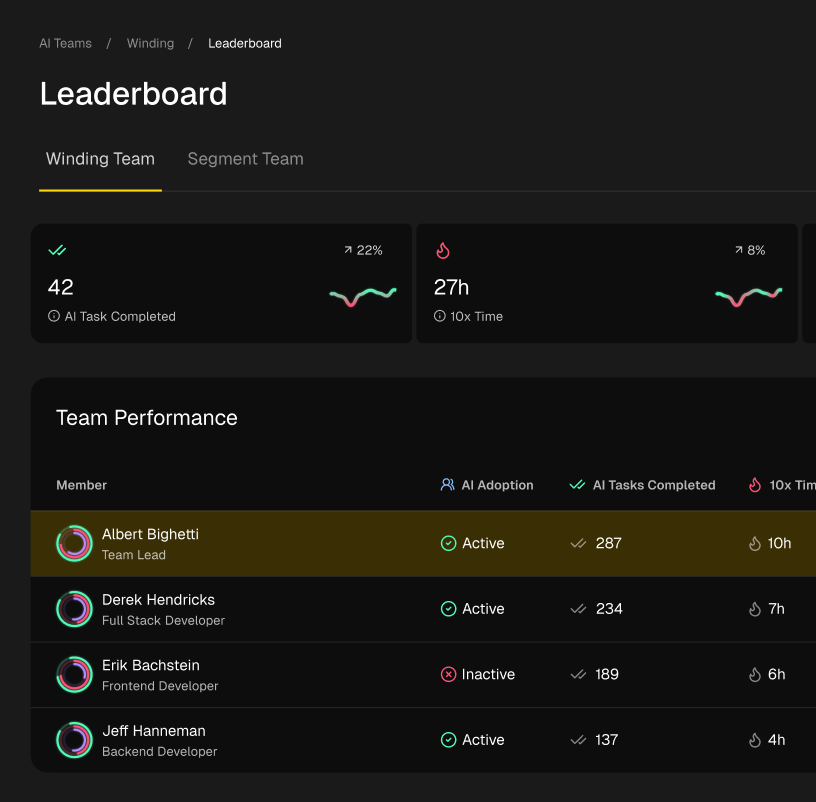
By instrumenting your development environment, tools like Zest can automatically capture the “how” behind the “what.” They can identify which workflows are most effective, surface bottlenecks in your review cycle, and even help standardize best practices by analyzing how your top performers use their tools. This transforms the abstract goal of “improving our SDLC” into a concrete, data-driven action plan. It connects individual developer actions to team-level outcomes, making the continuous improvement of your SDLC best practices a scalable and repeatable reality.
Ultimately, mastering the software development lifecycle is about building a resilient, adaptable, and efficient engine for delivery. By integrating these practices into your team’s DNA, you don’t just ship code; you build a competitive advantage. You create a system where quality is inherent, feedback is constant, and innovation can flourish.
Ready to move from theory to action? See how Zest provides the visibility you need to measure and scale your SDLC best practices across the entire team. Turn your development workflows into a data-driven, continuously improving asset by visiting Zest to learn more.
Master Your SDLC Workflow
Transform your development cycle from a checklist into a high-performance engine for shipping quality software.
📊 Core Metrics
- Deployment Frequency – How often new code is successfully released to production.
- Change Failure Rate – Percentage of deployments that cause a production failure.
- Mean Time to Recovery (MTTR) – Average time to restore service after an incident.
🕹️ My Cheatcodes
- 🌱 Shift Left – Integrate testing, security, and reviews as early as possible in the lifecycle.
- 🦎 Automate Everything – Remove manual steps from builds, tests, and deployments to ensure consistency.
- ⚡ Small, Frequent Changes – Use small branches and atomic commits to reduce risk and speed up reviews.
✅ Before Shipping
- 🔍 Code reviewed & approved
- 📊 Automated tests passed
- 🧭 Security scans clean
- 📈 Monitoring alerts configured
Gallery
Lemon shots