
The 12 Best Project Management Software for Engineers in 2026

Choosing the right project management software for engineers is about more than tracking tickets. It’s about creating a system that supports deep work, streamlines collaboration, and provides clear visibility into progress without adding administrative overhead. A generic task board might work for simple checklists, but it often fails to capture the complexity of software development, from intricate dependency mapping to seamless Git integration.
In modern engineering, where sprints are tight and codebases are complex, the right tool can mean the difference between shipping on time and getting bogged down in process. This guide cuts through the marketing noise to evaluate the top project management platforms for engineering teams today. We focus on what truly matters: deep integration with developer workflows, performance at scale, and features that genuinely enhance productivity rather than hinder it. To truly optimize your engineering workflow, exploring a comprehensive time management software comparison can be just as crucial as selecting the right project management solution.
This comprehensive listicle provides an honest assessment of each platform’s strengths and weaknesses, complete with screenshots and direct links. You’ll find practical use cases and implementation considerations to help you select the software that best aligns with your team’s size, methodology (like Agile or Kanban), and specific technical stack. We will cover everything from industry giants like Jira and Azure DevOps to modern challengers like Linear and Shortcut, so you can make an informed decision and find the perfect fit for your team.
1. Atlassian Jira Software
Atlassian Jira Software is the heavyweight champion in the world of project management software for engineers. It’s an incredibly powerful and flexible platform designed for software teams that follow agile methodologies like Scrum and Kanban. Its core strength lies in its deep customization, allowing engineering organizations to build highly specific workflows, create custom issue types (bugs, stories, epics, tasks), and automate processes to match their exact development lifecycle.

Jira stands out due to its mature ecosystem. It integrates seamlessly with other Atlassian tools like Confluence for documentation and Bitbucket for code hosting, creating a unified development environment. The Atlassian Marketplace offers thousands of third-party apps, extending its functionality for nearly any use case imaginable. For teams committed to structured processes, you can learn more about the benefits of agile software development to see how Jira’s features align.
Key Features & Use Cases
- Advanced Workflows: Build multi-step approval processes for pull requests or complex bug-fix validation cycles.
- Enterprise-Grade Controls: Use features like sandboxing and release tracks to test new configurations without impacting production workflows.
- Robust Reporting: Generate sprint velocity charts, burndown/burnup charts, and cumulative flow diagrams to monitor team performance.
Pros & Cons
| Pros | Cons |
|---|---|
| Extremely flexible for complex organizations | High configuration overhead for small teams |
| Mature ecosystem with extensive integrations | Can feel clunky and slow if over-customized |
| Strong enterprise security and governance | Some features require expensive higher-tier subscriptions |
Jira offers a Free plan for up to 10 users, with paid plans (Standard, Premium, Enterprise) scaling with features and user count. It’s best suited for established engineering teams that need robust control and deep integration across their toolchain.
Website: https://www.atlassian.com/software/jira
2. Linear
Linear is the modern, opinionated issue tracker built for high-velocity software teams that prioritize speed and simplicity. It moves away from the heavy configuration of legacy tools, offering a streamlined, keyboard-first experience designed to keep engineers in flow. Its core philosophy is that project management software should be fast, beautiful, and require minimal setup, allowing teams to focus on building products rather than managing tickets.
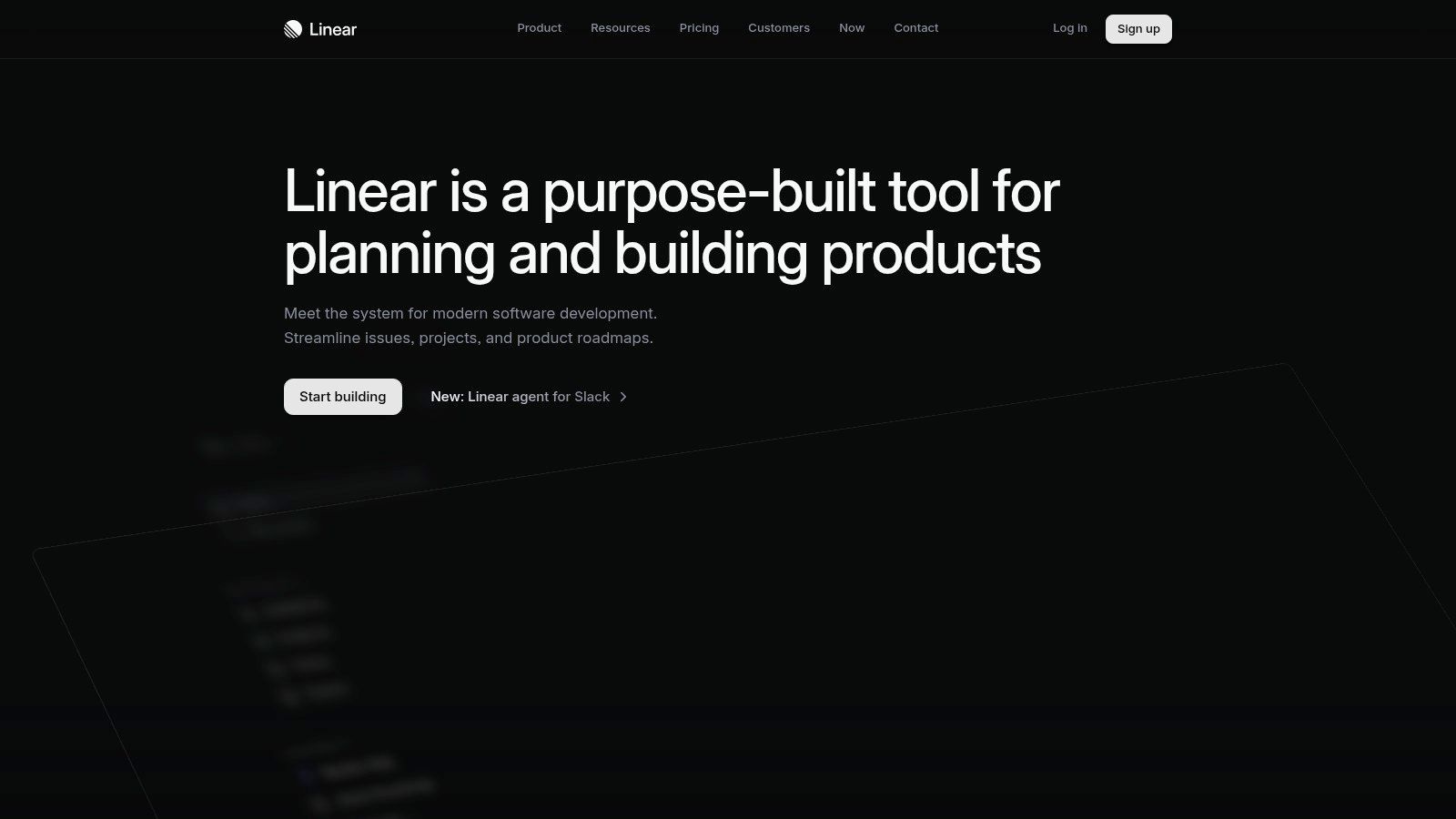
What makes Linear a top choice is its seamless integration with the developer’s core workflow, especially GitHub and Slack. It automates status updates based on pull request activity, like moving an issue to “In Review” when a PR is opened. Features like Roadmaps, Projects, and Triage are built-in, providing lightweight but powerful planning and prioritization capabilities without the bloat. The addition of AI Agents and “Asks” further streamlines issue creation and management.
Key Features & Use Cases
- Keyboard-First UI: Navigate the entire application, create issues, and update statuses using keyboard shortcuts, minimizing context switching.
- Cycles & Roadmaps: Plan sprints (Cycles) and visualize long-term initiatives (Roadmaps) with clear progress indicators tied directly to ongoing work.
- Automated Triage & SLAs: Set up rules to automatically categorize incoming issues from sources like Zendesk or Intercom and establish service-level agreements.
Pros & Cons
| Pros | Cons |
|---|---|
| Minimal setup and exceptionally fast performance | Less suited for highly bespoke or complex non-software workflows |
| Clear roadmapping and analytics are included out-of-the-box | Smaller marketplace and fewer extensions compared to Jira |
| Deep, smooth integration with GitHub and Slack | Opinionated structure may not fit all organizational processes |
Linear offers a Free plan for up to 8 users. Paid plans (Standard, Plus) scale with features like advanced roadmapping and security controls. It’s the ideal project management software for engineers at startups and product-focused companies that value a clean UI and efficient, sensible defaults.
Website: https://linear.app
3. GitHub (Projects on GitHub)
For engineering teams that live and breathe in their code repositories, GitHub offers a native project management solution that eliminates context switching. GitHub Projects is built directly into the platform where code is hosted, reviewed, and deployed, creating an unparalleled tight feedback loop between planning and execution. It allows teams to turn issues and pull requests into a fully interactive project board, roadmap, or spreadsheet-style table without ever leaving the developer’s primary environment.
GitHub’s main advantage is its deep integration with the developer workflow. You can link pull requests to issues, automatically closing them upon merge, and trigger GitHub Actions to automate status updates. This direct connection ensures that project tracking accurately reflects the state of the codebase. For teams focused on velocity, integrating project management with version control is key, and it complements processes like establishing good code review practices that happen in the same tool.
Key Features & Use Cases
- Integrated Views: Manage work items using flexible table, board, and roadmap layouts that are powered by live repository data.
- Custom Fields & Automation: Add custom fields to issues and use GitHub Actions to automate workflows, like assigning reviewers or adding labels.
- Deep Git Integration: Automatically link pull requests to issues, providing stakeholders with clear visibility into development progress.
Pros & Cons
| Pros | Cons |
|---|---|
| Eliminates tool-switching for code-centric teams | Less prescriptive product structure than specialist PM tools |
| Flexible views and automation for issue/PR tracking | Additional services (Actions, Codespaces) can add to the cost |
| Cost-effective Team pricing and a generous free tier | Reporting is less robust than dedicated BI/PM platforms |
GitHub Projects is available across all plans, including a generous Free tier. Paid plans (Team and Enterprise) offer more advanced features and controls, making it an excellent choice for teams of any size that want to manage projects right next to their code.
Website: https://github.com
4. GitLab
GitLab positions itself as a complete DevSecOps platform, moving beyond simple project management to encompass the entire software development lifecycle. Its core value proposition is consolidation; by combining source code management, CI/CD, security scanning, and planning tools into one application, it eliminates the integration tax that comes with stitching together multiple disparate systems. This makes it a strong contender for engineering teams looking to standardize on a single vendor for maximum visibility and efficiency.
What makes GitLab stand out is how deeply its project management features are integrated with the actual code and deployment pipelines. Issues, epics, and milestones are not just abstract tasks; they are directly linked to merge requests, commits, and CI/CD jobs. This provides engineers and managers with an unparalleled, real-time view of progress from planning to production, making it a powerful piece of project management software for engineers who value a single source of truth.
Key Features & Use Cases
- Integrated Planning Boards: Manage tasks using Kanban or Scrum boards where cards are directly linked to code branches and merge requests.
- Portfolio & Value Stream Tracking: Higher tiers offer tools to visualize and manage the flow of value from idea to customer, with built-in compliance features.
- Flexible Deployment Options: Choose between GitLab’s SaaS offering (cloud), self-managed on your own infrastructure, or a dedicated single-tenant instance.
- AI-Powered DevSecOps: A growing suite of AI features, like suggested reviewers and code suggestions, are being integrated across the platform.
Pros & Cons
| Pros | Cons |
|---|---|
| Single platform reduces integration overhead | UI depth can be overwhelming for new users |
| Strong enterprise governance and compliance | Ultimate tier requires direct sales engagement and quotes |
| Deployment flexibility (cloud or self-managed) | Can be resource-intensive for self-managed instances |
GitLab offers a Free tier with core features for individuals and small teams. Paid plans (Premium and Ultimate) add advanced security, compliance, and portfolio management capabilities.
Website: https://about.gitlab.com
5. Azure DevOps (Boards)
For engineering teams deeply embedded in the Microsoft ecosystem, Azure DevOps is a natural and powerful choice. It goes beyond simple task tracking to offer a complete, integrated suite for the entire development lifecycle, including source control (Repos), CI/CD (Pipelines), and testing (Test Plans). Its project management component, Azure Boards, provides a robust and familiar experience for teams practicing Scrum or Kanban, complete with backlogs, sprints, and customizable dashboards.

The platform’s key advantage is its seamless integration with other Microsoft and Azure services. It connects natively with GitHub, Microsoft Entra ID for governance, and other Azure resources, creating a unified and secure environment. This makes it an ideal piece of project management software for engineers in organizations that prioritize a centralized toolchain. The built-in pipelines also make it easier to track work items from commit to deployment, a critical step if you want to understand what DORA metrics are and improve them.
Key Features & Use Cases
- Integrated DevOps Suite: Link work items directly to code commits, pull requests, builds, and releases for end-to-end traceability.
- Customizable Dashboards: Create shared dashboards with configurable widgets to visualize sprint progress, build statuses, and team velocity.
- Query-Based Charts: Build detailed reports and charts based on custom work item queries to analyze specific engineering metrics.
Pros & Cons
| Pros | Cons |
|---|---|
| Cost-friendly for small teams with predictable pricing | UI/UX can feel dated compared with newer tools |
| Strong identity and governance for Microsoft-centric stacks | Best experience is for Microsoft/Azure-centric environments |
| Comprehensive DevOps toolchain in one suite | Can be overly complex if only using the project management part |
Azure DevOps offers a generous free tier for the first five users and unlimited free Stakeholder access. Paid plans scale per user, making it a predictable and affordable option for growing teams that are committed to the Microsoft stack.
Website: https://azure.microsoft.com/products/devops/
6. Shortcut
Shortcut, formerly known as Clubhouse, is a fast and intuitive project management platform built specifically for modern software teams. It strikes a balance between lightweight simplicity and the powerful features engineers need, making it a popular choice for startups and product engineering teams that find heavier tools like Jira too cumbersome. The platform is designed around a clear hierarchy of Stories, Epics, and Objectives, helping teams connect their day-to-day tasks directly to larger company goals without complex configuration.

What makes Shortcut stand out is its developer-first approach and sensible defaults. It provides features like sprints, roadmaps, and automated workflows right out of the box, allowing teams to get started quickly. Its tight integrations with GitHub, Slack, and Figma create a cohesive workspace where engineering, design, and communication flow seamlessly. For engineering managers, the built-in reporting provides clear visibility into team velocity, cycle times, and project progress without needing third-party plugins.
Key Features & Use Cases
- Stories, Epics, & Objectives: Structure work from individual tasks (Stories) up to strategic company goals (Objectives).
- Automations & Workflows: Set up rules to automatically update story status based on GitHub pull request events.
- Built-in Roadmaps: Visualize timelines for major initiatives and share progress with stakeholders across the organization.
Pros & Cons
| Pros | Cons |
|---|---|
| Quick to adopt with sensible defaults | Smaller app marketplace compared to larger vendors |
| Good built-in reporting and roadmap views | Fewer portfolio/enterprise features than heavyweight tools |
| Transparent pricing and generous trial options | May lack the deep customization required by large enterprises |
Shortcut offers a free plan for teams up to 10 users. Paid plans (Team, Business, Enterprise) unlock more advanced features like private projects and enhanced security controls, with special programs available for startups and nonprofits.
Website: https://www.shortcut.com
7. ClickUp
ClickUp positions itself as an all-in-one work operating system designed to consolidate tasks, documents, goals, and team collaboration into a single platform. For engineering teams, it offers a compelling alternative to juggling multiple specialized tools by providing a highly flexible environment. Its strength lies in its customizable hierarchy (Spaces, Folders, Lists, Tasks) and a vast array of “views,” allowing teams to switch between List, Board, Calendar, Gantt, and more, all using the same underlying data.

What makes ClickUp a unique piece of project management software for engineers is its ability to cater to both technical and non-technical stakeholders within one workspace. Engineers can leverage sprint management, native Git integrations, and custom fields for story points, while marketing or sales teams can use the same platform for their own workflows. This creates a unified source of truth across the organization, reducing communication friction and tool fatigue for small to mid-sized teams.
Key Features & Use Cases
- Unified Workspace: Manage sprints with task dependencies, link them to product roadmaps via Goals, and attach design specs from ClickUp Docs.
- Flexible Views: Engineers can use a sprint board for daily stand-ups, while managers can switch to a workload or timeline view for resource planning.
- Native Integrations: Connect directly with GitHub, GitLab, and Bitbucket to link commits, branches, and pull requests to tasks automatically.
Pros & Cons
| Pros | Cons |
|---|---|
| High feature density and value for price | Configuration depth can be overwhelming for new users |
| Can consolidate several tools (docs, tasks, goals) | Workspace hygiene is required to avoid feature bloat |
| Flexible structure adaptable to many team workflows | Performance can sometimes lag in feature-heavy spaces |
ClickUp offers a generous Free Forever plan. Paid plans (Unlimited, Business, Enterprise) unlock more advanced features, storage, and automations. It’s an excellent choice for growing engineering teams seeking a single, powerful platform to manage their entire work lifecycle.
Website: https://clickup.com
8. monday.com (Work Management / monday Dev)
monday.com is a highly visual and flexible Work OS that has expanded its offerings with a dedicated product, monday Dev, tailored specifically for engineering and software development teams. Its core strength lies in its user-friendly, colorful interface built around customizable boards, which makes it easy to visualize workflows, track progress with various views like timelines and Gantt charts, and automate repetitive tasks. This approach makes it a strong contender in project management software for engineers who need a tool that can also seamlessly connect with non-technical departments like marketing or sales.
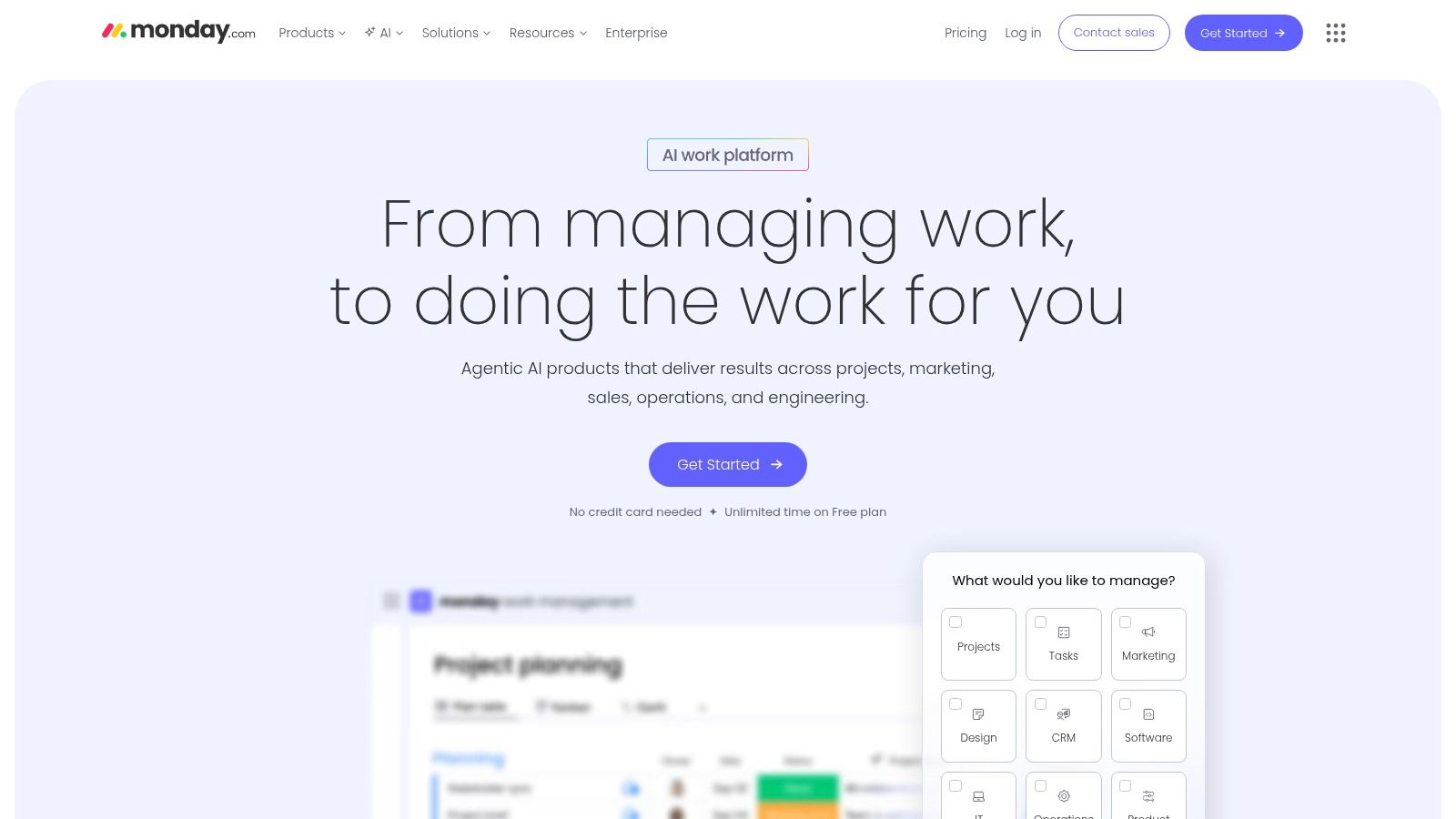
The platform stands out by bridging the gap between engineering-specific needs and broader business visibility. While monday Dev provides features for sprint management, bug tracking, and roadmap planning, the underlying platform ensures that this data can be easily integrated into high-level executive dashboards. For teams looking to maximize their adoption of the platform’s extensive capabilities, exploring dedicated monday.com training and support resources can significantly shorten the learning curve and improve workflow efficiency.
Key Features & Use Cases
- Customizable Boards & Views: Create detailed sprint planning boards, bug trackers, or high-level product roadmaps with multiple views (Kanban, Timeline, Gantt, Chart).
- Workflow Automation: Automate notifications for status changes, create tasks based on triggers from other tools like GitHub, or assign developers automatically.
- Cross-Functional Dashboards: Combine data from dev boards with sales or marketing boards to provide stakeholders a unified view of project progress and business impact.
Pros & Cons
| Pros | Cons |
|---|---|
| Fast onboarding with strong templates and visualizations | Per-seat bundles and user minimums can be costly for smaller teams |
| Scales across non-engineering teams for unified visibility | Advanced features like automations are limited on lower-tier plans |
| Highly flexible visual views for planning and tracking | Can require more setup to match the depth of a dedicated dev tool |
monday.com offers a free plan for individuals, with paid plans (Basic, Standard, Pro, Enterprise) that scale based on features, automation quotas, and user counts. It is best suited for teams that value visual clarity and need a single platform to manage engineering work while maintaining alignment with other business units.
Website: https://monday.com
9. Asana
Asana excels as a cross-functional project management platform, bridging the gap between engineering teams and other departments like product, marketing, and sales. While not built exclusively for engineers, its strength lies in providing leadership with high-level visibility into progress through powerful roadmapping, portfolio management, and goal-tracking features. This makes it an ideal choice for organizations where engineering work needs to be transparent and aligned with broader business objectives.
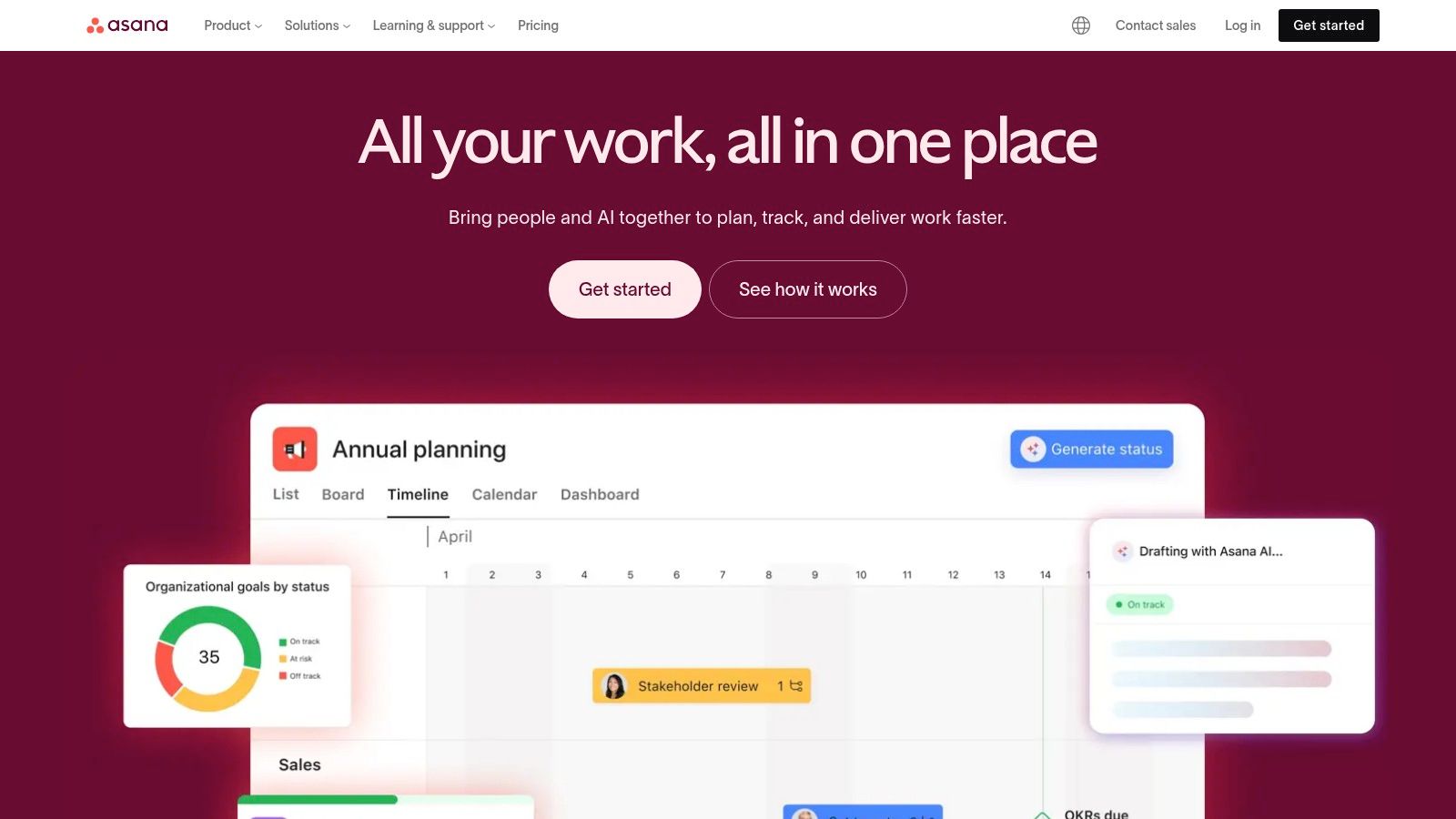
The platform offers a clean, intuitive user experience with multiple views like lists, boards, and timelines (Gantt charts), allowing teams to visualize work in the way that suits them best. Asana’s robust automation capabilities help reduce manual overhead, and its extensive integration catalog ensures it connects smoothly with the tools engineers already use, from GitHub to Slack. For organizations looking to leverage AI, Asana offers intelligent features to summarize tasks, suggest actions, and generate project plans.
Key Features & Use Cases
- Portfolio & Goals: Track the status of multiple projects in a single view and link them directly to company-wide objectives for strategic alignment.
- Cross-Functional Workflows: Use forms for standardized bug reports or feature requests from non-technical teams, automatically routing them to the correct engineering backlog.
- Advanced Reporting: Build custom dashboards to monitor team capacity, project health, and progress toward milestones for stakeholder updates.
Pros & Cons
| Pros | Cons |
|---|---|
| Strong portfolio and goals features for leadership | Can be costly for very small teams due to seat minimums |
| Excellent user experience for cross-functional teams | Some users report billing friction when changing tiers or users |
| Mature apps and a large library of integrations | Less focused on deep, technical engineering workflows than Jira |
Asana offers a free Basic plan for individuals or small teams. Paid plans (Premium, Business, Enterprise) unlock advanced features like automations, portfolios, and goals. It is best suited for engineering teams that work closely with other business units and require a tool that prioritizes clarity and executive-level reporting.
Website: https://asana.com
10. Notion
Notion is a unified workspace that has gained significant traction among engineering teams for its unique blend of documentation, task management, and lightweight databases. Unlike traditional project management software for engineers, Notion’s strength is its flexibility. It serves as a single source of truth where teams can write technical specs, plan product roadmaps, create a team knowledge base, and track sprint tasks, all within a highly customizable environment.
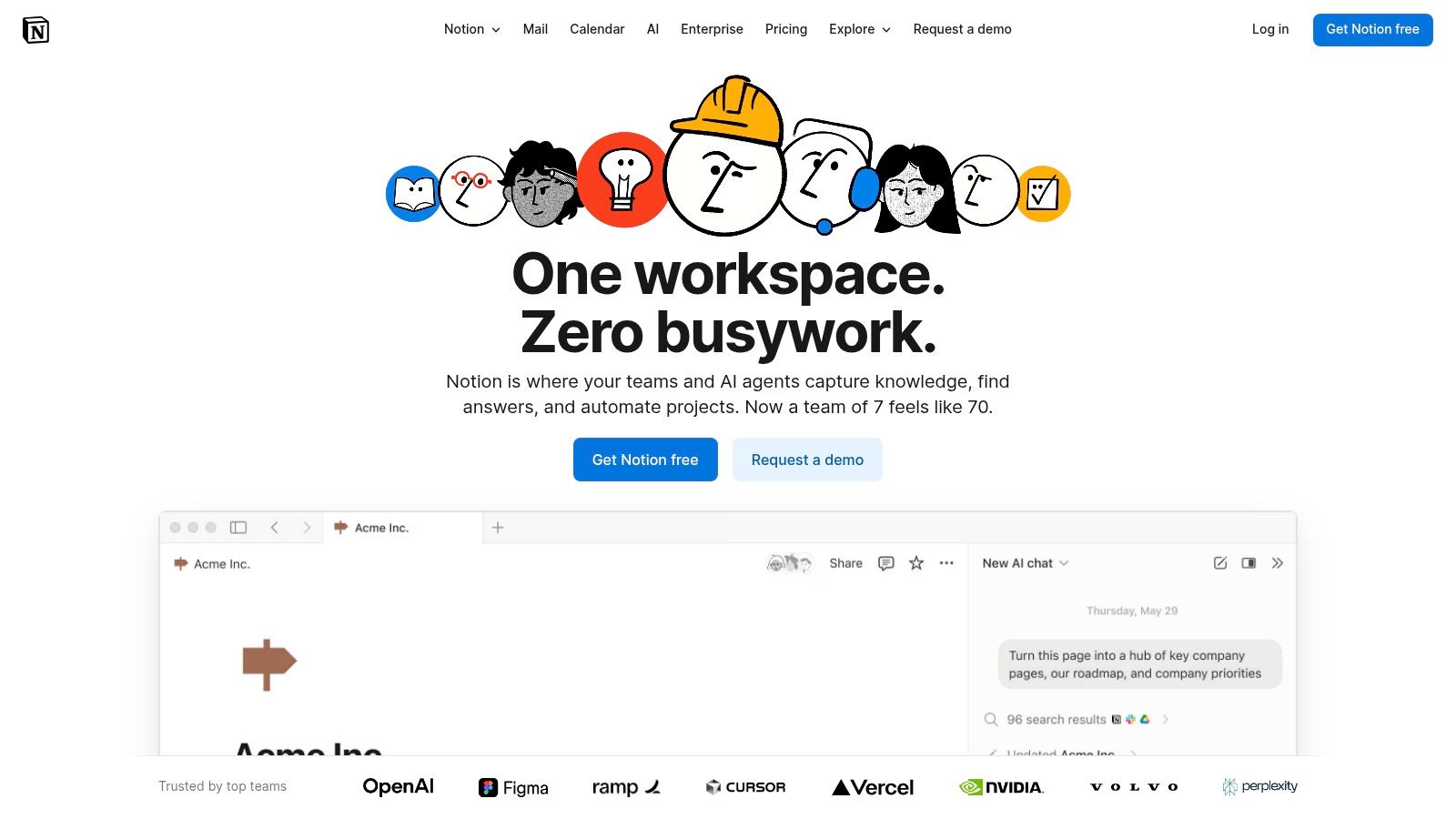
What makes Notion stand out is its “building block” approach. Users can start with a blank page and add databases, text, images, and embeds to create exactly the tool they need, from a simple task list to a complex, multi-view roadmap. This adaptability allows engineering teams to consolidate documentation and project tracking, reducing context switching and ensuring that planning documents are directly linked to the tasks they generate.
Key Features & Use Cases
- Flexible Databases: Create Kanban boards, tables, and calendar views for sprint planning, bug tracking, or feature roadmaps, all powered by a single database.
- Integrated Documentation: Write RFCs, technical specifications, and team wikis directly alongside project tasks, creating a powerful link between context and execution.
- Enterprise-Ready Security: Higher-tier plans offer SSO, SCIM provisioning, audit logs, and DLP/SIEM integrations for secure organizational use.
Pros & Cons
| Pros | Cons |
|---|---|
| Excellent for combining documentation and project tracking | Lacks some built-in agile reporting like velocity charts |
| Highly customizable without heavy admin overhead | Flexible structure requires team conventions to avoid inconsistency |
| Flexible building blocks for knowledge bases and roadmaps | Not as feature-rich for complex, multi-team agile ceremonies |
Notion offers a Free plan for individuals, with paid plans (Plus, Business, Enterprise) that add team collaboration features, advanced permissions, and security controls. It’s ideal for engineering teams that prioritize documentation and want a single, flexible platform for both planning and knowledge management.
Website: https://www.notion.com
11. Wrike
Wrike is a versatile work management platform that bridges the gap between structured engineering processes and cross-functional collaboration. It offers a strong balance of familiar project management views like boards and Gantt charts with powerful, engineering-friendly features such as customizable request forms, detailed approval workflows, and robust resource planning. This makes it an excellent choice for teams that need to manage incoming work from non-technical departments while maintaining visibility over capacity and timelines.
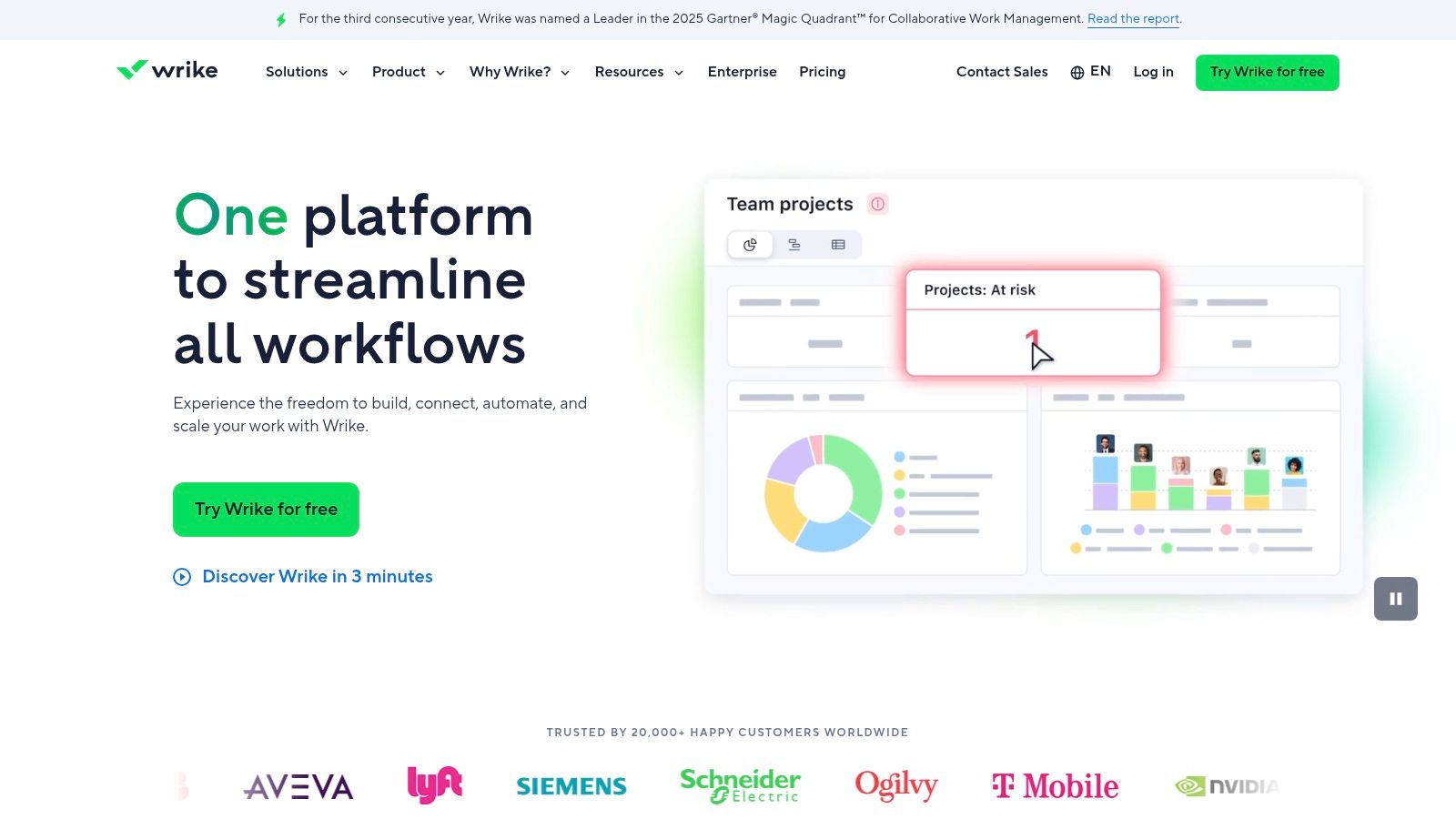
What sets Wrike apart is its focus on structured intake and its extensibility through paid add-ons. The Two-Way Sync feature for Jira and GitHub allows engineering teams to work in their native tools while providing high-level visibility to stakeholders in Wrike. Additionally, its AI features, like Wrike Copilot, can automate task creation and generate project briefs, making it a modern solution for managing complex engineering projects without overwhelming non-technical users.
Key Features & Use Cases
- Resource & Capacity Planning: Use intake forms and dashboards to manage team workloads and forecast resource availability for upcoming sprints.
- Blueprints & Templates: Standardize project setups for bug intake, feature requests, or new product launches to ensure process consistency.
- Wrike Integrate & Two-Way Sync: Connect to development tools like GitHub or Jira, keeping work synchronized across platforms without manual updates.
Pros & Cons
| Pros | Cons |
|---|---|
| Good balance of structure and flexibility for multi-team use | Business tier pricing can be complex and is not cheap |
| Strong intake and cross-tool sync options | Some advanced features require paid add-ons |
| Extensible with powerful integration and analytics add-ons | Can be less developer-centric than dedicated tools |
Wrike has a free plan for basic task management. Paid plans (Team, Business, Enterprise) scale significantly in price and features, with add-ons increasing the cost. It is best suited for organizations needing a centralized hub to manage engineering work alongside other business functions.
Website: https://www.wrike.com
12. Trello (Atlassian)
Trello is renowned for its simplicity and visual Kanban-board approach to project management. For engineering teams, it serves as an exceptionally approachable tool for tracking tasks, managing small backlogs, or organizing personal work streams. Its core strength is its frictionless user experience; creating boards, lists, and cards is intuitive, allowing teams to get started in minutes without a steep learning curve or heavy configuration.
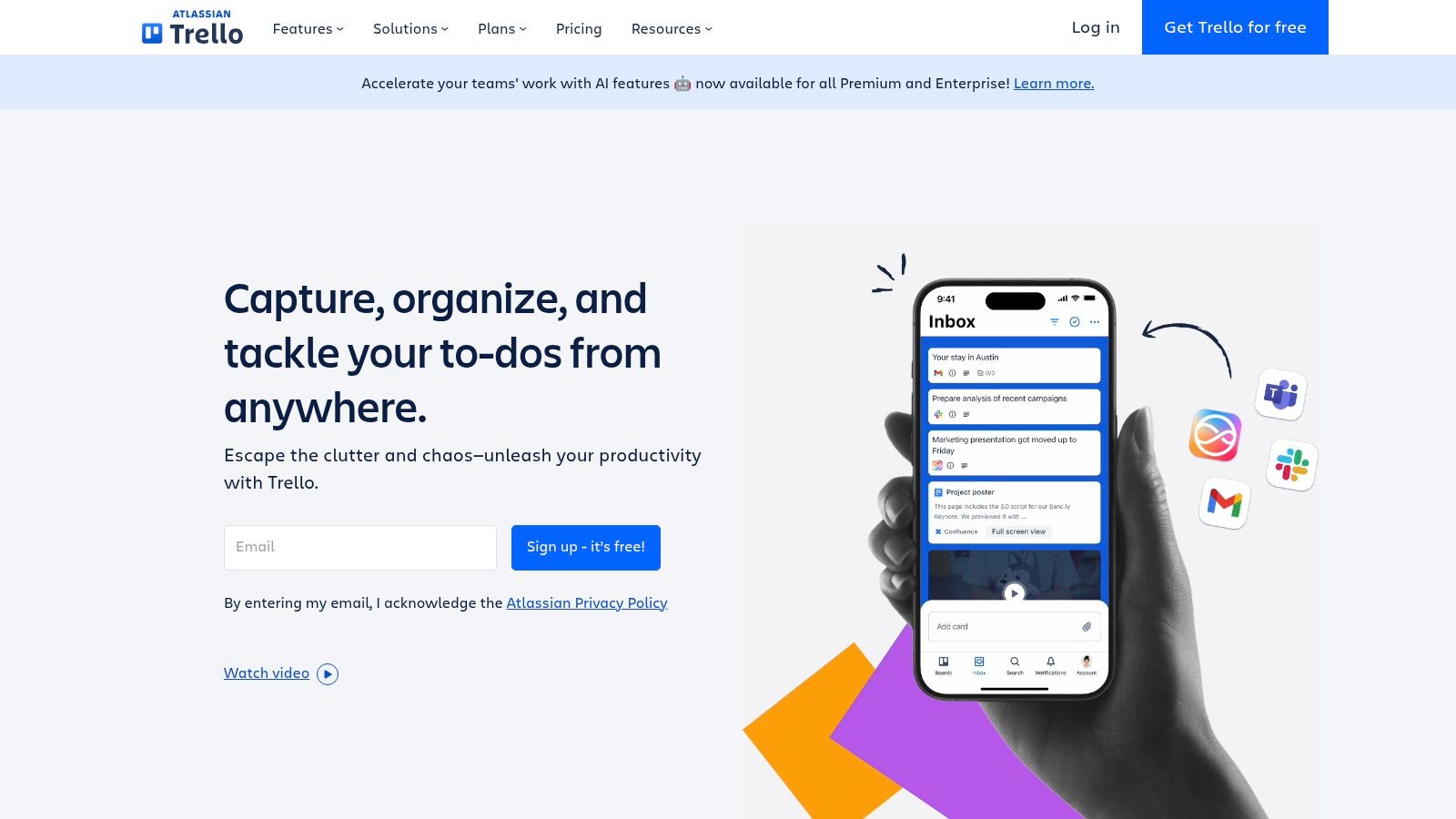
While part of the Atlassian family, Trello stands apart from Jira by prioritizing ease of use over feature depth. This makes it an excellent companion tool alongside more complex systems or a primary choice for startups and small squads that don’t need heavyweight agile reporting. Its built-in automation, Butler, can handle repetitive tasks like moving cards or assigning members, adding a layer of efficiency to simple workflows.
Key Features & Use Cases
- Visual Kanban Boards: Perfect for managing sprint tasks, bug tracking queues, or personal to-do lists with a simple drag-and-drop interface.
- Butler Automation: Automate common actions based on triggers, such as applying a label when a card is moved to the “In Review” list.
- Power-Ups & Integrations: Extend board functionality by adding integrations with tools like GitHub, Slack, and Google Drive directly to cards.
Pros & Cons
| Pros | Cons |
|---|---|
| Easiest on-ramp for individuals and small squads | Limited native agile reporting compared with Jira or Linear |
| Works well as a companion board for lightweight tracking | Scaling complex workflows often leads teams to migrate to other tools |
| Simple and approachable UX | Can become cluttered without disciplined board management |
Trello offers a generous Free plan with limitations on boards and Power-Ups. Paid plans (Standard, Premium, Enterprise) unlock advanced features like more views, enhanced automation, and better administrative controls.
Website: https://trello.com
Engineering Project Management — 12-Tool Comparison
| Tool | Core features ✨ | UX & Quality ★ | Value / Price 💰 | Target audience 👥 | Top strengths / USP 🏆 |
|---|---|---|---|---|---|
| Atlassian Jira Software | Backlogs, boards, roadmaps; advanced workflows & automation; Marketplace integrations | Powerful but heavy; steep admin overhead ★★★★ | Tiered (Free → Premium → Enterprise); higher tiers for SSO/governance 💰 | Large engineering orgs & enterprises 👥 | Highly configurable workflows, governance & mature ecosystem 🏆 |
| Linear | Blazing-fast keyboard-first UI; roadmaps, triage, GitHub & Slack integrations | Fast, minimal, great developer DX ★★★★ | Startup-friendly pricing; fewer paid extensions 💰 | Startups & high-velocity engineering teams 👥 | Speed, keyboard-first UX, sensible defaults 🏆 |
| GitHub (Projects on GitHub) | Projects + Issues + PR sync; table/board/roadmap views & custom fields | Native to GitHub; familiar for devs; low context switching ★★★★ | Generous free tier; Team/Enterprise plans 💰 | Teams hosting code on GitHub; repo-centric workflows 👥 | Tight repo-PR integration; eliminates tool switching 🏆 |
| GitLab | Single DevSecOps platform: repos, CI/CD, planning, value streams | Integrated lifecycle but deep UI; learning curve ★★★ | Cloud or self-managed; consolidated vendor value 💰 | Teams wanting all-in-one DevOps & compliance 👥 | Full lifecycle tooling + deployment flexibility 🏆 |
| Azure DevOps (Boards) | Azure Boards, repos, pipelines, test plans; dashboards & extensions | Solid enterprise UX but dated vs newer tools ★★★ | Predictable per-user pricing; free for small teams 💰 | Microsoft/Azure-centric orgs & enterprise IT 👥 | Identity & governance alignment with Azure/M365 🏆 |
| Shortcut | Stories, epics, iterations, roadmaps; automations & WIP limits | Developer-friendly, quick adoption; sensible defaults ★★★★ | Transparent pricing; startup/nonprofit programs 💰 | Product engineering teams wanting fast setup 👥 | Lightweight tracker with good reporting & epics focus 🏆 |
| ClickUp | Tasks, Docs, Whiteboards, Goals, sprints, time/resource tracking | Very feature-rich but can overwhelm ★★★ | High feature density; strong value at scale 💰 | Small–mid teams consolidating tools 👥 | All-in-one work OS to replace multiple tools 🏆 |
| monday.com (Work / Dev) | Boards, timelines, Gantt, dashboards, automations & templates | Visual, fast onboarding; template-driven ★★★★ | Per-seat bundles; cost rises with advanced tiers 💰 | Cross-functional teams scaling beyond engineering 👥 | Visual templates & cross-team visibility at scale 🏆 |
| Asana | Boards, lists, timeline/Gantt, forms, portfolios & goals | Mature UX for planning & reporting ★★★★ | Powerful for leadership; seat minimums affect small teams 💰 | Product/engineering leadership & PMs 👥 | Portfolio & goals for leadership visibility 🏆 |
| Notion | Databases, docs, board/table/calendar views; highly customizable | Flexible and docs-first; needs conventions ★★★★ | Cost-effective for docs + light tracking 💰 | Teams needing unified docs, specs & lightweight tracking 👥 | Unified docs + project tracking; highly customizable 🏆 |
| Wrike | Boards, Gantt, resource & capacity planning, intake forms | Structured for multi-team programs; featureful ★★★ | Pricing & add-ons can be complex; paid extensions 💰 | Large programs, PMOs & intake-heavy teams 👥 | Strong intake, resource planning & cross-tool sync 🏆 |
| Trello (Atlassian) | Simple Kanban boards, card features, Butler automations | Easiest on-ramp; very approachable UX ★★★★ | Generous free tier; affordable Premium 💰 | Individuals, small squads, companion boards 👥 | Simple Kanban for quick adoption and lightweight tracking 🏆 |
Beyond the Backlog: Connecting PM Tools to Your AI Coding Workflow
Choosing the right project management software for engineers is more than just picking a platform with the longest feature list. As we’ve explored through tools like Jira, Linear, and GitHub Projects, the best choice is the one that aligns most closely with your team’s existing workflow, size, and technical stack. The goal isn’t to add another layer of administrative overhead; it’s to find a system that removes friction and clarifies the path from concept to deployment.
For large enterprises, the robust customization and integration capabilities of platforms like Jira, Azure DevOps, or Wrike provide the necessary structure for complex, cross-functional projects. In contrast, fast-moving startups and smaller teams often thrive with the opinionated, developer-centric design of Linear or Shortcut, which prioritize speed and simplicity over exhaustive configuration. Meanwhile, tools like Notion and ClickUp offer unparalleled flexibility, allowing teams to build entirely custom systems that blend project tracking with documentation and knowledge management.
Making the Right Choice for Your Engineering Team
Your decision should be guided by a few core principles. First, evaluate the integration ecosystem. The most effective project management software for engineers is one that lives where your developers work. Deep, native integrations with GitHub, GitLab, and your CI/CD pipeline are non-negotiable. They automate status updates, link commits to tasks, and reduce the context switching that kills productivity.
Second, consider the balance between power and usability. While a feature-rich tool like monday.com can be molded to any process, it can also become a maintenance burden. Ask yourself: does this platform serve the engineers, or does it primarily serve managers? The best tools provide clear value to both, offering high-level visibility for leads while empowering individual developers with a clean, efficient interface.
The New Frontier: From Task Tracking to Workflow Intelligence
Ultimately, traditional project management tools excel at tracking the what and the when. They organize backlogs, define sprints, and visualize progress on a timeline. However, they offer little insight into the how, the granular, moment-to-moment work happening inside the IDE. This is where the next evolution of engineering tools comes into play.
Modern development is increasingly AI-assisted. Tools like Zest act as an intelligent layer on top of your existing PM software, capturing the invaluable data generated during the coding process itself. By providing visibility into AI usage, team-wide prompt patterns, and daily progress through AI Standups, Zest connects high-level project goals in Jira or Linear to the on-the-ground reality of how code is actually being built. This creates a powerful feedback loop, turning daily coding activity into actionable insights that drive both project velocity and team-wide skill development. The future of engineering management lies in bridging this gap, creating a single, cohesive view from the backlog all the way to the line of code.
Ready to connect your project backlog to your team’s real-time AI coding activity? Zest integrates with your IDE to provide visibility into AI usage, capture effective prompts, and automate daily standups. See how you can complement your existing PM tool and unlock new levels of engineering productivity by visiting Zest.
Optimize Engineering PM Workflows
Select the right software by aligning its features with your team's core development process to reduce friction and ship faster.
📊 Core Metrics
- Context Switching Score — measure how often engineers must leave their primary tools (IDE, Git) to update project status.
- Integration Quality — evaluate the depth of native integrations with your version control system (e.g., GitHub, GitLab).
- Admin Overhead Ratio — calculate the time spent on tool configuration versus time spent on development tasks.
🕹️ My Cheatcodes
- 🌱 Workflow Over Features — prioritize tools that match your team's existing process, not ones that force a new one.
- 🦎 Dev-First Usability — choose software that provides clear value to individual engineers, not just managers.
- ⚡ Balance Power & Simplicity — avoid feature-rich tools if their complexity creates a maintenance burden for the team.
📈 Reflection Points
- 💡 Does this tool reduce friction or add administrative overhead for my engineers?
- 🧩 How well does this platform integrate with our core development stack (VCS, CI/CD)?
- 📘 Can we onboard a new team member onto this tool with minimal training?
Gallery
Lemon shots



