How to Read Code Like a Pro in 2026
Let’s be honest, few things are as daunting as cracking open a completely new codebase. You’re faced with a wall of unfamiliar logic, mysterious variable names, and an architecture that makes no sense. But the ability to systematically untangle that knot of code isn’t some innate gift—it’s a skill. And frankly, it’s the closest thing we have to a developer superpower.
Why Reading Code Is Your New Developer Superpower

We’ve all been there. You’re trying to fix a bug or add a feature, but you feel like you’re navigating a maze blindfolded. It’s mentally draining, but pushing through and learning to read that foreign code is one of the most valuable things you can do for your career.
This isn’t just about personal growth; it directly translates into speed. Instead of tapping a teammate on the shoulder to ask what a function does, you can dive in and figure it out yourself. That autonomy doesn’t just save everyone time—it builds a much deeper, more durable understanding of the entire system.
The Big Shift to Code Comprehension
For a long time, the gold standard for a developer was their ability to write brilliant code from scratch. But the game is changing, thanks in large part to AI coding assistants. These tools are incredible, capable of churning out huge blocks of code in seconds. What they can’t do is guarantee that code is correct, efficient, or secure.
The most valuable skill today isn’t just writing code, but validating it. Your ability to read, understand, and critique what an AI generates is what separates a good developer from a truly great one.
This new reality puts a massive premium on pure code comprehension. You are now the human in the loop, the final quality gate. You have to be able to look at what the AI produced and spot the subtle bugs, the performance bottlenecks, and the tell-tale code smells that hint at bigger problems down the road.
The Real-World Payoff
Getting good at reading code isn’t just a “nice-to-have.” It delivers real, tangible benefits to you and your team.
- Move Faster: When you can get your bearings in an existing module quickly, you can build on top of it with confidence. This means faster feature delivery, plain and simple.
- Save Money: Spotting a bug during code review is 10x cheaper than fixing it once it’s escaped into production. Sharper code-reading skills make you an exponentially more effective reviewer.
- Onboard Quicker: A new hire who can independently ramp up on the codebase is going to become a productive contributor much, much faster. This takes a huge load off of your senior engineers.
- Write Better Code: Every codebase you read exposes you to new patterns, clever solutions, and cautionary tales. All of that gets absorbed and inevitably improves the quality and style of the code you write yourself.
At the end of the day, investing time in becoming a master code reader is an investment that pays dividends for your entire career.
Adopt the Right Mindset Before Reading a Single Line
Ever feel like you’re drowning when you open a new codebase? It happens to all of us. Diving into a complex project without a plan is like trying to read a novel by starting somewhere in the middle—you’re just going to be confused.
Your mindset and strategy matter just as much as your technical skills. What you’re trying to accomplish dictates your entire approach. Are you here to get a feel for the overall architecture, or are you hunting down a specific, nasty bug? Answering that question first will save you from hours of frustration and getting lost in code that has nothing to do with your task.
Choose Your Reading Strategy
When it comes to reading code, there are really two main ways to go about it. Knowing when to use each one is a skill that separates experienced developers from the rest.
-
Top-Down Reading: This is your go-to when you need the big picture. You start at the highest level—the main entry point like
index.jsormain.py—and work your way down. The goal is to see how the major components fit together. Think of it like looking at a city map before you start exploring the streets. It’s perfect for when you’re joining a new project or planning a major feature. -
Bottom-Up Reading: When you have a very specific target, this is the way to go. You start small, with the one piece you know is relevant—maybe an error message, a single function, or a UI element from a bug report. From there, you work your way up to understand its context and what calls it. It’s like finding one puzzle piece and then figuring out where it fits in the grand scheme.
Picking the right strategy helps you focus your energy. You can confidently ignore the noise and zero in on what’s actually relevant, making the whole process much less overwhelming.
Cultivate a Detective Mindset
Reading unfamiliar code is basically investigative work. You have to think like a detective, piecing together clues to build a mental map of how everything connects and operates. This means you need to be an active participant, not just a passive reader.
Treat every variable as a person of interest and every function call as a lead. Your job is to trace the flow of execution from start to finish, constantly asking questions: Where did this data come from? What is this function really doing? Where does the logic go from here?
This detective work isn’t just about staring at the screen. Use your IDE’s “Go to Definition” and “Find All References” features relentlessly. Scribble down notes, draw quick diagrams of the data flow—whatever helps you visualize it. Don’t be afraid to litter the code with breakpoints and step through it line-by-line to watch it in action.
This active investigation is how you build a solid mental model of the application. The more you do it, the quicker you’ll get at spotting patterns and making sense of even the most tangled codebases. And when you’re on a team, sharing what you’ve learned is just as important. These knowledge sharing best practices offer some great tips on how your detective work can help everyone else.
Having a solid game plan is crucial when you’re staring down a mountain of unfamiliar code. It’s one thing to know how to read code in theory, but it’s another to have a repeatable process that saves you from getting lost. This workflow is my go-to for moving from initial confusion to genuine understanding.
First things first, I always start with a bit of reconnaissance. Before I even think about specific functions or logic, I need a bird’s-eye view of the project’s layout. Take a moment to scan the directory structure. What does it tell you? A well-organized project with a src directory, and maybe separate folders for components and services, gives you immediate clues about its architecture.
Once I have a feel for the folder structure, I hunt for the entry point and dependency files. In a Node.js project, that means finding index.js or server.js and giving package.json a close read. For a Go application, I’m looking for main.go and go.mod. These files are your roadmap—they show you exactly where the application kicks off and what third-party libraries it depends on.
Trace a Single Feature from Start to Finish
With the lay of the land established, the single most effective way to learn a codebase is to follow one important feature from end to end. Seriously, don’t try to read everything at once. Pick a core user action, like the login flow, and trace its path through the system. I usually start at the highest level I can find, which is often the API endpoint that handles the initial request.
From there, your job is to follow the data. This is where your IDE becomes your best friend. A couple of shortcuts are absolutely essential here:
- Go to Definition: In tools like Visual Studio Code or Cursor, you can right-click a function and jump straight to its source code (usually with the F12 key). This is perfect for peeling back layers of abstraction one by one.
- Find All References: Need to know where a function or variable is being used? Right-click and find all its references (often Shift+F12). This gives you a complete picture of its impact and how it fits into the bigger system.
By repeatedly using these two commands, you can follow a request’s entire journey—from the router, through different services, down to the database, and all the way back up. This “vertical slice” approach builds a solid mental model way faster than just reading files at random.
This process is really about switching between two different modes of thinking: starting from the big picture (top-down) or digging into the nitty-gritty details (bottom-up).

As the flowchart shows, knowing when to zoom in and when to zoom out is key. You’ll need both perspectives to truly understand how everything connects.
Choosing Your Code Reading Pattern
The best way to approach the code really depends on what you’re trying to accomplish. Skimming for high-level context is very different from a deep dive to squash a bug. Using the wrong pattern for the job can easily burn through your day.
Here’s a quick guide to help you pick the right strategy for the situation.
| Scenario | Recommended Reading Pattern | Key Focus Area |
|---|---|---|
| Onboarding to a new project | Top-Down & Opportunistic | Gaining a broad architectural overview and understanding key modules. |
| Fixing a specific bug | Bottom-Up & Targeted | Starting from the error message or failing test and tracing the logic backward. |
| Adding a new feature | Top-Down & Bottom-Up | Understanding where your new code fits (top-down), then implementing details (bottom-up). |
| Performing a code review | Top-Down & Targeted | Assessing the overall design impact first, then focusing on the specific changes. |
Choosing the right pattern from the get-go makes the whole process much more efficient and a lot less frustrating.
The goal isn’t to memorize the entire codebase. It’s to build a mental framework that allows you to navigate it effectively and locate the specific information you need, when you need it.
Ultimately, this methodical approach turns what could be a chaotic mess into a structured investigation. It provides a reliable way to make sense of any project, turning that initial feeling of being overwhelmed into a manageable—and even fun—challenge.
Use AI and Modern Tooling for Faster Insights

Let’s be honest: manually tracing every function call through a foreign codebase is a tedious, mind-numbing grind. Thankfully, we don’t have to work that way anymore. Modern tools, especially AI assistants, can give you a massive leg up, turning hours of confusion into moments of clarity. The trick is to think of them less like code generators and more like an experienced pair programmer who can read along with you.
This isn’t just a nice-to-have. Getting good at reading code can boost a developer’s productivity by up to 35%. And with Gartner predicting that 80% of companies will have AI agents on their software teams by 2026, getting comfortable with these tools is quickly becoming a core skill. The benefits are already clear—teams using platforms like Zest to organize their AI workflows are spotting bottlenecks 42% faster. They’re also cutting new hire onboarding time by 25% by creating a shared playbook of effective prompts and strategies. As Deloitte.com reports, this is the future of how software gets built.
Your AI Reading Assistant
I like to think of my AI assistant in VS Code or Cursor as a real-time translator for code. Ever stared at a monstrous regular expression, completely baffled? Instead of spending an hour on Stack Overflow, just highlight it and ask your AI to, “Explain this regex in plain English.” Boom. You get the intent instantly and can move on to the bigger picture.
This tactic isn’t just for regex, either. It works wonders for entire files that have zero documentation. I’ll often copy the contents of a mysterious file, paste it into the chat, and ask, “Summarize the purpose of this file and its main exports.” This gives me a high-level briefing before I dive into the weeds.
A great habit to build is using your AI to generate documentation as you go. When you find a function without comments, ask it to “Write a JSDoc comment for this function.” It will analyze the code and spit out a perfect explanation of what it does, its parameters, and what it returns.
You’re no longer just passively reading; you’re having a conversation with the code and actively filling in the gaps in your understanding.
Actionable Prompts for Code Comprehension
Having a few solid prompts in your back pocket can make a world of difference. Your goal is to ask questions that clarify, summarize, and give you the context you’re missing.
Here are a few of my go-to prompts that I use almost daily:
- For dense logic: “Can you explain this algorithm step-by-step?”
- To find connections: “Where else is this function used, and for what purpose?”
- To understand the ‘why’: “What is the business logic behind this block of code?”
- For a fresh perspective: “Suggest a more readable way to write this function.”
Just like you might use a specialized SQL query explainer to quickly understand a complex query’s performance, you can use your AI assistant as a dedicated tool for code comprehension.
Capturing and Sharing What Works
Finding a prompt that cracks a confusing part of the codebase is a great personal win. But that “aha!” moment is even more powerful when you share it with your team. That insight is a reusable asset.
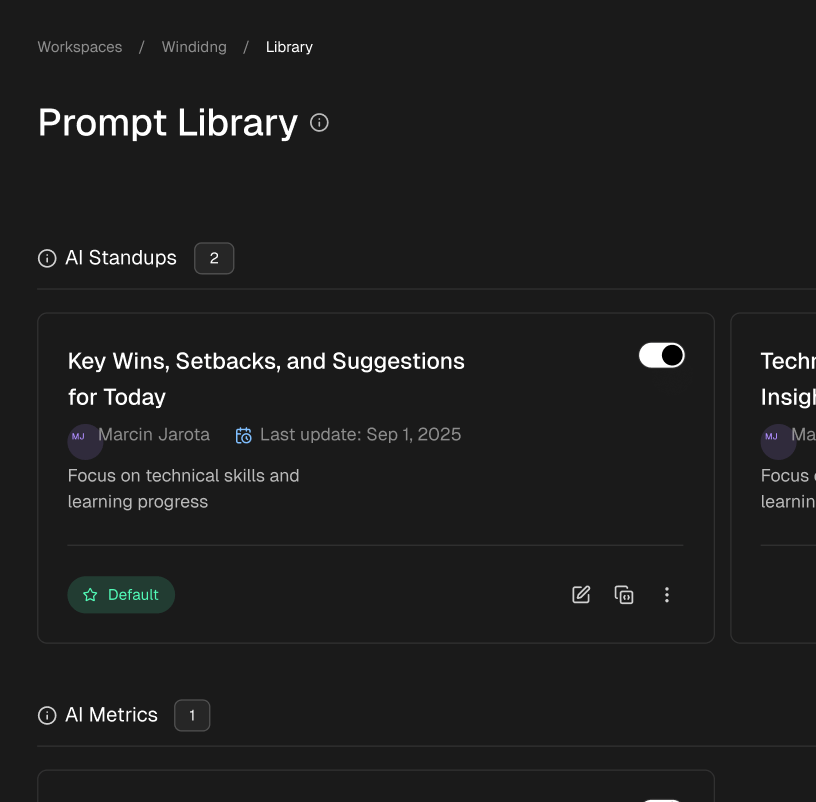
This is where tools like Zest really shine, letting you save these little “cheatcodes” right from your editor. Over time, your team builds a shared library of what works, turning one person’s discovery into a productivity boost for everyone. By saving and learning from every prompt, you can truly get the most out of your AI coding agent and make sure the whole team reaps the rewards.
Make Code Readability a Team Sport
Learning to read code is a great solo skill, but its real power is unlocked when the entire team gets on board. When a team writes understandable code from day one, everything changes. The focus shifts from deciphering someone else’s cryptic logic to actually building and shipping features.
You don’t need to blow up your existing workflow to make this happen. It can start with something as simple as collaborative code walkthroughs. Instead of just looking for bugs in a pull request, have a developer share their screen and explain a piece of the codebase. It’s not about judging their work; it’s about sharing knowledge so everyone understands the “why” behind the code.
Weave Comprehension into Your Daily Habits
To make readability stick, it needs to be part of your daily routine. One of the best ways I’ve seen this work is by changing up the daily standup. As AI tools become more common in our workflows, we can move beyond basic status updates to what some are calling “AI Standups.”
In this format, a developer might share how a clearly named function or a helpful comment allowed their AI assistant to generate perfect code on the first try. This makes the payoff of writing clean code immediately obvious to everyone.
If you’re new to this world, getting a handle on the basics can be helpful. This an introduction to AI, LLMs, and AI Agents is a good starting point. Understanding these concepts helps the team articulate why certain practices work so well with AI tools, creating a feedback loop where everyone is motivated to write clearer code.
A team that prioritizes code readability isn’t just being courteous—they’re building a more resilient, efficient, and scalable engineering organization. Every clear variable name and every concise comment is an investment in the team’s future productivity.
Use Metrics to Guide Your Efforts
For engineering managers, encouraging good habits can feel a bit abstract. But modern tools are finally giving us ways to measure what’s working. With the global software market expected to hit $896B by 2029, even small delays from confusing code can have a huge financial impact. This is especially true in popular ecosystems like React and Node.js, where speed is everything.
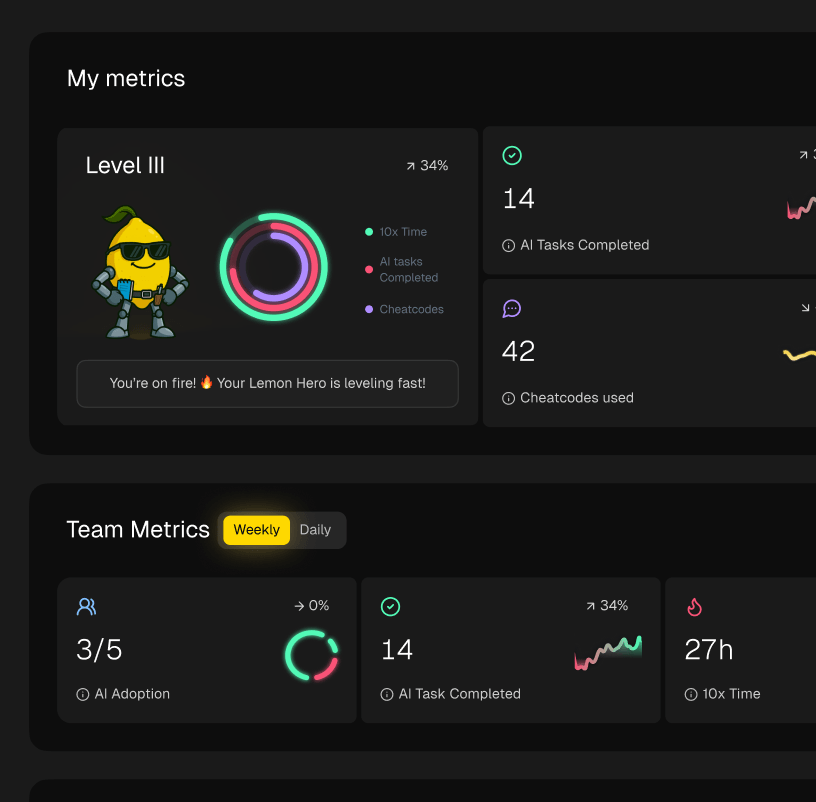
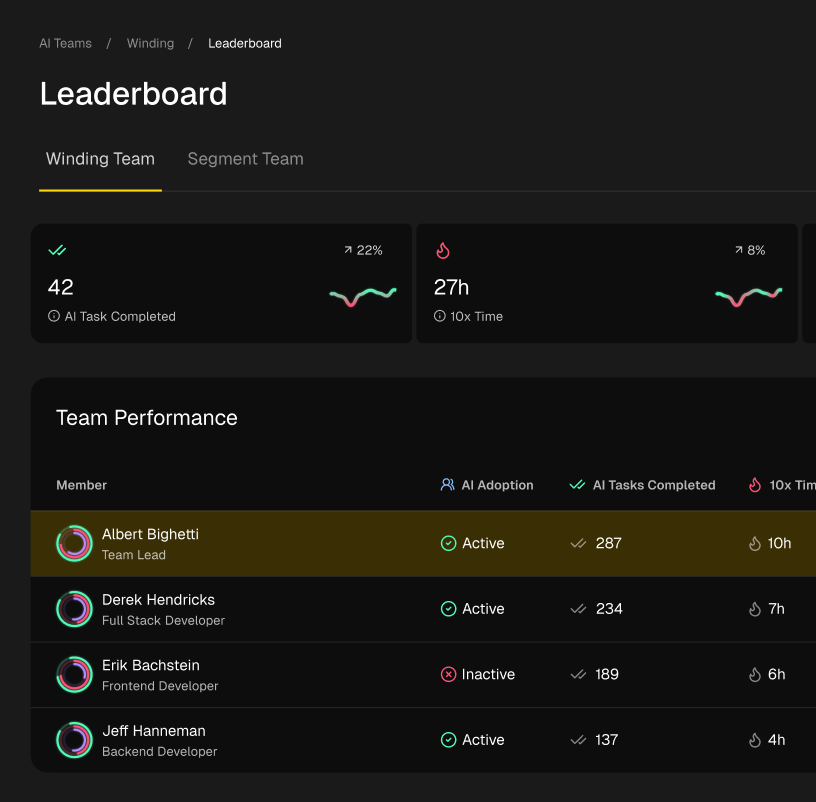
Tools like Zest help by giving managers a single AI Metrics feed that shows where developers are getting stuck. It consolidates everyone’s tasks and AI interactions in one place. When the team finds a successful way to tackle a problem, they can share it as a “cheatcode,” which has been shown to cut rework by 30-35%—a major AI productivity win. You can dig into more software development statistics over on Boundev.com.
This turns management from guesswork into targeted coaching. If the data shows that one part of the codebase is a recurring bottleneck, you know exactly where to focus your team’s refactoring and documentation efforts. It’s a powerful cycle: individual learning gets tracked and shared, which in turn elevates the whole team.
Common Questions About Reading Code
Even with a solid game plan, dropping into a new codebase can feel like being dropped into a foreign country. It’s completely normal to get stuck or feel lost.
Let’s walk through some of the most common hurdles developers face and how to get over them. Think of this as turning the theory we’ve discussed into real-world muscle memory.
Where Do I Start in a Large Unfamiliar Codebase?
This is the big one. You’ve just cloned a massive project, and the sheer number of files is intimidating. The first rule is to fight the urge to understand everything at once. You can’t, and you shouldn’t try.
Your first stop should always be the README. It’s the project’s front door, hopefully giving you a sense of its purpose, how to get it running, and any high-level architectural ideas. After that, find a single entry point. This could be the main application file (App.js, main.py) or a key API route.
Don’t try to read the entire codebase linearly. Instead, trace a single core feature from the outside in. For example, follow the code path for user login, from the API endpoint all the way down to the database query.
This “feature tracing” approach helps you build a solid mental model of one complete slice of the application. It’s so much more manageable—and effective—than trying to drink from the firehose.
How Can I Understand Code That Has No Comments?
Ah, the dreaded undocumented function. We’ve all been there. While frustrating, it’s also a perfect chance to put modern tools to work. This is exactly what AI assistants were made for.
Copy and paste a confusing chunk of code into a tool like Cursor or VS Code Copilot and just ask it directly: “Explain this code and its purpose” or “Generate documentation for this function.” The summary you get back can instantly provide the context you were missing.
Beyond AI, use your IDE’s built-in “Find All References” feature. Seeing how and where a function is used by other parts of the code is often a huge clue to its real purpose. And never underestimate the debugger. Stepping through the code line-by-line and watching variables change is the ultimate source of truth when the documentation is silent.
What Is the Best Way to Track What I Am Learning?
Your brain can only hold so much information at once. If you rely on memory alone, you’ll find yourself re-learning the same things over and over. It’s a recipe for burnout.
The solution is deceptively simple: write it down. As you explore the code, keep a running log in a text file or a digital notebook. Sketch out simple diagrams of the architecture or how data flows. The act of writing or drawing forces you to solidify your understanding and creates a personal reference guide you can come back to.
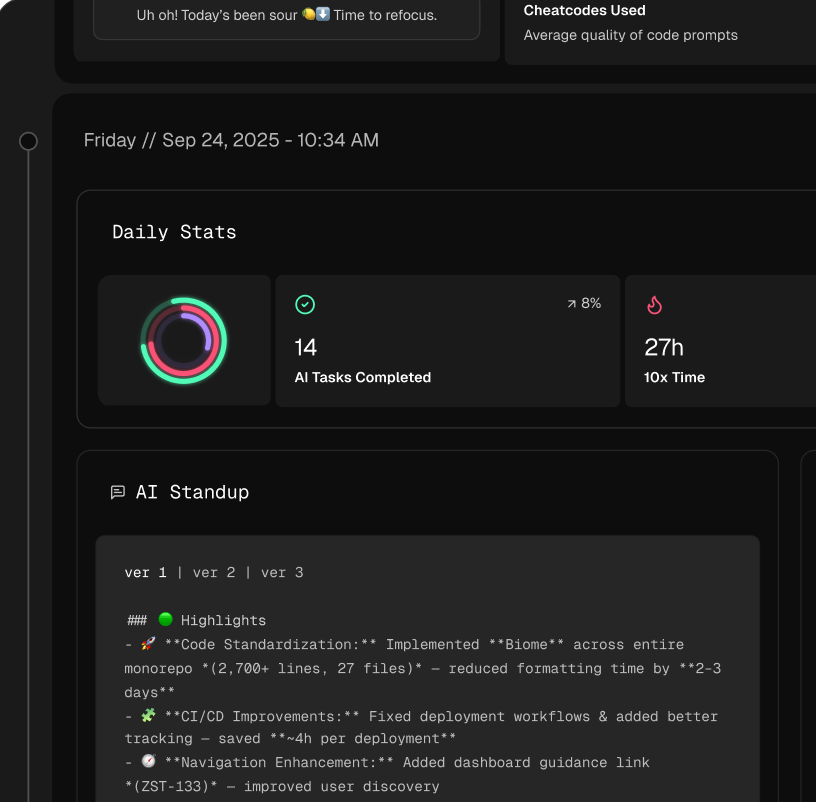
Tools like Zest can supercharge this process by creating automatic summaries of your work, capturing what you figured out and where you got stuck without you having to stop and type. You can also save your most effective AI prompts or reading strategies as personal “cheatcodes” for later. This externalized brain is your secret weapon.
How Do I Know If I Am Getting Better at Reading Code?
It can be hard to see your own progress day-to-day, but there are definite signs that your code-reading skills are sharpening.
You can measure your improvement with these informal benchmarks:
- Faster Onboarding: Are you getting up to speed on new features or projects more quickly than you used to?
- Quicker Bug Hunts: Can you pinpoint the source of a bug with less guesswork and in less time?
- Growing Self-Sufficiency: Do you ask teammates for explanations less often because you can find the answers yourself in the code?
One of the best metrics is your “time to first meaningful contribution” on a new repository. As that time shrinks, it’s a rock-solid sign that your ability to navigate unfamiliar code is getting stronger.
Master Your Code Reading Workflow
Turn the daunting task of deciphering new code into a systematic skill that boosts your confidence and productivity.
📊 Core Metrics
- Time to First Insight — How long it takes to grasp a file's purpose after opening it.
- Bug Discovery Rate — The frequency of spotting bugs during reading vs. at runtime.
- Codebase Confidence Score — Your self-assessed readiness (1-10) to make changes.
🕹️ My Cheatcodes
- 🌱 Trace One Feature — Follow a single user action end-to-end instead of reading files randomly.
- 🦎 AI as Translator — Use AI to explain dense regex, algorithms, or undocumented functions in plain English.
- ⚡ Debug to Understand — Use breakpoints to step through logic and watch data flow, not just to fix errors.
📈 Reflection Points
- 💡 Am I starting with a high-level view or getting lost in details too early?
- 🧩 Am I offloading my mental model to notes and diagrams?
- 📘 Did I ask the AI for a summary *before* I started reading the code line by line?
Gallery
Lemon shots