
12 Best GitHub Copilot Alternatives for Developers in 2025

GitHub Copilot has become a staple for many developers, but the world of AI-powered coding assistants is expanding rapidly. Whether you’re seeking better privacy controls, deeper integration with a specific tech stack, or simply a different approach to AI collaboration, a wealth of powerful GitHub Copilot alternatives now exist. This guide provides a detailed, comparative roundup of 12 top contenders, moving beyond surface-level feature lists to offer practical insights.
We’ll analyze each tool’s unique strengths, potential limitations, and ideal use cases, helping you find the right fit for your needs. The goal is to equip you with the information necessary to select the best AI assistant, whether you are a solo developer using VS Code or Cursor, an engineering manager tracking AI adoption, or a CTO establishing organization-wide standards. This article dives deep into how each platform handles code completion, refactoring, and complex problem-solving.
This listicle is designed to be a comprehensive resource. Each entry includes a direct link to the platform, screenshots of the user interface, and an honest assessment of its capabilities. We explore key features, pros and cons, pricing models, and specific integration notes for popular editors. You will learn which tools excel for specific scenarios, such as working within the AWS or Google Cloud ecosystems, prioritizing self-hosting for security, or enhancing team-based workflows. Prepare to discover the perfect AI pair programmer to enhance your productivity and streamline your coding workflow.
1. Amazon Q Developer (AWS)
For teams deeply embedded in the Amazon Web Services ecosystem, Amazon Q Developer presents a compelling and highly integrated alternative to GitHub Copilot. As the successor to CodeWhisperer, it’s not just a code completion tool; it’s an AI assistant and agent that functions across your IDE, command line, and even the AWS Management Console. This deep integration is its primary differentiator, allowing it to provide context-aware suggestions related to AWS services like S3, Lambda, and DynamoDB.
It excels at agentic workflows, such as feature implementation or debugging, where it can analyze your existing code and AWS environment to propose comprehensive solutions. For organizations, the enterprise-grade controls are a significant draw. The Pro tier offers identity-based governance through AWS IAM Identity Center, policy management, and crucial zero-retention options for code, making it a secure choice for handling proprietary data. These features, along with its reference tracking to avoid code that resembles open-source training data, make it one of the best AI tools for writing code securely.
Key Details & Features
- Best For: Teams and enterprises heavily invested in the AWS cloud who need deep service integration and robust security controls.
- Pricing: Offers a generous perpetual Free Tier for individuals. The Pro Tier costs $19/user/month and adds advanced features like agentic tasks, security scanning, and enterprise administration.
- Key Features:
- Inline code suggestions and chat (IDE, CLI, AWS Console)
- Agentic workflows for feature development and debugging
- Security vulnerability scanning
- Reference tracking and opt-out/zero-retention for Pro users
- Centralized IAM Identity Center dashboards and policy management
- Website: aws.amazon.com/q/developer/
2. Google Gemini Code Assist
For developers and organizations integrated into the Google Cloud Platform, Gemini Code Assist emerges as a powerful, context-aware GitHub Copilot alternative. Formerly known as Duet AI, this tool leverages Google’s advanced Gemini models to provide intelligent assistance directly within popular IDEs like VS Code and Cloud Workstations. Its key advantage is the deep integration with the GCP ecosystem, offering knowledgeable suggestions for services, APIs, and best practices specific to Google Cloud.
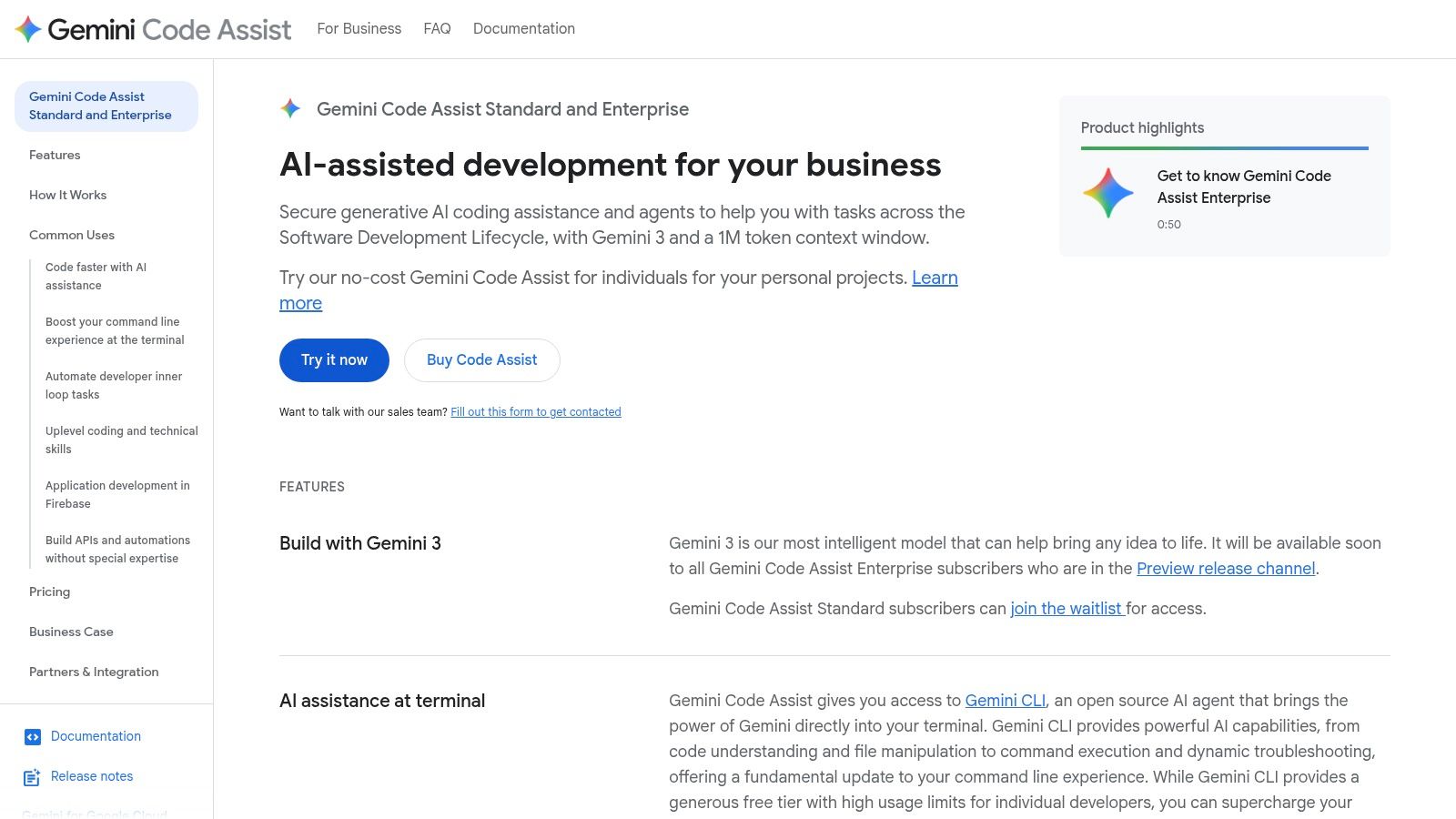
Gemini Code Assist distinguishes itself with powerful enterprise features, including the ability to ground its suggestions on a company’s private codebase. This allows it to generate highly relevant, compliant, and idiomatic code that aligns with internal standards. It also boasts a very large context window, enabling it to understand and reason across extensive codebases for more accurate and comprehensive assistance. For individuals, its extremely generous free tier makes it an accessible and high-performing tool for daily development tasks, from code completion to debugging.
Key Details & Features
- Best For: Developers and businesses using Google Cloud, or those needing a free yet powerful AI assistant with enterprise-grade customization.
- Pricing: Offers a robust Free Tier for individuals. The Enterprise Tier costs $19/user/month, unlocking private codebase grounding, larger context, and advanced security. It can also be bundled with the Google Developer Program Premium.
- Key Features:
- IDE plugins (VS Code, Cloud Workstations, Cloud Shell Editor) and Gemini CLI
- Large context window and private repository customization (Enterprise)
- AI-powered smart actions for code explanation and test generation
- Deep integration with Google Cloud services and APIs
- Enterprise-grade security, privacy, and compliance controls
- Website: cloud.google.com/products/gemini/code-assist
3. JetBrains AI Assistant
For developers committed to the JetBrains suite of IDEs like IntelliJ IDEA or PyCharm, the AI Assistant offers the most seamless and native experience. It is not an external plugin but a deeply integrated feature set designed to feel like a natural extension of the editor. This tight integration allows it to perform project-aware actions, such as multi-file refactoring and generating unit tests that understand your existing codebase, providing a cohesive workflow that external tools often struggle to match.
Unlike flat-rate subscriptions, JetBrains uses a credit-based system for its cloud-powered features, offering clear visibility into usage and the option for top-ups. While local, less-intensive completions are free, advanced actions like in-IDE chat and complex code generation consume credits. This model provides flexibility but may require management for heavy users. The enterprise plan adds crucial SSO and policy controls, making it a viable GitHub Copilot alternative for organizations standardized on JetBrains tools, where its native feel and context-awareness provide a significant productivity boost.
Key Details & Features
- Best For: Developers and teams deeply invested in the JetBrains ecosystem who prioritize a native, tightly integrated AI experience.
- Pricing: A Free Tier offers local completions. The Pro Tier starts at $10/user/month (or is included in certain All Products Pack subscriptions) and operates on a credit-based system for cloud features. Enterprise plans are available.
- Key Features:
- In-IDE chat for context-aware questions and explanations
- Project-aware code generation and multi-file refactoring
- Automated unit test creation and documentation generation
- Transparent credit-based usage for cloud models
- Enterprise-grade SSO and centralized policy controls
- Website: www.jetbrains.com/ai/
4. Tabnine
As one of the earliest players in AI-powered code completion, Tabnine stands out as a mature and highly flexible GitHub Copilot alternative, with a strong emphasis on enterprise-grade privacy and deployment options. Its key differentiator is the ability to run on various models and be deployed in multiple environments, including fully air-gapped on-premises servers or a private VPC. This makes it an ideal choice for organizations with strict data privacy, compliance, or IP protection requirements that prevent code from leaving their secure network.
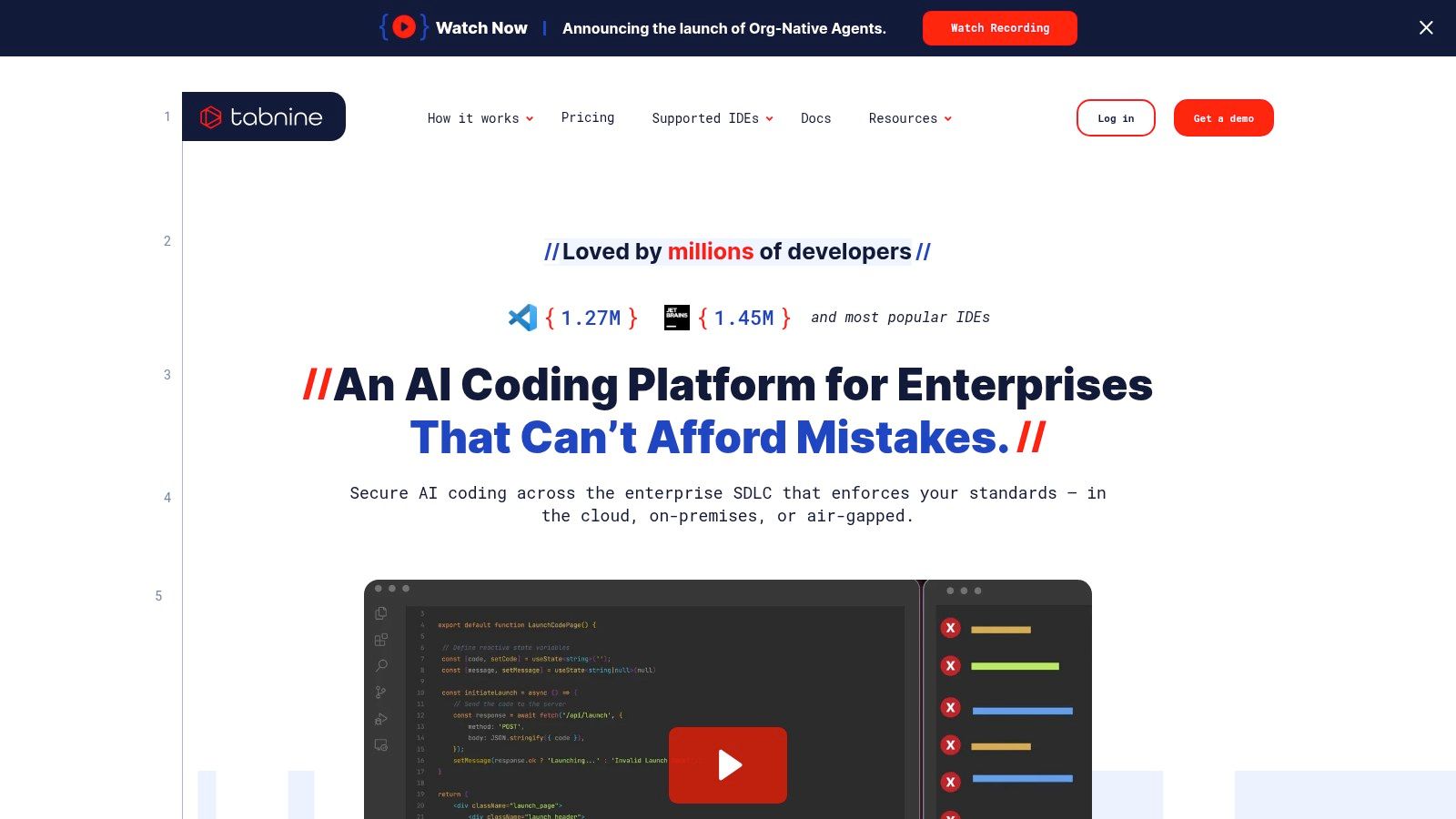
Tabnine offers extensive IDE and language support, ensuring it integrates smoothly into existing developer workflows. For teams, it provides powerful governance controls and analytics dashboards to monitor AI adoption and impact. While its pricing structure is geared more toward businesses than solo developers, the platform’s commitment to security, including IP indemnification, makes it a top contender for regulated industries. You can find out more about how Tabnine is positioned among the best AI coding assistants.
Key Details & Features
- Best For: Enterprises and security-conscious teams needing self-hosted or VPC deployments and advanced governance.
- Pricing: Offers a Free Tier with basic code completions. The Pro Tier starts at $12/user/month with advanced capabilities. The Enterprise Tier offers custom pricing for self-hosting and advanced features.
- Key Features:
- IDE chat and autocomplete with multi-LLM support
- Flexible deployment: SaaS, VPC, or on-premises (air-gapped)
- Enterprise governance, user management, and analytics
- Intellectual property indemnification for enterprise users
- Workflow agents for test generation and documentation
- Website: https://www.tabnine.com/
5. Cursor (AI code editor by Anysphere)
Rather than being just a plugin, Cursor is an AI-first code editor built from the ground up to integrate artificial intelligence into every facet of the development workflow. This makes it a unique and powerful GitHub Copilot alternative for those willing to switch from their current IDE. It combines the familiar feel of a VS Code fork with deeply embedded AI features, offering everything from inline completions to sophisticated, context-aware chat that can reason across your entire codebase. This holistic approach allows for advanced agentic workflows that feel native to the editor.
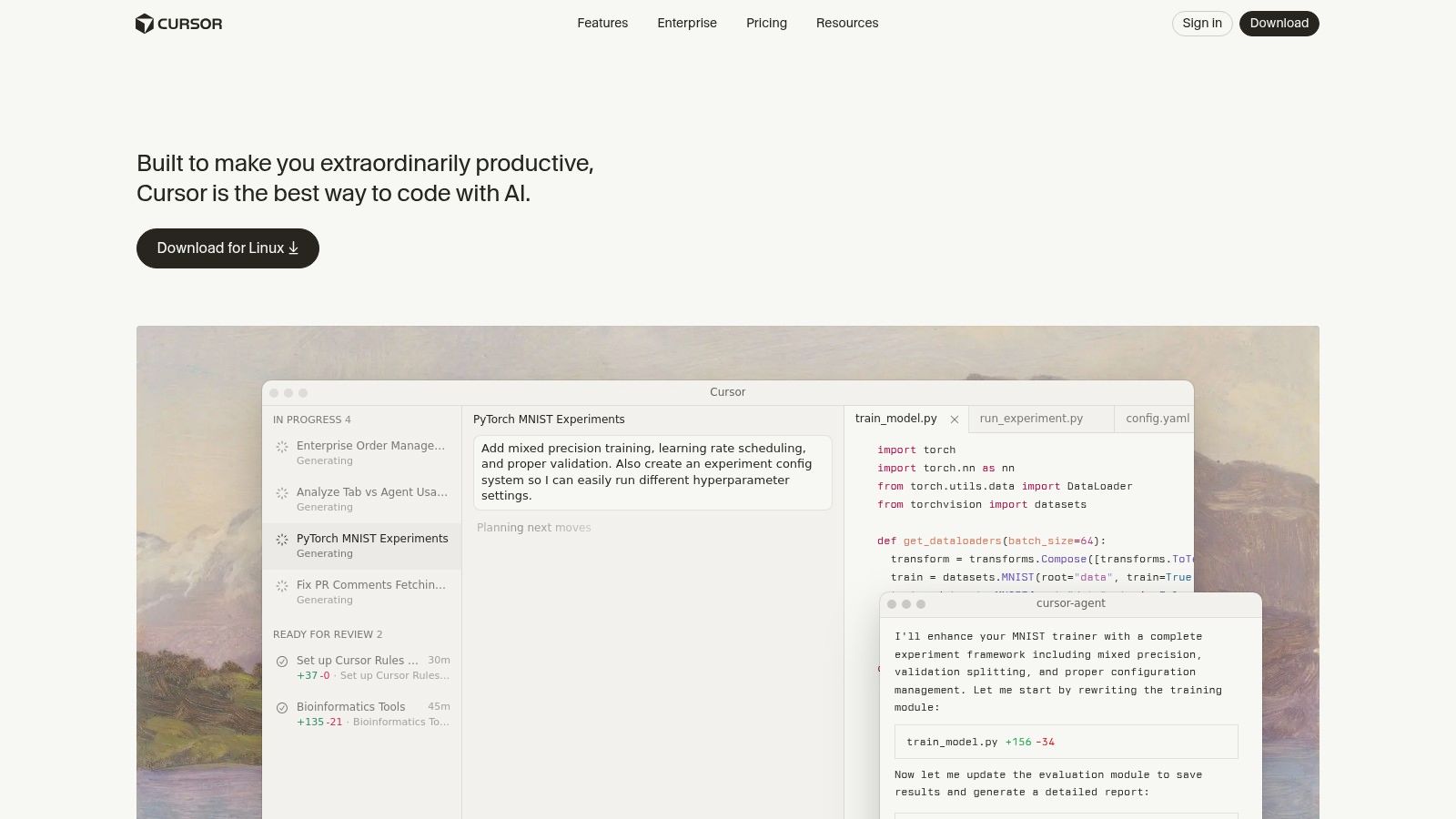
Cursor’s main differentiator is its focus on high-context operations and team collaboration. The editor can reference multiple files and documentation to provide more accurate answers, refactor complex code blocks, or generate new features based on existing patterns. For teams, it offers features like SSO, pooled usage, and organization-wide privacy controls. An optional “Bugbot” add-on can even be configured to automatically review pull requests, identify issues, and suggest fixes, streamlining the code review process. This makes it a compelling choice for developers and teams looking for an all-in-one AI coding environment.
Key Details & Features
- Best For: Developers and teams seeking a fully integrated AI-native coding environment with powerful, high-context agent capabilities.
- Pricing: A Free Tier is available with limited fast AI uses. The Pro Tier is $20/user/month for unlimited “fast” model usage, while the Business Tier at $40/user/month adds team management and enhanced privacy.
- Key Features:
- AI-first code editor with inline completions and chat
- High-context chat with “@” symbols to reference files/docs
- Agentic features for refactoring, debugging, and feature generation
- Bugbot add-on for automated PR reviews
- Team features like SSO, RBAC, and centralized administration
- Website: cursor.com
6. Windsurf (formerly Codeium)
Windsurf, which recently rebranded from Codeium, is an AI coding assistant that stands out for its flexible, credit-based pricing and multi-model support. It offers two core functionalities: an unlimited autocomplete feature called Tab and an agentic chat and workflow tool named Cascade. This structure allows developers to enjoy robust code completion without usage limits, while leveraging more powerful, agentic tasks on a pay-as-you-go basis.
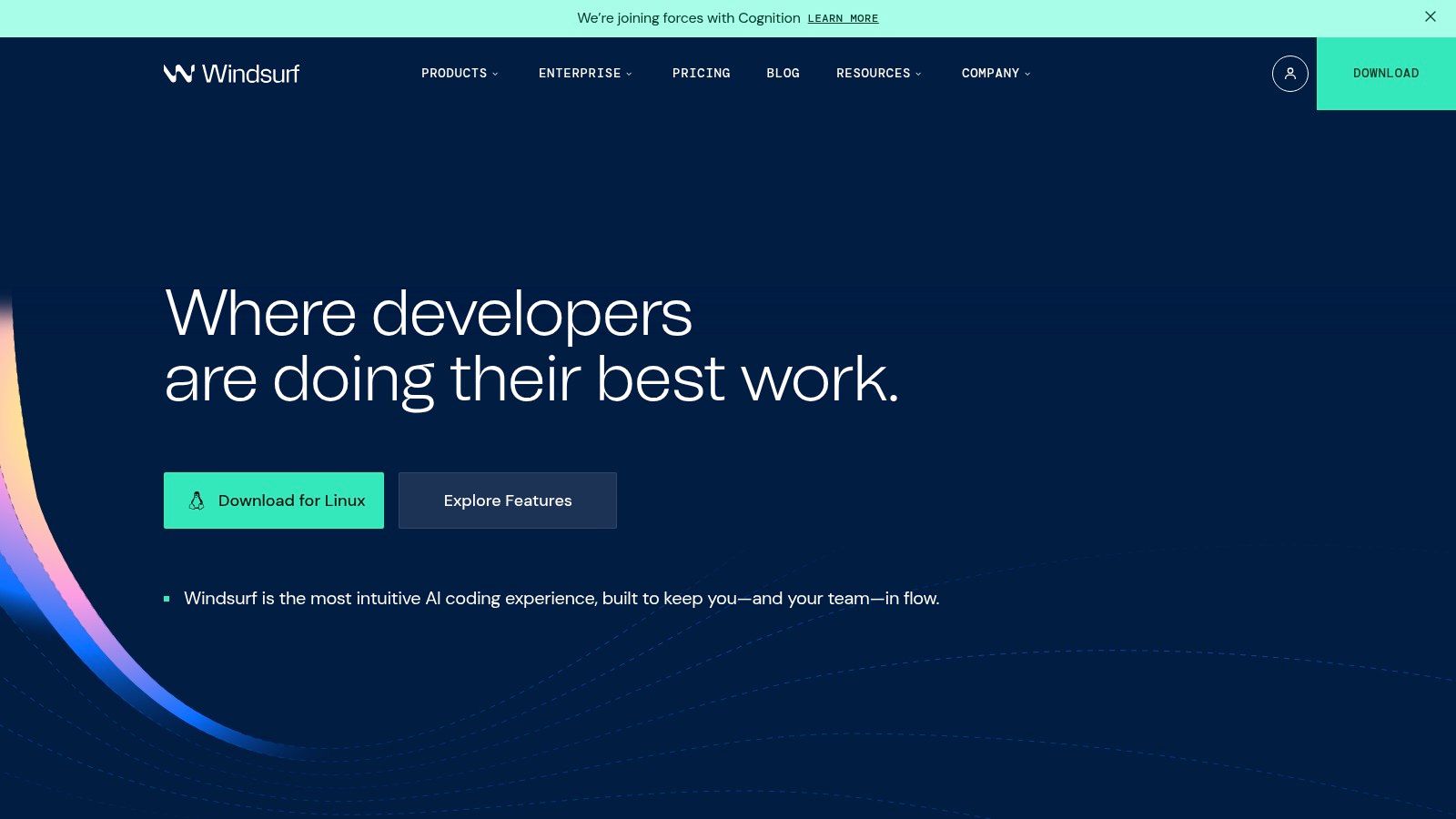
The platform’s key differentiator is its model-agnostic approach and credit system. Users are not locked into a single LLM provider and can even use certain models for zero credits, making it a highly cost-effective GitHub Copilot alternative. The credit model, while potentially confusing at first, offers unparalleled flexibility, with options to purchase add-on credits that roll over month-to-month. For teams, Windsurf provides essential administrative controls like central billing and, in its Enterprise tier, SSO and RBAC, making it a scalable solution for growing organizations seeking both performance and financial control.
Key Details & Features
- Best For: Developers and teams looking for a cost-effective solution with flexible pricing and the freedom to choose from various AI models.
- Pricing: Offers a Free Tier with unlimited autocomplete. The Pro Plan is $10/user/month (including 4,000 credits), and the Teams Plan is $15/user/month (including 6,000 credits). Add-on credits and student discounts are available.
- Key Features:
- Unlimited autocomplete (Tab) and agentic coding (Cascade)
- Credit-based system with rollover and add-on packs
- Support for multiple major model providers
- Team management features including central billing
- SSO/RBAC and self-hosting options for Enterprise clients
- Website: windsurf.com
7. Sourcegraph Amp (and Code Search)
Sourcegraph is built for enterprises managing vast, complex codebases, making its AI tools a powerful GitHub Copilot alternative for organizations where context is king. Its core strength lies in combining its industry-leading Code Search with Amp, an agentic AI developer tool. This pairing allows Amp to operate with a deep understanding of your entire repository, not just the open file, enabling it to tackle complex tasks like refactoring legacy code or understanding intricate dependencies across microservices.
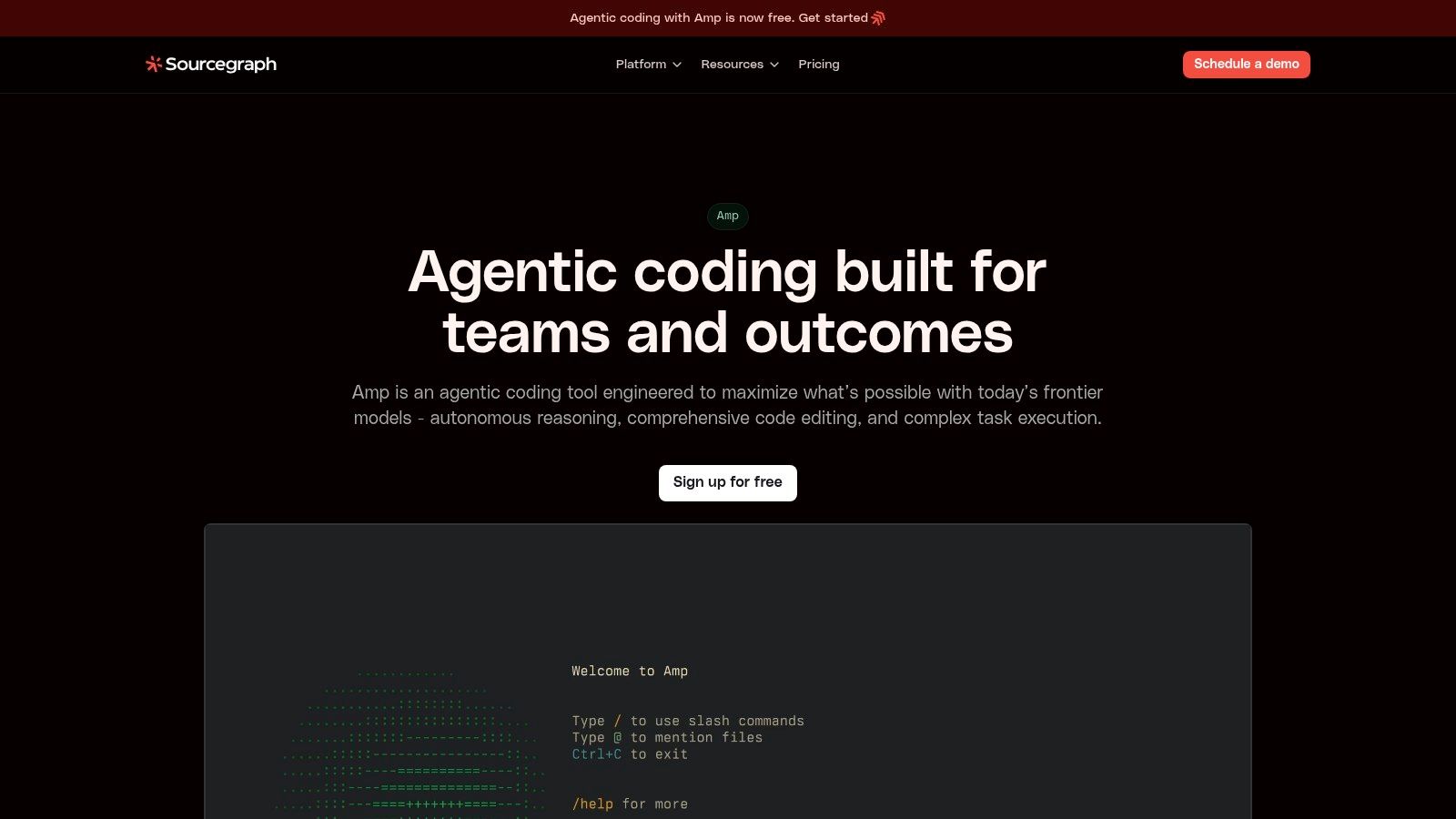
The platform is designed with enterprise security at its core. With features like SSO integration, admin controls, and zero-retention policies for LLM interactions, it meets the stringent compliance needs of large organizations. While its free and pro tiers (formerly Cody) have been discontinued in favor of an enterprise-first model, its prepaid credit system offers some flexibility. This focus makes it less suited for solo developers but an excellent choice for teams needing to securely apply AI across massive, proprietary codebases. The agentic nature of the tool also extends to processes like AI-assisted code review, which can dramatically improve engineering velocity.
Key Details & Features
- Best For: Large enterprises with complex, monolithic codebases that require deep contextual understanding and strict security and compliance controls.
- Pricing: Amp operates on a prepaid credit model, which includes an ad-supported free mode. Code Search and enterprise features are available through custom enterprise plans.
- Key Features:
- Agentic coding with deep, repository-wide context
- Prepaid credit model with a free, ad-supported option
- Enterprise-grade security: SSO, zero LLM retention, admin controls
- Powerful Code Search for organization-wide code navigation
- Website: sourcegraph.com/amp
8. Replit AI (Agent and Assistant)
For developers who prioritize speed from idea to a live application, Replit AI offers a unique, fully-integrated cloud development environment. It’s more than just a code completion tool; it functions as an AI agent that can build, fix, and deploy entire applications from a natural language prompt. This makes it an exceptional GitHub Copilot alternative for rapid prototyping, learning new frameworks, and participating in hackathons where setup time is a critical bottleneck. The entire workflow, from coding to deployment and hosting, exists in a single browser tab.
The platform’s standout feature is its agentic capability. You can ask it to “build a to-do list app with a database and user authentication,” and the AI will create a plan, write the code, and set up the necessary infrastructure within the Replit ecosystem. This seamless integration is its core strength, eliminating the friction of local environment configuration. However, its usage-based pricing for AI actions, billed by “effort,” can be unpredictable for complex tasks. This model, combined with some user feedback on billing clarity, makes it better suited for well-defined, short-term projects rather than large-scale enterprise development.
Key Details & Features
- Best For: Solo developers, students, and teams focused on rapid prototyping, hackathons, and learning without local environment setup.
- Pricing: Offers a Free Tier with limited resources. The Replit Core plan costs $20/member/month and includes bundled usage credits for AI features, with additional credits available for purchase.
- Key Features:
- AI agent for feature implementation, bug fixes, and app scaffolding
- Integrated cloud IDE with database, storage, and one-click deployments
- Real-time, web-based collaboration and project sharing
- Inline code completion and an AI-powered chat assistant
- Website: replit.com/site/ai
9. Anthropic Claude Code
Anthropic’s Claude Code positions itself as a powerful reasoning engine rather than just a code completer, making it a unique alternative to GitHub Copilot. It excels at complex, multi-step coding tasks like refactoring large codebases, generating unit tests, or explaining intricate logic. This agentic approach is particularly useful for tasks that require a deep understanding of context and dependencies, moving beyond simple inline suggestions to act more like a collaborative programming partner.
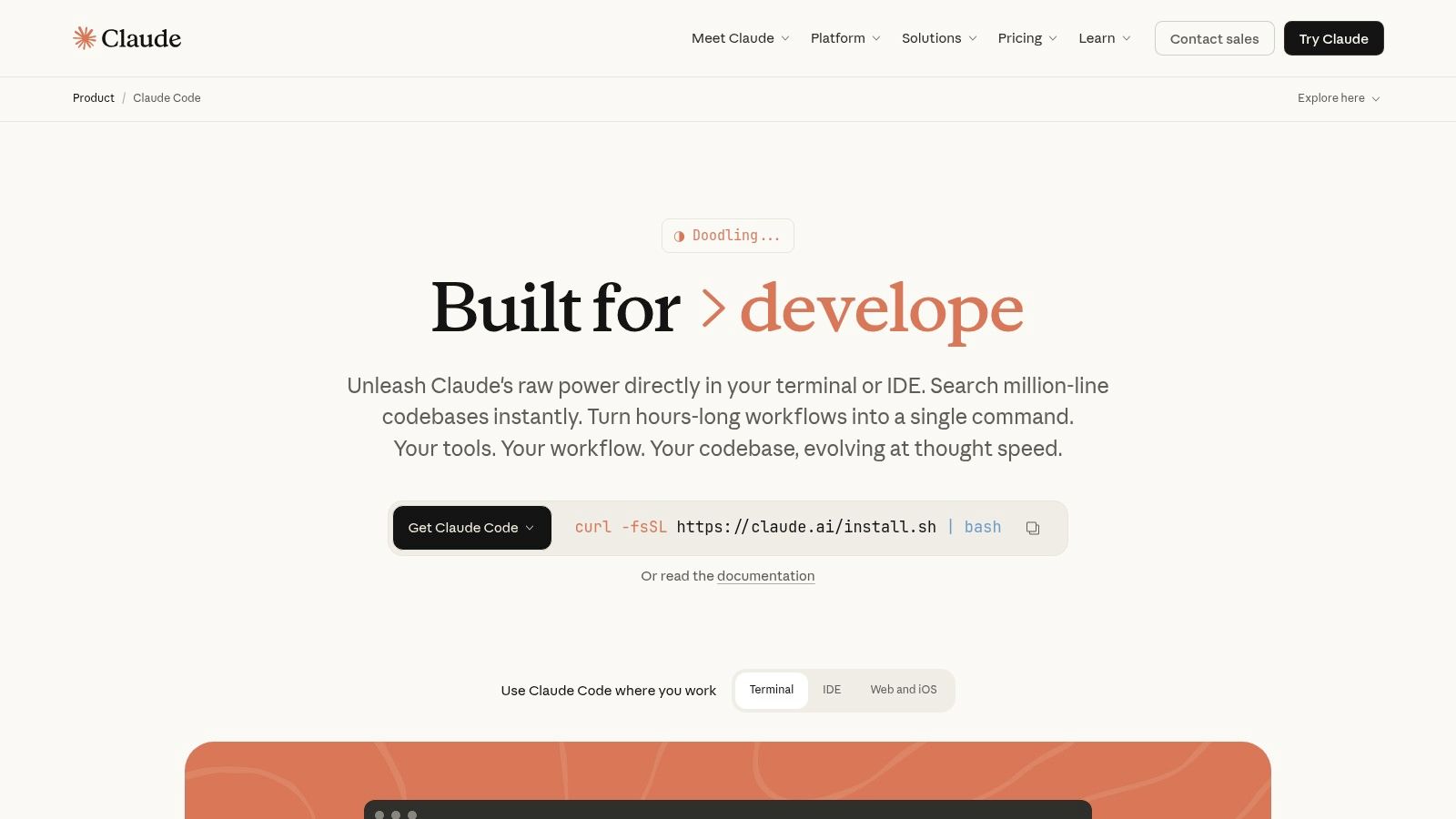
The platform’s strength lies in its conversational and task-oriented interface, where developers can link GitHub repositories and delegate tasks like debugging or even automated pull request generation. For web users, these coding tasks run in secure, managed virtual machines, providing an isolated environment for execution. While the web experience is powerful, its true flexibility is unlocked via its API, allowing teams to integrate its advanced reasoning capabilities directly into their custom development workflows and internal tools. This makes it a strong choice for those who prioritize sophisticated code understanding over basic autocompletion.
Key Details & Features
- Best For: Developers and teams needing an AI assistant for complex refactoring, test generation, and multi-step coding tasks that require strong reasoning.
- Pricing: Available to users with Claude Pro ($20/month), Team ($30/user/month), or Max plans. Also accessible via a pay-as-you-go API.
- Key Features:
- Advanced reasoning for code understanding and transformation
- Agentic coding tasks run in secure managed VMs (web version)
- GitHub repository linking and automated pull request generation
- Flexible access via subscription plans or direct API integration
- Cost tracking and administrative controls for Team plans
- Website: claude.com/product/claude-code
10. GitLab Duo
For organizations deeply invested in the GitLab DevSecOps platform, GitLab Duo is a powerful and seamlessly integrated GitHub Copilot alternative. It extends beyond simple code completion by embedding AI assistance across the entire software development lifecycle, from the IDE to issue tracking and CI/CD pipelines. This end-to-end integration is its core strength, allowing it to provide context-aware support for everything from generating new code and writing tests to summarizing issues and explaining vulnerabilities.
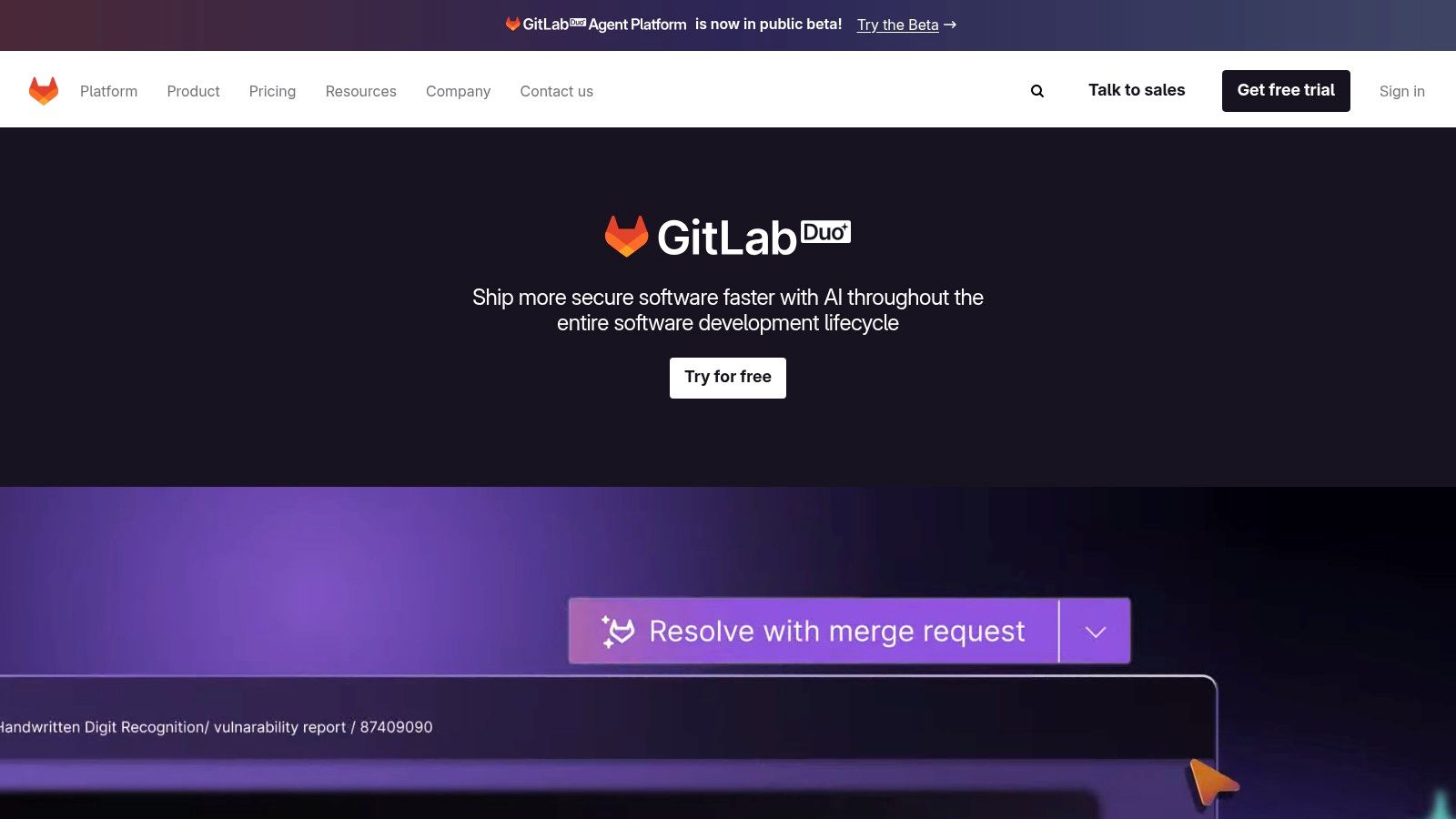
GitLab Duo stands out by offering a holistic AI experience within a single platform. Developers can leverage code suggestions and chat in their IDE, while teams can use AI to review merge requests, perform root cause analysis, and get resolutions for identified security flaws. A key differentiator for security-conscious or highly regulated organizations is the option for a self-hosted, private model deployment, ensuring code and intellectual property never leave their private network. This, combined with robust organizational controls, makes it an excellent choice for enterprises prioritizing both productivity and data privacy within their existing GitLab environment.
Key Details & Features
- Best For: Development teams and enterprises using GitLab who want an AI assistant fully integrated into their existing DevSecOps workflows and toolchain.
- Pricing: The Pro add-on is $19/user/month and requires a GitLab Premium or Ultimate subscription. It includes features like code suggestions, chat, and vulnerability explanations.
- Key Features:
- Inline code generation, refactoring, and AI chat
- AI-powered summaries for issues, epics, and merge requests
- Vulnerability explanation and resolution suggestions
- Root cause analysis for test failures
- Optional self-hosted model deployment for maximum privacy
- Organizational controls and usage analytics
- Website: about.gitlab.com/gitlab-duo
11. Continue.dev
For developers who prioritize customization and control, Continue.dev offers a powerful open-source framework. It acts as a versatile bridge within VS Code and JetBrains, allowing you to connect your IDE to a wide range of large language models. This makes it a standout GitHub Copilot alternative for those who want to bring their own API keys from services like OpenAI, Anthropic, and Google, or even run local models via Ollama for ultimate privacy and offline use.
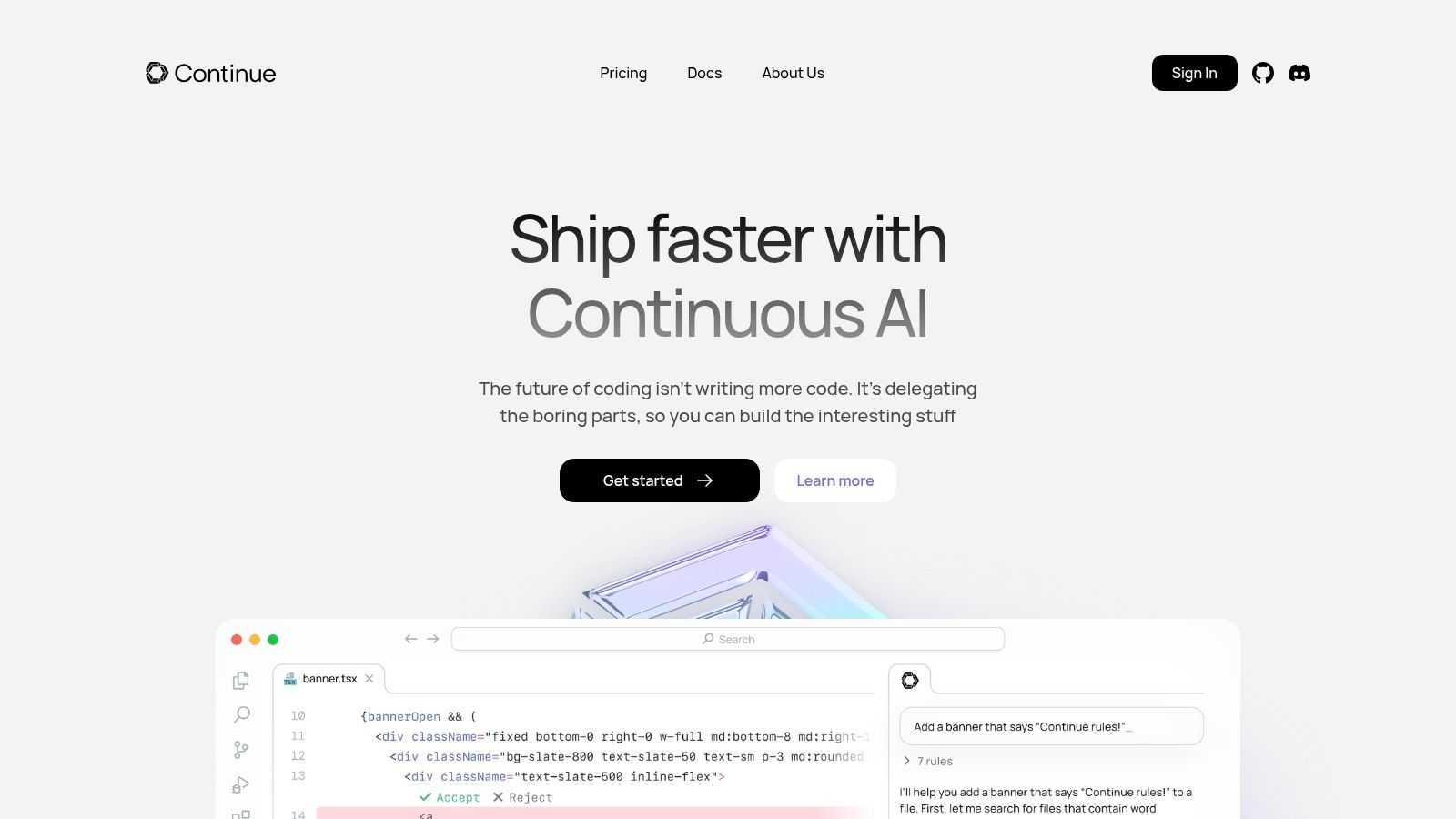
The core strength of Continue.dev is its flexibility. You are not locked into a single ecosystem; instead, you configure the tool to use the models and services you prefer. While this requires more initial setup than all-in-one solutions, it grants unparalleled control over your data and expenses. For teams, the optional hub provides essential governance features, such as centralized model access, secrets management, and organizational controls, making it a scalable and secure option for deploying AI coding assistants enterprise-wide.
Key Details & Features
- Best For: Developers and teams who want to control their AI stack, use local models for privacy, or integrate multiple LLM providers.
- Pricing: The core IDE extension is Free and open-source. Optional hosted models are available as add-ons, and a team hub for enterprise features requires custom pricing.
- Key Features:
- Works with major LLM providers and local models (via Ollama)
- Standard features including autocomplete, chat, and inline edits
- Highly customizable through a
config.tsfile - CLI and CI integrations for automated code reviews and refactors
- Optional team hub for governance and secret management
- Website: continue.dev
12. IBM watsonx Code Assistant
For large enterprises, particularly those with deep investments in IBM or Red Hat ecosystems, IBM watsonx Code Assistant offers a powerful, security-focused alternative to GitHub Copilot. It is designed from the ground up to meet stringent compliance, governance, and data privacy requirements. A key differentiator is its flexibility in deployment, offering both hybrid and on-premises options, which is a critical feature for organizations that cannot send proprietary code to a public cloud service.
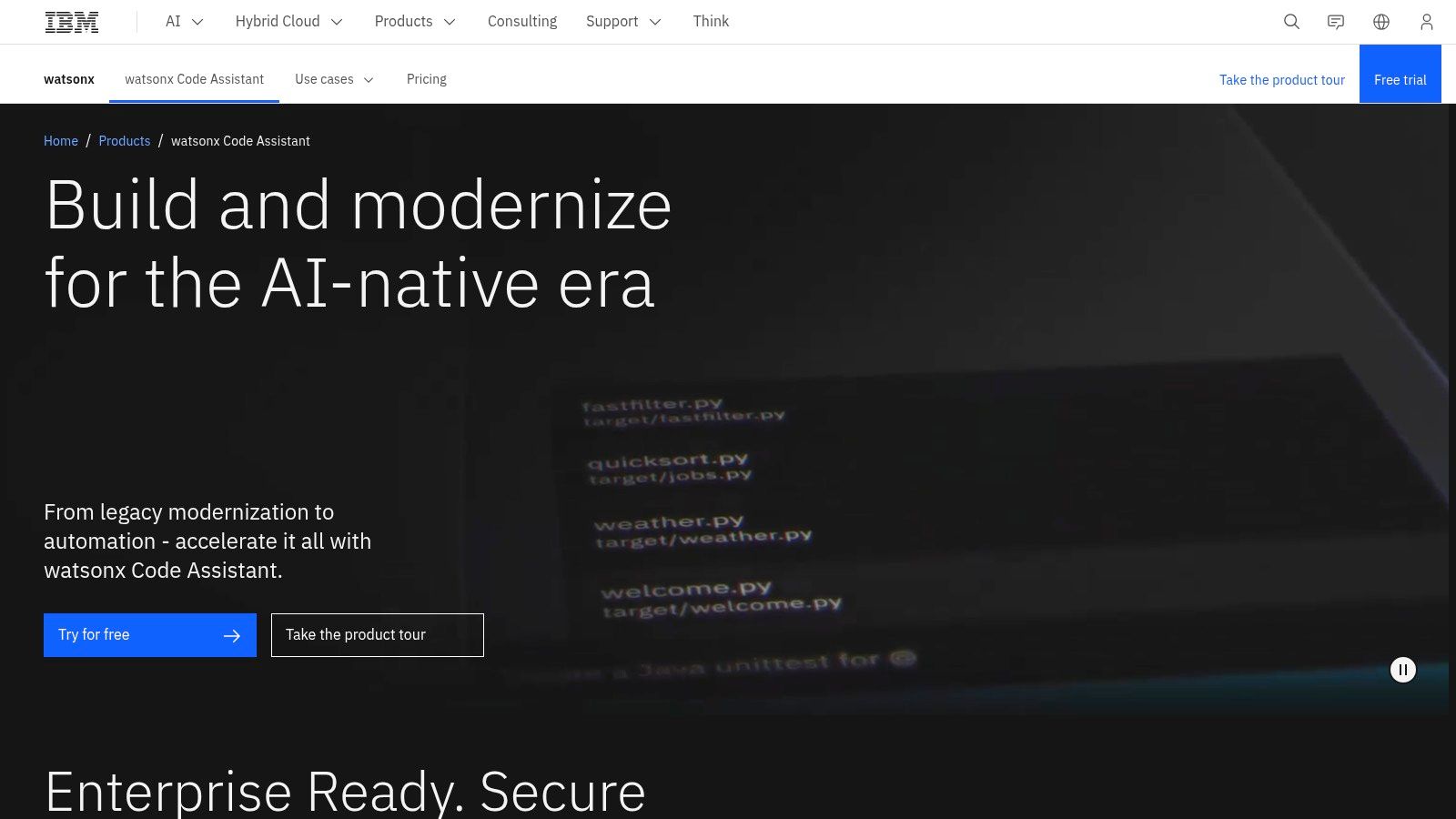
This tool also stands out with its domain-specific assistants, like Ansible Lightspeed, which is purpose-built for generating and explaining infrastructure-as-code playbooks. This targeted approach provides more accurate and relevant assistance for specialized IT automation tasks than a general-purpose coding assistant might. By integrating with the broader watsonx.ai platform, it allows organizations to leverage their own data to fine-tune models, ensuring the AI assistant understands their unique internal libraries and coding standards, a significant advantage for maintaining consistency and security.
Key Details & Features
- Best For: Large enterprises, particularly those in regulated industries or with significant IBM/Red Hat infrastructure, needing on-premises deployment and domain-specific AI assistants.
- Pricing: Complex and enterprise-focused. Pricing typically requires a consultation with the IBM sales team to size usage and determine cost, though free trials are often available.
- Key Features:
- Code generation and translation with enterprise data privacy controls
- Hybrid and fully on-premises deployment options
- Specialized assistants like Ansible Lightspeed for playbook automation
- Integration with the watsonx.ai platform for model fine-tuning
- Built-in governance and compliance features
- Website: www.ibm.com/products/watsonx-code-assistant
Top 12 GitHub Copilot Alternatives Comparison
| Product | Core features | UX / Quality (★) | Value & Pricing (💰) | Target audience (👥) | Unique selling points (✨ / 🏆) |
|---|---|---|---|---|---|
| Amazon Q Developer (AWS) | IDE/CLI/Console inline suggestions, agentic workflows, ref tracking, IAM | ★★★★ enterprise-grade, secure | 💰 Free & Pro; best value in AWS stacks | 👥 AWS teams, enterprises | ✨ Deep AWS/IAM integration, policy controls; 🏆 enterprise governance |
| Google Gemini Code Assist | VS Code & Cloud plugins, large‑context repo support, agent mode | ★★★★ generous free tier, powerful context | 💰 Generous free tier; paid enterprise SKUs | 👥 GCP users, orgs needing large context | ✨ Large context + repo customization; 🏆 Google Cloud integration |
| JetBrains AI Assistant | In‑IDE chat, code gen/refactor, unit test creation, multi‑file edits | ★★★★ native JetBrains UX | 💰 Free local completions; credited cloud features | 👥 JetBrains IDE users | ✨ Project‑aware multi‑file changes; clear quota UX |
| Tabnine | IDE autocomplete/chat, multi‑LLM support, on‑prem/VPC, governance | ★★★★ privacy & enterprise focus | 💰 Enterprise pricing; compliance features | 👥 Enterprises, privacy‑sensitive teams | ✨ On‑prem/VPC deployments, IP indemnification; 🏆 compliance |
| Cursor (Anysphere) | AI‑first editor, inline completions, background agents, Bugbot | ★★★★ fast feature development, model frontier support | 💰 Free tier; paid for advanced/team features | 👥 Teams preferring AI‑first editor | ✨ Background agents & Bugbot for PRs; 🏆 agent workflows |
| Windsurf (Codeium) | Agentic Cascade, unlimited autocomplete, credit‑based plans | ★★★ cost‑effective, evolving feature set | 💰 Credit‑based Pro/Teams; student discounts | 👥 Cost‑sensitive teams, students | ✨ Cascade agents + many model options |
| Sourcegraph Amp | Agentic coding on repos, deep code search/navigation, enterprise controls | ★★★★ optimized for large/complex repos | 💰 Prepaid credits; enterprise focus | 👥 Large orgs with complex codebases | ✨ Deep repo context & search; 🏆 enterprise security & auditing |
| Replit AI | Cloud IDE + Agent for features/fixes, deploys, DB/storage | ★★★ prototyping‑fast, web‑first UX | 💰 Usage‑based billing; workspace credits | 👥 Solo builders, hackathons, rapid prototypes | ✨ Instant cloud dev → deploy loop |
| Anthropic Claude Code | Agentic coding, secure managed VMs, GitHub PR automation | ★★★★ strong multi‑step reasoning | 💰 Included in Pro/Max or API pay‑as‑you‑go | 👥 Teams needing robust reasoning for complex changes | ✨ Secure VMs + reasoning‑led refactors; 🏆 advanced code reasoning |
| GitLab Duo | Embedded code gen/chat/review across GitLab, security & RCA tools | ★★★★ seamless DevSecOps integration | 💰 Per‑seat pricing; requires GitLab tiers for some features | 👥 GitLab customers, DevSecOps teams | ✨ End‑to‑end integration with security context |
| Continue.dev | Open‑source assistant, BYO keys/local models, team hub & CLI | ★★★ DIY but privacy‑first | 💰 Core free/self‑host; hosted add‑ons paid | 👥 Tinkerers, privacy‑focused teams | ✨ Self‑hostable + local models; highly customizable; 🏆 privacy |
| IBM watsonx Code Assistant | Code gen/fixes, hybrid/on‑prem deployment, domain assistants (Ansible) | ★★★★ enterprise/compliance oriented | 💰 Complex enterprise pricing (sales) | 👥 IBM/Red Hat enterprises, regulated orgs | ✨ Hybrid/on‑prem + domain‑specific assistants; 🏆 compliance & procurement support |
Choosing Your Copilot: It’s All About the Workflow
Navigating the landscape of AI coding assistants reveals one clear truth: there is no single “best” tool. The market for GitHub Copilot alternatives has exploded, moving beyond one-size-fits-all solutions to offer specialized assistants tailored to specific ecosystems, privacy needs, and development workflows. The ideal choice isn’t about chasing the model with the most parameters; it’s about finding a partner that deeply integrates into your existing processes and genuinely accelerates your team’s output.
As we’ve seen, a development team heavily invested in the AWS ecosystem will find Amazon Q’s contextual awareness of their infrastructure invaluable. Similarly, a data science team might prefer Google’s Gemini Code Assist for its tight integration with BigQuery and other Google Cloud services. For those building a startup on a modern stack, the all-in-one, AI-first environment of Cursor or the speed of Windsurf might be the perfect fit. Meanwhile, enterprises with strict on-premise or data privacy requirements will naturally gravitate toward self-hosted options like Sourcegraph Amp or the security-focused models from IBM and GitLab.
Key Factors in Your Decision
Making the right choice requires looking past feature lists and considering the practical realities of your day-to-day work. Before committing, your team should reflect on a few core questions:
- Ecosystem Alignment: How critical is integration with your cloud provider (AWS, GCP), SCM (GitLab), or IDE (JetBrains)? A tool that understands your environment’s context will always provide more relevant suggestions.
- Privacy and Security: Where does your code go? Can you use a self-hosted model? Do you need strict zero-retention policies for your code snippets and prompts? This is a non-negotiable for many organizations.
- Customization vs. Simplicity: Do you want an out-of-the-box experience, or do you need the power to connect custom models and build complex, chained prompts like you can with Continue.dev?
- Team vs. Individual Focus: Is this tool for a solo developer, or does it need to support team-wide knowledge sharing, prompt libraries, and consistent usage patterns?
Beyond the Tool: Measuring Real-World Impact
Ultimately, adopting any of these powerful GitHub Copilot alternatives is just the first step. The real challenge, and the greatest opportunity, lies in understanding how your team is using these tools. Are developers saving time? Are they writing better, more effective prompts? Are best practices being shared, or is everyone reinventing the wheel?
This is precisely where a workflow and measurement layer becomes essential. Instead of just having an AI assistant, you need a system to optimize its use. By analyzing usage patterns, tracking time saved, and providing actionable feedback on prompt quality, you can ensure your investment in AI translates directly into measurable productivity gains. Pairing a powerful coding assistant with a dedicated workflow intelligence tool creates a feedback loop that transforms AI adoption from a simple feature into a strategic advantage.
Ready to move from simply using an AI assistant to strategically mastering it? Zest provides the essential workflow and measurement layer for VS Code and Cursor, giving you and your team the visibility needed to optimize your AI usage. Try Zest for free and start turning AI adoption into measurable engineering velocity.
Evaluate Copilot Alternatives
Find an AI partner that deeply integrates into your existing processes and genuinely accelerates your team's output.
📊 Core Metrics
- Ecosystem Fit Score — How well a tool integrates with your specific cloud, IDE, and SCM stack.
- Privacy Compliance — A check on zero-retention policies and self-hosting capabilities.
- Time-to-Value — How quickly a new tool accelerates developer output in a pilot program.
🕹️ My Cheatcodes
- 🌱 Ecosystem First — Prioritize tools with native integration into your core platforms (e.g., AWS, GCP, GitLab).
- 🦎 Test Before You Invest — Run a pilot program with a small team before a full-scale rollout.
- ⚡ Measure Impact — Use a workflow intelligence layer to track real productivity gains, not just feature adoption.
✅ Before Choosing a Tool
- 🔍 Validate ecosystem alignment with your cloud and IDE.
- 📊 Assess privacy and security features (self-hosting, zero-retention).
- 🧭 Compare customization options vs. out-of-the-box simplicity.
- 📈 Define clear success metrics for your AI adoption.
Gallery
Lemon shots



