The Top 7 Cursor Tutorials to Master AI Coding in 2025
Cursor, the AI-first code editor, is transforming how developers write, debug, and refactor code. But moving beyond basic prompts to truly leverage its power requires dedicated learning. The challenge isn’t a lack of resources, but finding the right ones that match your skill level, learning style, and specific goals. Many developers struggle to sift through generic advice to find structured, high-quality cursor tutorials that deliver tangible skills.
This curated roundup cuts through the noise. We present the seven best platforms and guides for mastering Cursor, from beginner setups to advanced, AI-driven workflows. To fully grasp Cursor’s strengths and unique features, it’s beneficial to understand its position relative to other AI coding environments. You can compare Cursor with other AI coding solutions like Claude Code to see how its integrated approach differs from assistant-based plugins.
Our goal is to help you find the perfect path to becoming a proficient AI-assisted developer. Each option in this list includes a detailed summary, key learning outcomes, format, difficulty, and direct links with screenshots to get you started immediately. Whether you’re a solo developer, an engineering manager, or a CTO, you’ll find a tutorial here to help you or your team integrate AI into your development process effectively and measurably.
1. Cursor Docs: The Official Starting Point
Before diving into community-created content, the best place to start any learning journey is at the source. The official Cursor documentation serves as the single source of truth for the editor. It provides the most accurate and up-to-date information, ensuring you build your skills on a solid foundation.
Think of the docs as your foundational layer. They are meticulously maintained by the creators of Cursor, so you can trust that the features described work exactly as stated. This is especially crucial for a tool that evolves as rapidly as Cursor, with new AI capabilities and workflow enhancements released frequently.
What You’ll Learn
The documentation is structured to get you productive immediately. The “Quickstart” guide is an essential first step for anyone new to the editor.
- Core AI Workflows: Master the fundamentals, including generating code with
Cmd/Ctrl+K, using the integrated AI Chat panel, and leveraging AI-powered Tab completions. - Essential Commands: Learn critical commands like
@symbols to bring files or documentation into the AI’s context, andCmd/Ctrl+Lto chat with a selection of code. - Setup and Configuration: Get guidance on installation, migrating your settings from VS Code, and configuring your keybindings for maximum efficiency.
- Advanced Features: Discover powerful but less obvious features like “Auto-debug” for fixing errors and using the “Codebase Answers” for project-wide queries.
Why It Stands Out
While video tutorials offer visual learning, the official documentation provides precision and speed. It’s the fastest way to look up a specific command or understand the nuances of a new feature without scrubbing through a video. The information is dense, well-organized, and directly from the source.
Zest Pro-Tip: Use the official docs to establish a baseline for your AI-assisted sessions. Before trying complex prompting techniques you find elsewhere, verify the core functionality in the docs. This prevents you from trying to use a feature in a way it wasn’t designed for.
For developers and engineering managers aiming to standardize tool usage, pointing the team to the official docs first ensures everyone shares the same vocabulary and understanding of core mechanics. It’s a free, high-quality resource that guarantees you’re learning the tool as its creators intended. This makes it one of the most indispensable cursor tutorials available.
| Feature | Description | Ideal For |
|---|---|---|
| Quickstart Guide | A step-by-step walkthrough of installation and core features. | Absolute beginners. |
| Keyboard Shortcuts | A comprehensive list of default keybindings to accelerate your workflow. | Users migrating from other editors. |
| Release Notes | Detailed updates on new features, bug fixes, and improvements. | Experienced users staying up-to-date. |
| Pricing | Free for basic use, with Pro and Business tiers for more advanced features and higher AI usage limits. | All users. |
Access the tutorial here: Cursor Docs
2. Udemy: Structured Video Courses for Deep Dives
For learners who thrive in a structured, project-based environment, Udemy offers a marketplace of video courses dedicated to mastering Cursor. Unlike scattered YouTube videos, these courses provide a comprehensive curriculum, guiding you from foundational concepts to building real-world applications with the AI-first editor.
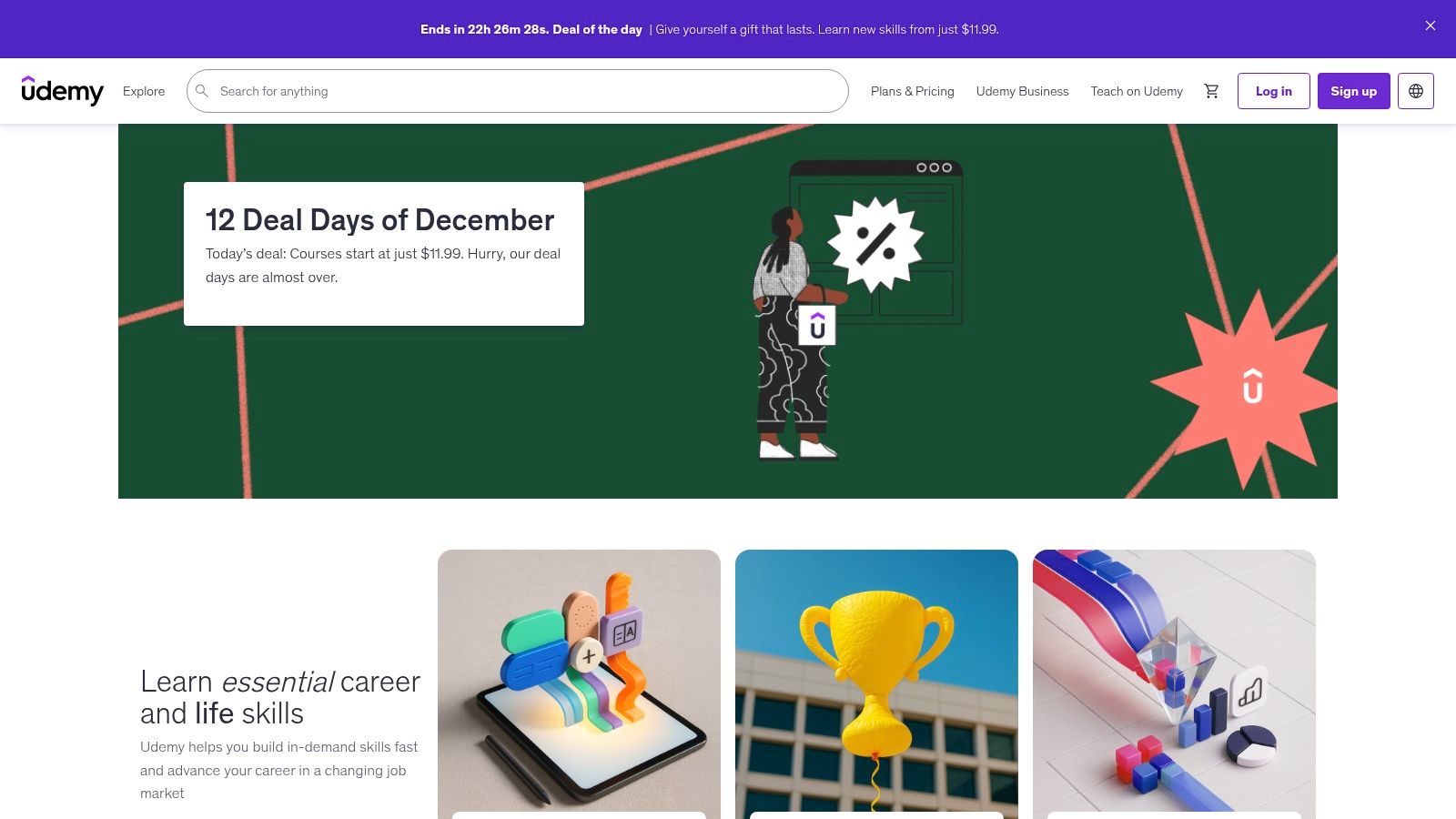
Udemy’s model is ideal for self-paced learning. You buy a course once and get lifetime access, allowing you to revisit complex topics or catch up on updates whenever you need to. This is especially useful for developers looking to upskill on their own schedule, with the added benefit of social proof like student ratings and reviews to help you choose the best instructor.
What You’ll Learn
Course content varies by instructor, but most high-quality cursor tutorials on Udemy cover a similar set of practical skills. They often center around a specific project, like building a full-stack web app or a Python data analysis tool.
- Project-Based Workflows: Learn how to use Cursor to build complete applications, from initial setup and code generation to debugging and refactoring.
- Advanced AI Features: Go beyond basic prompting to explore features like Composer for multi-file edits, Privacy Mode for sensitive code, and using Rules to enforce coding standards.
- Practical Prompt Engineering: Discover how to write effective prompts that get the AI to generate, explain, and fix code exactly as you intend. You can learn more about best practices for Cursor AI to complement these courses.
- Integrating with Existing Tools: See how to seamlessly integrate Cursor into a modern development stack, including Git, Docker, and various frameworks.
Why It Stands Out
Udemy’s primary advantage is its structured, long-form format. While official docs are great for quick lookups, a well-designed course provides a narrative learning path that builds concepts sequentially. The project-based approach ensures you don’t just learn features in isolation; you learn how to apply them to solve real problems.
Zest Pro-Tip: Don’t just watch the videos. Actively code along with the instructor in one window while you watch in another. When you encounter an error, use Cursor’s “Auto-debug” feature before looking at the instructor’s solution. This active participation will dramatically improve your retention.
The mix of free and paid options allows you to sample an instructor’s style before committing. For teams, purchasing a highly-rated course for all members can be an effective way to standardize onboarding and establish a shared baseline of skills.
| Feature | Description | Ideal For |
|---|---|---|
| Video Lectures | Step-by-step video demonstrations with project files and code-alongs. | Visual learners who prefer a guided path. |
| Lifetime Access | Pay once to access the course content forever, including future updates. | Self-paced learners and budget-conscious devs. |
| Social Proof | Student ratings, reviews, and enrollment numbers help identify high-quality courses. | Users wanting to vet content quality first. |
| Pricing | Courses are individually priced, often with frequent sales. Some instructors offer free introductory courses. | All users. |
Access the tutorial here: Udemy
3. Educative.io: Structured, Project-Based Learning
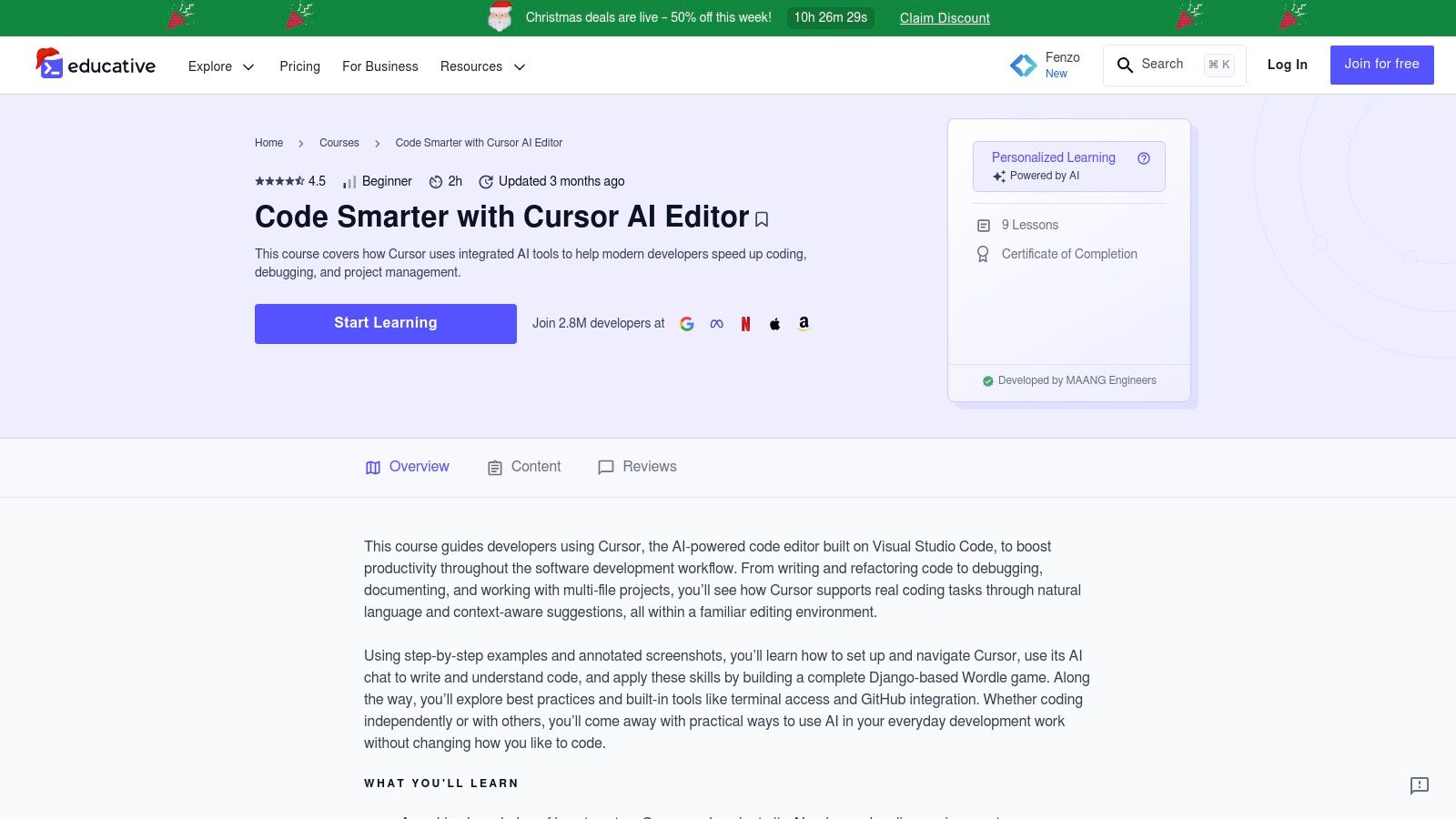
For developers and teams who prefer a structured, curriculum-driven approach, Educative.io offers interactive courses that go beyond simple video walkthroughs. Its text-based format, combined with in-browser coding environments, allows you to learn and apply concepts simultaneously without context switching.
This platform is ideal for those who want to build tangible projects while mastering Cursor’s AI capabilities. Instead of passively watching a tutorial, you are actively coding, debugging, and building within a guided, hands-on environment. This project-centric model ensures you not only understand the features but can apply them to real-world development scenarios.
What You’ll Learn
Educative’s courses are designed as complete learning paths, taking you from fundamentals to advanced enterprise workflows. They are particularly strong for teams aiming to standardize skills.
- Project-Based Workflows: Build a full application from scratch, like a Django-based Wordle clone, using Cursor’s AI to generate, refactor, and debug code.
- Advanced AI Techniques: Move beyond basic prompts to tackle complex tasks such as setting up CI/CD pipelines, advanced debugging sessions, and managing dependencies with tools like Composer.
- Enterprise-Level Skills: Learn how to use Cursor for codebase-wide queries, understand complex legacy code, and apply AI to improve long-term project maintainability.
- Efficient Prompting: Get practical examples and annotated screenshots that demonstrate how to structure prompts for optimal results, a key skill for any developer using AI.
Why It Stands Out
While YouTube offers variety, Educative provides a curated and interactive learning path that is difficult to replicate with standalone videos. The browser-based lessons mean you can start learning immediately with zero setup. Its focus on building complete projects makes it one of the best cursor tutorials for developers who learn by doing. The structured format is also perfect for engineering managers who need a reliable training resource for their teams.
Zest Pro-Tip: Use the project-based courses as a team-wide upskilling exercise. Have everyone complete the same project, then hold a session to compare how different prompt strategies led to different outcomes. This builds a shared understanding of effective AI collaboration. For any roadblocks, our guide to common Cursor issues can help your team self-serve solutions.
The main drawback is that most high-value content requires a subscription, but for teams investing in productivity, the structured, hands-on approach offers a clear return on investment by building practical, applicable skills.
| Feature | Description | Ideal For |
|---|---|---|
| Interactive Environments | In-browser coding sandboxes for hands-on practice without local setup. | Learners who value practical application. |
| Full Project Builds | Step-by-step guides to creating complete applications using Cursor. | Developers wanting real-world experience. |
| Enterprise Workflows | Modules covering advanced topics like CI/CD, legacy code analysis, and debugging. | Senior developers and engineering teams. |
| Subscription Access | Most courses are part of the Educative Unlimited subscription, offering access to their entire catalog. | Individuals and teams seeking deep dives. |
Access the tutorial here: Educative.io
4. Codecademy: The Structured Onboarding Course
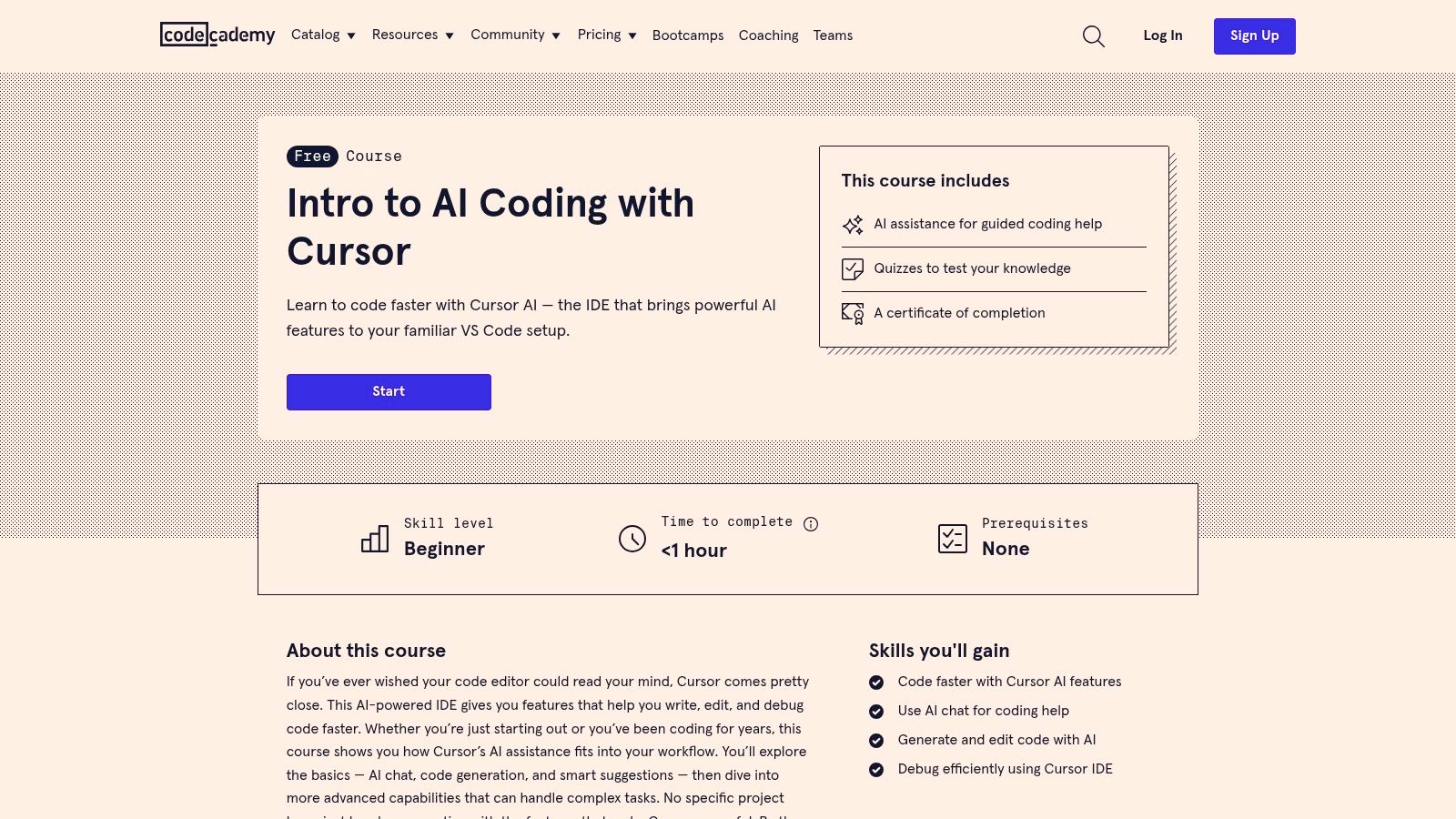
For teams and individuals who prefer a structured, self-paced learning environment, Codecademy’s “Intro to AI Coding with Cursor” offers a polished and accessible starting point. This free course is designed to get absolute beginners comfortable with Cursor’s core AI functionalities in under an hour, making it an ideal onboarding tool.
Unlike free-form video tutorials, Codecademy provides an interactive experience with knowledge checks and a clear path to completion. This guided approach removes the guesswork, ensuring that new users learn the foundational skills in a logical order without feeling overwhelmed. It establishes a baseline of competence quickly and effectively.
What You’ll Learn
The curriculum is focused squarely on the fundamentals needed to start leveraging AI in the editor. It’s less about advanced techniques and more about building initial confidence and familiarity.
- AI Chat Basics: Learn how to interact with the integrated AI chat panel to ask questions, get explanations, and debug code.
- Code Generation: Master the
Cmd/Ctrl+Kcommand to generate new code blocks from natural language prompts. - Code Editing and Refactoring: Understand how to select existing code and use AI to edit, refactor, or improve it.
- Smart Suggestions: Discover how to use Cursor’s AI-powered suggestions and inline diffs to accept or reject changes efficiently.
Why It Stands Out
Codecademy’s main advantage is its trusted, consistent learning user experience. For engineering managers, it offers a standardized and trackable way to onboard new hires or upskill an entire team on Cursor. The inclusion of a completion certificate provides a simple mechanism to verify that team members have completed the basic training.
While it lacks the depth of more advanced cursor tutorials, its strength lies in its speed and simplicity. It’s the perfect resource to send to someone who has never used an AI-native editor before, providing a frictionless introduction to the core concepts.
Zest Pro-Tip: Use this course as a prerequisite for your team’s internal AI training. By having everyone complete the Codecademy module first, you ensure a shared vocabulary and foundational understanding. This allows your internal sessions to focus on more advanced, project-specific workflows instead of covering the basics.
For developers looking for a fast, no-cost way to get oriented, or for teams needing a scalable onboarding solution, this course is an excellent and efficient choice.
| Feature | Description | Ideal For |
|---|---|---|
| Interactive Lessons | Guided modules with explanations and embedded knowledge checks. | Beginners who prefer a structured learning path. |
| Completion Certificate | A shareable certificate awarded upon finishing the course. | Teams tracking training completion. |
| Zero Prerequisites | Designed for anyone, regardless of prior experience with AI coding tools. | New hires or developers new to AI editors. |
| Pricing | The course is completely free to access. | All users. |
Access the tutorial here: Intro to AI Coding with Cursor
5. egghead.io: Tactical Workshops for Practitioners
For developers who prefer concise, code-first instruction over lengthy theoretical courses, egghead.io offers a different learning format. Their workshop-style approach focuses on delivering practical, tactical workflows for Cursor that you can apply immediately, making it ideal for practitioners who want to level up specific skills quickly.
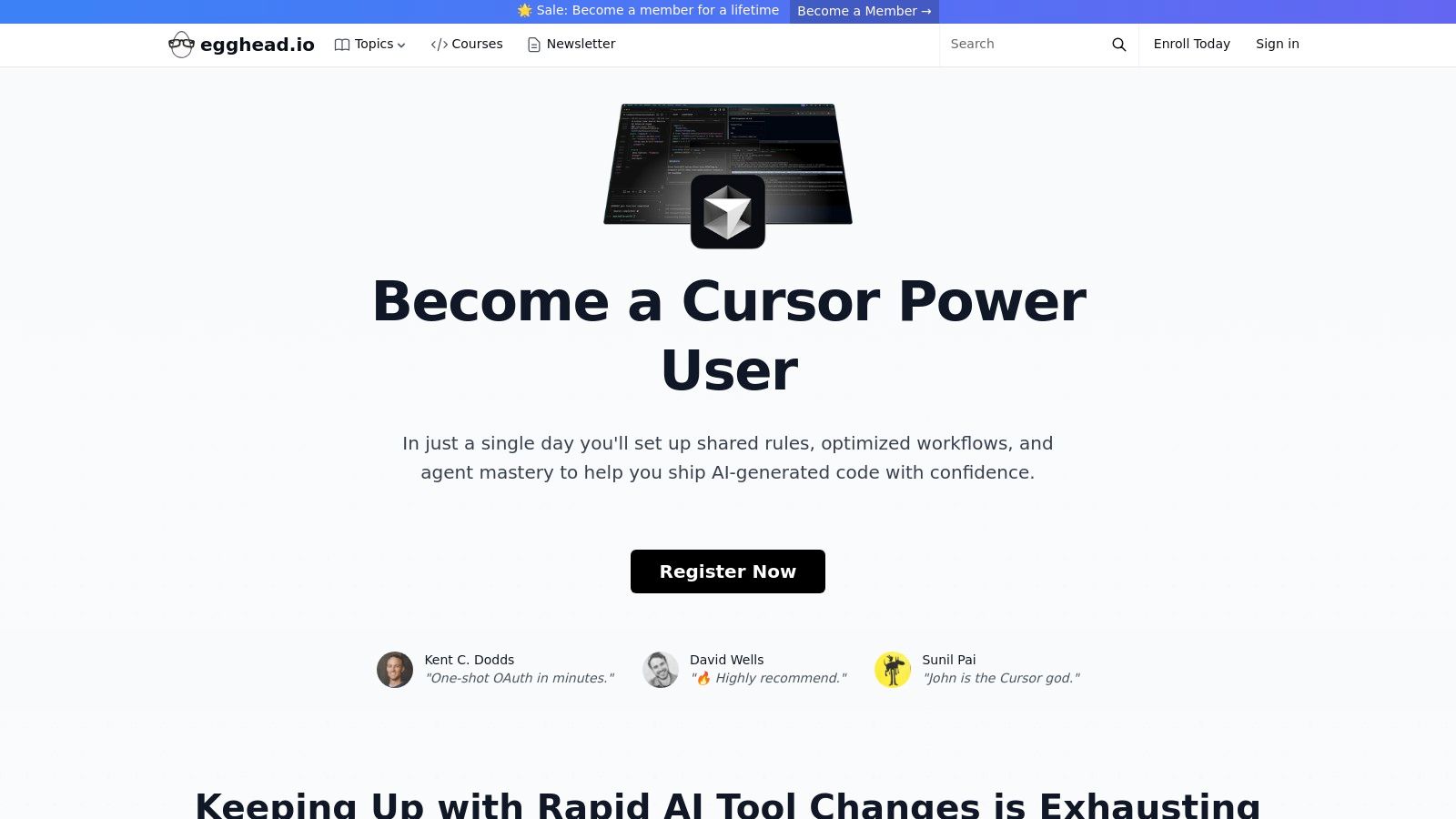
Think of these workshops as focused masterclasses rather than broad introductions. They are designed for developers who may already be familiar with AI-assisted editors but need guidance on advanced techniques and overcoming common failure modes. The content often compares workflows across different AI IDEs, giving you a broader context for why Cursor’s approach is effective for certain tasks.
What You’ll Learn
The curriculum is built around hands-on, real-world scenarios that professional developers face daily. Instead of just listing features, the workshops teach you how to think with the AI.
- Agent Mastery: Go beyond simple prompts and learn to master Cursor’s AI agent in both “Ask” and “Manual” modes for complex problem-solving.
- Multi-File Analysis: Discover strategies for analyzing and refactoring code that spans multiple files, a common challenge in large projects.
- Current Tactics: Learn up-to-date techniques that work with the latest versions of Cursor, including how to handle situations where the AI gets stuck or provides incorrect output.
- Practical Workflows: Gain expertise in specific tasks like debugging with AI, generating boilerplate code intelligently, and performing large-scale refactors with confidence.
Why It Stands Out
Unlike self-paced video platforms, egghead.io’s workshop format (both live and recorded) provides an instructor-led, focused experience. The lessons are dense with actionable information and cut straight to the code, respecting the time of busy developers. This makes it one of the best cursor tutorials for targeted skill acquisition.
Zest Pro-Tip: Use egghead.io workshops to diagnose and fix inefficiencies in your current AI workflow. If you find yourself repeatedly struggling with a specific task in Cursor, a targeted workshop can provide the tactical breakthrough you need to get unblocked.
The primary drawback is that workshop availability can be limited, and pricing varies. However, for a team looking to quickly adopt advanced Cursor strategies, investing in a workshop can provide a significant and immediate return by establishing best practices from the start.
| Feature | Description | Ideal For |
|---|---|---|
| Workshop Format | Live or recorded instructor-led sessions focused on tactical, code-first lessons. | Developers wanting hands-on guidance. |
| Agent Workflows | Deep dives into mastering the AI agent for complex, multi-file tasks. | Intermediate and advanced users. |
| Comparative Context | Content often compares techniques across different AI IDEs, highlighting Cursor’s strengths. | Devs evaluating or standardizing tools. |
| Pricing | Varies by workshop; can be a one-time purchase or part of a subscription. | Individuals and teams. |
Access the tutorial here: egghead.io Workshop: Cursor
6. Class Central
For those who prefer learning from a variety of creators and formats, Class Central serves as a powerful discovery engine. Instead of hosting its own courses, it aggregates and curates free video tutorials from platforms like YouTube, bringing diverse perspectives on Cursor into one searchable directory. This makes it an excellent hub for finding content that matches your specific learning style without endless searching.
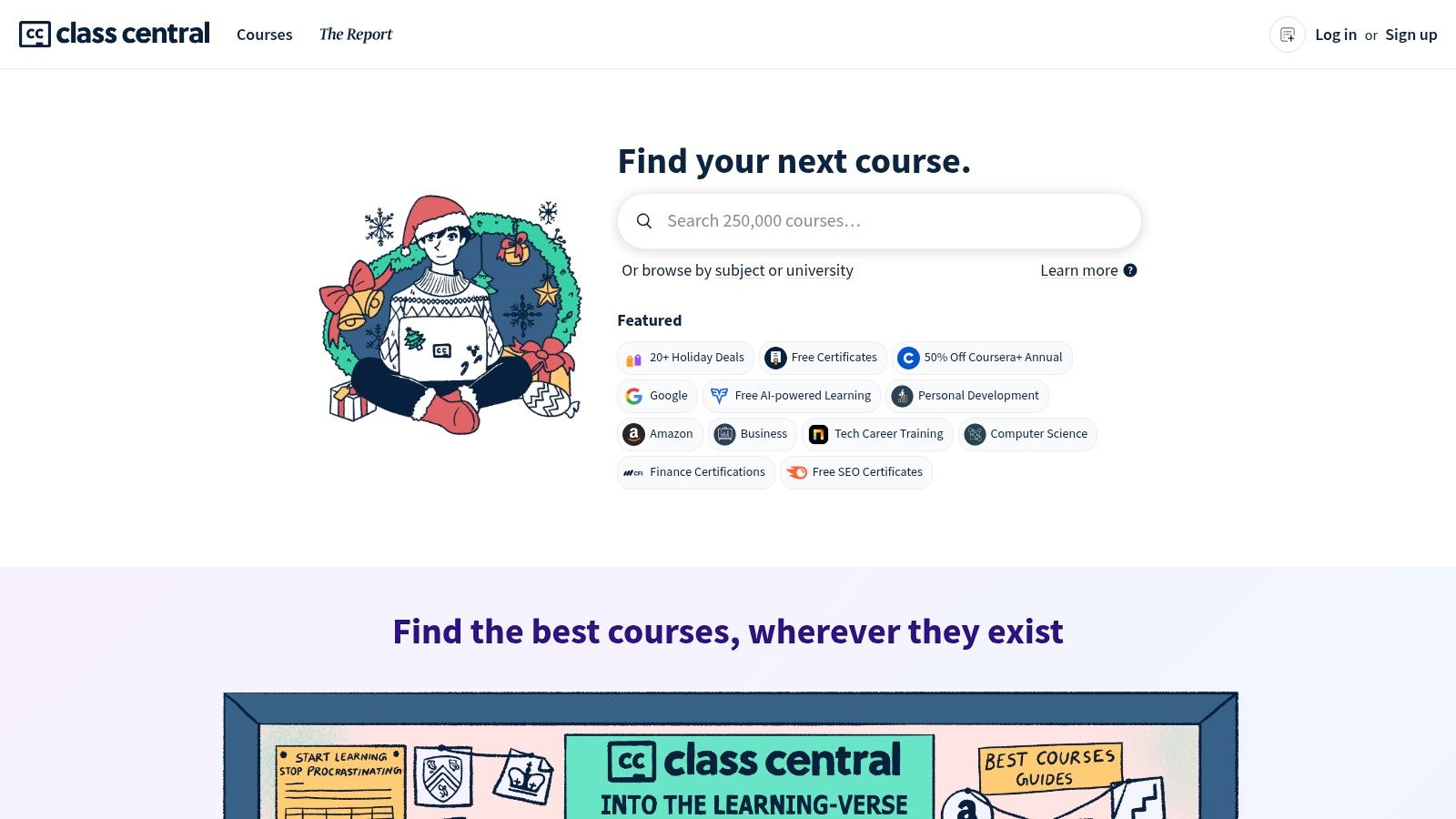
Think of Class Central as your meta-layer for video-based cursor tutorials. It saves you the time and effort of sifting through YouTube’s algorithm by presenting a focused catalog of relevant content. You can quickly see who is creating tutorials, what topics they cover, and access them directly, often with helpful summaries to guide your choice.
What You’ll Learn
The aggregated nature of Class Central means the curriculum is broad and constantly updated by the community. You can find videos covering the full spectrum of Cursor’s capabilities.
- Creator-Led Overviews: Get introductory walkthroughs and first impressions from various developers, which can offer unique tips and workflow ideas.
- Feature-Specific Demos: Find targeted videos on new releases, such as demonstrations of the Composer model or breakdowns of major updates like Cursor 2.0.
- Comparative Analysis: Discover content that compares Cursor with other AI coding assistants like GitHub Copilot, helping you understand its unique advantages.
- Advanced Use Cases: Some creators dive into more niche topics like security analysis or integrating Cursor into complex, existing development environments.
Why It Stands Out
While individual YouTube channels are great, Class Central provides a structured, ad-light discovery experience. It excels at helping you stay current, as new videos about rapidly evolving features are continuously added. It also allows you to track your learning journey by creating an optional account to mark videos as complete and receive recommendations. The main trade-off is that quality can vary significantly from one creator to another.
Zest Pro-Tip: Use Class Central as a “pulse check” on the Cursor ecosystem. Once you’ve mastered the fundamentals from the official docs, browse this aggregator to see what advanced users and new creators are experimenting with. This is a great way to discover novel prompting techniques or workflow hacks you wouldn’t find otherwise.
For managers, recommending Class Central to your team encourages self-directed learning. It empowers developers to find tutorials that resonate with them personally, fostering a more organic and engaged adoption of the tool across different skill levels and project needs.
| Feature | Description | Ideal For |
|---|---|---|
| Aggregated Video Catalog | A curated collection of free Cursor tutorials from various creators, primarily on YouTube. | Users seeking diverse perspectives and learning styles. |
| Topic Summaries | Brief descriptions of what each video covers, helping you choose the right content quickly. | Anyone looking for specific feature demonstrations. |
| Optional Learning Tracker | Create a free account to track completed videos and build a personalized learning path. | Developers who want to structure their learning journey. |
| Pricing | The platform and all aggregated content are completely free to access. | All users. |
Access the tutorial here: Class Central
7. Gumroad (creator guides)
While broad platforms offer general overviews, sometimes you need a hyper-focused guide tailored to your specific tech stack. Gumroad, a marketplace for independent creators, fills this niche perfectly. Here, you’ll find specialized, paid cursor tutorials and playbooks written by practitioners who use the editor daily for specific domains, such as iOS development or data science.
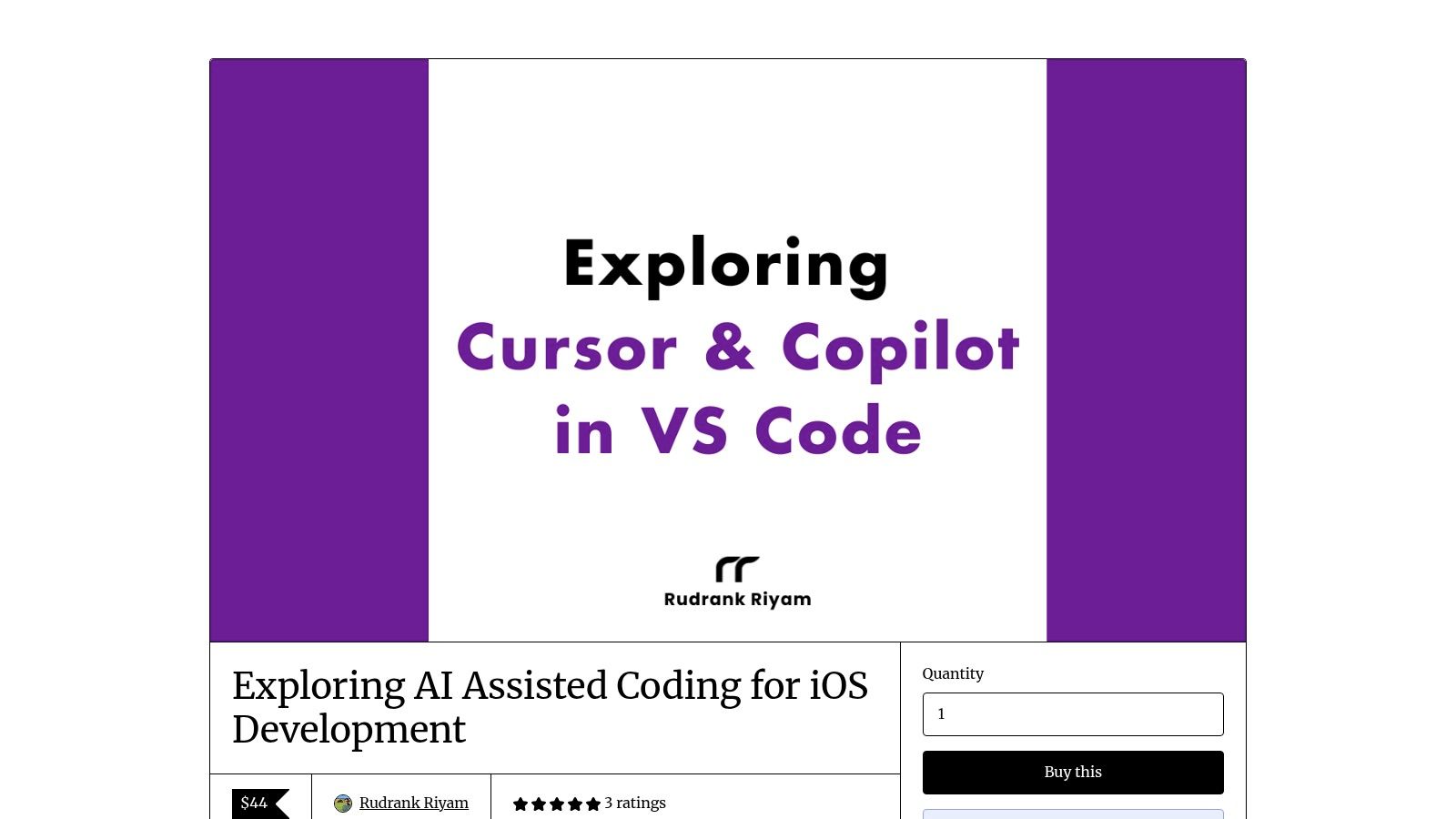
Think of Gumroad guides as concentrated knowledge packs. Instead of a 10-hour course covering every feature, you get a direct, one-time purchase that solves a particular problem. These guides often include companion resources like code snippets, project templates, or access to a private community, providing value beyond just the text.
What You’ll Learn
The content is highly variable, as it depends on the creator’s expertise. However, a high-quality guide will typically offer deep, practical insights into a specific workflow.
- Domain-Specific Workflows: Learn how to apply Cursor’s AI to a particular technology, like using it to accelerate SwiftUI development, debug Python data pipelines, or generate boilerplate for a new React Native component.
- Production-Ready Prompts: Get access to the exact prompts and commands that experts use to solve real-world problems, moving beyond generic “write a function to…” examples.
- Advanced Context Management: Discover how to effectively bring in documentation, library source code, and specific project files to help Cursor’s AI understand complex, domain-specific tasks.
- Integrated Tooling: Some guides may include scripts or configuration files to help you integrate Cursor more deeply into your existing development environment.
Why It Stands Out
The key differentiator for Gumroad is its specificity. You are not just learning about Cursor; you are learning how to use Cursor for your job. A guide titled “Mastering Cursor for iOS” provides immediately applicable techniques that a general tutorial simply cannot match. The content is crafted by someone who has already navigated the learning curve for that exact use case.
Zest Pro-Tip: Vet the creator before purchasing. Look for creators who are active on social media (like X/Twitter), have a blog, or contribute to open-source projects in the domain they are teaching. This helps ensure you are learning from a credible and experienced practitioner.
While quality can vary, finding a gem on Gumroad can accelerate your learning in a way no other resource can. It’s the perfect place to look when you have a specific, practical goal in mind and want a direct path to achieving it.
| Feature | Description | Ideal For |
|---|---|---|
| Niche-Specific Content | Deep dives into using Cursor for specific languages, frameworks, or roles (e.g., iOS, data analysis). | Developers with a specialized tech stack. |
| One-Time Purchase | Buy once and get lifetime access, often including future updates to the material. | Users who prefer ownership over subscriptions. |
| Creator-Driven Resources | Guides are authored by individual practitioners, offering real-world, battle-tested advice and workflows. | Learners seeking practical, non-corporate insights. |
| Variable Quality | As an open marketplace, the quality and depth of content can differ significantly from one creator to another. | Users willing to research creators before buying. |
Access the tutorial here: Example Gumroad Guide for Cursor
Cursor Tutorials: Top 7 Comparison
| Resource / Source | Implementation Complexity 🔄 | Resource Requirements ⚡ | Expected Outcomes 📊 / Quality ⭐ | Ideal Use Cases 💡 | Key Advantages ⭐ |
|---|---|---|---|---|---|
| Cursor Docs | Low — step‑by‑step guides and reference | Very low — free web docs | Accurate, up‑to‑date baseline knowledge; strong alignment with releases | Onboarding, quick lookups, learning new features | Official, current, concise walkthroughs |
| Udemy | Medium — course‑by‑course structure | Medium — some paid; time investment per course | Practical project skills; quality varies by instructor | Self‑paced deep dives and project-based learning | Large selection; ratings and lifetime access |
| Educative.io | Medium — interactive text+code paths | Medium‑High — subscription often required | Project‑centric mastery; good for engineering workflows | Team upskilling, hands‑on project builds, advanced topics | Structured paths, enterprise features, real projects |
| Codecademy | Low — short, guided module | Low — often free, ~1 hour | Basic familiarity and certificate; limited depth | Fast onboarding, baseline knowledge for teams | Free entry, consistent UX, quick completion |
| egghead.io | Medium — concise, workshop format | Medium — paid workshops; limited schedules | Tactical, code‑first skills for practitioners | Experienced devs seeking focused tactics | Instructor‑led, concise, practical demonstrations |
| Class Central | Low — curated aggregator | Very low — free links; optional account | Broad exposure to videos; discovery of varied perspectives | Staying current, finding topical tutorials quickly | Free curated catalog across creators |
| Gumroad (creator guides) | Medium — niche, practitioner authored | Low‑Medium — one‑time purchase per guide | Deep, domain‑specific workflows and scripts | Specialists needing stack‑specific playbooks (e.g., iOS) | Focused deep dives; practical, ready‑to‑use examples |
Start Learning Today and Transform Your Workflow
You’ve just explored a comprehensive list of high-quality cursor tutorials, from the official documentation to project-based courses on Udemy and tactical workshops on Gumroad. The path to mastering Cursor isn’t about finding a single, perfect resource. It’s about building a personalized learning plan that matches your current skill level, your preferred learning style, and your specific career goals.
The journey from a beginner experimenting with basic prompts to an advanced developer crafting complex, multi-file refactors is an investment in your productivity. The resources we’ve covered provide the roadmap. Now, the key is to move from passive learning to active implementation. Don’t just watch the videos or read the guides; apply the techniques in your daily work.
Key Takeaways and Your Next Steps
To make your learning stick, focus on creating a powerful feedback loop. It’s not enough to simply use Cursor; you need to understand how you’re using it and where you can improve. This is where intention and measurement become critical.
Here’s how to choose your next step and start applying what you’ve learned:
- For Absolute Beginners: Start with the official Cursor Docs. They are the source of truth and provide the foundational knowledge you need to understand core features like AI chat, inline edits, and code generation. Your goal is to get comfortable with the interface and basic commands.
- For Structured Learners: If you thrive with a curriculum, a platform like Udemy or Codecademy is your best bet. These courses offer a clear progression from simple to complex concepts, often including hands-on projects that solidify your understanding.
- For Experienced Developers: If you’re already proficient with VS Code and AI concepts, look to egghead.io or specialized creator guides on Gumroad. These resources offer focused, high-impact tutorials on advanced techniques, such as custom prompt engineering and automating complex refactoring tasks.
Implementing Your Learning for Maximum Impact
Once you’ve selected a tutorial, the real work begins. Integrating a new tool into a deeply ingrained workflow requires a deliberate approach. Don’t try to change everything at once. Instead, identify one or two specific tasks in your daily routine where Cursor could provide a significant advantage.
Consider these factors as you begin:
- Start Small: Pick a low-stakes task, like writing unit tests for a simple function or refactoring a small, well-understood module. This builds confidence and helps you learn the tool’s nuances without the pressure of a looming deadline.
- Document Your Prompts: Keep a running log of the prompts that work well for specific tasks. This becomes your personal “cookbook” for effective AI-assisted development, saving you time and ensuring consistent results.
- Measure Your Sessions: How can you be sure you’re getting faster? Track metrics like time-to-completion for common tasks, the number of AI-suggested changes you accept, or the complexity of the code you can generate with a single prompt.
Crucial Insight: The most significant productivity gains don’t come from just using an AI tool. They come from systematically improving how you use it. This involves reflecting on your AI interactions, identifying patterns of inefficiency, and actively refining your prompting strategies.
By thoughtfully selecting from the cursor tutorials we’ve outlined and applying these implementation principles, you are not just learning a new editor. You are fundamentally upgrading your entire development process. You are building a skill set that will define the next generation of software engineering, one where human creativity is amplified by intelligent, context-aware tools. The future of coding is collaborative, and your journey to mastering that collaboration starts now.
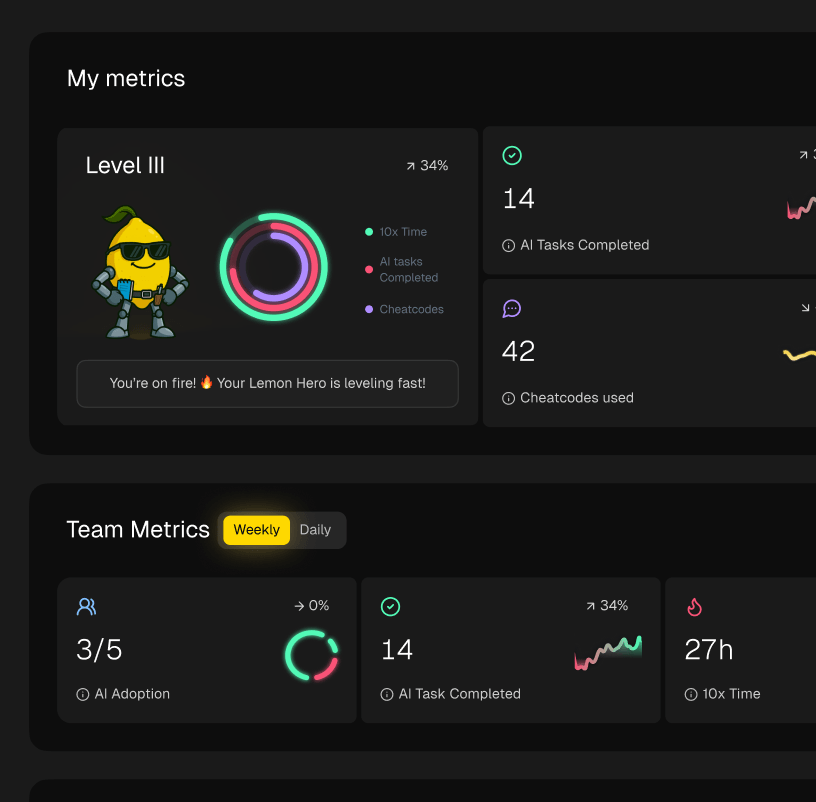
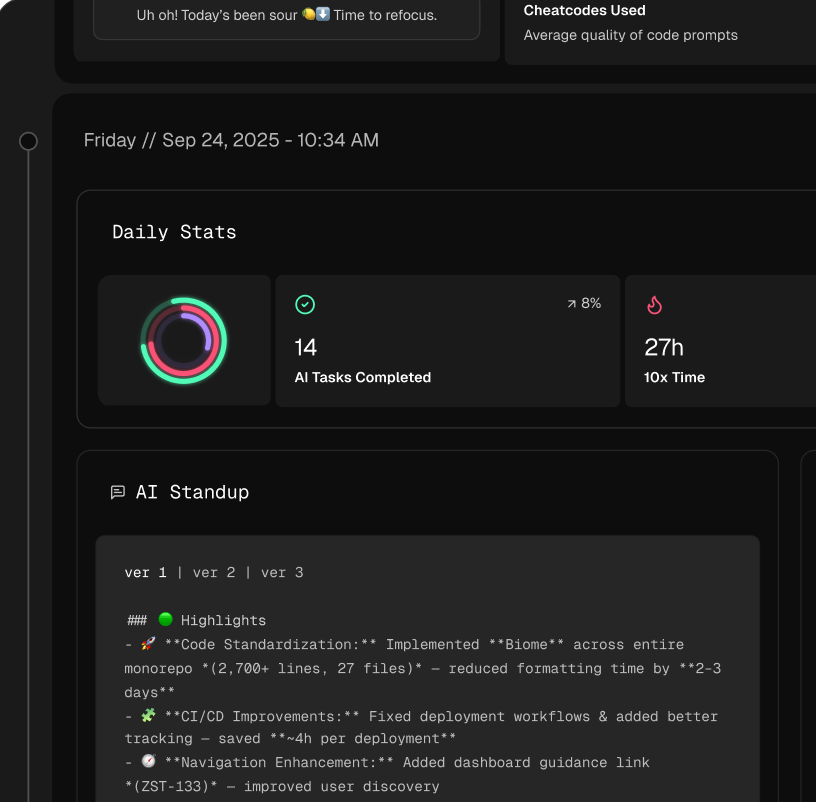
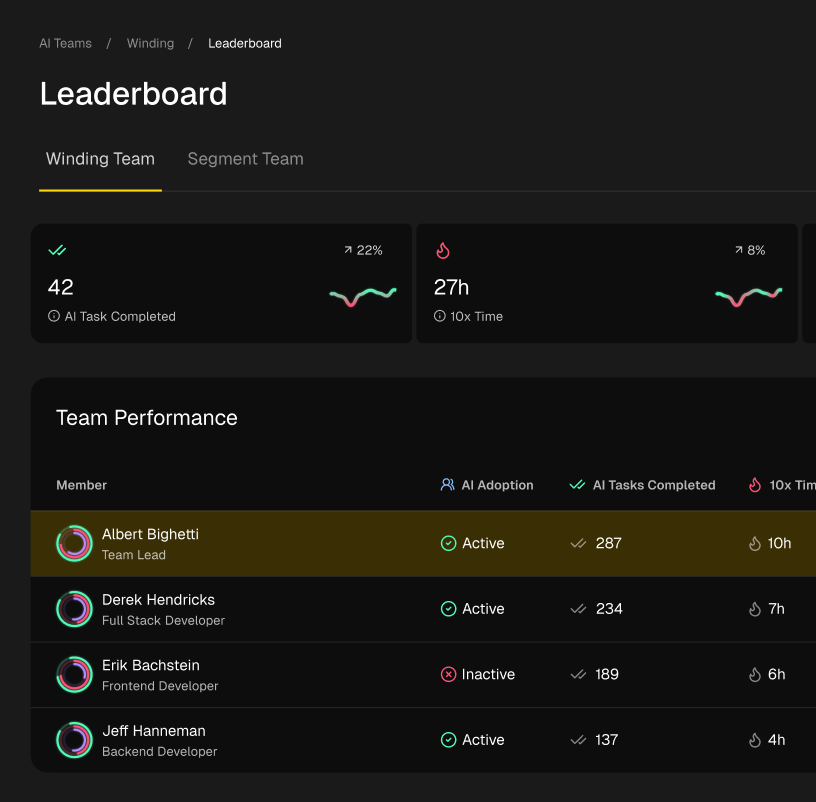
Ready to turn your learning into measurable performance? Zest provides the workflow intelligence you need to see exactly how you and your team are using AI tools like Cursor. Go beyond simply completing cursor tutorials and start tracking your AI adoption, identifying effective prompting patterns, and quantifying your productivity gains. Learn more and get started with Zest.
Level Up Your Cursor Skills
Turn these tutorials into tangible, daily performance gains by creating a powerful AI-assisted feedback loop.
📊 Core Metrics
- Time-to-Completion — measure time saved on tasks like unit tests or module refactors.
- AI Acceptance Rate — track the ratio of accepted vs. rejected AI-suggested changes.
- Prompt Efficiency — assess how quickly you achieve the desired code output from your prompts.
🕹️ My Cheatcodes
- 🌱 Start Small — pick one low-stakes task, like writing unit tests, to build confidence first.
- 🦎 Document Prompts — keep a personal log of effective prompts for recurring tasks to save time.
- ⚡ Context First — always use `@` symbols to feed files/docs to the AI for better accuracy.
📈 Reflection Points
- 💡 Am I applying tutorial concepts to my actual daily work?
- 🧩 Did I validate the AI's output, or did I trust it blindly?
- 📘 Which tutorial platform best matches my learning style?
Gallery
Lemon shots