
Top 12 CI CD Platforms to Watch in 2026: An In-Depth Guide
In modern software delivery, speed and reliability are non-negotiable. The core engine driving this efficiency is a Continuous Integration/Continuous Deployment (CI/CD) pipeline, which automates the build, test, and deployment processes. But with so many CI/CD platforms available, each with distinct features, pricing models, and ideal use cases, selecting the right one can feel overwhelming. Choosing incorrectly can lead to slow builds, complex configuration, and developer friction, directly impacting your team’s productivity.
This guide cuts through the noise. We provide an in-depth, practical comparison of the top CI/CD platforms to help you make an informed decision. Whether you’re a startup looking for a cost-effective, all-in-one solution, an enterprise needing robust security and scalability, or a developer aiming to integrate AI-assisted workflows into your daily routine with tools like VS Code or Cursor, you’ll find clear recommendations here. Adopting the right automation tool is a cornerstone of modern development; it’s a key part of implementing strong software development best practices that ensure both quality and velocity.
Inside this resource, you will find:
- A detailed breakdown of 12 leading platforms, from GitHub Actions to AWS CodePipeline.
- Feature comparison matrices covering pipelines, runners, hosting options, and security.
- “Best for” suggestions tailored to startups, enterprises, and open-source projects.
- Honest pros and cons based on real-world usage, not marketing copy.
- Actionable insights on integration, migration, and measuring performance.
Each entry includes screenshots and direct links to get you started quickly. Our goal is to equip you with the information needed to select the CI/CD platform that best fits your team’s specific technical and business requirements, helping you ship better software, faster.
1. GitHub Actions
For teams already managing their code in GitHub, Actions is the most direct path to implementing CI/CD. It operates natively within the repository ecosystem, using simple YAML files to define complex workflows. You can trigger pipelines from events like code pushes, pull requests, or even on a schedule, making it a flexible automation tool for building, testing, and deploying applications. Its tight integration means setup is fast, and the developer experience feels cohesive.
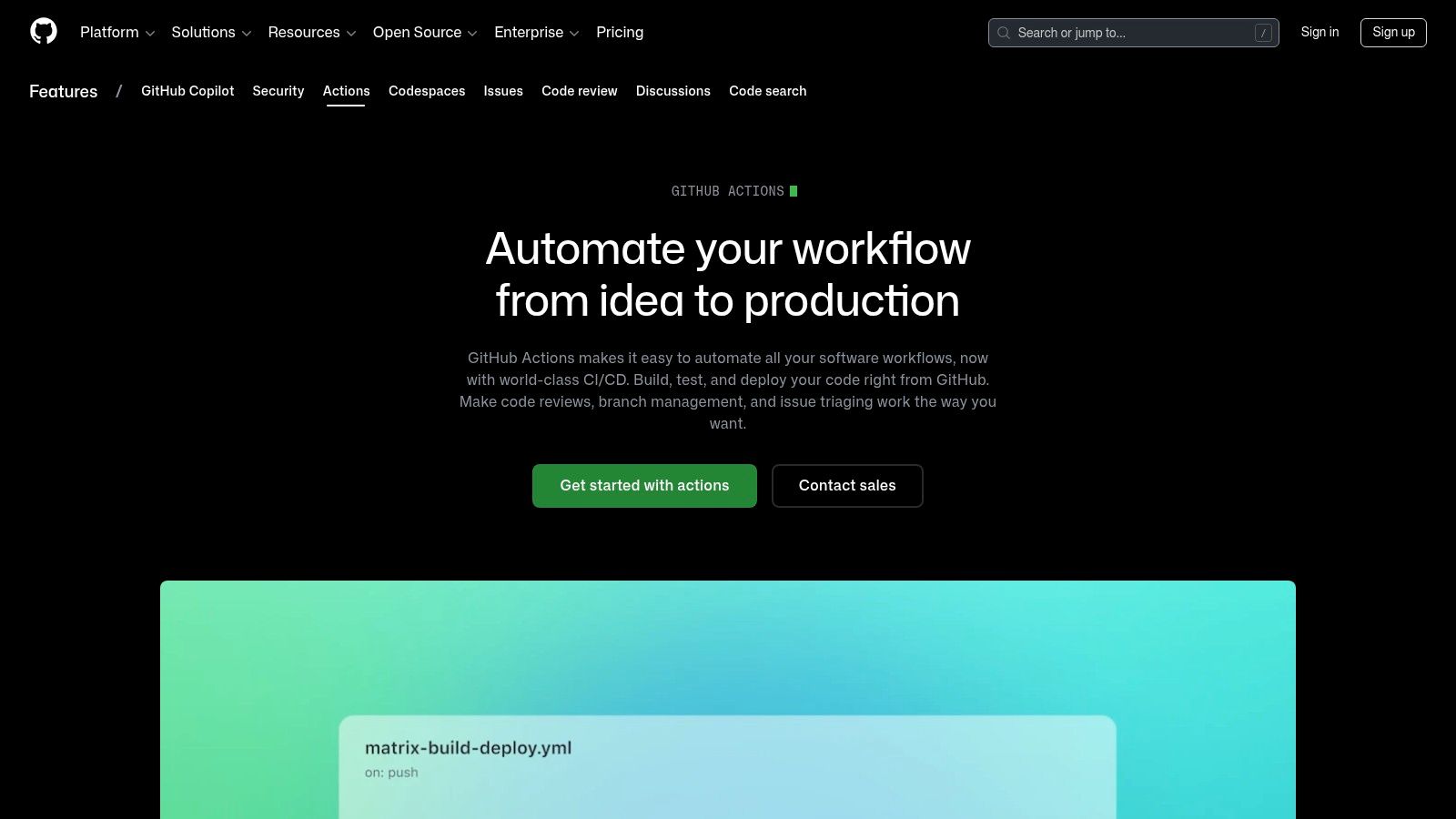
The platform stands out due to its massive marketplace, offering thousands of pre-built “actions” that handle everything from logging into a cloud provider to sending Slack notifications. This reduces the need to write custom scripts for common tasks. GitHub provides hosted runners for Linux, Windows, and macOS, with a generous free tier for public repositories, making it one of the most accessible CI/CD platforms for open-source projects. For private repositories, pricing is based on per-minute usage, which is competitive, especially for Linux builds. Teams can also connect their own self-hosted runners to manage costs or meet specific hardware requirements. When evaluating pipeline performance, it’s useful to track key metrics; you can learn more about DORA software metrics to see how your CI/CD setup impacts delivery speed and stability.
Key Details & Limitations
- Best For: Teams and open-source projects deeply embedded in the GitHub ecosystem.
- Pricing: Free for public repositories. Private repos get a free minute allowance, then pay-as-you-go. Self-hosted runners are free to use.
- Pros: Seamless integration with GitHub repos, issues, and packages. A large marketplace of reusable actions speeds up pipeline creation.
- Cons: macOS runners are significantly more expensive than Linux. At a large scale, managing YAML files across many repositories can become unwieldy without a clear organizational strategy.
Website: https://github.com/features/actions
2. GitLab CI/CD (SaaS and Self‑Managed)
For organizations seeking a single platform for the entire software development lifecycle, GitLab CI/CD is a deeply integrated solution. It extends beyond source code management to offer a complete DevSecOps experience, where pipelines are a first-class citizen alongside issues and merge requests. Workflows are defined in a .gitlab-ci.yml file within the repository, allowing teams to build, test, and deploy with robust controls and visibility directly tied to their code changes. The platform supports both SaaS and self-managed deployments, giving teams full control over their infrastructure and security posture.
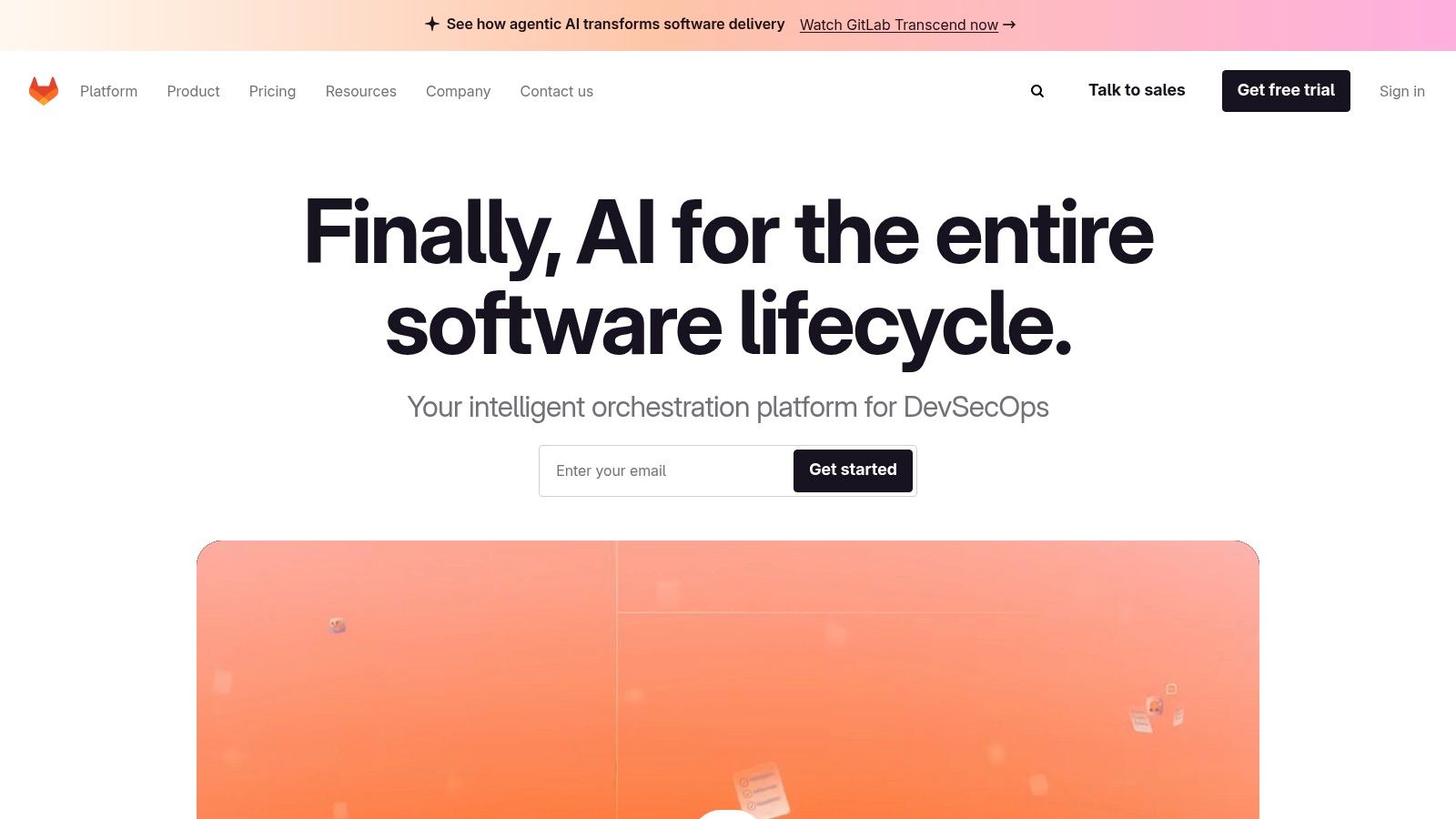
GitLab stands out with its powerful built-in security and compliance features, such as SAST, DAST, and dependency scanning, which can be added directly into the pipeline. This makes it one of the more comprehensive ci cd platforms for teams that need to enforce strict governance. For large organizations, features like the CI/CD Catalog, parent/child pipelines, and merge trains help manage complexity and reduce YAML duplication across projects. GitLab offers shared runners on its SaaS plan with a free tier, and users can connect their own runners for both cloud and self-managed instances. The all-in-one approach simplifies the toolchain, but many of the advanced features are reserved for its paid tiers.
Key Details & Limitations
- Best For: Enterprises and teams wanting a unified DevSecOps platform with strong security and governance.
- Pricing: Free tier with CI/CD minutes. Premium and Ultimate tiers unlock advanced security and compliance features.
- Pros: All-in-one platform reduces toolchain complexity. Strong, built-in security scanning (SAST/DAST). Reusable components and advanced pipeline features support scalability.
- Cons: The most valuable security and workflow features are gated behind expensive higher tiers. Shared runner performance can sometimes be inconsistent during peak times.
Website: https://about.gitlab.com
3. CircleCI
CircleCI is a mature, cloud-native CI/CD platform known for its speed and developer-focused experience. It excels at complex workflows through a powerful YAML configuration that supports advanced features like test splitting, parallelism, and Docker layer caching out of the box. Its central concept of “Orbs” allows teams to package and share reusable configuration snippets, which helps maintain consistency and reduce boilerplate across projects. This makes it one of the more powerful ci cd platforms for teams focused on pipeline performance and optimization.
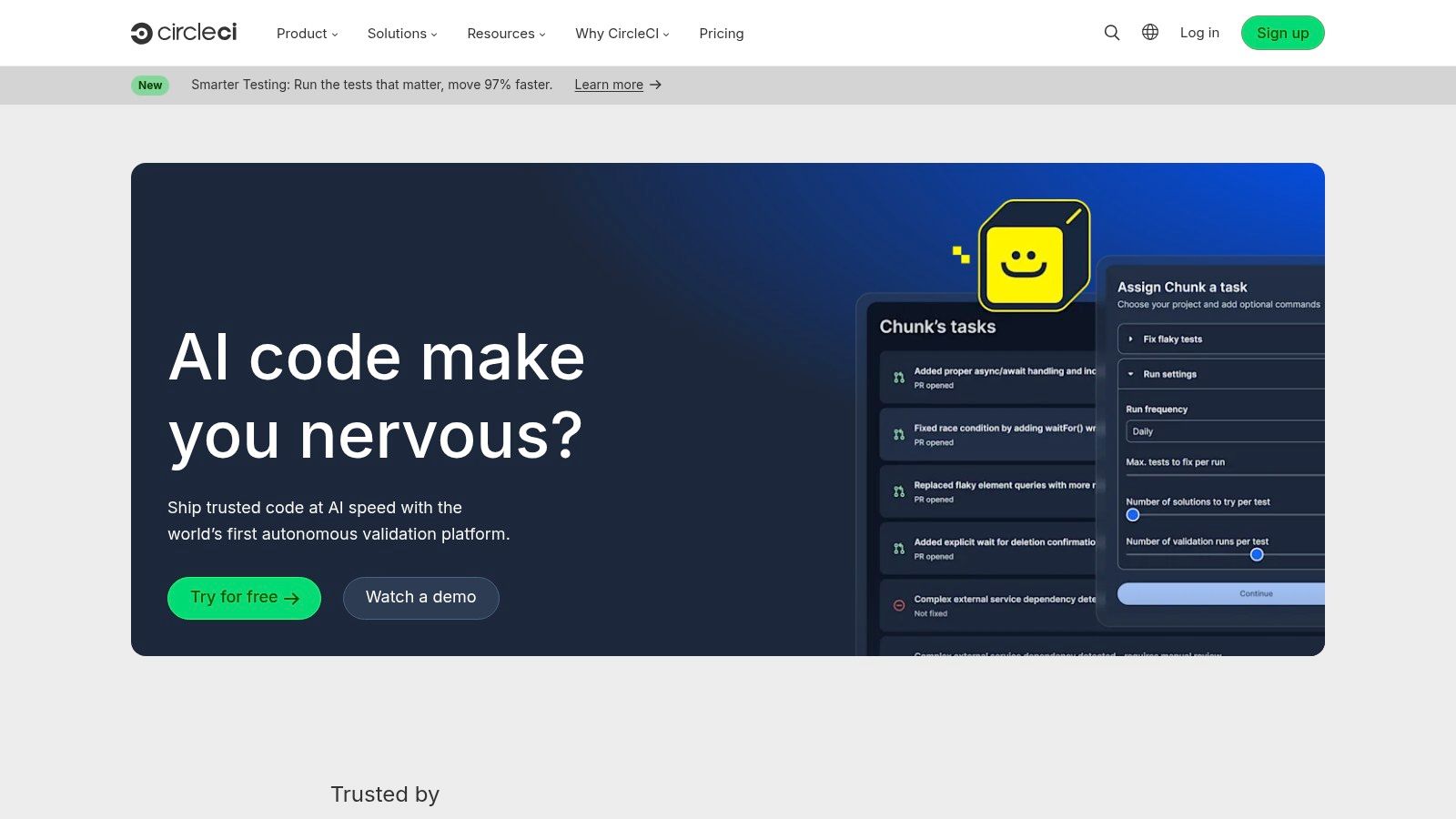
The platform offers a broad range of execution environments, including Linux (x86 and Arm), Windows, and macOS, with dedicated GPU instances available for machine learning workloads. Its interface provides clear project insights, making it easy to spot failing tests or slow jobs. Debugging is also a strong point, with the ability to SSH directly into a running build container to investigate issues in real time. The pricing is a usage-based credit model that gives teams a free tier and predictable billing, although users must monitor network and storage usage, which are also billed in credits.
Key Details & Limitations
- Best For: Teams that need high concurrency and performance tuning features for complex applications.
- Pricing: A generous free tier is available. Paid plans are based on a flexible credit system, with options to purchase more or roll them over.
- Pros: Excellent performance tuning with caching and parallelism. Orbs (reusable configs) simplify complex pipelines. Strong debugging features, including SSH access.
- Cons: The credit-based pricing can be hard to estimate at first. macOS runners are considerably more expensive, and storage or network overages can quickly consume credits.
Website: https://circleci.com
4. Jenkins
As one of the original open-source automation servers, Jenkins gives teams complete control over their build and deployment environment. It is a self-hosted solution that runs almost anywhere and offers near-infinite customization through its extensive plugin ecosystem. Jenkins uses a Jenkinsfile to define pipelines as code, supporting both declarative and scripted syntax. This allows for complex, version-controlled workflows that can be tailored to very specific needs, making it a go-to for organizations that require deep integration with legacy systems or proprietary tools.
The platform’s main strength is its unparalleled extensibility. With thousands of community-contributed plugins, you can connect Jenkins to virtually any source control manager, build tool, or deployment target. This flexibility makes it one of the most powerful CI/CD platforms available, but it comes with significant operational responsibility. Teams must manage the server’s infrastructure, security, scaling, and plugin maintenance themselves. While the core software is free, the total cost of ownership includes the hardware and engineering time required to keep it running smoothly. Distributed builds allow you to offload tasks to agent nodes, which helps manage workloads for larger teams.
Key Details & Limitations
- Best For: Engineering teams that need maximum control, deep customization, or have unique on-premise infrastructure requirements.
- Pricing: Free and open-source. Costs are associated with the infrastructure you provide to host and run it.
- Pros: No license fees and total control over your environment and security. A vast plugin ecosystem supports nearly any integration imaginable.
- Cons: The user is responsible for all maintenance, including scaling, reliability, and security. Legacy plugins can introduce technical debt and create a significant maintenance burden.
Website: https://www.jenkins.io
5. Azure Pipelines (Azure DevOps)
For organizations invested in the Microsoft ecosystem, Azure Pipelines offers a powerful and deeply integrated CI/CD solution. It is a core component of the Azure DevOps suite, allowing it to work seamlessly with Azure Boards for work tracking and Azure Repos for source control. However, its real strength lies in its flexibility; it connects just as easily with GitHub or any other Git provider, making it a viable choice even for teams outside the Azure-native world. YAML pipelines provide a code-driven approach to defining builds and releases, giving developers precise control over their automation workflows.
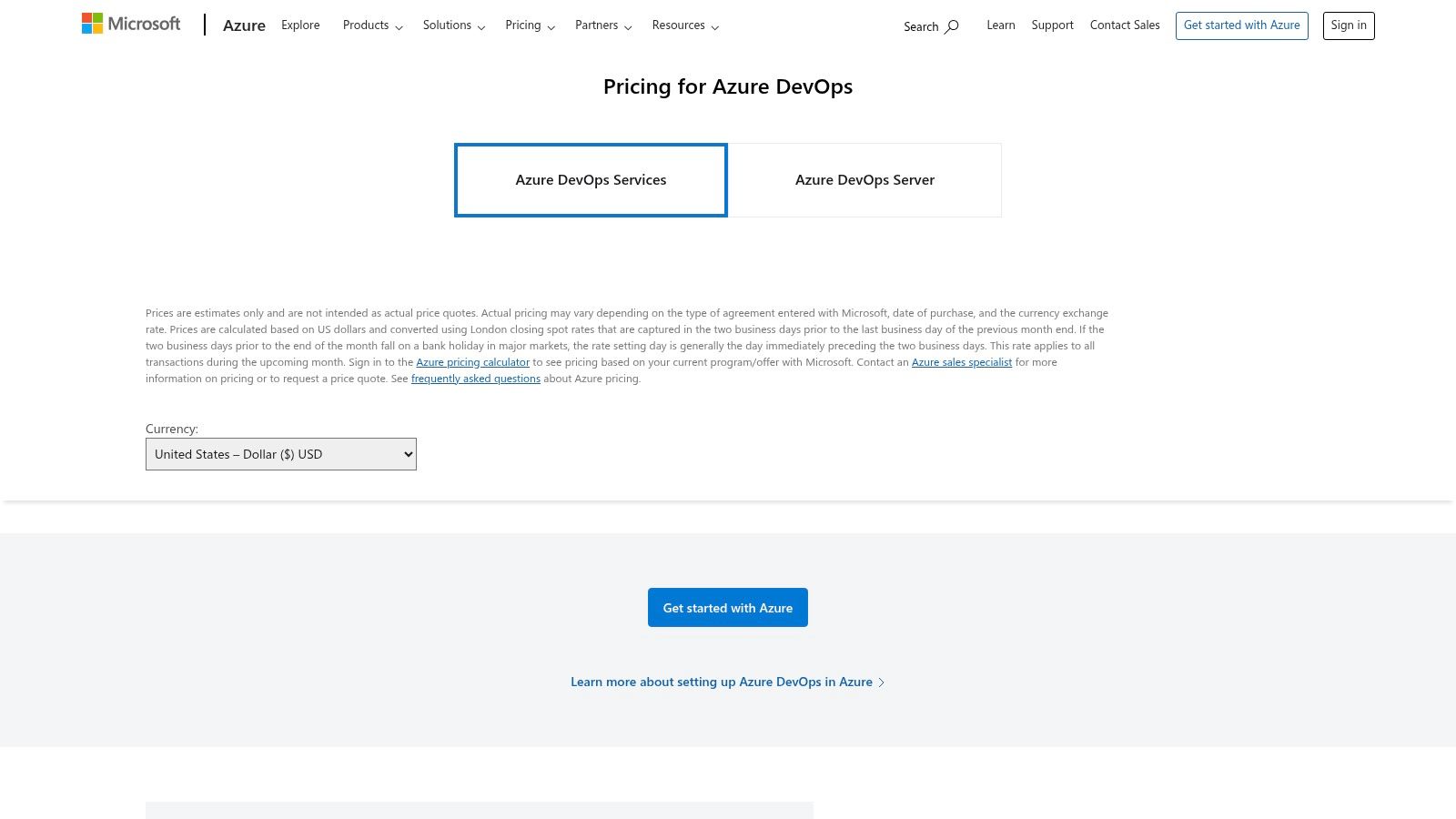
The platform’s standout feature is its first-class support for Windows and .NET workloads. While other CI/CD platforms support Windows, Azure Pipelines provides a more refined experience with Microsoft-hosted agents that are ready-built for MS-stack development. Its multi-stage pipelines allow for complex deployment strategies with built-in approvals and environment gates, which is essential for enterprise-grade release management. The free tier is generous, offering one Microsoft-hosted job with 1,800 minutes per month and one self-hosted job with unlimited minutes, making it an attractive option for smaller teams or projects looking for cost-effective CI/CD platforms.
Key Details & Limitations
- Best For: Teams building on the Microsoft stack (.NET, Windows) or already using Azure DevOps services.
- Pricing: Free tier includes one hosted and one self-hosted agent. Paid tiers add parallel jobs and more minutes.
- Pros: Excellent, native support for Windows and .NET applications. Tight integration with the broader Azure DevOps suite enhances traceability from work item to deployment.
- Cons: The user interface can feel complex as it spans multiple Azure DevOps services, presenting a steeper learning curve. Hosted macOS agent capacity is sometimes more constrained than Linux.
Website: https://azure.microsoft.com/pricing/details/devops/
6. Bitbucket Pipelines
For teams deeply invested in the Atlassian ecosystem, Bitbucket Pipelines offers the most integrated CI/CD experience. It is built directly into Bitbucket Cloud, allowing developers to configure and manage their build, test, and deployment workflows from the same interface where they manage their code. Configuration is handled with a simple bitbucket-pipelines.yml file in the root of the repository, making setup quick for existing projects. Because every step runs inside a Docker container, it ensures a consistent and isolated environment for every pipeline run.
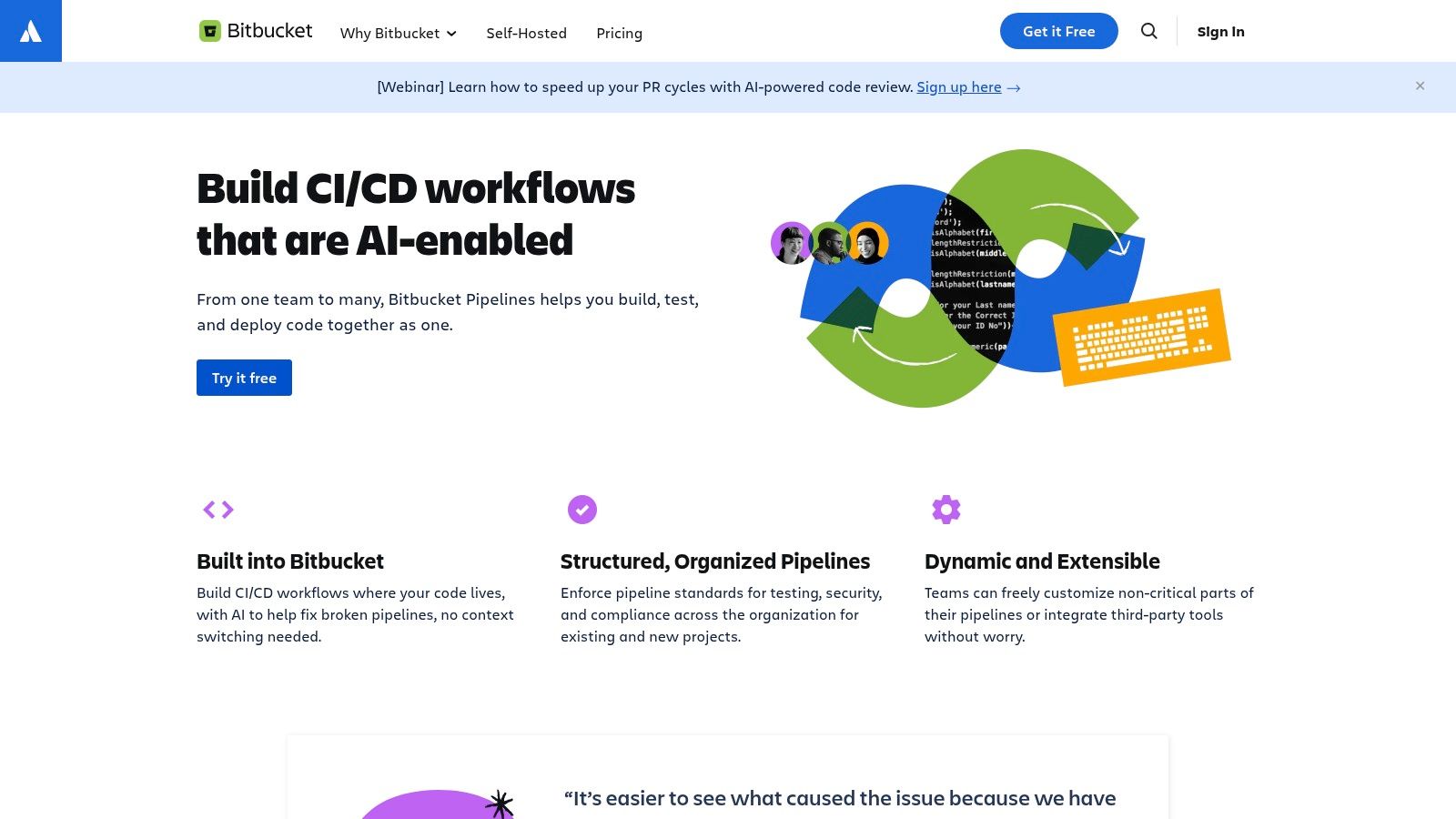
The platform’s main advantage is its native connection to other Atlassian products. You can automatically link build statuses to Jira issues or trigger deployments based on issue transitions, creating a seamless feedback loop between code and project management. This tight coupling simplifies tracking and visibility for product managers and developers alike. Pricing is based on a “build minutes” model, with a free tier available for small teams and open-source projects. While it provides a good bundle value for existing Atlassian customers, its feature set is more focused compared to standalone CI/CD platforms, making it less ideal for teams needing highly complex or specialized build environments.
Key Details & Limitations
- Best For: Development teams that use Bitbucket for source control and Jira for project management.
- Pricing: A free tier includes a set number of build minutes. Paid plans offer more minutes, concurrency, and storage.
- Pros: Minimal setup for Bitbucket repositories. Exceptional integration with Jira creates a unified development workflow.
- Cons: Build minutes and concurrency are limited by the pricing plan. The variety of runners and available executors is smaller than what dedicated ci cd platforms offer.
Website: https://bitbucket.org/product/features/pipelines
7. Buildkite
Buildkite offers a unique hybrid model for CI/CD, combining a SaaS-based control plane for orchestrating pipelines with agents that run on your own infrastructure. This approach gives security-conscious teams complete control over their build environment, source code, and secrets while still providing a polished, managed user interface for pipeline management. You define your pipelines using YAML files stored in your repository, giving you version-controlled build steps that can be as simple or complex as needed.
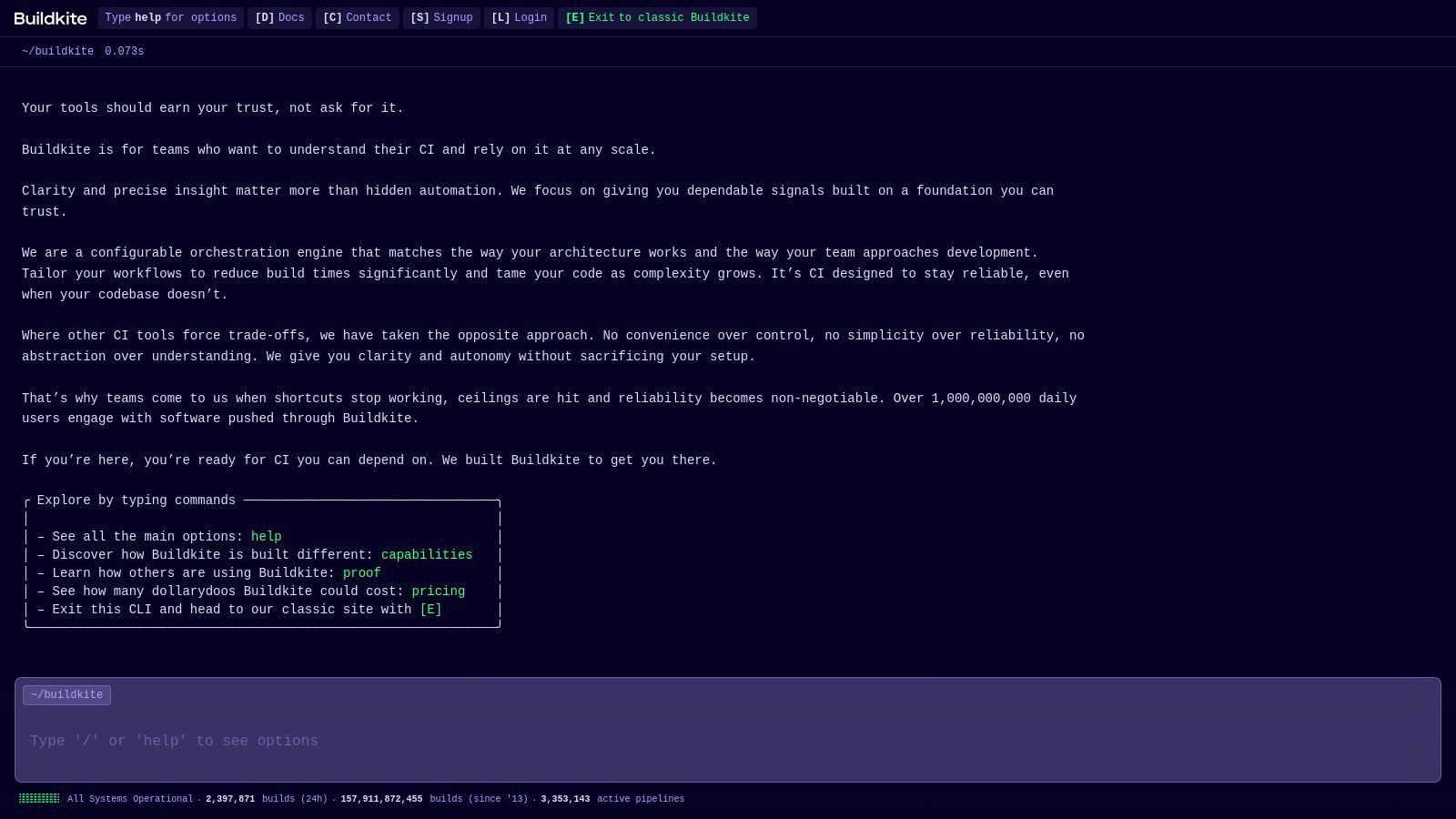
The platform truly shines in its ability to scale and its flexibility. Teams can run agents on nearly any machine or architecture, from AWS EC2 instances to local Mac minis, enabling massive concurrency without bottlenecks. This is especially valuable for organizations with specific hardware needs, like large macOS fleets for iOS development. While self-hosting is the primary model, Buildkite now offers hosted agents for those who prefer a fully managed solution. Its focus on enterprise-grade features like SSO/SCIM, audit logs, and signed pipelines makes it one of the top ci cd platforms for companies where security and compliance are paramount.
Key Details & Limitations
- Best For: Large teams and enterprises needing high-concurrency builds with tight security controls over their own infrastructure.
- Pricing: Free for up to 3 users and 10,000 job minutes/month on self-hosted agents. Paid plans are based on user count, with add-ons for hosted agents.
- Pros: Excellent scalability and concurrency by running agents on your hardware. Strong security posture as source code never leaves your infrastructure.
- Cons: The self-hosted model requires you to manage and maintain the build agent infrastructure. Hosted macOS agents come at a premium price.
Website: https://buildkite.com
8. TeamCity (JetBrains)
Developed by JetBrains, TeamCity is a powerful and mature CI/CD server known for its deep build analytics and developer-centric features. It offers extensive control over build chains, allowing teams to construct sophisticated pipelines with complex dependencies. Developers can define their pipelines as code using a Kotlin DSL, which provides type safety and the full power of an IDE for configuration. This makes it an excellent choice for teams that value robust, version-controlled pipeline definitions over GUI-based editors.
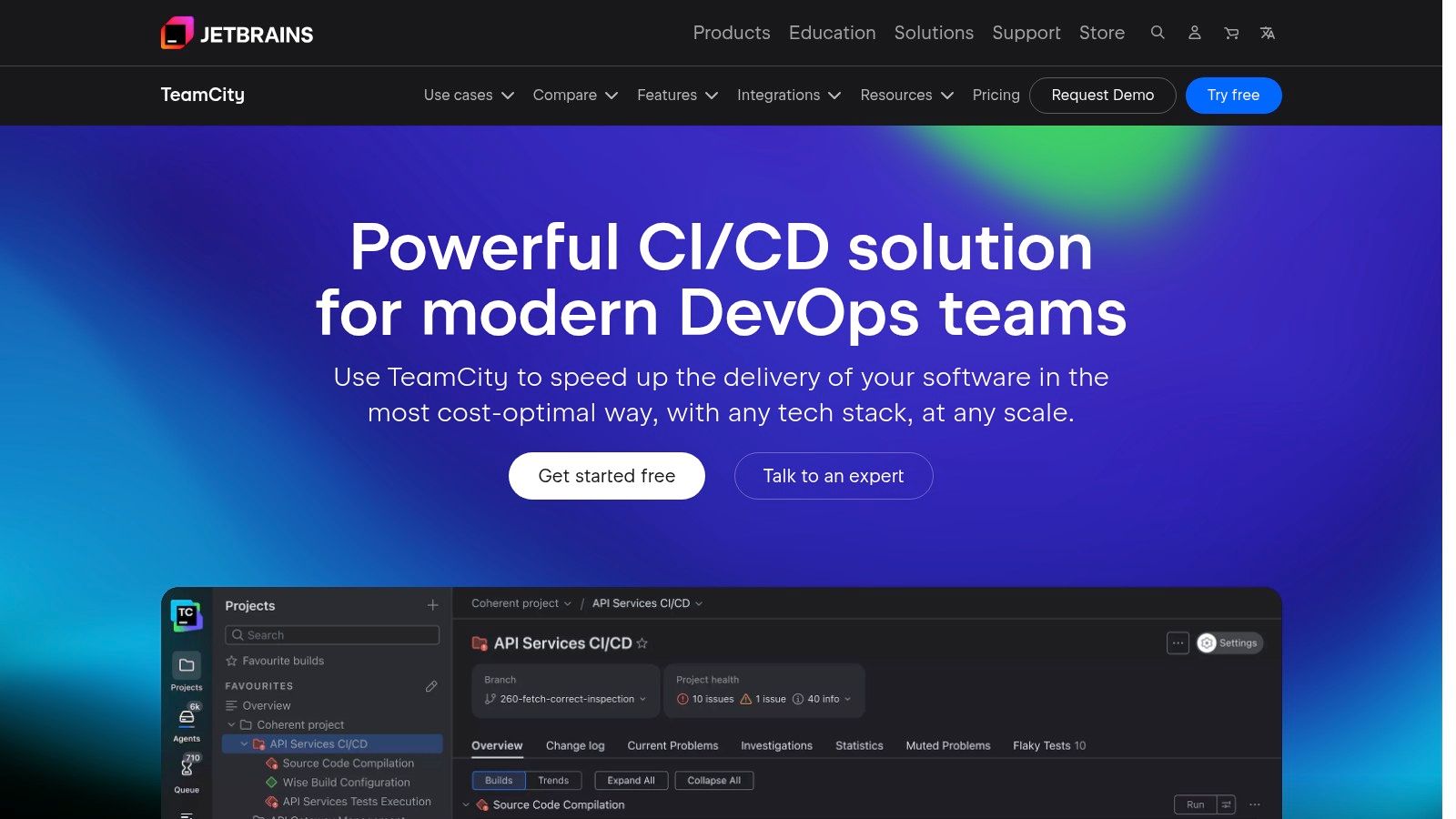
TeamCity excels at providing granular insights into the build and test process. Features like pre-tested commits, which run tests on changes before they are merged into the main branch, help maintain a green build at all times. The platform’s test history and flake analysis tools are invaluable for identifying and resolving unstable tests, a common pain point in large projects. It is available as a managed cloud service (TeamCity Cloud) or a self-hosted On-Premises version, giving organizations flexibility in their deployment strategy. Among the many ci cd platforms available, TeamCity stands out for its analytical depth and tight integration with the JetBrains ecosystem of developer tools.
Key Details & Limitations
- Best For: Engineering teams that require detailed build analytics, test stability tracking, and complex pipeline orchestration.
- Pricing: TeamCity Cloud offers a free tier with build credits. On-Premises is free for up to 3 build agents and 100 build configurations, with paid licenses required for larger needs.
- Pros: Deep insights into build and test performance, including flaky test detection. Powerful Kotlin DSL for pipelines-as-code. Flexible agent management for both cloud and on-premise deployments.
- Cons: The learning curve can be steep for mastering advanced build chains and the Kotlin DSL. On-premise license management and renewals can be complex for large organizations.
Website: https://www.jetbrains.com/teamcity/
9. Harness CI (Harness Platform)
Harness positions its CI module as one component within a much larger software delivery platform. For organizations seeking to unify their tooling, it combines CI with CD, security test orchestration (STO), and infrastructure as code (IaC) management. The platform is built with enterprise needs at its core, offering powerful governance and policy-as-code capabilities that allow teams to enforce compliance and best practices directly within their pipelines. This focus on control and standardization makes it a strong choice for regulated industries or large companies managing complex deployment workflows.
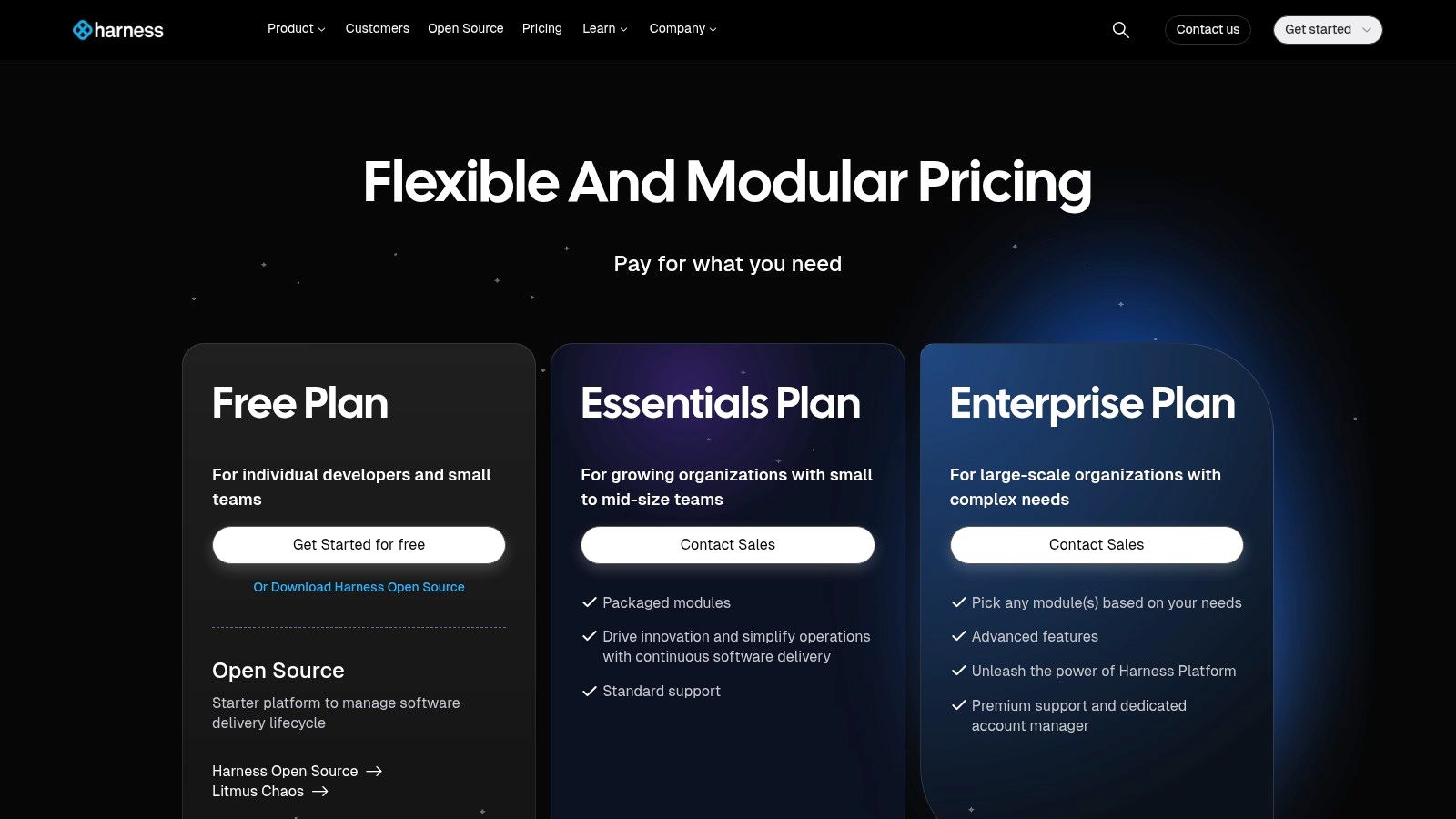
The platform’s strength lies in its integrated approach. By bundling modules, teams can create a seamless path from code commit to production deployment under a single vendor and UI. It supports both cloud and self-hosted runners, providing flexibility for different infrastructure strategies. Features like pipeline chaining, templates, and role-based access control (RBAC) are designed for scale, helping platform engineering teams provide a paved path for developers. While this comprehensive scope is a major benefit for large enterprises, it can introduce complexity and cost that might be unnecessary for smaller teams or single-application projects looking for a straightforward CI tool.
Key Details & Limitations
- Best For: Enterprises needing a unified platform with strong governance, security, and compliance controls across the entire software delivery lifecycle.
- Pricing: A free tier is available. Team and Enterprise plans require contacting sales for a quote, as pricing is bundled based on developer count and modules used.
- Pros: Excellent enterprise-grade guardrails, governance, and audit trails. Provides a single, unified platform for CI, CD, STO, and IaC.
- Cons: The platform’s extensive scope can be overkill for small projects. Public pricing is not transparent and requires a sales-assisted process, making it difficult to estimate costs quickly.
Website: https://www.harness.io/pricing
10. Google Cloud Build
For development teams building on Google Cloud, Cloud Build provides a serverless, fully managed CI/CD platform that integrates directly into the ecosystem. It executes builds within Google’s infrastructure, using simple YAML or JSON files to define pipelines. You can trigger builds from repositories hosted on Google Cloud Source, GitHub, or GitLab, offering a flexible starting point for automating your container-centric workflows. The platform is especially effective for building container images and deploying them to services like Google Kubernetes Engine (GKE) or Cloud Run.
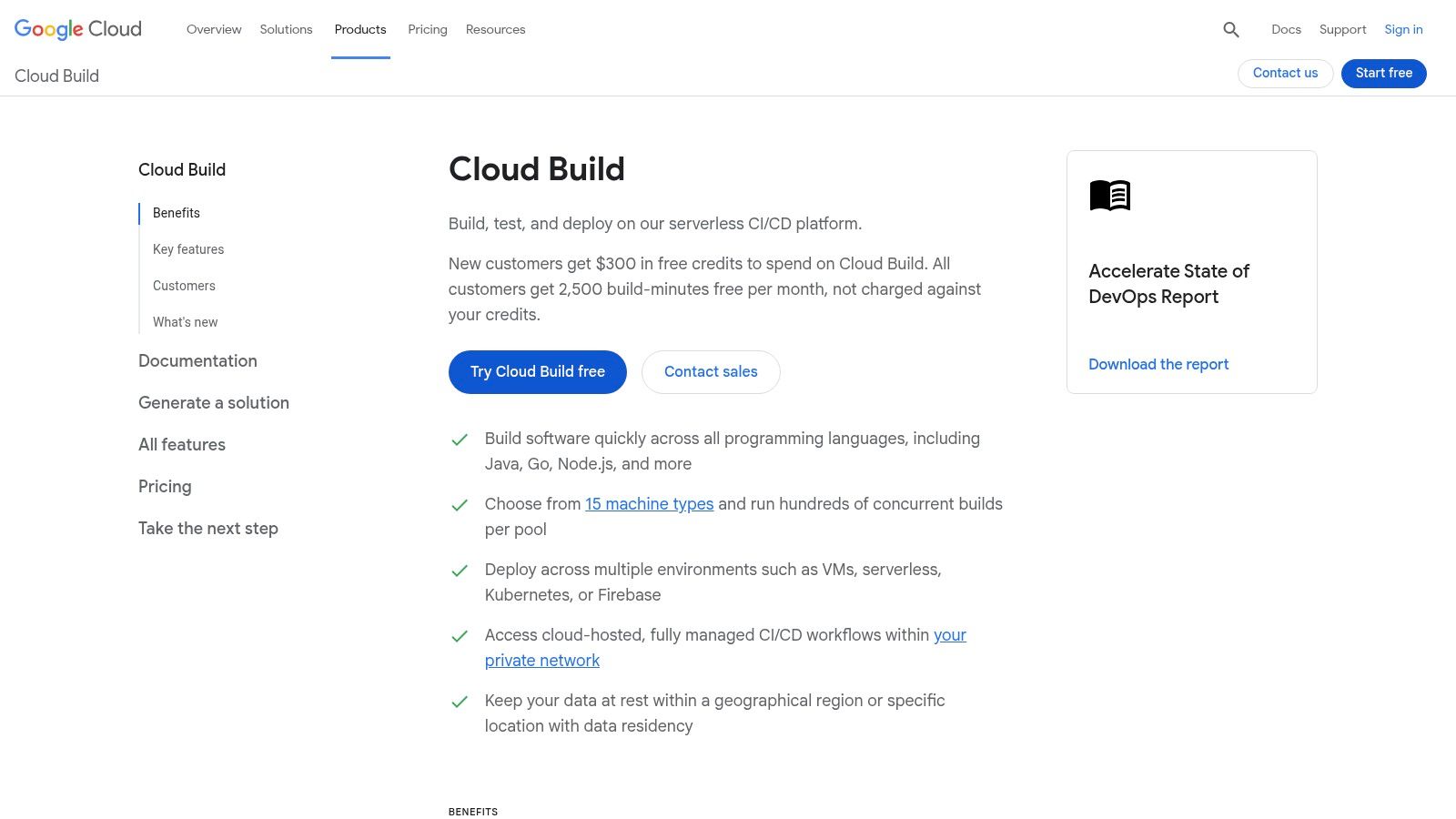
Google Cloud Build stands out with its native connection to GCP services like Artifact Registry and Binary Authorization, creating a secure software supply chain. It operates using worker pools, with a default pool that includes a generous free tier of build-minutes per day, making it accessible for smaller projects. For more demanding tasks, you can provision private worker pools with custom machine types and run them within your own VPC for enhanced security and performance. This makes it one of the more powerful ci cd platforms for teams committed to the Google Cloud stack, as it minimizes configuration overhead for internal deployments.
Key Details & Limitations
- Best For: Teams building and deploying containerized applications on Google Cloud Platform.
- Pricing: A free tier offers 120 build-minutes per day on the default pool. After that, pricing is per build-minute and varies by machine type and region. Private pools have separate costs.
- Pros: Seamless and secure integration with GKE, Cloud Run, and Artifact Registry. Generous free tier for standard builds makes it easy to get started.
- Cons: Its greatest value is tied to being in the GCP ecosystem. Pricing can become complex when factoring in private pools, regional costs, and faster SSD storage.
Website: https://cloud.google.com/build
11. AWS CodePipeline + CodeBuild
For teams building their infrastructure entirely within the AWS ecosystem, using CodePipeline and CodeBuild is the most native approach to CI/CD. CodePipeline acts as the workflow orchestrator, defining the stages of your release process from source to production, while CodeBuild provides the fully managed, on-demand compute for compiling code, running tests, and creating software packages. The primary advantage is its deep, fine-grained integration with other AWS services like S3, ECR, ECS, and CodeDeploy, all governed by IAM for strict security controls.
This duo stands out for its security posture and cost-effectiveness at scale. You can configure pipelines to run within a specific VPC and subnet, isolating build artifacts from the public internet. Pricing is another strong point; CodePipeline V2 has a generous free tier and then charges per action-execution minute, while CodeBuild bills per minute for the compute you use. This pay-as-you-go model makes it one of the more predictable CI/CD platforms for teams with fluctuating build demands. The setup, however, can feel verbose, often requiring both JSON or YAML pipeline definitions and separate IAM policies, which demands a good understanding of AWS permissions.
Key Details & Limitations
- Best For: Engineering teams fully committed to the AWS cloud seeking tight service integration and robust security controls.
- Pricing: Pay-as-you-go. CodePipeline has a free tier for V2 pipelines, then bills per action-minute. CodeBuild bills per build minute with a free tier.
- Pros: Unmatched integration with the AWS service catalog. Strong security features with IAM and VPC support. Predictable costs that scale with usage.
- Cons: Configuration can be complex, involving multiple AWS service GUIs and verbose IAM policies. Multi-account governance requires careful setup with AWS Organizations and IAM roles.
Website: https://aws.amazon.com/codepipeline
12. Semaphore CI
Semaphore CI positions itself as a high-speed, cost-effective CI/CD platform, focusing on performance with features like strong test parallelization and granular billing. It operates on a hosted model with both cloud and hybrid options, allowing teams to use Semaphore’s SaaS orchestration while running jobs on their own self-hosted agents. This flexibility appeals to organizations that need to balance the convenience of a managed service with the security and control of their own infrastructure. Configuration is managed through straightforward YAML files, supporting matrix builds and secrets management.
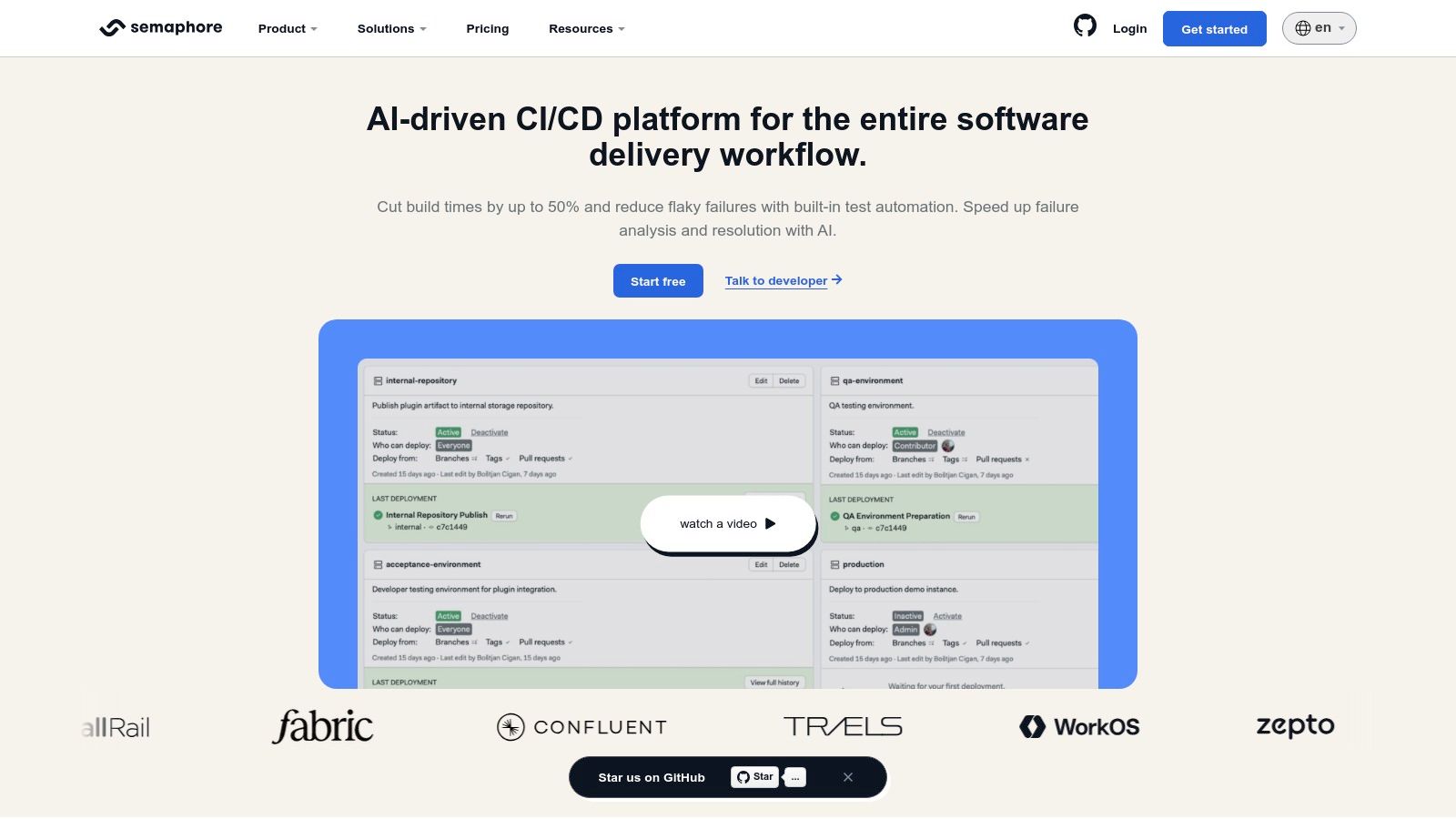
The platform’s main differentiator is its pricing model. With per-second billing, teams only pay for the exact compute time they use, avoiding the waste of rounding up to the nearest minute. This makes it particularly attractive for projects with many short-lived jobs, where savings can add up quickly. While its ecosystem of pre-built integrations is smaller than some larger competitors, it provides a robust API and CLI for custom scripting and automation. Semaphore CI is a strong contender among CI/CD platforms for engineering teams that prioritize build speed and billing transparency above all else.
Key Details & Limitations
- Best For: Teams focused on fast build times and cost efficiency, especially those with many short jobs.
- Pricing: Pay-as-you-go with per-second billing. Hybrid plans are available for using self-hosted agents.
- Pros: Very competitive runner rates with granular billing. The hybrid model offers a great balance between control and convenience.
- Cons: The community and marketplace of integrations are smaller than those of market leaders. Some advanced enterprise features are gated behind higher-priced tiers.
Website: https://semaphore.io
Top 12 CI/CD Platforms — Feature Comparison
| Platform | Core features ✨ | UX / Quality ★ | Price / Value 💰 | Target 👥 | Standout 🏆 |
|---|---|---|---|---|---|
| GitHub Actions | ✨ YAML workflows; hosted & self‑hosted runners; large actions marketplace | ★★★★☆ — native repo UX | 💰 Free dev tier; minutes‑based; macOS premium | 👥 GitHub‑first teams & OSS | 🏆 Deep GitHub integration & marketplace |
| GitLab CI/CD | ✨ .gitlab‑ci.yml; built‑in SAST/DAST; reusable components | ★★★★☆ — single‑app DevSecOps | 💰 SaaS/self‑managed; advanced features on higher tiers | 👥 Security/compliance‑focused orgs | 🏆 Integrated DevSecOps & security scans |
| CircleCI | ✨ Orbs, Docker caching, parallelism; macOS/GPU executors | ★★★★☆ — high concurrency & performance | 💰 Credits‑based; predictable at scale | 👥 Performance‑focused teams | 🏆 Concurrency & tuning for speed |
| Jenkins | ✨ Pipeline-as-code; huge plugin ecosystem; self‑hosted agents | ★★★☆☆ — extremely flexible; maintenance heavy | 💰 Free OSS; infra & maintenance costs | 👥 Teams needing full control/custom infra | 🏆 Maximum extensibility & no license fees |
| Azure Pipelines | ✨ YAML pipelines; MS‑hosted/self‑hosted agents; .NET/Windows support | ★★★★☆ — strong MSFT UX; learning curve | 💰 Free org tier; self‑hosted unlimited minutes | 👥 Microsoft/.NET shops | 🏆 Best Windows/.NET & Azure integration |
| Bitbucket Pipelines | ✨ Docker steps; caches & service containers; Atlassian links | ★★★☆☆ — simple for Bitbucket users | 💰 Included in Bitbucket plans; limited credits | 👥 Atlassian‑invested teams | 🏆 Seamless Jira/Confluence integration |
| Buildkite | ✨ SaaS control plane; self‑hosted/hosted agents; signed pipelines | ★★★★☆ — enterprise scale; secure | 💰 SaaS fees + infra; macOS premium | 👥 Large orgs needing scale & security | 🏆 Massive concurrency with enterprise controls |
| TeamCity | ✨ Kotlin DSL; rich build chains; test history & flake analysis | ★★★★☆ — deep insights; steeper learning | 💰 Cloud/on‑prem licensing; renewals | 👥 Teams wanting build analytics & IDE integration | 🏆 Test analytics & pre‑tested commits |
| Harness CI | ✨ CI+CD+STO/IaC bundling; policy‑as‑code; RBAC/audit | ★★★★☆ — governance‑first UX | 💰 Sales‑assisted pricing; platform bundles | 👥 Enterprises needing governance & policy | 🏆 Unified DevOps modules & enterprise guardrails |
| Google Cloud Build | ✨ YAML/JSON builds; default & private worker pools; GKE integration | ★★★☆☆ — best when on GCP | 💰 Free minutes on default pool; regional pricing for private pools | 👥 GCP‑standardized teams | 🏆 Container & GKE workflows with tight GCP links |
| AWS CodePipeline + CodeBuild | ✨ Pipeline orchestration; CodeBuild compute; deep AWS integrations | ★★★☆☆ — powerful but verbose (IAM) | 💰 Free tier; V2 action‑minute pricing for scale | 👥 AWS‑centric teams needing VPC/IAM controls | 🏆 Deepest AWS service & security integration |
| Semaphore CI | ✨ Per‑second billing; test parallelism; hybrid agents | ★★★★☆ — very fast & cost‑efficient | 💰 Per‑second billing; competitive runner rates | 👥 Teams prioritizing speed & cost control | 🏆 Granular per‑second billing & high‑speed parallelism |
Final Verdict: Aligning Your Platform with Your Team’s DNA
Navigating the crowded market of CI/CD platforms can feel overwhelming. We’ve explored a dozen powerful options, from the tightly integrated ecosystems of GitHub Actions and GitLab CI/CD to the open-source flexibility of Jenkins and the agent-based control of Buildkite. Each tool presents a distinct philosophy on how to build, test, and deploy software, and the “best” choice is rarely a one-size-fits-all answer.
The core takeaway is that your decision should be less about chasing the newest features and more about matching a platform’s core architecture to your team’s existing workflow, culture, and technical DNA. A startup valuing speed and minimal overhead might find Bitbucket Pipelines or Semaphore CI’s simplicity a perfect fit, allowing them to focus on product development rather than infrastructure management. Conversely, a large enterprise with complex compliance requirements and a dedicated platform engineering team may require the granular control and self-hosted security offered by TeamCity or a self-managed GitLab instance.
Key Considerations Before You Commit
Before making a final decision, distill your needs into a few critical questions. Your answers will illuminate the right path forward.
- Ecosystem vs. Best-in-Breed: Do you prefer an all-in-one solution that lives alongside your source code (like GitHub Actions or GitLab), or do you need a specialized tool that integrates with multiple Git providers and services? Platforms like CircleCI and Harness CI excel at being powerful, neutral hubs in a diverse toolchain.
- Configuration as Code (CaC): How important is version-controlled, declarative pipeline configuration to your team? While most modern tools embrace YAML files, the developer experience varies. Compare the syntax and structure of a GitHub workflow file to a GitLab CI YAML or a Jenkinsfile; small differences in verbosity and clarity can have a big impact on daily use.
- Runner and Agent Management: Where will your jobs run? Cloud-based runners offer convenience and scale, but self-hosted runners provide control over hardware, security, and costs. A platform like Buildkite, which is built entirely around the self-hosted agent model, offers a unique blend of a managed control plane with private build infrastructure.
- The AI-Assisted Future: As we’ve discussed, the integration of AI assistants is becoming a key differentiator. Consider how a platform supports custom scripts, API integrations, and logging that can feed data back into your AI workflows. Measuring the impact of AI-assisted development, such as reduced PR review times or faster bug fixes, requires a CI/CD system that provides clear, accessible metrics.
Ultimately, the goal is to select a CI/CD platform that feels like a natural extension of your team, not an obstacle to overcome. The right tool fades into the background, empowering developers to ship code faster and more reliably. It provides the visibility managers need without creating unnecessary friction. Use the detailed comparisons in this article as your guide, run proof-of-concept trials with your top two or three candidates, and gather direct feedback from the engineers who will use the system every day. This deliberate, team-centric approach will ensure your chosen platform becomes a true asset for years to come.
As you optimize your CI/CD pipelines and development workflows, remember that the tools developers use daily are just as important. Zest helps teams standardize and share effective AI prompts and workflows directly within VS Code and Cursor. By creating a shared library of proven patterns, you can ensure consistency and amplify the productivity gains from AI across your entire organization. Learn how to build your team’s AI playbook at Zest.
Optimize Your CI/CD Platform Choice
Select a CI/CD platform that matches your team's workflow, culture, and technical DNA to empower developers and ship faster.
📊 Core Selection Metrics
- Build Velocity — Average time from code commit to successful deployment.
- Change Failure Rate — Percentage of deployments that cause a production issue.
- Pipeline Maintenance Overhead — Hours spent per month configuring or fixing CI/CD itself.
🕹️ My Cheatcodes
- 🌱 Ecosystem vs. Best-of-Breed — Choose integrated (GitHub/GitLab) for simplicity, or neutral (CircleCI) for flexibility.
- 🦎 Pilot a Single Project — Test your top 2 choices on a real, non-critical project before a full migration.
- ⚡ Control Your Runners — Use self-hosted agents for maximum control over security, hardware, and long-term cost.
📈 Reflection Points
- 💡 Does this tool reduce cognitive load for developers or add to it?
- 🧩 How will we migrate existing pipelines without disrupting active development?
- 📘 Is it easy to debug a failed build with the visibility this platform provides?
Gallery
Lemon shots



