
12 Best Automated Code Review Tools for 2025
Manual code reviews are essential for context and logic, but they can’t catch every subtle bug, security flaw, or style inconsistency, especially at scale. This is where automated code review tools become a developer’s most reliable partner. They act as a tireless, expert reviewer, scanning every pull request to enforce quality gates, identify vulnerabilities, and maintain consistency long before code reaches production. In a development environment increasingly reliant on AI assistants, these tools provide critical guardrails, ensuring that generated code meets organizational standards for security, performance, and maintainability.
This guide moves beyond generic feature lists to provide an in-depth analysis of the top 12 platforms available today. For each tool, you’ll find a clear breakdown of its core features, ideal use cases, and practical limitations, complete with screenshots and direct links. We’ll show you exactly how platforms like SonarQube, Snyk, and Semgrep integrate directly into your workflow, helping you and your team choose the right solution. To make implementation easier, we’ll also provide a practical checklist template, inspired by real-world deployment scenarios, that you can use to ensure any tool you adopt is configured correctly for maximum impact from day one.
1. GitHub Code Security (Advanced Security with CodeQL)
For teams already building on GitHub, its native Code Security suite is one of the most powerful and seamless automated code review tools available. It integrates directly into the developer workflow, using the powerful CodeQL engine to scan for vulnerabilities within pull requests and CI/CD pipelines. This tight integration means security checks become a standard part of the development cycle, not an afterthought. The platform excels at finding complex vulnerabilities by treating code as data and running queries against it.

What makes it stand out is its holistic approach. Beyond static analysis, the suite includes secret scanning to prevent exposed credentials and dependency review to flag known vulnerabilities in your open-source packages. For many common alert types, Copilot Autofix provides AI-generated suggestions to fix issues instantly. To learn more about how these features create a layered defense, you can explore best practices for secure code reviews. Public repositories get core scanning for free, but unlocking the full suite for private repos requires a paid GitHub Advanced Security license.
Practical Use Case: Automating a Security Checklist
You can use GitHub Actions to automate a security checklist on every pull request, ensuring nothing gets missed.
✅ Prompt for GitHub Actions Workflow:
“Create a GitHub Actions workflow YAML file that triggers on pull requests to the main branch. It should first check out the code, then run the official GitHub CodeQL analysis for JavaScript, and finally run the official dependency review action to check for vulnerable packages.”
📝 Example Workflow Snippet (.github/workflows/security-scan.yml):
name: Security Scan

on:
  pull_request:
    branches: [ main ]

jobs:
  analyze:
    name: Analyze Code
    runs-on: ubuntu-latest
    steps:
    - name: Checkout repository
      uses: actions/checkout@v3

    - name: Initialize CodeQL
      uses: github/codeql-action/init@v2
      with:
        languages: javascript

    - name: Perform CodeQL Analysis
      uses: github/codeql-action/analyze@v2

  dependency-review:
    name: Dependency Review
    runs-on: ubuntu-latest
    steps:
    - name: Checkout repository
      uses: actions/checkout@v3
    - name: Dependency Review
      uses: actions/dependency-review-action@v3
This workflow ensures that both static code analysis and dependency checks are mandatory automated steps before code can be merged.
2. SonarQube Server (Developer/Enterprise/Data Center Editions)
For organizations requiring strong governance and self-hosted control, SonarQube is a cornerstone among automated code review tools. It operates as a central server that analyzes code from your CI/CD pipelines, providing detailed reports on code quality, security vulnerabilities, and code smells across more than 30 programming languages. Its key strength lies in the concept of “Quality Gates,” which act as enforceable policies that can block pull requests or fail builds if the code doesn’t meet predefined standards for reliability, security, or maintainability.
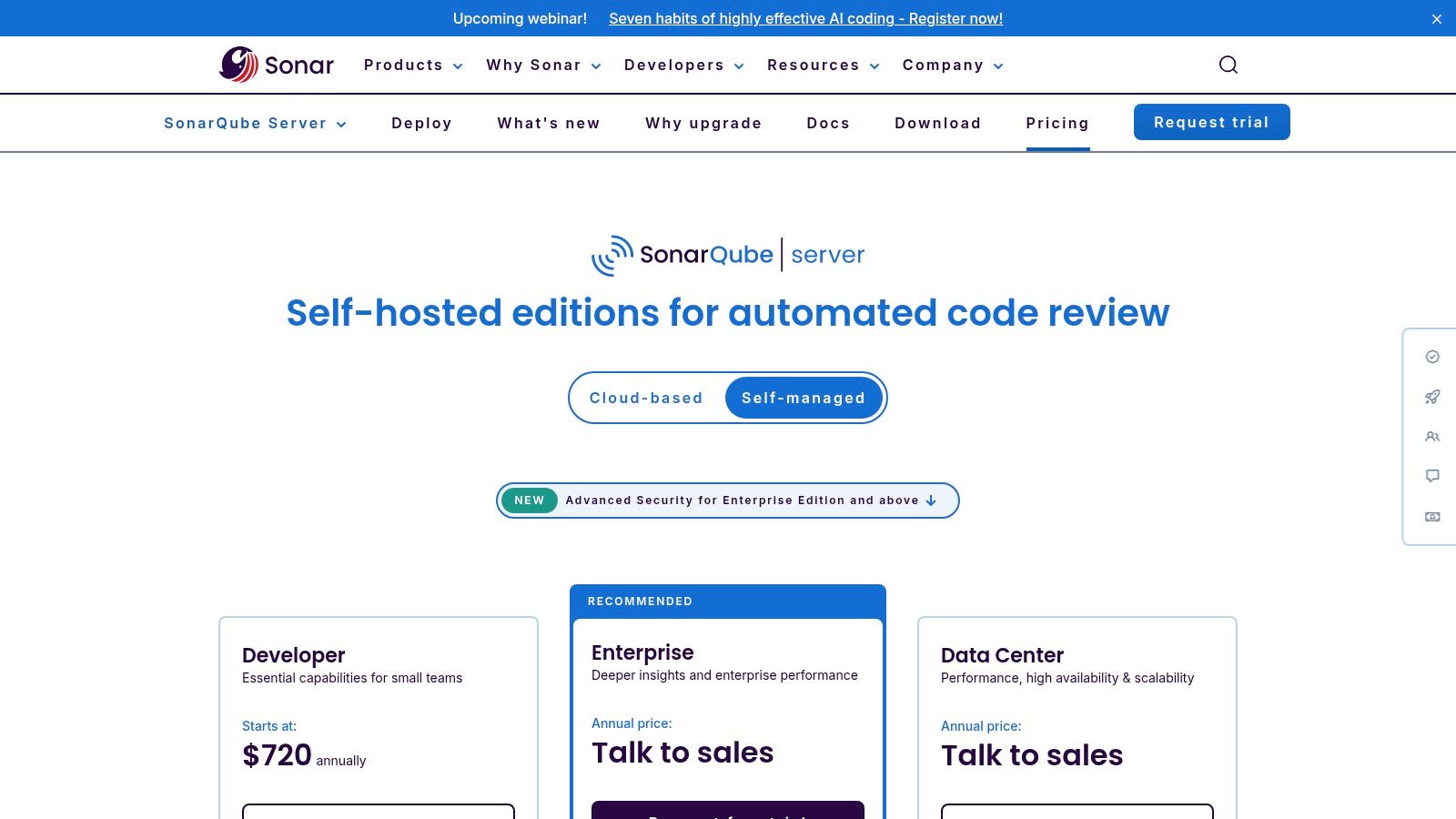
What makes SonarQube stand out is its deep integration into the enterprise ecosystem, offering robust reporting, portfolio management, and audit logs essential for compliance. While this requires the overhead of self-hosting and maintenance, it provides complete data sovereignty. Pricing is based on lines of code (LOC) for a given instance, which is predictable for large teams. To see how it compares with other options, you can find a breakdown of different code review automation tools. The IDE integration via SonarLint also brings these checks directly to the developer, preventing issues before they are even committed.
Practical Use Case: Enforcing a Strict Quality Gate
You can configure a SonarQube Quality Gate to ensure all new code meets specific security and reliability standards before it can be merged.
✅ Prompt for Quality Gate Definition:
“Define a strict SonarQube Quality Gate configuration for a critical financial application. It must fail if there are any new Blocker or Critical issues, any new security hotspots requiring review, or if the code coverage on new code drops below 90%. Provide this as a checklist.”
📝 Example Quality Gate Checklist:
- Blocker Issues →
New Blocker Issues > 0→ ❌ Fail - Critical Issues →
New Critical Issues > 0→ ❌ Fail - Security Hotspots →
New Security Hotspots > 0→ ❌ Fail (Requires Manual Review) - Vulnerabilities →
New Vulnerabilities (Any Severity) > 0→ ❌ Fail - Code Coverage →
Coverage on New Code < 90%→ ❌ Fail - Duplication →
Duplicated Lines on New Code > 3%→ ❌ Fail - Maintainability →
New Code Smells > 5→ ⚠️ Warn - Reliability →
New Bugs (Any Severity) > 0→ ❌ Fail
This checklist creates a non-negotiable quality and security standard for all incoming code, enforcing best practices automatically.
3. SonarQube Cloud (formerly SonarCloud)
SonarQube Cloud is a leading SaaS platform for enforcing a “Clean as You Code” methodology, making it one of the most popular automated code review tools for teams focused on long-term code health. It integrates directly into CI/CD pipelines and source control management tools like GitHub, GitLab, and Azure DevOps. Its core strength lies in its Quality Gate system, which fails builds or pull requests that don’t meet defined standards for reliability, security, and maintainability. This prevents new issues from ever being merged into the main branch.
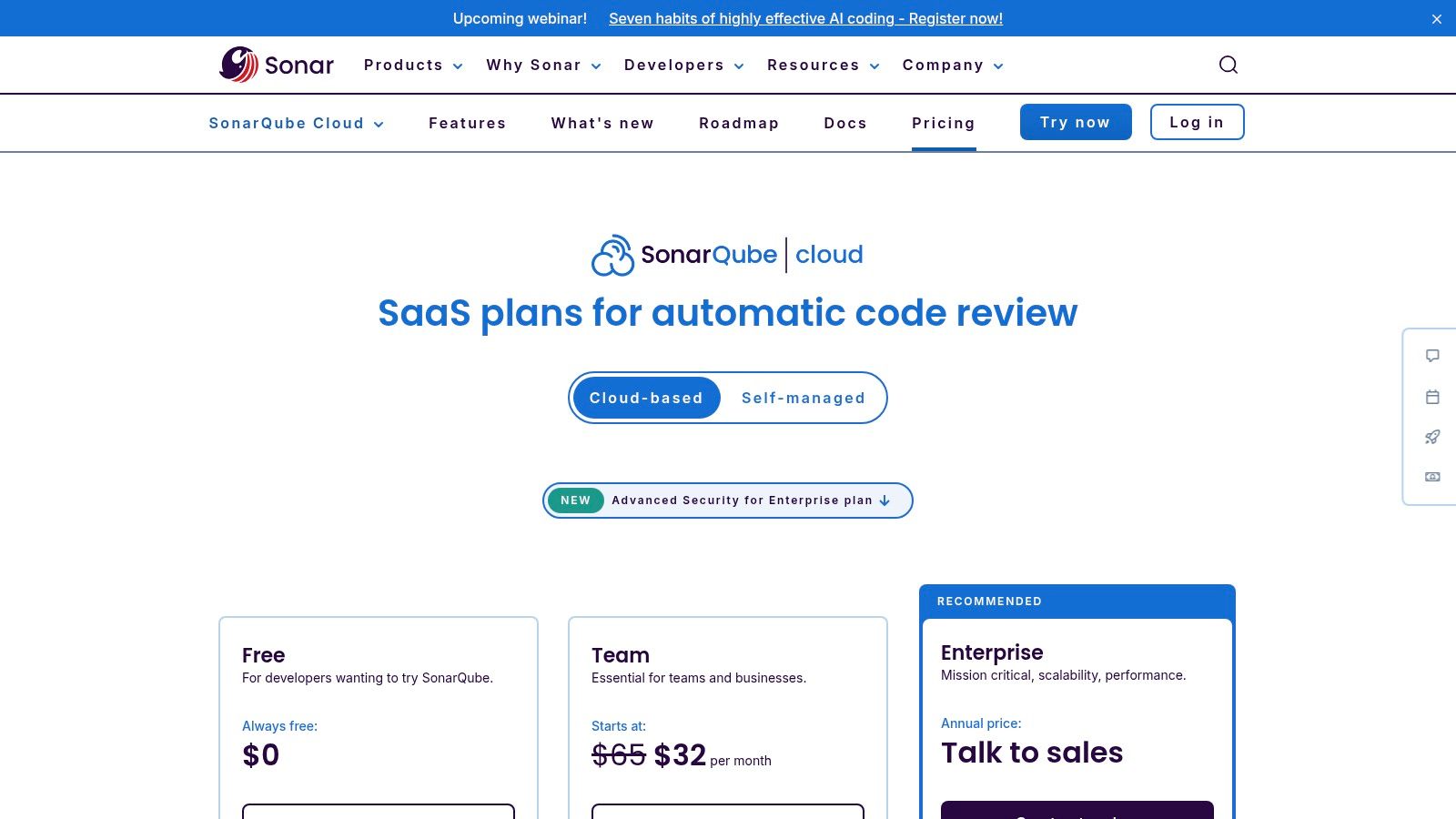
What makes it stand out is its comprehensive dashboarding and focus on metrics like code smells, duplication, and complexity. Beyond static analysis, the platform provides AI CodeFix for automated code suggestions and AI Code Assurance to validate AI-generated code. It also includes taint analysis to track and flag insecure user inputs. While it’s free for public projects, private repositories are priced based on lines of code, requiring teams to monitor usage. Its cloud-native approach means there is no infrastructure to manage, enabling quick setup.
Practical Use Case: Establishing a Quality Gate
You can use a SonarQube Quality Gate to create a strict, non-negotiable checklist for all new code contributions.
✅ Prompt for Quality Gate Configuration:
“Checklist: create a SonarQube Quality Gate for a new Python project. It must enforce 80% test coverage, zero new critical or blocker bugs, a ‘B’ or better rating on new security hotspots, and less than 3% code duplication. List the conditions I need to add.”
📝 Example Quality Gate Checklist:
SonarQube Quality Gate - “Production Ready”
- Coverage on New Code → is less than 80.0% → ✅ Added
- Bugs on New Code → is greater than 0 (Blocker or Critical) → ✅ Added
- Vulnerabilities on New Code → is greater than 0 (Blocker or Critical) → ✅ Added
- Security Hotspots on New Code → Security Rating is worse than ‘B’ → ✅ Added
- Code Smells on New Code → is greater than 5 (Major or higher) → ✅ Added
- Duplicated Lines on New Code → is greater than 3.0% → ✅ Added
This checklist ensures that every pull request is automatically analyzed against a consistent and high-quality standard before it can be merged.
4. Snyk Code (SAST)
Snyk Code is a developer-first static analysis (SAST) tool designed for speed and accuracy, integrating directly into the developer’s existing workflow. Unlike traditional scanners that require a full build, Snyk provides real-time feedback within the IDE and pull requests, making it one of the faster automated code review tools. This immediate feedback loop helps developers fix vulnerabilities as they write code, preventing security issues from ever reaching the main branch.

What makes Snyk stand out is its holistic platform approach. Snyk Code is just one part of a suite that includes Software Composition Analysis (SCA) for open-source dependencies and Infrastructure as Code (IaC) scanning. This consolidation reduces tool fatigue and provides a unified view of application security. The platform also leverages AI to provide context-aware fix suggestions, which helps developers not only patch issues but also understand the underlying vulnerability. A free tier is available for individual developers, with paid plans for teams that require advanced features and broader integration.
Practical Use Case: Securing a Node.js API
You can use Snyk’s CLI to create a security gate in your CI pipeline, ensuring your Node.js API is scanned for both code vulnerabilities and insecure dependencies before deployment.
✅ Prompt for Snyk CLI Commands:
“Give me the Snyk CLI commands to run in a CI pipeline for a Node.js project. First, I need to authenticate using an environment variable. Then, I need to scan for open-source dependency vulnerabilities and, separately, for static code vulnerabilities. Both scans should fail the CI build if high-severity issues are found.”
📝 Example CLI Snippet (.circleci/config.yml or similar):
# Authenticate Snyk CLI using an environment variable
snyk auth $SNYK_TOKEN

# Scan for open-source vulnerabilities, fail on high-severity issues
echo "--- Running Snyk Open Source Scan ---"
snyk test --severity-threshold=high

# Scan for code vulnerabilities, fail on high-severity issues
echo "--- Running Snyk Code Scan ---"
snyk code test --severity-threshold=high
This sequence ensures a comprehensive check by combining SCA and SAST, making security a non-negotiable step in the deployment process.
5. Codacy
Codacy is a highly versatile and cloud-based automated code review tool that prioritizes ease of use and broad language support. It integrates static analysis (SAST), secrets detection, and dependency checks into a single platform that works with over 40 programming languages. What makes Codacy particularly accessible is its ability to run scans on pull requests without requiring complex CI pipeline configurations, lowering the barrier to entry for teams looking to adopt automated quality gates quickly.

The platform stands out by offering comprehensive dashboards that provide a high-level view of code quality, security, risk, and test coverage across projects. Its “Guardrails” IDE extension brings code standards directly to the developer’s editor, preventing issues before they are ever committed. Codacy’s seat-based pricing is attractive for growing teams, offering unlimited scans and analysis. It is also free for open-source projects, making it a great choice for community-driven development.
Practical Use Case: Standardizing Quality Rules Across Repositories
You can create a centralized configuration file to enforce a consistent set of quality and security rules across all your organization’s projects.
✅ Prompt for Codacy Configuration:
“Create a .codacy.yml configuration file for a Python project. The file should enable all default tools, specify Python version 3.9, and explicitly disable the pylint checker for files in the tests/ directory. Additionally, exclude all files within the build/ directory from analysis.”
📝 Example Configuration Snippet (.codacy.yml):
---
engines:
  # Enable all default tools for the detected languages
  enabled: true
version: "3.9"
exclude_paths:
  - "build/**/*"
tools:
  pylint:
    # Disable pylint specifically for the tests directory
    exclude_paths:
      - "tests/**/*"
This configuration ensures that every repository in your organization adheres to the same baseline standards, improving consistency and maintainability.
6. DeepSource
DeepSource is a fast and reliable static analysis platform focused heavily on developer experience. It scans for thousands of bug risks, anti-patterns, and security vulnerabilities directly within your CI/CD pipeline and pull requests. What makes it one of the more intuitive automated code review tools is its focus on reducing noise by only flagging newly introduced issues, preventing developers from being overwhelmed by legacy technical debt.
The platform stands out with its Autofix feature, which uses AI to generate suggested fixes for many detected issues, significantly speeding up remediation. It also provides comprehensive OWASP Top 10 security reports, making it easy to track and demonstrate security compliance. DeepSource offers a free tier for public repositories and simple per-seat pricing for private projects, though self-hosting is reserved for the Enterprise plan. Its quick setup and actionable feedback make it a strong choice for teams that want to improve code quality without a steep learning curve.
Practical Use Case: Prioritizing New Issues in Legacy Code
When introducing a linter to a large, existing codebase, you can use DeepSource’s baseline analysis to avoid a flood of notifications.
✅ Prompt for DeepSource Configuration:
“Create a .deepsource.toml configuration file that enables the Python analyzer. Set the quality_gate to fail if any new security issues are introduced in a pull request, but ignore existing issues in the main branch. Also, enable the autofix feature.”
📝 Example Configuration Snippet (.deepsource.toml):
version = 1

[[analyzers]]
name = "python"
enabled = true

[transformers]
  [transformers.0]
  name = "autofix"
  enabled = true

[[processors]]
  [processors.0]
  name = "quality_gate"
  enabled = true
  [processors.0.meta]
    category = "security"
    fail_on_new_issues = true
    ignore_existing_issues = true
This configuration tells DeepSource to act as a gatekeeper for new code contributions, ensuring that the project’s security posture only improves over time without forcing an immediate, large-scale refactor.
7. Code Climate Quality (Qlty Cloud)
Code Climate Quality has long been a staple for engineering teams focused on code maintainability and technical debt. It excels at providing automated code review feedback directly within pull requests, flagging issues related to complexity, duplication, and style. Its standout feature is “test coverage on diff,” which ensures that new code being introduced is adequately tested, preventing regressions and maintaining quality standards over time. The tool provides a clear pass/fail status on PRs, making it a powerful gatekeeper in a CI/CD pipeline.
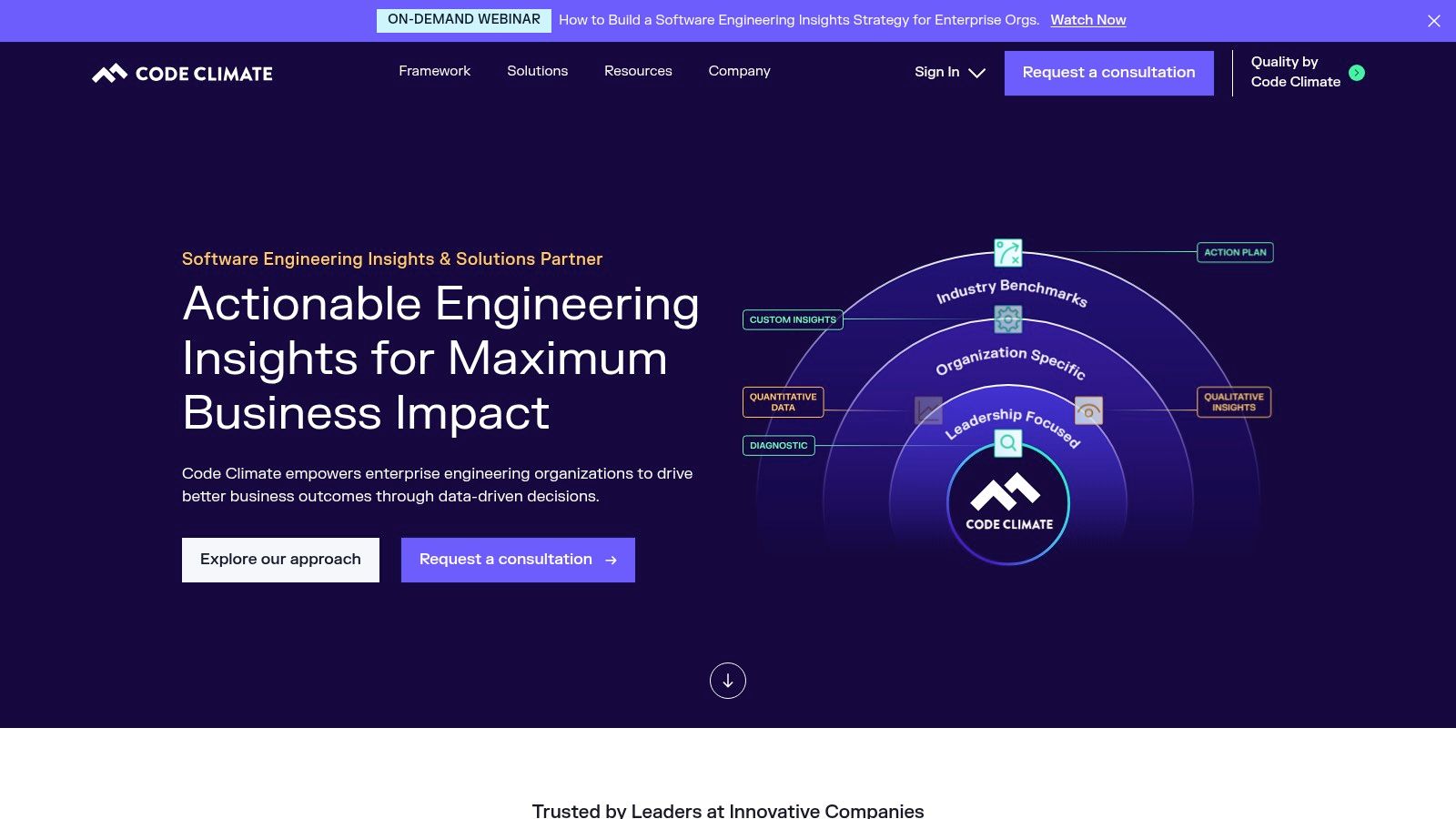
What makes it stand out is its strong focus on actionable maintainability metrics. Instead of just finding bugs, it helps teams write healthier, more sustainable code. The recent evolution to Qlty Cloud introduces AI-powered code health features, moving beyond static analysis to offer deeper insights. Its transparent, per-contributor pricing is available via the GitHub and Atlassian marketplaces, making it easy to adopt. While some legacy features are being sunset, the new platform doubles down on its core mission of improving code quality.
Practical Use Case: Enforcing Maintainability Gates
You can use the Code Climate command-line interface (CLI) to enforce maintainability standards locally before code is ever pushed, catching issues early.
✅ Prompt for Code Climate Configuration:
“Create a .codeclimate.yml configuration file for a Ruby on Rails project. Enable the RuboCop engine and configure it to target all Ruby files. Set the mass threshold for the duplication engine to 40, and exclude the db/ and vendor/ directories from all analysis.”
📝 Example Configuration Snippet (.codeclimate.yml):
version: "2"

plugins:
  rubocop:
    enabled: true
    channel: rubocop-1-23-0
    config:
      file: .rubocop.yml

ratings:
  paths:
  - "**.rb"

exclude_patterns:
- "config/"
- "db/"
- "dist/"
- "features/"
- "**/node_modules/"
- "script/"
- "**/spec/"
- "**/test/"
- "**/tests/"
- "**/vendor/"
- "**/*_spec.rb"
This configuration ensures that your automated code review tool focuses analysis on your application code, providing relevant feedback and ignoring third-party or generated files.
8. JetBrains Qodana
JetBrains Qodana brings the powerful static analysis engine behind its popular IDEs into your CI/CD pipeline, making it one of the most developer-friendly automated code review tools. It provides intelligent code quality and security checks that feel familiar to anyone who has used IntelliJ IDEA, PhpStorm, or WebStorm. Qodana runs as a Docker image, making it easy to integrate into virtually any CI environment, from Jenkins and TeamCity to GitHub Actions and GitLab CI. It offers both a cloud-based dashboard (Qodana Cloud) and a self-hosted option for teams with strict data privacy requirements.
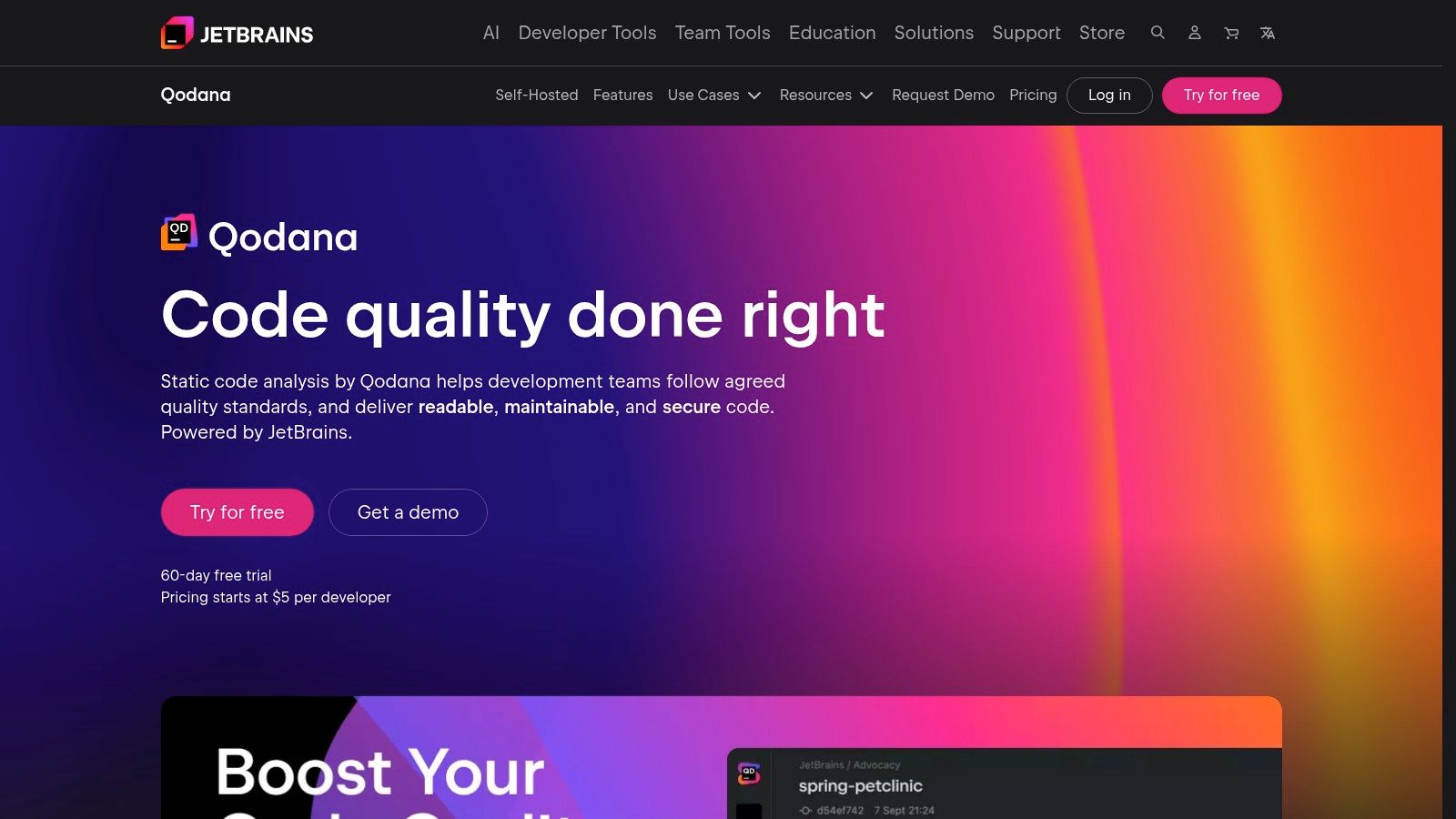
What makes it stand out is its deep integration with the developer’s local environment. Developers can pull scan results from the pipeline directly into their JetBrains IDE, allowing them to review and fix issues using the same familiar interface they code in. Features like taint analysis for tracking insecure data flows and license compliance checks are available in its paid tiers. The pricing model is also notable, based on the number of active contributors with unlimited lines of code, which can be more cost-effective for large projects.
Practical Use Case: Integrating Quality Gates into a CI Pipeline
You can configure Qodana to act as a quality gate, failing the CI build if the number of new or critical issues exceeds a defined threshold. This prevents technical debt from accumulating.
✅ Prompt for Qodana Quality Gate Configuration:
“Create a qodana.yaml configuration file for a Docker-based Java project. The configuration should set a quality gate that fails the build if more than 5 critical problems are found. Also, establish the main branch as the baseline for comparing pull requests.”
📝 Example Workflow Snippet (qodana.yaml):
version: "1.0"
linter: jetbrains/qodana-jvm-community:latest
failThreshold: 5
# Compare analysis results with the main branch
# For more info, see https://www.jetbrains.com/help/qodana/qodana-yaml.html
baseline:
  branch: main
When placed in the project root, this configuration tells the Qodana scanner to enforce a strict quality standard on every run, ensuring new code meets the team’s criteria before it gets merged.
9. Amazon CodeGuru Reviewer
For engineering teams deeply embedded in the AWS ecosystem, Amazon CodeGuru Reviewer is one of the most natural automated code review tools to adopt. It leverages machine learning to identify critical defects, security vulnerabilities, and deviations from best practices directly within your existing code repositories. The service integrates seamlessly with AWS CodeCommit, GitHub, and Bitbucket, providing actionable recommendations on pull requests and full repository scans.
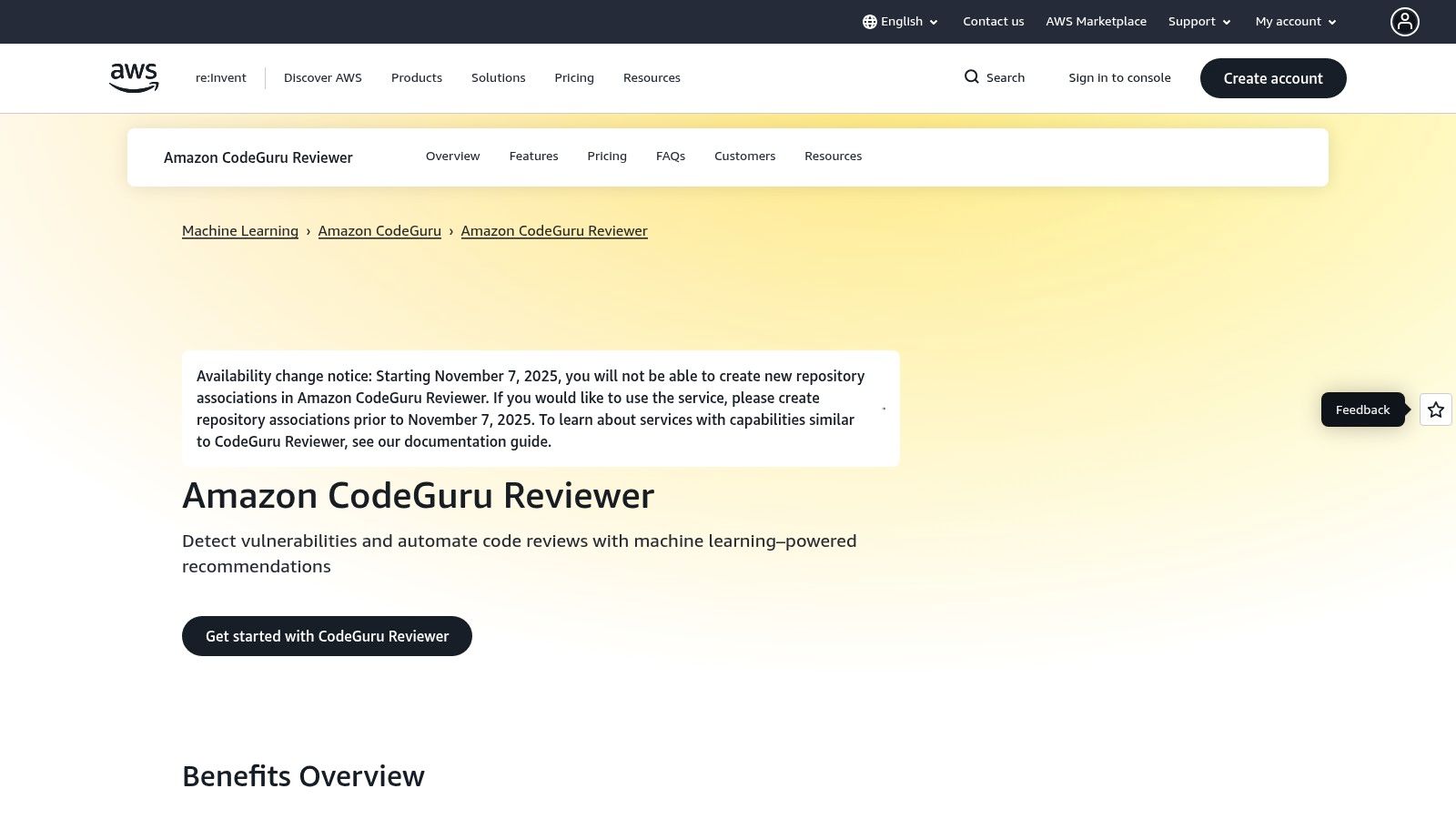
What makes it stand out is its predictable, LOC-based pricing model, which avoids per-user or per-scan fees and includes a generous free tier. This makes it an attractive option for teams looking for cost-effective code quality and security analysis. Unlike broader AppSec platforms, CodeGuru focuses specifically on code-level issues, drawing from Amazon’s extensive experience running production services. If you’re curious about how it fits into the broader landscape, you can explore the evolution of AI-driven code reviews. Keep in mind AWS has announced changes that may affect new repository associations after November 7, 2025.
Practical Use Case: Verifying AWS SDK Best Practices
You can use CodeGuru’s recommendations to ensure your team is following best practices for AWS SDK usage, preventing common performance bottlenecks or security misconfigurations.
✅ Prompt for a Code Review Checklist:
“Generate a checklist to manually verify a Python function that uses the AWS SDK (Boto3) to upload a file to S3. The checklist should cover best practices that Amazon CodeGuru would typically flag, such as client initialization, exception handling, and resource management.”
📝 Example Checklist Response:
AWS Boto3 S3 Upload - Best Practices Checklist
- Client Initialization → Is the S3 client instantiated outside the function handler to enable reuse? → ✅ Yes
- Exception Handling → Is the
s3.upload_filecall wrapped in atry...except ClientErrorblock to handle AWS-specific errors? → ✅ Yes - Credential Management → Are credentials loaded implicitly via IAM roles (not hardcoded)? → ✅ Yes
- Resource Management → Does the code use a
with open(...)block to ensure the file is properly closed after reading? → ✅ Yes - Pagination for Lists → If listing objects, is a paginator used to handle more than 1000 items? → ❌ No (Not applicable for upload)
- Error Logging → Are exceptions logged with sufficient detail for debugging? → ✅ Yes
Result: All applicable checks passed. The code adheres to key Boto3 best practices.
10. GitLab (Code Quality + SAST/Advanced SAST)
For organizations seeking a single platform for the entire DevOps lifecycle, GitLab provides a powerful, built-in solution for automated code review. Its strength lies in its all-in-one approach, embedding Code Quality scans and Static Application Security Testing (SAST) directly into the merge request workflow. This unified experience ensures that quality and security are not separate steps but integral parts of the CI/CD pipeline, available for both SaaS and self-managed deployments.

What makes GitLab stand out is how seamlessly it presents findings. Developers see actionable Code Quality reports and SAST vulnerabilities right inside their merge requests, creating a fast feedback loop without context switching. While basic SAST is available in the Free tier, the Ultimate tier unlocks Advanced SAST, which uses a combination of scanners to improve accuracy and reduce false positives. This makes it one of the most cohesive automated code review tools for teams already invested in the GitLab ecosystem.
Practical Use Case: Enabling SAST and Code Quality in a Pipeline
You can activate GitLab’s built-in code review jobs by simply including the official CI templates in your .gitlab-ci.yml file.
✅ Prompt for GitLab CI/CD Configuration:
“Give me a minimal .gitlab-ci.yml configuration that includes the official GitLab templates to run both the SAST and Code Quality scans. Ensure the jobs run in the test stage and that findings will be displayed directly in merge requests.”
📝 Example Workflow Snippet (.gitlab-ci.yml):
stages:
  - test

include:
  - template: Security/SAST.gitlab-ci.yml
  - template: Jobs/Code-Quality.gitlab-ci.yml

sast:
  stage: test

code_quality:
  stage: test
This configuration leverages GitLab’s Auto DevOps templates to instantly add powerful automated code review capabilities to any project with minimal effort.
11. Semgrep
Semgrep is a fast, open-source static analysis engine that excels at developer-friendly, customizable security scanning. It treats code like code, allowing teams to write rules using familiar syntax, which significantly lowers the barrier to creating custom checks. This approach makes it one of the most adaptable automated code review tools, capable of enforcing both security policies and project-specific code quality standards. Its performance is a key differentiator, making it fast enough to run on every commit or pull request without slowing down developers.
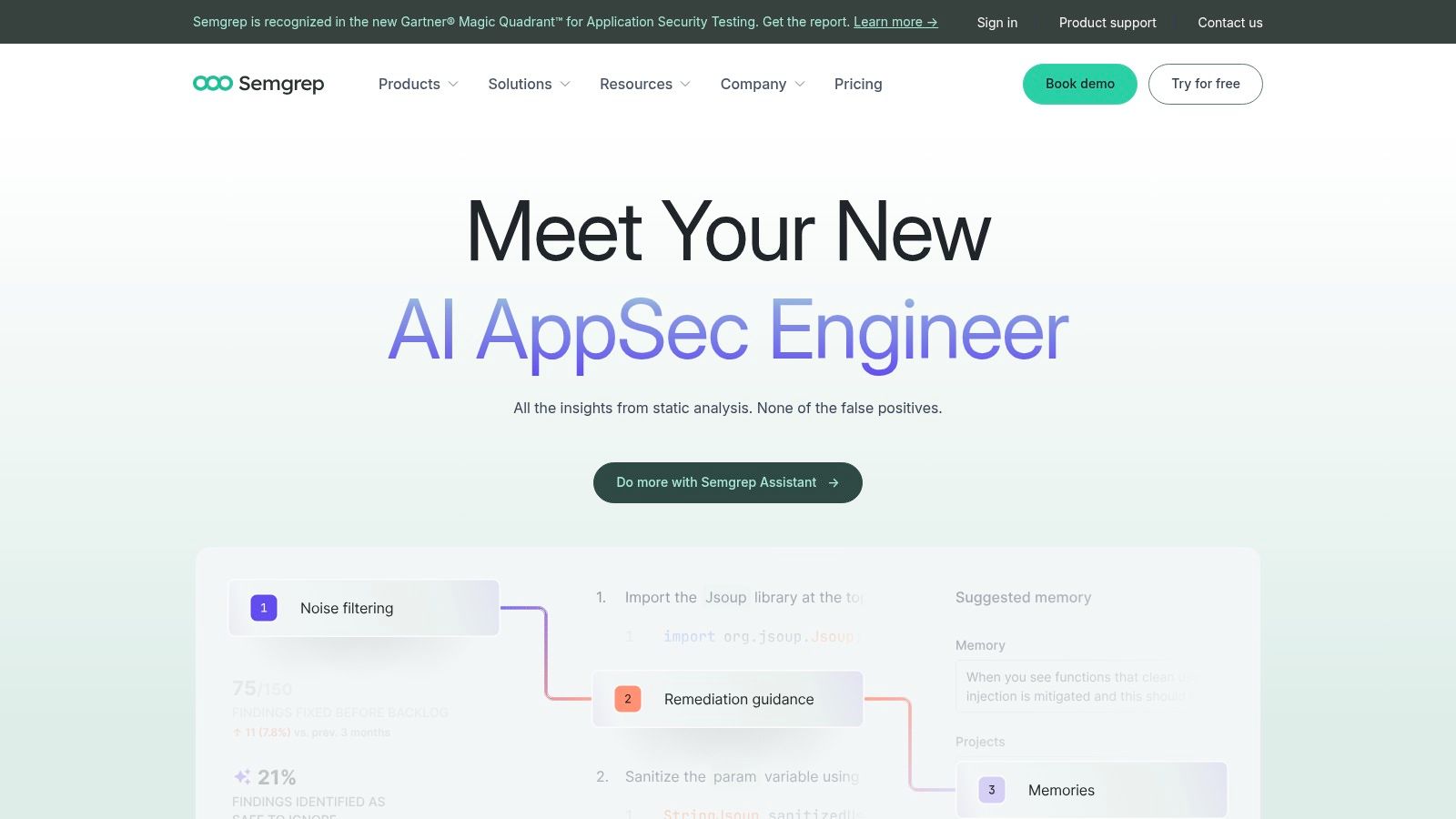
What makes Semgrep stand out is its vast community-driven ruleset, providing over 2,000 free rules for various languages and frameworks. The platform extends beyond static analysis with paid offerings for supply chain security (SCA) and secrets scanning, providing a more comprehensive security solution. It integrates seamlessly into CI/CD pipelines and offers a GitHub App for in-PR comments. While its core engine is free and open-source, accessing advanced features like Pro rules, AI-assisted workflows, and enterprise support requires a paid plan, with pricing available upon request.
Practical Use Case: Creating a Custom Security Rule
You can write a simple Semgrep rule to find and flag the use of a deprecated or insecure function in your Python codebase.
✅ Prompt for a Custom Semgrep Rule:
“Write a Semgrep rule in YAML format for Python that finds all calls to the insecure pickle.loads() function. The rule should have the ID insecure-pickle-usage, a high severity, and a message that says ‘Use of pickle.loads() is insecure and can lead to arbitrary code execution. Consider using a safer serialization format like JSON.’”
📝 Example Rule Snippet (rules/python-security.yml):
rules:
  - id: insecure-pickle-usage
    patterns:
      - pattern: pickle.loads(...)
    message: |
      Use of pickle.loads() is insecure and can lead to arbitrary code execution.
      Consider using a safer serialization format like JSON.
    languages:
      - python
    severity: ERROR
This custom rule can be added to your project’s Semgrep configuration, ensuring your automated code review process flags this specific vulnerability instantly.
12. Veracode Static Analysis (SAST)
Veracode Static Analysis is an enterprise-focused automated code review tool designed for organizations with strict compliance and security requirements. It integrates directly into the developer’s environment via IDE plugins and CI/CD pipeline scans, analyzing compiled binaries or bytecode. This “whole-program” approach provides a comprehensive view of the application, covering over 100 languages and frameworks, which helps identify complex data flows and vulnerabilities that other tools might miss. Its primary strength lies in its high accuracy and emphasis on minimizing false positives.
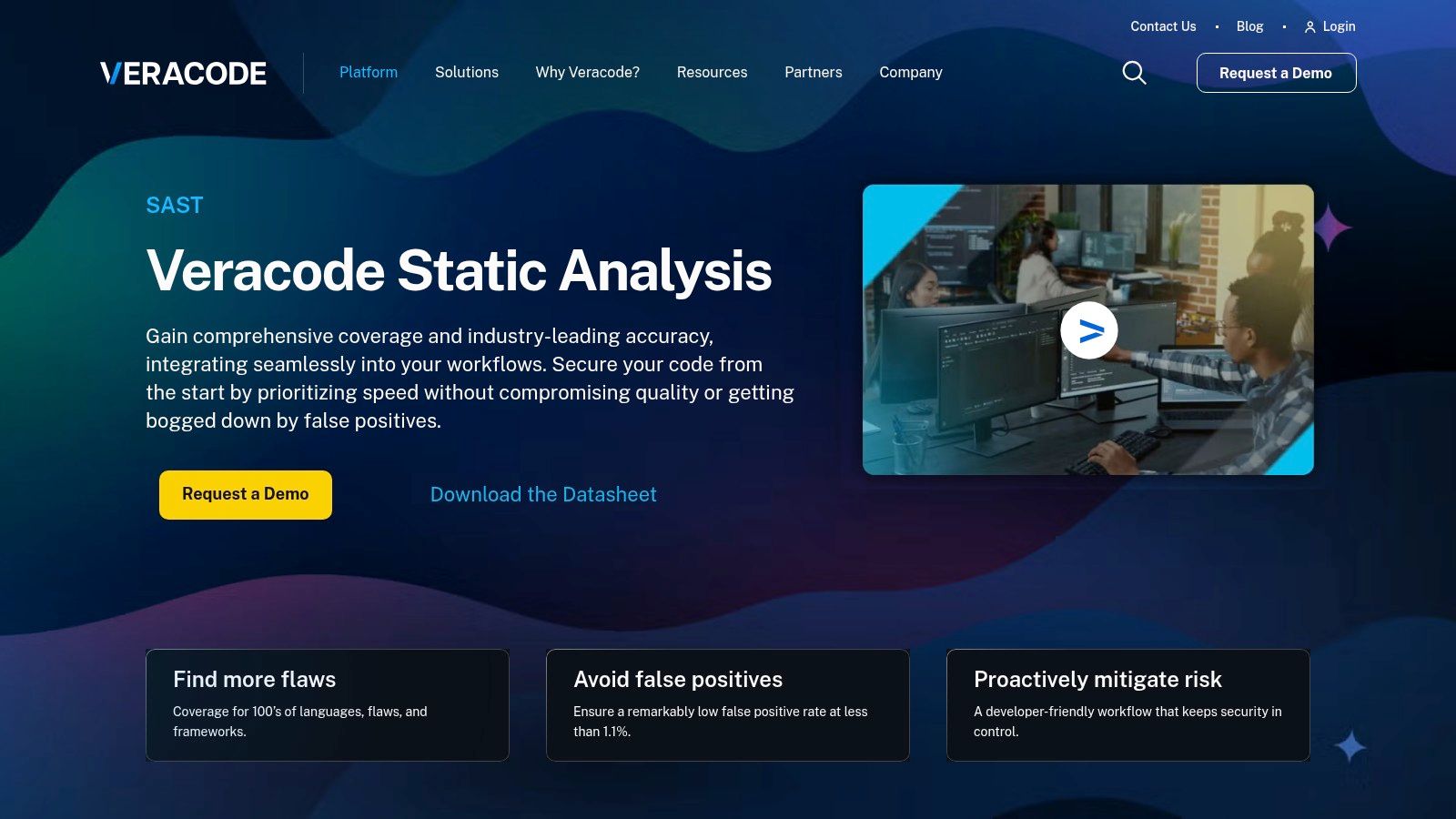
What sets Veracode apart is its detailed remediation guidance and strong governance features. The platform provides developers with step-by-step instructions and contextual insights to fix identified flaws, while offering security teams centralized policy management and robust reporting. This makes it ideal for demonstrating compliance with standards like OWASP Top 10, CWE, and PCI DSS. The tool is part of a broader application security suite, though its enterprise focus means pricing is typically quote-based and positioned at a premium level compared to developer-first solutions.
Practical Use Case: Pre-Release Compliance Check
You can use a CLI tool like the Veracode API wrapper to automate a final, comprehensive scan before a production release, ensuring no critical vulnerabilities slip through.
✅ Prompt for a pre-release scan:
“Give me a checklist for a pre-release SAST scan using the Veracode CLI. The goal is to ensure our Java application meets OWASP Top 10 compliance before deployment. The checklist should confirm the app is packaged correctly, scanned with the right policy, and that we have a clear pass/fail result.”
📝 Example Checklist Response:
Veracode Pre-Release SAST Scan Checklist
- App Packaged Correctly → Is the application compiled into a single
.jaror.warfile including all dependencies? → ✅ Yes - Authentication Configured → Is the Veracode API credentials file (
~/.veracode/credentials) set up? → ✅ Yes - Application Profile Exists → Has an app profile been created in the Veracode Platform? → ✅ Yes
- Compliance Policy Selected → Is the scan tied to our “OWASP Top 10” policy? → ✅ Yes
- Scan Initiated → Was the scan started using
java -jar veracode-api-wrapper.jar -vid <id> -vkey <key> -action uploadandscan ...? → ✅ Yes - Scan Completed without Errors → Did the scan finish successfully in the Veracode Platform? → ✅ Yes
- Policy Compliance Verified → Does the final report show a “Did Not Pass” status for any policy rules? → ❌ No → Fix: Review the high-severity flaws reported and schedule remediation before release.
This ensures every release candidate undergoes a final, stringent security and compliance check.
Top 12 Automated Code Review Tools Comparison
| Tool | Core features | Dev UX & Quality ★ | Price / Value 💰 | Target & Unique Strengths 👥✨🏆 |
|---|---|---|---|---|
| GitHub Code Security (Advanced Security with CodeQL) | CodeQL PR/CI scanning, Copilot Autofix, secret & dependency review | ★★★★ | 💰 Free for public repos; paid add-ons for private | 👥 GitHub-first teams · ✨ Native workflow + actions · 🏆 Best GitHub integration |
| SonarQube Server (Developer/Enterprise/Data Center) | 30+ langs, Quality Gates, enterprise reporting, self-hosted | ★★★★ | 💰 License by LOC (instance quote) | 👥 Regulated/enterprise · ✨ Strong governance & audits · 🏆 Predictable unlimited scans |
| SonarQube Cloud (SonarCloud) | SaaS PR checks, Quality Gates, AI CodeFix, secrets & taint analysis | ★★★★ | 💰 SaaS, private LOC pricing tiers | 👥 Distributed teams · ✨ No infra, org dashboards · 🏆 Easy scale across repos |
| Snyk Code (SAST) | Fast build-free SAST, in-IDE feedback, AI-assisted fixes | ★★★★★ | 💰 Tiered pricing; advanced features in higher tiers | 👥 Dev-centric security teams · ✨ Excellent IDE UX & auto-fix · 🏆 Strong platform breadth |
| Codacy | PR scans, IDE Guardrails, dashboards for security/coverage/quality | ★★★★ | 💰 Seat-based pricing; free for OSS | 👥 SMBs & teams wanting pipeline-less scans · ✨ Guardrails in-editor · 🏆 Simple onboarding |
| DeepSource | CI/local analysis, AI Autofix, OWASP reports, baseline focus | ★★★★ | 💰 Seat pricing with unlimited LOC on paid plans | 👥 Developer-first teams · ✨ AI Autofix & baselining · 🏆 Fast developer ergonomics |
| Code Climate Quality (Qlty Cloud) | Inline PR checks, diff coverage gates, AI code health tiers | ★★★ | 💰 Per-contributor pricing (marketplaces) | 👥 Maintainers & reviewers · ✨ Focused maintainability heuristics · 🏆 Clear PR workflow fit |
| JetBrains Qodana | CI/CD analysis, taint/vuln checks, IDE plugins, quality gates | ★★★★ | 💰 Per-active-contributor pricing; unlimited LOC | 👥 JetBrains IDE users & enterprises · ✨ Deep IDE integration · 🏆 Attractive contributor pricing |
| Amazon CodeGuru Reviewer | PR recommendations, repo scans, LOC-based monthly pricing | ★★★ | 💰 Fixed pricing by onboarded LOC; free trial | 👥 AWS-centric teams · ✨ Predictable LOC billing · 🏆 Tight AWS integration |
| GitLab (Code Quality + SAST/Advanced SAST) | Merge Request findings, built-in SAST, security dashboard | ★★★★ | 💰 Basic free; Ultimate tier for Advanced SAST | 👥 Teams using GitLab CI/CD · ✨ Single-app DevSecOps · 🏆 Unified platform experience |
| Semgrep | Custom rule language, 2k+ community rules, secrets & SCA options | ★★★★ | 💰 Free community; paid Pro/Enterprise tiers | 👥 Security engineers & rule authors · ✨ Highly customizable rules · 🏆 Fast PR gating performance |
| Veracode Static Analysis (SAST) | Whole-program analysis, low false positives, remediation guidance | ★★★★ | 💰 Quote-based, enterprise-priced | 👥 Compliance-heavy orgs · ✨ Emphasis on accuracy & governance · 🏆 Enterprise support & reporting |
Supercharge Your Reviews: Making the Right Choice and Measuring Impact
We’ve explored a powerful lineup of automated code review tools, from the security-first approach of Snyk and Veracode to the comprehensive quality and maintainability platforms like SonarQube and Code Climate. Each tool offers a unique blend of features designed to fit specific team structures, tech stacks, and development philosophies. The common thread is clear: integrating automation is no longer a luxury but a fundamental component of a modern, efficient software development lifecycle.
The key takeaway is that there is no single “best” tool for everyone. Your ideal choice hinges on a clear understanding of your team’s most pressing needs. A startup focused on rapid iteration might prioritize a tool like DeepSource for its quick setup and actionable feedback, while a large enterprise handling sensitive data would likely lean on the robust security analysis of GitHub Advanced Security or a self-hosted SonarQube instance.
Making a Strategic Decision
Before you commit, consider these critical factors to guide your selection process:
- Primary Goal: Is your main objective to catch security vulnerabilities (SAST), improve code maintainability and reduce technical debt, or enforce a consistent style guide across your organization? Pinpoint your top priority.
- Workflow Integration: How seamlessly does the tool fit into your existing CI/CD pipeline and pull request workflow? A tool that requires significant process changes can face adoption friction.
- Signal-to-Noise Ratio: The best automated code review tools provide high-fidelity alerts and minimize false positives. Run a pilot on a specific repository to see which tool gives you the most actionable feedback with the least noise.
- Team Stack: Ensure the tool has first-class support for your primary programming languages and frameworks. A tool that excels in Java might not be the best fit for a team working primarily with Python and Go.
Implementation and Measuring Success
Once you’ve selected a tool, treat its rollout as a strategic initiative. Don’t just “turn it on.” Instead, fine-tune its ruleset to match your team’s standards, gradually introduce quality gates to block problematic merges, and make sure every developer understands how to interpret and act on the feedback.
The next evolution in this space is understanding how these automated systems interact with AI-generated code. As developers increasingly rely on AI assistants, the nature of code reviews is changing. It’s becoming crucial to see not just what code is being written, but how it’s being created. This is where you can leverage AI workflow insights to create better, more effective prompts.
For example, instead of a generic request, a developer can use a structured prompt to ensure their AI-generated code meets deployment best practices from the start, significantly reducing the burden on both human and automated reviewers.
✅ Prompt
“Checklist: confirm my Astro site is deployed on Cloudflare Workers with best-in-class performance, SEO, and DX. Verify adapter, asset storage, caching, hydration, and SSR/SSG choices. Give me a clear yes/no on each item and point out fixes if something’s missing.”
📝 Example Response
Astro on Cloudflare Workers — Deployment Checklist
- Adapter → Using
@astrojs/cloudflareor@astrojs/cloudflare/worker? → ✅ Yes - Static vs SSR → Static pages prebuilt + only SSR where required (API, auth, etc.) → ✅ Yes
- Cold start avoidance → Worker bundle < 1MB, no heavy deps → ✅ Yes
- Assets → Offloaded to R2 / Cloudflare Images, not bundled in Worker → ❌ No → Fix: move images to R2 and rewrite URLs
- Caching → Edge cache headers set (
Cache-Control,stale-while-revalidate) → ✅ Yes - SEO → Title/meta tags verified, hreflang (if multilingual), robots.txt and sitemap.xml generated → ✅ Yes
- Core Web Vitals → Partial hydration configured, Lighthouse score >90 → ✅ Yes
- Global Edge → Tested from multiple PoPs (US/EU/Asia) for <100ms TTFB → ✅ Yes
- Limits → Worker within 30ms CPU budget, script <10MB → ✅ Yes
- Monitoring → Wrangler tail + Analytics enabled → ✅ Yes
Result: 9/10 checks passed. Only asset storage needs fixing.
Using detailed prompts and checklists like this one helps ensure the AI assistant produces code that is secure, robust, and aligned with your team’s standards, making the subsequent automated review process smoother and more effective.
As AI transforms code creation, visibility into how your team uses these powerful new assistants is essential. Zest provides that crucial insight, helping you understand your team’s AI coding workflows to standardize effective prompts and optimize your entire development process. See how your team is building with AI and discover opportunities to ship better code faster by visiting Zest.
Gallery
Lemon shots



