
The Top 12 AI Developer Tools to Boost Your Workflow in 2025

The developer toolkit has fundamentally changed. Simple code completion and basic syntax helpers are no longer enough. The real productivity gains now come from a well-integrated stack of AI developer tools that can assist with everything from initial ideation and complex code generation to automated testing and infrastructure management. This shift represents a significant evolution in software creation. To truly appreciate the paradigm shift, consider the broad impact of SaaS Artificial Intelligence across various industries.
However, navigating the crowded market of AI tools can be overwhelming. Which platform is best for fine-tuning a model? Which coding assistant integrates smoothly with VS Code or Cursor? How can engineering managers track AI adoption and measure its impact on team velocity? Answering these questions is crucial for building a high-performance development workflow that leverages AI effectively without adding unnecessary friction.
This guide cuts through the noise. We’ve compiled a comprehensive list of the most essential AI developer tools, organized into clear categories like coding, prompt engineering, testing, and workflow automation. For each tool, you’ll find a straightforward analysis covering what it does, who it’s for, its pros and cons, and pricing notes. We provide direct links and screenshots to help you evaluate your options quickly. Our goal is to equip you, your team, and your organization with the right information to assemble a powerful, customized AI tool stack that accelerates your entire development lifecycle.
1. Zest
Zest is an AI coding workflow manager designed for teams using VS Code and Cursor, moving AI-assisted development from an individual experiment to a structured, measurable, and repeatable team process. It provides engineering leaders with crucial visibility into how their teams are using AI, highlighting what works, what doesn’t, and where the most significant productivity gains are happening. By automatically analyzing development activity, Zest delivers insights that help organizations standardize best practices and accelerate their AI adoption journey.

Unlike other ai developer tools that focus solely on code generation, Zest acts as an observability and management layer. It turns raw coding sessions into actionable intelligence, making the impact of AI both visible and improvable.
Standout Features & Use Cases
- AI Standups: At the end of each day, Zest auto-generates a concise summary of your AI-assisted work. This includes wins, blockers, and time saved, eliminating the need for manual tracking and providing clear progress updates for managers.
- AI Hints & Metrics Feed: The platform proactively identifies when developers are struggling, flagging weak prompts or extended “stuck time.” This data flows into a consolidated AI Metrics feed, offering a timeline of tasks, tools, and minutes spent, which is invaluable for spotting bottlenecks.
- Team Cheatcodes & Leaderboard: Zest captures effective prompts and strategies as “Cheatcodes,” creating a shared, reusable library for the entire team. A leaderboard gamifies adoption and showcases top performers, encouraging others to learn from their workflows.
- Measurable AI Adoption: For managers and CTOs, Zest offers clear adoption charts and team-level metrics. This data provides a quantifiable answer to whether the organization’s investment in AI tools is translating into real productivity gains.
Pros and Cons
| Pros | Cons |
|---|---|
| Automatic Insights: AI Standups and AI Hints convert raw activity into actionable intelligence with zero manual effort. | Privacy Considerations: Activity monitoring may require clear data governance policies, especially for enterprise teams. |
| Repeatable Wins: The Cheatcodes feature allows teams to capture and share high-impact prompts, scaling best practices. | Limited IDE Support: The platform is currently centered on VS Code and Cursor, limiting its use for other editors. |
| Management Visibility: Provides clear, measurable data on AI adoption, usage patterns, and ROI for engineering leaders. | |
| Accessible Tiers: A free Developer plan allows individuals to test core features before committing to paid team plans. |
When to Pick Zest
Choose Zest when you need to move beyond ad-hoc AI usage and build a systematic, measurable AI development practice. It’s ideal for engineering managers who need visibility into tool adoption and ROI, and for teams that want to learn from each other by sharing successful prompts and strategies.
- Pricing: Starts with a free Developer plan (3-day history). Pro is $5/month (90-day history, AI Standups), and Team is $10/user/month (1-year history, leaderboards).
- Website: https://meetzest.com
2. OpenAI Platform
The OpenAI Platform is the foundational API layer powering a significant portion of today’s AI-driven applications. For developers, it offers direct, production-grade access to a wide range of powerful models like the GPT-4 and GPT-5 families, along with multimodal capabilities for vision and audio. This is the go-to resource for building custom AI functionalities directly into your software, from sophisticated text generation and reasoning to complex data analysis.
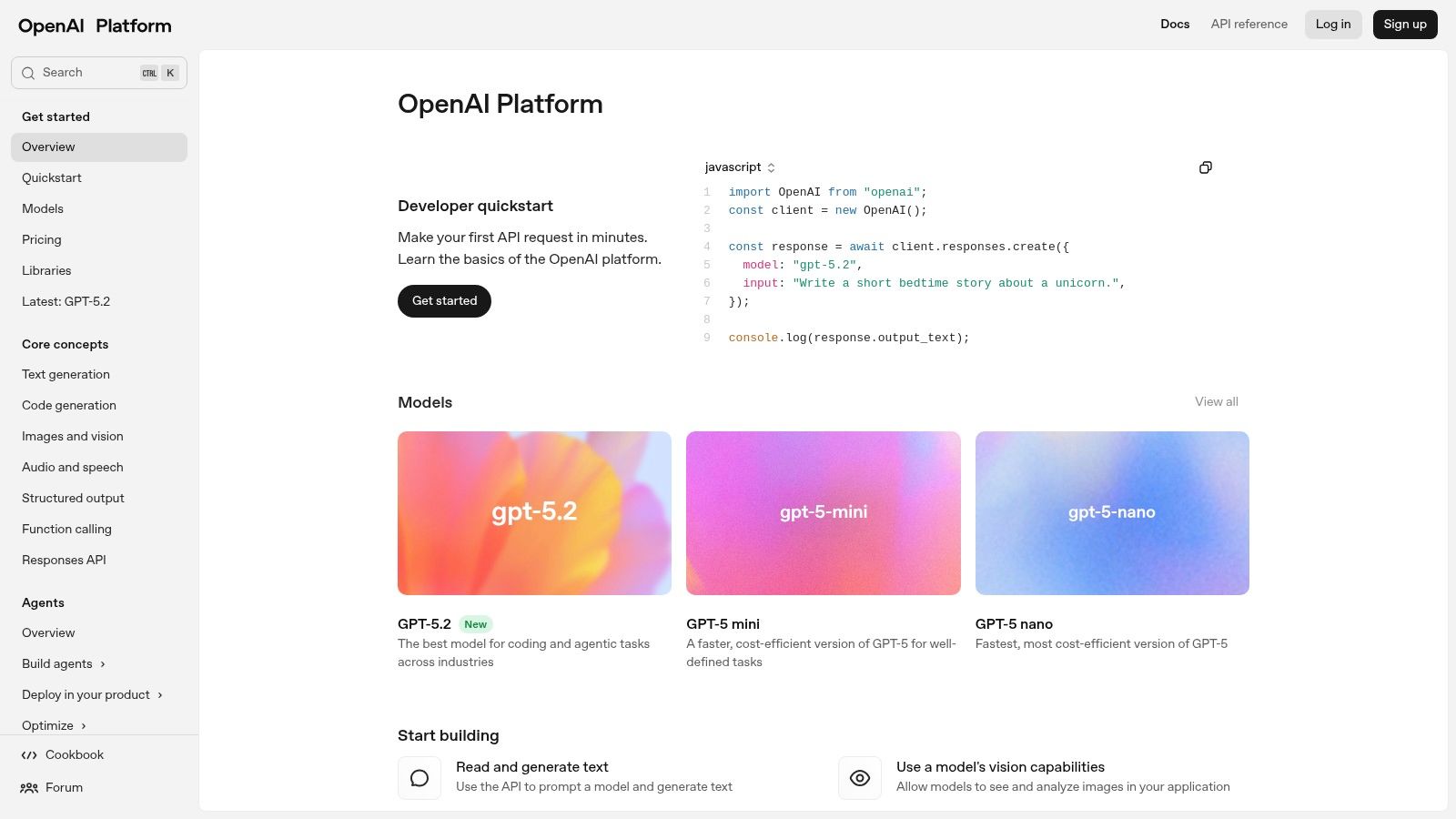
It stands out due to its mature ecosystem, extensive documentation, and robust SDKs in multiple languages, which significantly lower the barrier to entry for integrating advanced AI. Unlike more specialized tools, OpenAI provides a versatile toolkit for almost any AI-related task. The platform’s transparent, pay-as-you-go pricing based on token usage allows for scalable implementation, from small experiments to large-scale enterprise solutions. Developers can also fine-tune models on their own data for highly specialized tasks, a key feature for creating differentiated AI products.
When to pick OpenAI Platform: Choose this platform when you need to build custom AI-powered features directly into your application. It’s ideal for projects requiring fine-grained control over model behavior, access to the latest model updates, and the flexibility to integrate AI across different parts of your tech stack.
Key Features & Considerations
- Ideal For: Teams building bespoke AI features, startups prototyping new AI products, and developers needing direct API access to state-of-the-art models.
- Pros: Access to a vast catalog of powerful models, transparent per-token pricing, and a mature ecosystem with strong SDK and community support.
- Cons: Costs can escalate quickly at high volumes without careful optimization, and some of the most advanced models may have usage limits during preview periods.
- Pricing: Pay-as-you-go per token usage, with different rates for various models and capabilities like fine-tuning or batch processing.
- Integration Tip: The official Python and Node.js libraries make API calls straightforward. For in-editor use, many VS Code extensions are built on the OpenAI API, allowing you to bring its power directly into your IDE. You can explore a variety of coding applications in our guide on how to use OpenAI’s models for programming.
3. Anthropic
Anthropic provides API access to its Claude family of models, which are engineered with a strong emphasis on safety, reliability, and sophisticated reasoning. Developers can leverage models like Claude 3.7 Sonnet, Opus, and Haiku for a wide range of tasks including complex code generation, building autonomous agents, and advanced retrieval. The platform is a strong competitor in the space of foundational AI developer tools, differentiating itself with exceptionally long context windows and a constitutional AI approach to mitigate harmful outputs.
The platform stands out with its user-friendly Console and well-documented SDKs, making integration straightforward. A key feature for large-scale operations is the Batch API, which offers significantly reduced costs for processing large, asynchronous jobs like data backfills or model evaluations. This makes it a cost-effective choice for offline tasks that don’t require real-time responses. While the platform is accessible, developers should be mindful of usage tiers, as rapid scaling may require coordination with Anthropic’s sales team to adjust rate limits.
When to pick Anthropic: Choose Anthropic when your project requires handling large documents, emphasizes safety and reliability in its outputs, or involves large-scale, non-urgent batch processing where cost optimization is critical. It’s ideal for building applications that need deep reasoning capabilities.
Key Features & Considerations
- Ideal For: Developers building applications requiring long-context reasoning, enterprise teams focused on AI safety, and projects needing cost-effective batch processing.
- Pros: Models are optimized for safety and reasoning, the Batch API provides significant cost savings, and the platform offers an excellent developer console and documentation.
- Cons: Rapidly scaling usage can be throttled by rate limits without prior arrangement, and some enterprise-grade features require a direct sales contract.
- Pricing: Pay-as-you-go per token, with separate, lower pricing for the Batch API. Published usage tiers outline costs and rate limits.
- Integration Tip: The official Python and TypeScript SDKs simplify working with the Claude API and its features like tool use. When using Anthropic models in your IDE, ensure your AI coding assistant or extension supports custom API endpoints and keys to connect directly.
4. Google AI for Developers (Gemini API via AI Studio)
The Google AI platform offers developers direct access to the Gemini family of models, including the fast and efficient Gemini 2.x/2.0 series. Through the user-friendly Google AI Studio, developers can rapidly prototype and then integrate these models via SDKs. This suite of AI developer tools is built for performance, offering long context windows for complex tasks, live streaming endpoints for low-latency interactions, and powerful multimodal capabilities, including the advanced Imagen 4 model for high-quality image generation.

Google distinguishes its offerings with features like grounding results in Google Search, which enhances the accuracy and relevance of model outputs for real-world applications. Its transparent pricing and a notably generous free tier make it highly accessible for individual developers and small teams looking to experiment without significant upfront investment. While some advanced features are still in preview, the platform’s core strength lies in its excellent price-performance ratio, particularly with the Flash models, making it a compelling alternative for scalable AI solutions.
When to pick Google AI: Choose this platform when you need high-performance models with unique features like search grounding at a competitive price point. It’s perfect for projects requiring long-context reasoning or real-time streaming, and for developers who want a generous free tier for prototyping.
Key Features & Considerations
- Ideal For: Developers building applications requiring real-time data grounding, cost-effective multimodal solutions, or long-context understanding.
- Pros: Competitive price-performance, a generous free tier with high rate limits, and unique features like grounding with Google Search.
- Cons: Some of the newest models and features may be in a preview state with stricter usage limits, and full enterprise controls often require deeper integration with Google Cloud Platform (GCP).
- Pricing: A free tier is available with usage limits. Paid plans are pay-as-you-go, based on token or image counts.
- Integration Tip: The Google AI Studio provides a seamless transition from web-based prompting to generating ready-to-use code snippets for Python, Node.js, and other languages, simplifying the integration process into your development environment.
5. Amazon Bedrock
Amazon Bedrock is a fully managed service that offers a unified API to access foundation models from leading AI companies like Anthropic, Meta, and Amazon itself. For developers already integrated into the AWS ecosystem, it provides a streamlined, enterprise-grade path to building and scaling generative AI applications. Bedrock simplifies model access and adds a layer of essential production tools, including knowledge bases for Retrieval-Augmented Generation (RAG), guardrails for responsible AI, and agents for orchestrating complex tasks.
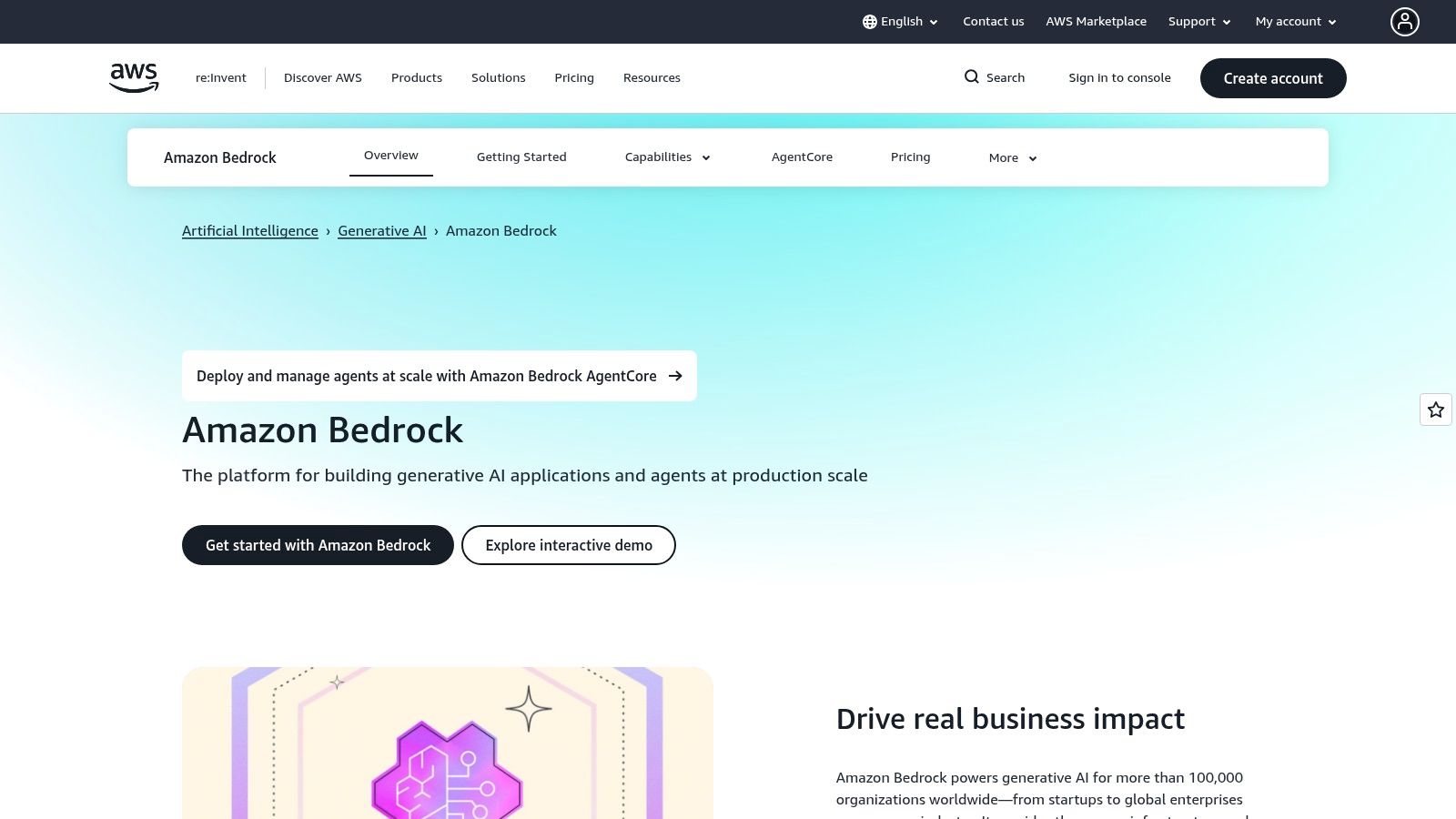
It stands out by deeply integrating with AWS services for security, governance, and operations, making it a natural choice for teams that need to meet strict compliance and security standards. Unlike direct model providers, Bedrock centralizes model management, billing, and permissions under a single AWS account using familiar IAM roles. This approach provides a secure, private environment where your data is never used to train the underlying models, addressing a key concern for enterprises handling sensitive information.
When to pick Amazon Bedrock: Choose Bedrock when your organization is already invested in the AWS ecosystem and requires enterprise-grade security, governance, and scalability for AI applications. It’s ideal for projects that need to leverage multiple foundation models through a single, secure API with robust operational controls.
Key Features & Considerations
- Ideal For: Enterprise teams building secure AI solutions, developers needing a single API for multiple models, and organizations requiring deep integration with AWS security and infrastructure.
- Pros: Access to a diverse set of foundation models under a unified IAM and billing system, and strong enterprise features like private networking, data encryption, and compliance.
- Cons: Pricing can be complex, as costs are a combination of model provider fees and separate charges for AWS features like agents or knowledge bases. It may present a steeper learning curve if you are not already familiar with AWS.
- Pricing: Pay-as-you-go, with pricing varying by model and usage mode (On-Demand, Provisioned Throughput). Additional costs apply for features like Guardrails, Agents, and Knowledge Bases.
- Integration Tip: Use the AWS SDK for Python (Boto3) to easily integrate Bedrock into your applications. For in-editor experimentation, you can configure the AWS Toolkit extension in VS Code to invoke Bedrock models directly, allowing you to test prompts and generate code snippets within your IDE.
6. Microsoft Azure OpenAI Service
Microsoft Azure OpenAI Service provides enterprise-grade access to OpenAI’s powerful models within the security and compliance framework of the Azure cloud. For development teams already embedded in the Azure ecosystem, it offers a seamless way to integrate models like GPT-4 into their applications with added benefits like private networking (VNet), regional data residency, and unified billing. This makes it one of the top AI developer tools for organizations with stringent security and governance requirements.

It stands out by wrapping OpenAI’s technology with Azure-native features, including robust identity and access management, built-in monitoring, and integration with other Azure AI services. This allows organizations to deploy powerful language, vision, and reasoning models while adhering to corporate policies and regulatory standards. Developers can leverage the familiarity of the Azure portal and APIs to provision, manage, and scale their AI workloads, making it a pragmatic choice for established enterprise teams.
When to pick Microsoft Azure OpenAI Service: Choose this service when your organization is standardized on Microsoft Azure and requires enterprise-level security, compliance, and private networking. It is the ideal solution for deploying AI in regulated industries or for projects needing to meet specific data residency rules.
Key Features & Considerations
- Ideal For: Enterprise development teams, organizations in regulated industries (finance, healthcare), and developers building on the Microsoft Azure stack.
- Pros: Enterprise-grade security and compliance, data residency and private networking capabilities, and unified billing and monitoring within the Azure ecosystem.
- Cons: Provisioning and model availability can vary by region, and the pricing structure can be more complex to navigate than direct OpenAI access.
- Pricing: Pay-as-you-go, with pricing that is dependent on the specific model and Azure region. Costs are consolidated with your existing Azure bill.
- Integration Tip: The Azure OpenAI SDKs for Python and .NET provide a familiar development experience. You can configure VS Code or Cursor to point to your Azure OpenAI endpoint instead of the standard OpenAI API, allowing you to use your preferred editor with enterprise-level security.
7. Hugging Face
Hugging Face has become the central hub for the open-source AI community, often described as the “GitHub for machine learning.” It provides developers access to tens of thousands of pre-trained models, datasets, and tools, making it an indispensable resource for anyone working with AI. Its ecosystem is designed to democratize state-of-the-art machine learning, allowing developers to discover, experiment with, and deploy models with unprecedented ease.
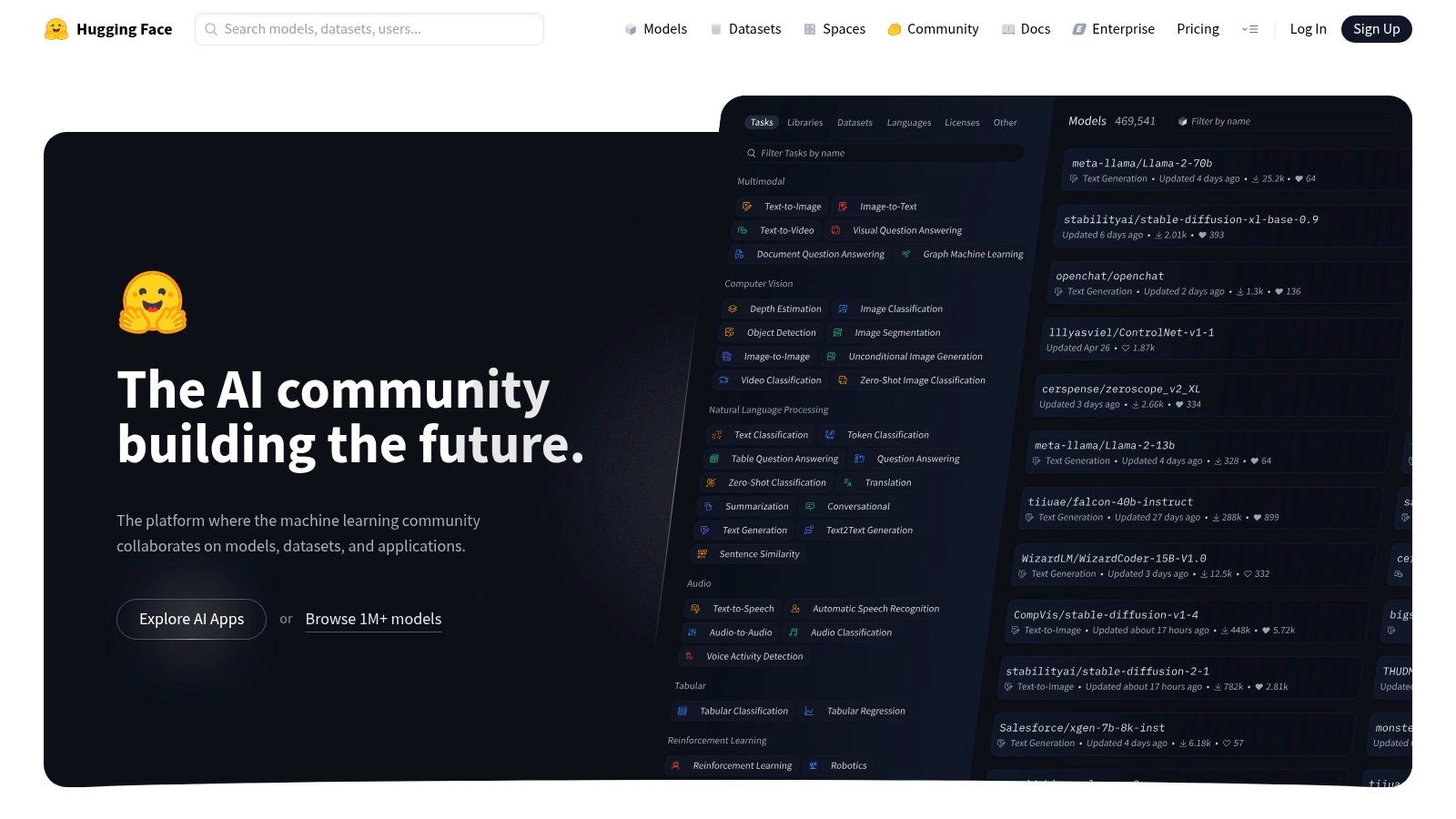
The platform stands out by offering a comprehensive, end-to-end workflow. You can find a model, test it in a hosted “Space,” and then deploy it to production using Inference Endpoints on major cloud providers (AWS, Azure, GCP) with just a few clicks. This streamlined path from discovery to deployment significantly accelerates development cycles. Unlike closed-source platforms, its open nature fosters a vibrant community that constantly contributes new models and best practices, making it one of the most dynamic ai developer tools available.
When to pick Hugging Face: Choose this platform when you want to leverage the vast world of open-source models. It’s perfect for teams that need to quickly deploy and scale specific models for tasks like text classification, image generation, or translation without building the infrastructure from scratch.
Key Features & Considerations
- Ideal For: Developers exploring open-source models, teams needing a fast path to production for specialized AI tasks, and researchers sharing their work.
- Pros: Massive library of free models and datasets, one-click deployment options, strong community support, and transparent infrastructure pricing.
- Cons: You are responsible for managing instance sizing and associated costs, and enterprise-grade SLAs require more expensive, dedicated plans.
- Pricing: Free for public repositories and community access. Pro plans offer private models and Spaces. Inference Endpoints are priced based on the underlying cloud compute resources you provision.
- Integration Tip: The
transformerslibrary is the standard way to use Hugging Face models in your code. For deployment, the Inference Endpoints API can be called from any application, and many models can be run locally for development and testing.
8. GitHub Copilot
As one of the most widely adopted AI developer tools, GitHub Copilot is an IDE-native coding assistant that integrates directly into a developer’s existing workflow. It offers intelligent, context-aware code completions, a versatile chat interface for asking questions, and powerful agent-like capabilities for tasks like debugging or generating documentation. By bringing AI directly into editors like VS Code and JetBrains IDEs, it minimizes context switching and accelerates the entire development lifecycle.
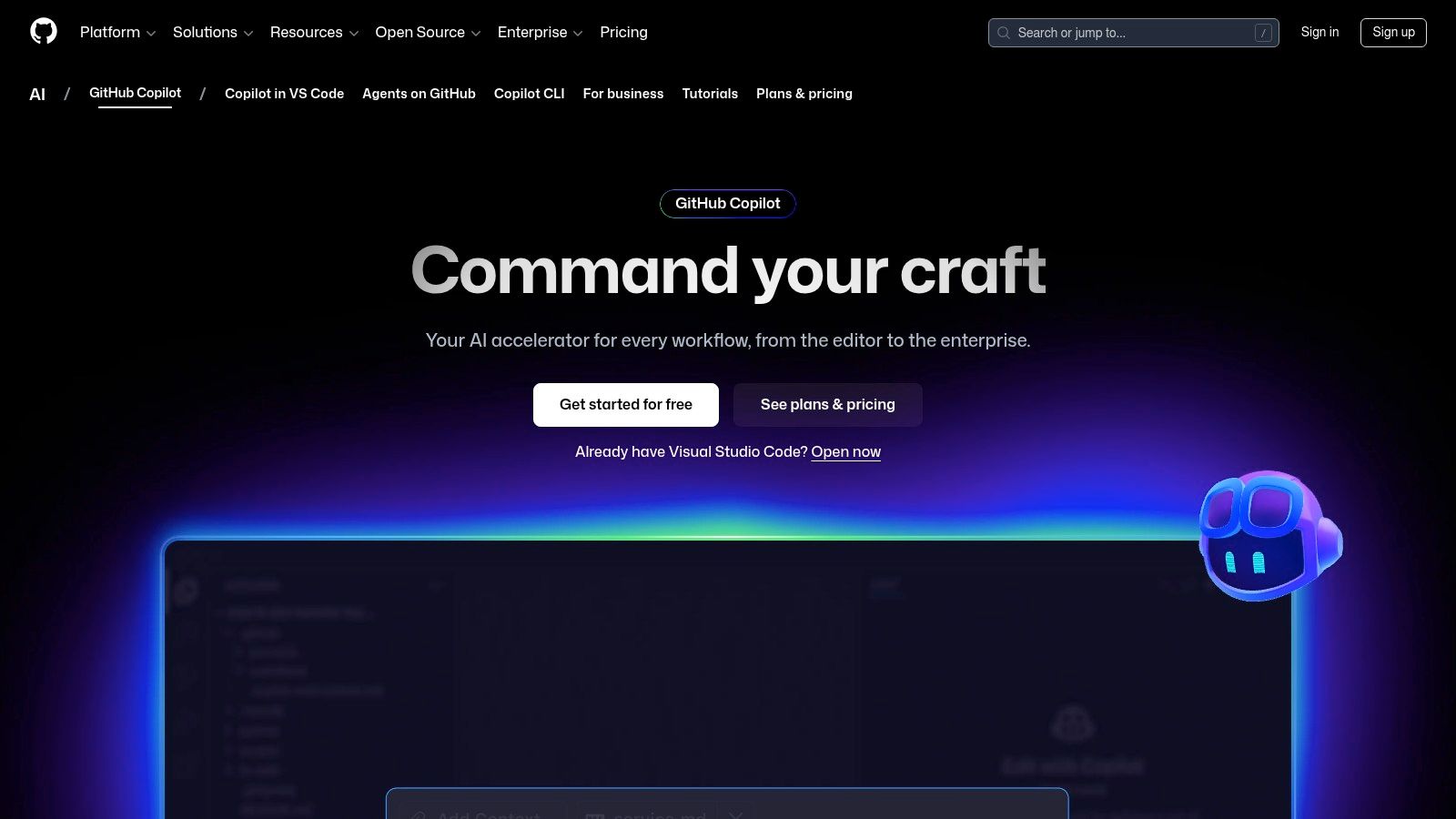
What makes Copilot stand out is its deep integration with the GitHub ecosystem. It can analyze pull requests, summarize changes, and even suggest improvements, streamlining the code review process. The predictable monthly pricing model is attractive for both individuals and teams, offering generous usage limits that remove the friction of per-token costs. With features extending to the command line via Copilot for CLI, it provides a comprehensive AI-assisted experience across the developer toolchain. You can read more about how it stacks up against other tools in our guide on the best AI for writing code.
When to pick GitHub Copilot: Choose Copilot for its seamless, in-editor experience and tight integration with the GitHub platform. It’s perfect for developers and teams who want an all-in-one AI assistant that boosts productivity from code creation to pull request review without leaving their primary tools.
Key Features & Considerations
- Ideal For: Individual developers, engineering teams of all sizes, and organizations heavily invested in the GitHub ecosystem.
- Pros: Tight integration with GitHub workflows and repositories, predictable monthly pricing with generous usage on paid tiers, and a native, low-friction experience in popular IDEs.
- Cons: The “premium requests” concept can add complexity for heavy users, and advanced enterprise governance may require additional GitHub subscription plans.
- Pricing: Offers free, Pro, and Business tiers with fixed monthly or yearly fees. Some advanced features are tied to higher-tier plans.
- Integration Tip: In VS Code, use the
@workspaceand@terminalcommands in the Copilot Chat to perform actions across your entire project or get help with shell commands. This turns the chat from a simple Q&A tool into a powerful workflow agent.
9. NVIDIA NIM Microservices & NVIDIA AI Enterprise
For teams prioritizing performance, control, and on-premise deployment, NVIDIA offers a powerful solution with its NIM microservices and AI Enterprise platform. These are downloadable, optimized inference containers built to deliver high-throughput, low-latency performance on NVIDIA GPUs. NIM supports a wide range of popular open and closed-source models, wrapping them in a consistent, OpenAI-style API for seamless integration into existing development workflows.
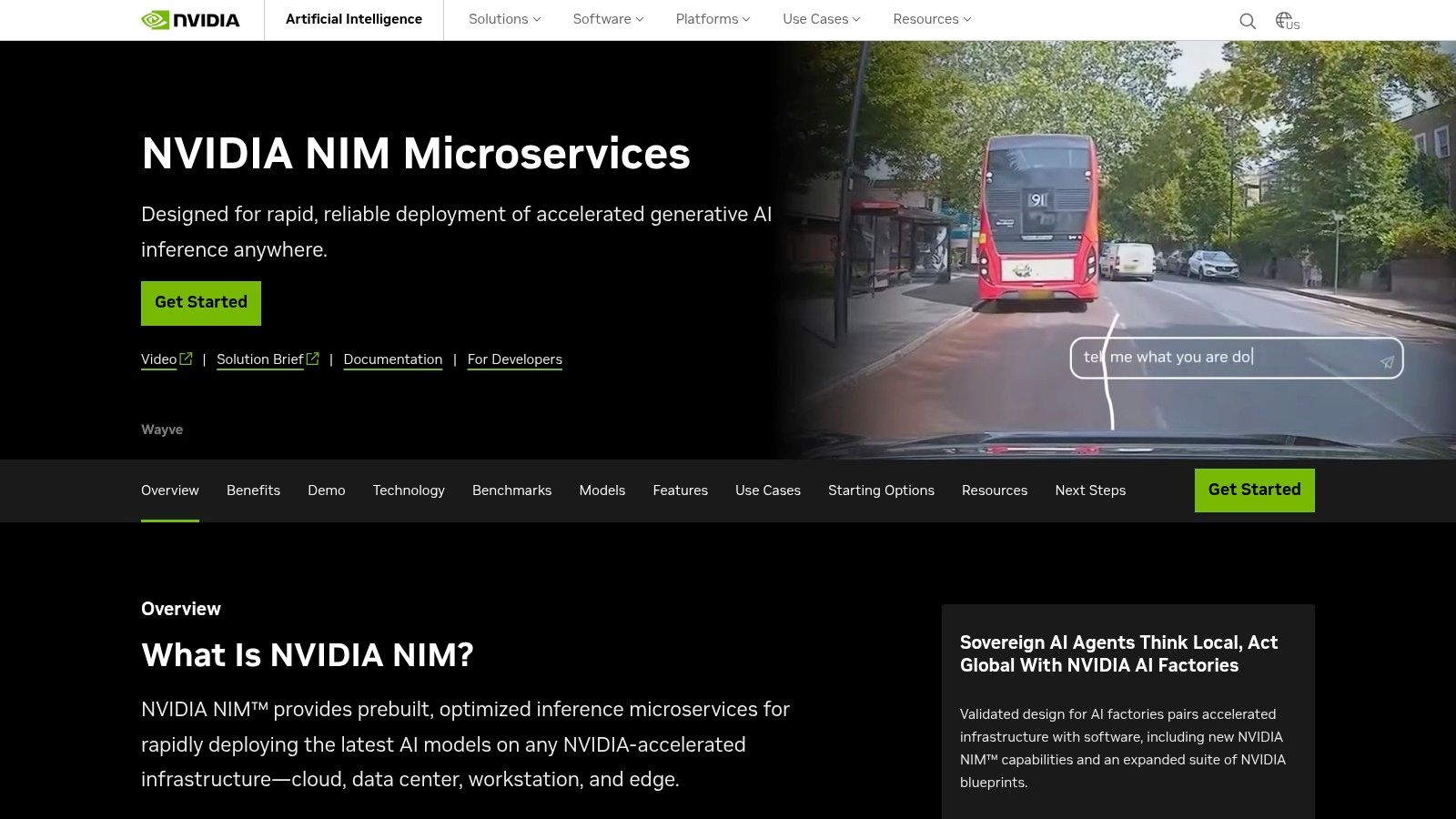
This platform stands out by giving developers the ability to run state-of-the-art AI on their own infrastructure, whether in the cloud or on-premise. This is crucial for industries with strict data privacy, security, and compliance requirements. By leveraging optimizations like TensorRT-LLM, NIM delivers best-in-class inference speed, making it one of the top ai developer tools for performance-critical applications. While developers can prototype for free, production use requires an NVIDIA AI Enterprise license, which provides enterprise-grade support and security.
When to pick NVIDIA NIM: Choose this platform when you need maximum inference performance on self-hosted hardware and have strict data sovereignty or security needs. It’s ideal for deploying fine-tuned or specialized models at scale while maintaining full control over your infrastructure and data.
Key Features & Considerations
- Ideal For: Enterprises in regulated industries, teams building real-time AI applications, and developers needing to deploy models on-premise for security or performance reasons.
- Pros: Unmatched inference performance with GPU-specific optimizations, keeps data and models on your own infrastructure for full control, and offers a standardized API for easy integration.
- Cons: Production licensing through NVIDIA AI Enterprise adds cost and complexity, and it requires dedicated NVIDIA-accelerated hardware to achieve its performance benefits.
- Pricing: Free for development and prototyping through a developer program. Production deployment requires purchasing an NVIDIA AI Enterprise license.
- Integration Tip: The Kubernetes-ready deployment model simplifies orchestration in modern cloud-native environments. Since NIM exposes an OpenAI-compatible API, you can often use existing libraries and SDKs with minimal changes by pointing them to your self-hosted endpoint.
10. Replicate
Replicate provides a streamlined platform for running thousands of open-source AI models via simple API calls. It’s designed for developers who want to experiment with or deploy a wide variety of models, especially in the image and video generation space, without managing the underlying hardware. The platform packages models into production-ready containers, offering a fast path from a public GitHub repository to a scalable API endpoint with pay-as-you-go pricing.

It stands out by abstracting away infrastructure complexity. Instead of renting a server, you pay per-second for the actual compute time a model uses to run an inference, automatically scaling to zero when not in use. This model is exceptionally efficient for projects with fluctuating or unpredictable demand. Replicate’s transparent hardware pricing and clear cost estimates on each model page make it one of the most accessible AI developer tools for both prototyping and production, especially for those who need access to specialized GPUs without long-term commitments.
When to pick Replicate: Choose Replicate when you need to quickly integrate a specific open-source model (like Stable Diffusion or Llama) into your application via an API. It’s perfect for projects requiring diverse models without the overhead of managing GPU servers.
Key Features & Considerations
- Ideal For: Developers prototyping with various open-source models, teams building applications with image or video generation, and startups needing a scalable, pay-as-you-go inference solution.
- Pros: Extremely fast path from model discovery to production API, transparent per-second billing for hardware, and a vast library of community-contributed models.
- Cons: Per-second hardware pricing can become unpredictable under spiky traffic, and popular public models may experience queues during periods of high demand.
- Pricing: Pay-per-second based on the GPU or CPU hardware used for inference. Costs are listed on each model’s page, ensuring transparency.
- Integration Tip: The Replicate API uses a simple HTTP request pattern, making it easy to integrate with any language. For quick testing, you can run models directly from your terminal using their command-line interface or explore their official client libraries.
11. LangChain & LangSmith
LangChain is an open-source framework for building complex, agentic applications that chain together different AI models and external tools. It’s complemented by LangSmith, a platform for tracing, evaluating, and monitoring these applications in production. Together, they provide a comprehensive toolkit for developers moving beyond simple API calls to create sophisticated, multi-step AI workflows and autonomous agents that can reason and act.

This suite stands out by addressing the entire lifecycle of an AI-powered application, from development with LangChain’s flexible components to production observability with LangSmith. The framework is model-agnostic, supporting over 1,000 integrations, which gives developers freedom to orchestrate workflows across different LLMs, databases, and APIs. LangSmith’s detailed tracing and evaluation tools are essential for debugging the often-unpredictable behavior of complex agents, making it a critical tool for building reliable AI systems.
When to pick LangChain & LangSmith: Choose this combination when building applications that require more than a single LLM call. It is ideal for creating agents, multi-model RAG (Retrieval-Augmented Generation) systems, and any workflow that needs to orchestrate different tools and data sources to complete a task.
Key Features & Considerations
- Ideal For: Developers building complex agentic systems, teams needing to debug and monitor multi-step AI chains, and engineers creating production-grade LLM applications.
- Pros: Highly flexible open-source framework with proven design patterns, and powerful observability tools that significantly reduce debugging time for complex AI workflows.
- Cons: The learning curve can be steep for advanced agent graphs and orchestration, and LangSmith’s pricing has multiple meters to track (traces, uptime, runs) which can be complex to forecast.
- Pricing: LangChain is open-source and free. LangSmith offers a free developer tier and paid plans for teams based on usage across different meters.
- Integration Tip: Use LangChain’s expression language (LCEL) to compose chains declaratively, which automatically enables streaming, batching, and async support. You can explore how this framework fits into the broader ecosystem in our guide to AI software development tools.
12. Cohere
Cohere provides a suite of powerful generative models specifically tuned for enterprise applications. It offers the Command family of models, which are optimized for business use cases like Retrieval-Augmented Generation (RAG), summarization, and copywriting. For developers, Cohere represents a strong choice when building AI-powered features for business environments, emphasizing data privacy, reliability, and deployment flexibility with options for cloud or on-premise hosting.
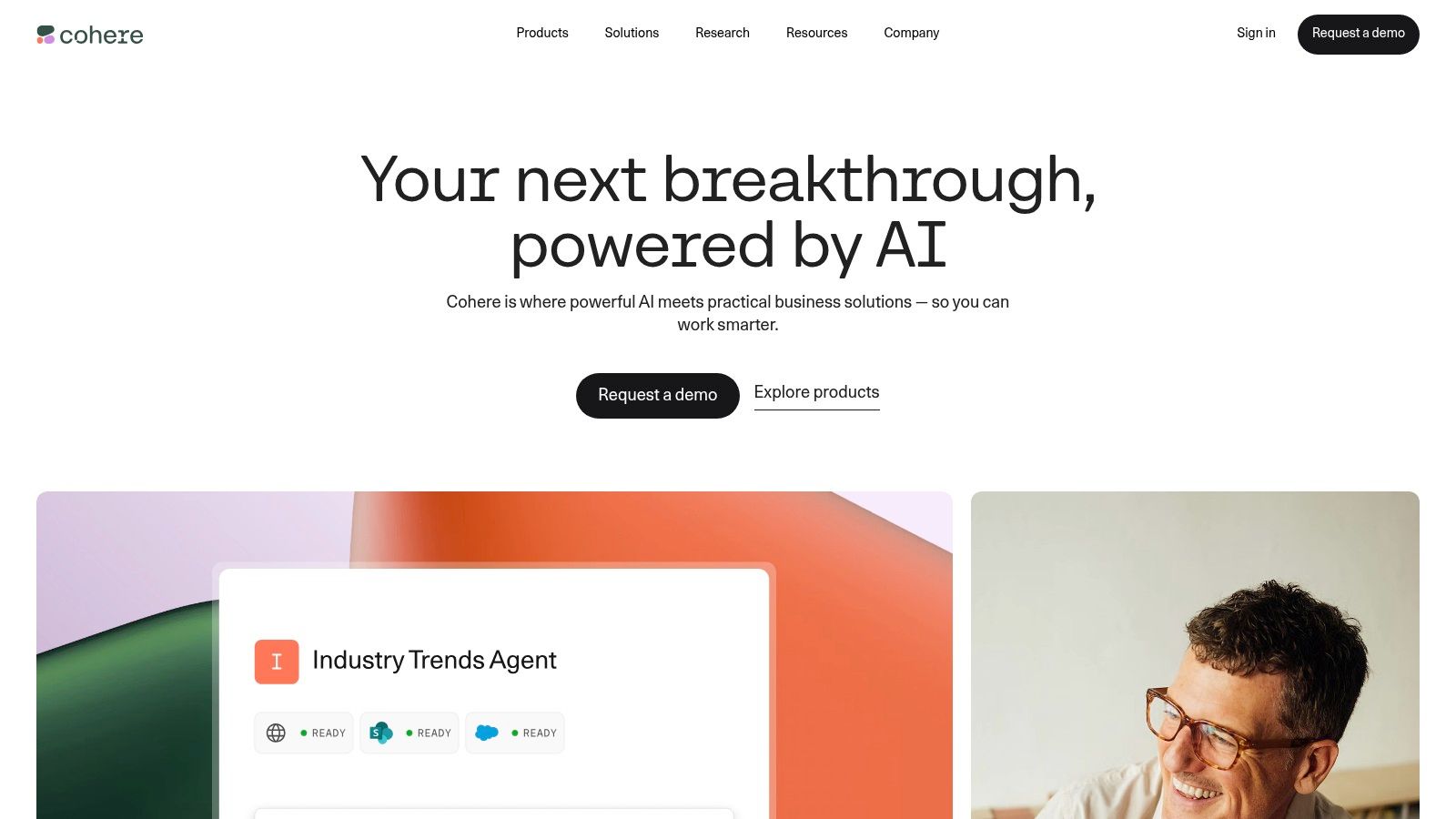
The platform stands out with its business-centric approach, offering enterprise-grade support, SSO, and transparent, competitive pricing designed for production workloads. Unlike broader platforms, Cohere’s tooling is heavily focused on making RAG systems practical and effective, providing robust embedding and reranking models. This focus makes it a specialized and highly effective AI developer tool for companies building sophisticated information retrieval systems or other text-based enterprise AI solutions.
When to pick Cohere: Choose Cohere when building AI features for a business or enterprise setting, especially if your application relies heavily on Retrieval-Augmented Generation (RAG). It’s ideal for teams that need production-grade reliability, data security, and enterprise support.
Key Features & Considerations
- Ideal For: Enterprise development teams, startups building business-focused AI tools, and developers creating applications that require advanced RAG capabilities.
- Pros: Straightforward, competitive token pricing for core models, a business-centric approach with strong enterprise support, and a security posture designed for corporate use.
- Cons: Smaller public model catalog compared to hyperscalers, and accessing some of the most advanced features or deployment options may require direct sales engagement.
- Pricing: Pay-as-you-go per token, with separate tiers for trial and production usage. Monthly billing and invoicing options are available for production customers.
- Integration Tip: The Cohere Python SDK simplifies interactions with its models. For building advanced search or RAG systems, combine their Embed and Rerank endpoints to dramatically improve the relevance of information retrieved from your vector database before feeding it to a Command model.
Top 12 AI Developer Tools — Feature Comparison
| Product | Core features ✨ | Quality ★ | Value 💰 | Target audience 👥 | Why choose 🏆 |
|---|---|---|---|---|---|
| Zest 🏆 | AI Standups, AI Hints, AI Metrics, Cheatcodes | ★★★★☆ — session-level insights | 💰 Dev: Free · Pro $5 · Team $10/user · Enterprise custom | 👥 Individual devs, eng managers, platform teams | 🏆 Turns AI activity into repeatable team wins: measurable adoption, shareable cheatcodes, fast course-corrections |
| OpenAI Platform | Production APIs, fine-tuning, tool calling, realtime | ★★★★★ — mature ecosystem & SDKs | 💰 Token-based pay-as-you-go (can scale costly) | 👥 Product teams, API-first devs | Broad model catalog, strong docs & integrations |
| Anthropic | Claude models, safety, long context, Batch API | ★★★★☆ — safety & reasoning focus | 💰 Published tiers; competitive batch pricing | 👥 Reasoning-heavy apps, security-focused teams | Safety-first models and cost-efficient batch jobs |
| Google AI (Gemini) | Gemini models, streaming, Search grounding, Imagen | ★★★★☆ — multimodal & grounding | 💰 Generous free tier · competitive pricing | 👥 Teams needing grounding, multimodal apps | Grounding with Google Search + strong image models |
| Amazon Bedrock | Multi-model hub, routing, RAG, AWS guardrails | ★★★★ — enterprise ops & governance | 💰 Provider + AWS meters (complex) | 👥 AWS-centered enterprises, infra teams | One bill + deep AWS security & production tooling |
| Microsoft Azure OpenAI | OpenAI models + Azure security, VNET, regional data | ★★★★ — compliance & regional controls | 💰 Azure billing; model/region-dependent | 👥 Regulated orgs on Azure | Data residency, RBAC, Azure observability |
| Hugging Face | Model hub, Inference Endpoints, Spaces, OSS models | ★★★★ — vast community & flexibility | 💰 Transparent infra pricing; you manage infra | 👥 ML teams, OSS-first orgs | Largest open model hub & one-click deploys |
| GitHub Copilot | IDE completions, chat/agent, PR integration | ★★★★ — IDE-native productivity | 💰 Free/Pro tiers; predictable monthly | 👥 Developers using VS Code/JetBrains & GitHub | Tight GitHub & IDE workflow integration |
| NVIDIA NIM & AI Ent. | Optimized inference containers, TensorRT-LLM | ★★★★☆ — best GPU performance | 💰 Dev prototyping free; enterprise license & infra cost | 👥 On-prem GPU teams, performance-critical apps | High-throughput, low-latency GPU optimizations |
| Replicate | Hosted model APIs, per-second HW billing, autoscale | ★★★★ — fast prototype→prod for models | 💰 Pay-by-second GPU/CPU; transparent but spiky | 👥 Prototype teams, image/video model users | Transparent hardware pricing & many GPU options |
| LangChain & LangSmith | Agent framework, orchestration, tracing, evals | ★★★★ — flexible for agent workflows | 💰 Open-source core; LangSmith metered features | 👥 Agent builders, ML engineers | Model-neutral orchestration + observability |
| Cohere | Command models, RAG tooling, enterprise billing | ★★★★ — retrieval-focused & enterprise-ready | 💰 Clear per-token pricing; business plans | 👥 Retrieval-heavy apps, enterprise buyers | Straightforward token pricing and enterprise support |
Building Your AI Flywheel: From Tools to Team Wins
Navigating the expansive landscape of AI developer tools can feel overwhelming. We’ve journeyed through a curated catalogue, from foundational model providers like OpenAI and Anthropic to comprehensive platforms like Azure OpenAI and Amazon Bedrock. We’ve explored developer-centric assistants such as GitHub Copilot and the powerful open-source ecosystem of Hugging Face. The goal wasn’t just to list features, but to equip you with a mental framework for building a powerful, integrated, and efficient AI-native workflow.
The core takeaway is that no single tool is a magic bullet. The real power emerges when you strategically combine these resources. Your “AI stack” will be unique, assembled from different components to solve specific problems. A startup might combine the versatility of the OpenAI Platform for prototyping with LangChain for orchestration, while an enterprise team might lean on the security and scalability of Microsoft Azure OpenAI Service, using GitHub Copilot as the standard for every developer. The key is to think of these tools not as isolated solutions, but as interconnected gears in a larger machine.
Charting Your Course: How to Choose and Implement
Selecting the right set of AI developer tools requires looking beyond the hype and focusing on your specific context. Here are the critical factors to guide your decision-making process:
- Define the Primary Use Case: Are you building a simple chatbot, a complex data analysis pipeline, or an autonomous agent? Your core task dictates the model and framework you need. For instance, generating creative text points toward Anthropic’s Claude 3 Opus, while building a scalable enterprise search function might lead you to Cohere’s APIs.
- Evaluate the Learning Curve vs. Control: Tools like GitHub Copilot offer immediate productivity gains with minimal setup. In contrast, frameworks like LangChain or direct interaction with NVIDIA NIM microservices demand a steeper learning curve but provide granular control over your application’s logic and performance. Your team’s current skill set and willingness to invest in learning are crucial variables.
- Consider the Total Cost of Ownership: Look past the sticker price of API calls. Factor in development time, infrastructure management, and the potential need for specialized talent. A managed service like Amazon Bedrock might have a higher per-call cost but could significantly reduce your operational overhead, making it more cost-effective in the long run.
- Plan for Scalability and Observability: The tool that works for a proof-of-concept might not hold up under production load. Platforms like LangSmith are essential for debugging and monitoring the complex, non-deterministic nature of LLM chains. As you scale, understanding your application’s behavior and performance becomes non-negotiable.
From Individual Productivity to Team-Wide Wins
Adopting these tools is only the first step. The true transformation happens when you move from isolated, individual usage to a cohesive, team-wide strategy. This is where the concept of an “AI flywheel” comes into play. It starts with one developer discovering a powerful prompt or workflow. That insight, when shared and standardized, elevates the entire team’s capability. The team then builds more sophisticated applications, generating new best practices that feed back into the cycle, accelerating innovation.
Creating this flywheel requires a system for capturing and sharing what works. It means moving from “it works on my machine” to a centralized repository of effective prompts, reusable code snippets, and proven workflows. Beyond the tools themselves, a successful AI development strategy often involves understanding the broader developer ecosystem, including how your projects and contributions are discussed on platforms like GitHub. Specialized GitHub Monitoring solutions can help with this by providing insights into community engagement and project impact.
Ultimately, the most effective AI developer tools are the ones that disappear into your workflow, becoming a natural extension of your creative and problem-solving abilities. The journey is one of continuous experimentation, learning, and adaptation. Start small, find a tool that solves an immediate pain point, master it, and then build from there. The AI-powered future of software development isn’t about replacing developers; it’s about augmenting them to build better, faster, and more intelligently than ever before.
Ready to turn individual AI usage into a team superpower? Zest provides the missing layer of observability and collaboration for your AI developer tools, helping your team capture, share, and standardize the prompts and workflows that deliver real results. See how it works at Zest.
Optimize Your AI Dev Stack
Transform your selection of AI developer tools into a cohesive, high-performance flywheel for your entire team.
📊 Core Metrics
- Time-to-First-Token — Latency in getting initial model response
- Prompt Efficiency Score — Percentage of prompts yielding desired output on the first try
- Team Adoption Rate — Number of engineers actively using standardized AI tools weekly
🕹️ My Cheatcodes
- 🌱 Start with the Use Case — Match the tool (e.g., Cohere for search) to the specific job-to-be-done
- 🦎 Combine & Conquer — Use orchestrators like LangChain to chain calls between different model providers
- ⚡ Measure Everything — Implement observability (e.g., LangSmith, Zest) from day one to debug and optimize
📈 Reflection Points
- 💡 Is my tool choice based on hype or on project requirements?
- 🧩 How am I capturing and sharing effective prompts across my team?
- 📘 Does my stack balance ease of use with the need for long-term control and scalability?
✅ Before Standardizing a Tool
- 🔍 Validate its performance on a small, real-world project
- 📊 Calculate the total cost of ownership, not just API fees
- 🧭 Assess the quality of its documentation and community support
- 📈 Confirm it integrates smoothly with your existing IDE (VS Code/Cursor)
Gallery
Lemon shots



