A Developer's Guide to AI Coding Python
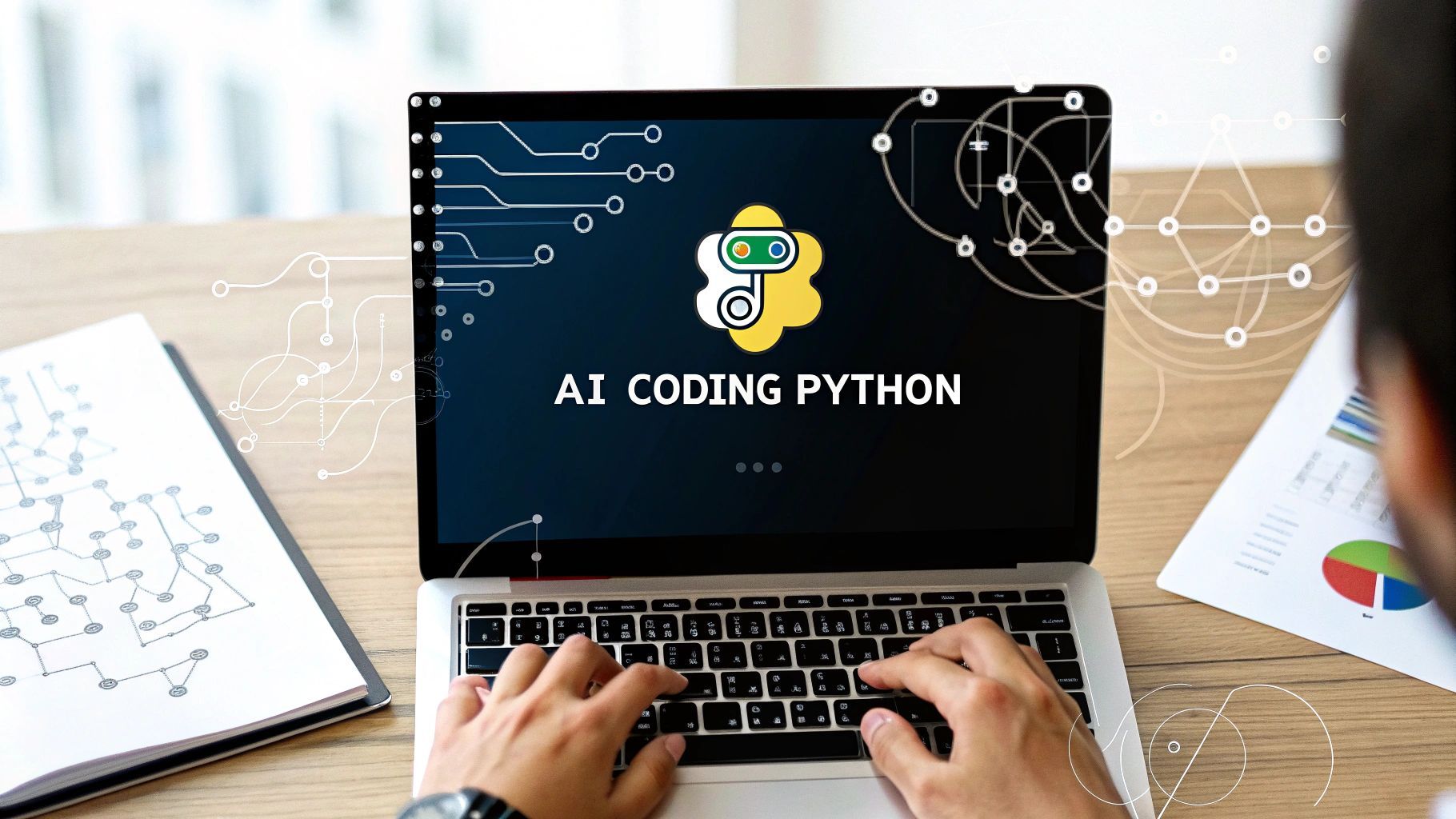
When you hear about using AI for Python development, what we’re really talking about is bringing an intelligent assistant like GitHub Copilot right into your code editor. It’s no longer about typing out every single line by hand. Instead, you’re collaborating with a machine that can handle the repetitive stuff, spin up boilerplate code, and even sketch out complex algorithms for you. This partnership speeds everything up and makes problem-solving much more direct.
Why AI Is a Game-Changer for Python Development
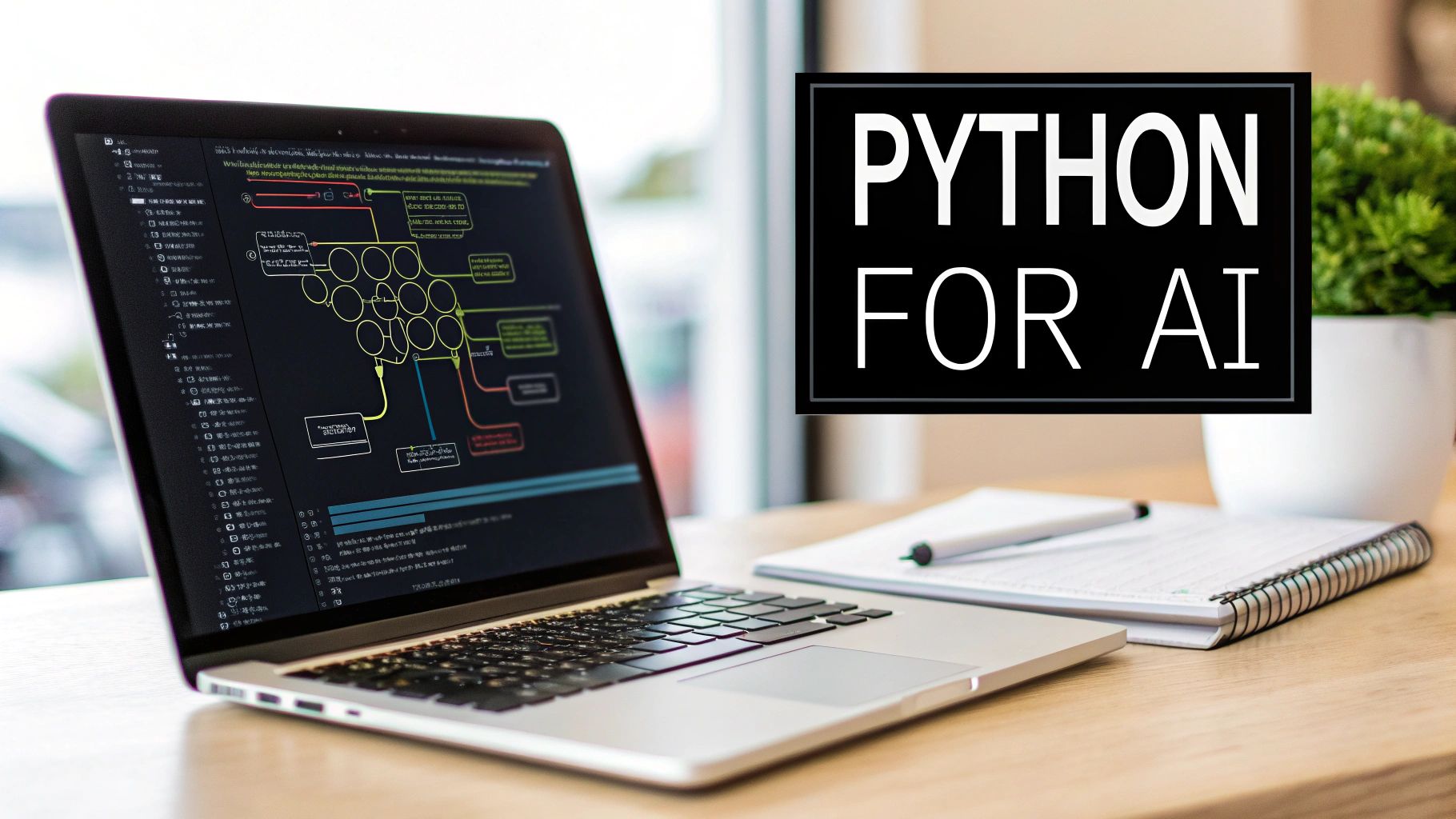
It’s really no surprise that Python became the language of choice for the AI revolution. Its syntax is clean and easy to read, which meant you didn’t have to be a hardcore software engineer to build powerful models. Data scientists and researchers could jump right in, and that accessibility created the perfect environment for innovation to flourish.
On top of that, Python is backed by a massive and incredibly active community. This community built the essential libraries that have become the backbone of modern machine learning—tools like TensorFlow, PyTorch, and scikit-learn. Developers aren’t starting from a blank slate; they’re building on the work of countless others.
The Perfect Partnership: AI and Python
The relationship between AI and Python really goes both ways. Python made AI more accessible, and now AI is making Python development more efficient than ever. AI coding assistants are the next logical step. They’re trained to understand Python’s structure and can tap into the collective knowledge of its ecosystem to give you smart, context-aware suggestions.
And this goes way beyond basic autocomplete. The tools we have today, embedded in editors like VS Code and Cursor, can do some seriously heavy lifting:
- Draft entire functions: Give it a simple comment in plain English, and it can generate a whole function or class.
- Explain tricky code: Got a dense block of code you can’t decipher? The AI can break it down for you.
- Write unit tests: It will automatically create test cases for your functions, often catching edge cases you might have overlooked.
- Refactor old code: It can suggest modern, more “Pythonic” ways to rewrite clunky or outdated scripts.
Python’s climb to the top has been incredible, and AI coding tools have only added fuel to the fire. As of January 2026, Python sits comfortably in the number one spot on the TIOBE Index with a dominant 22.61% rating. You can dig deeper into these language trends and what they mean on the official TIOBE Index page.
It’s a Whole New Way of Working
The introduction of AI assistants is fundamentally changing how developers approach their work. The focus is shifting away from writing tedious, repetitive code and toward higher-level thinking about architecture and problem-solving. You spend less time searching Stack Overflow for syntax and more time designing smart, effective solutions.
This shift frees up a ton of mental bandwidth to tackle the bigger, more interesting challenges. To keep up with how fast things are moving, it helps to follow what the experts are saying. Resources like Parakeet AI’s Blog are great for staying informed on the latest trends in the field.
Next up, we’ll get practical and walk through how to set up your own environment to start tapping into this power.
Building Your AI-Powered Python Workspace
Your AI assistant is only as good as the environment you give it. To really get the most out of AI for Python development, you can’t just install a tool and call it a day. You need to build a workspace that feeds your AI the right context, giving it the access it needs to become a true partner. This is all about fine-tuning your editor for a seamless collaboration between you and your AI pair programmer.
Let’s break down two of the best setups developers are using right now: the classic VS Code with GitHub Copilot and the newer, AI-native editor, Cursor.
Option 1: The VS Code and GitHub Copilot Power Duo
For most of us, Visual Studio Code is home base. Its sheer flexibility and massive extension library make it the perfect spot to build an AI-powered workflow. The trick is to make sure GitHub Copilot isn’t just throwing code suggestions into a void; it needs to be deeply aware of your project’s structure, dependencies, and all the little details.
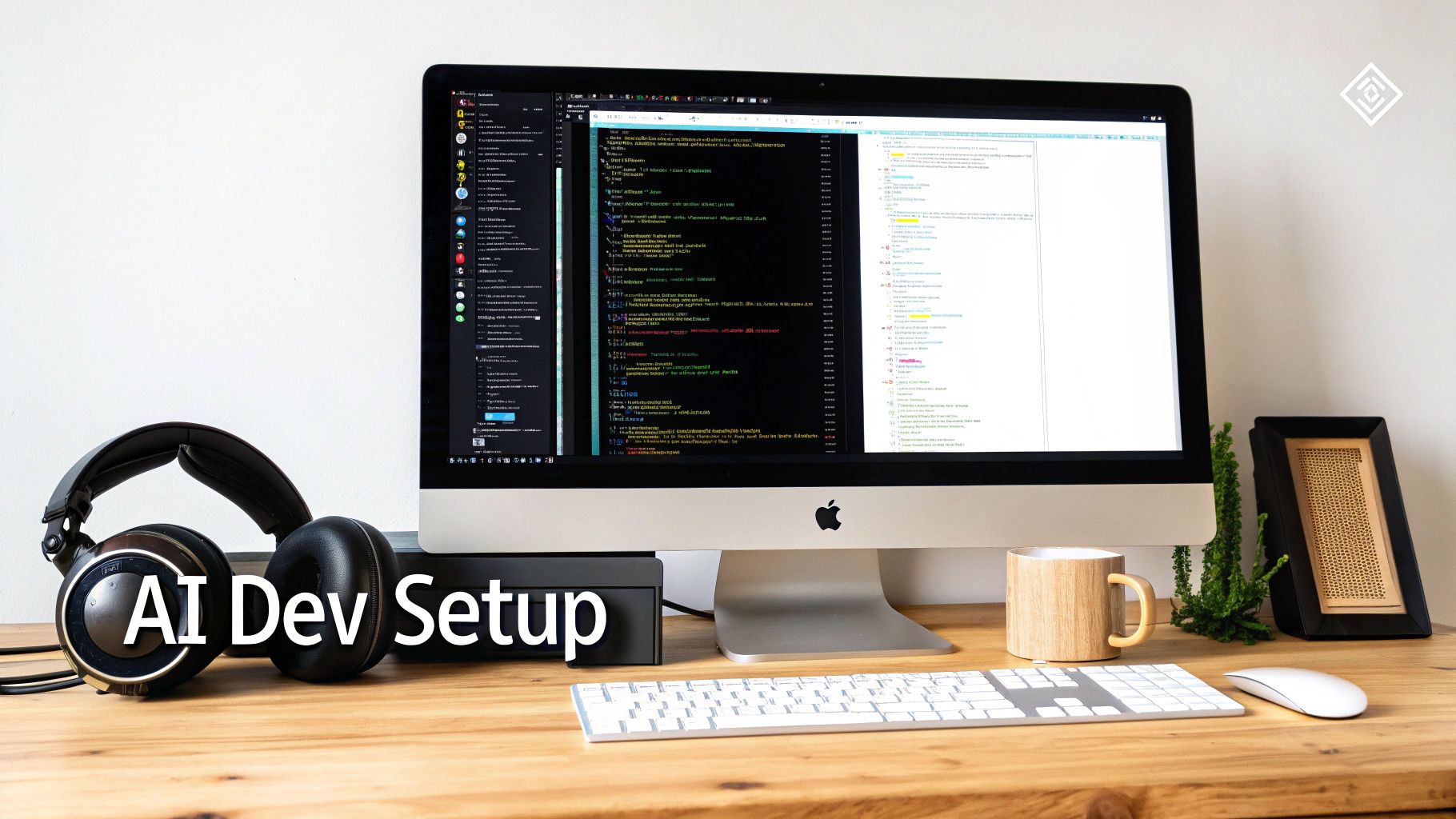
This setup is so popular because it injects AI straight into a powerful, feature-rich editor that millions of developers already know and trust.
To get this combination firing on all cylinders, you’ll want to focus on a few key things:
- Install the Official Python Extension: Seriously, this is non-negotiable. It’s what gives you core features like IntelliSense, linting, debugging, and environment management. Copilot leans heavily on this extension to understand your Python setup, from your virtual environment to the specific packages you’ve installed.
- Get Both GitHub Copilot and Copilot Chat: You’ll want to install both extensions from the marketplace. Copilot handles the magical inline code suggestions as you type, while Copilot Chat opens up a conversational interface right in your editor. This lets you ask questions, debug tricky errors, and generate entire code blocks on the fly.
- Point Your
settings.jsonto the Right Interpreter: Dive into your settings and make sure your Python interpreter is correctly identified. This simple step tells Copilot exactly which Python version and libraries you’re working with, making its suggestions far more accurate.
A classic mistake I see all the time is forgetting to activate a virtual environment. If VS Code doesn’t see your
venv, Copilot has no idea you’re using project-specific libraries like Django or pandas, and its suggestions will be generic at best. Always make sure your environment is active in the editor.
Option 2: The All-In-One Approach with Cursor
If you’d rather use an editor that was built for AI from the ground up, Cursor is a fantastic choice. It’s a fork of VS Code, so it feels instantly familiar, but its AI features are baked in at a much deeper level than what a simple extension can accomplish.
Cursor’s killer feature is its context-aware chat. You can highlight any chunk of code—or your entire project—and start a conversation. Ask it to refactor a complex function, generate documentation, or hunt for a bug, all with an AI that has already indexed your entire codebase.
Here’s where it really shines:
- Project-Wide Context: Right out of the box, Cursor scans your open folder, giving the AI a bird’s-eye view of your project without you having to configure a thing.
- Inline Edits and Diff Views: When you ask the AI to make a change, it can apply it directly to your code and present it as a diff. You can review the changes and accept or reject them with a single click. It feels like a junior dev submitting a mini-pull request.
- AI-Powered “Go to Definition”: It can trace function calls and class definitions across multiple files to provide answers that are way more accurate and relevant than a standard chatbot.
Ultimately, choosing between these two comes down to personal preference. VS Code gives you total control and customization, while Cursor offers a more streamlined, “it just works” AI experience. Both are powerful options. It’s also worth exploring the wider ecosystem of AI developer tools to see if other specialized solutions might be an even better fit for your team’s workflow.
2. Master the Art of Prompting for Better Python Code
The real secret to making an AI coding assistant genuinely useful—not just a neat trick—is learning how to talk to it properly. Throwing a vague request like “write a Python script” at it is a gamble. You might get something useful, or you might get a mess.
To get code that actually works and fits into your project, you need to think less like you’re talking to a machine and more like you’re briefing a very talented but very literal junior developer. You have to give them all the context and constraints they need to succeed. That’s the core of effective prompt engineering for your AI coding python workflow.
The Anatomy of a Good Prompt
Before getting fancy, every single prompt you write should have two key ingredients: context and constraints. If you nail these, you’re already 80% of the way there.
- Be generous with context. Don’t make the AI guess. Even if your editor (like Cursor) has some project awareness, spell it out. Paste in the function you’re trying to fix, explain what the surrounding code does, and mention the overall goal. The more it knows, the better its suggestions will be.
- Set clear boundaries. This is where you really take control. Explicitly tell the AI which tools to use. For example:
"Use the requests library for the API call"or"This needs to be compatible with Python 3.9."You can even specify coding styles, like"Follow PEP 8 conventions."
A generic prompt leads to generic, often unhelpful, code. A specific prompt, packed with context, gets you code that feels like you wrote it yourself. If you want to really dig into this, our guide on what is prompt engineering is a great place to start.
Leveling Up Your Prompts for Complex Tasks
Once the basics feel natural, you can start tackling bigger jobs, like untangling a messy legacy class or building out a whole new feature. The key here is to not ask for everything at once. Break the problem down and “chain” your prompts together in a conversation.
Let’s say you’re refactoring a huge, clunky class. Instead of one massive prompt, try a sequence:
- First, ask: “Analyze this Python class and tell me its main responsibilities.”
- Then, follow up: “Okay, based on that, propose a plan to split it into smaller classes, each with a single responsibility.”
- Finally: “Great. Now, write the code for the
UserDataclass you suggested.”
This back-and-forth approach keeps you in the driver’s seat. It lets you guide the AI, catch any weirdness early, and ensure the final code is exactly what you had in mind. This new way of working, often called a prompt-to-app workflow, is making the ability to write a good prompt just as important as the ability to write good code.
To illustrate how a prompt can evolve, here’s a look at how you might refine a simple request to get a much better result.
Prompt Evolution From Basic to Advanced
| Prompt Level | Example Prompt | Expected AI Output Quality |
|---|---|---|
| Basic | “Write a Python function to get user data.” | Low. Generic, might not handle errors, and probably uses an outdated library. |
| Intermediate | “Write a Python function using the requests library to fetch user data from api.example.com/users/{user_id}. It should handle potential 404 errors.” |
Medium. Much better. It will use the right library and include basic error handling. |
| Advanced | “Generate a Python function for my Django project named get_user_profile. It should fetch data from api.example.com/users/{user_id} using requests. Implement robust error handling for network issues and 404s, log errors using Python’s logging module, and add a docstring explaining its usage and parameters. Ensure it follows PEP 8 style.” |
High. This gives you production-ready code. It’s specific, context-aware, and built to your project’s standards. |
As you can see, adding detail and constraints directly translates to higher-quality code, saving you significant time on revisions.
By saving your best prompts, you’re essentially creating reusable “cheatcodes” for everyday development tasks. This is how you turn a personal productivity hack into a consistent, team-wide advantage.
Imagine your team having a shared library of master prompts for writing unit tests, documenting code, or optimizing SQL queries. That’s how you scale this new skill effectively.
Applying AI to Everyday Python Workflows
Alright, now that you’ve got the hang of crafting a solid prompt, let’s put it to work in the day-to-day grind of Python development. Theory is great, but the real “aha!” moment comes when you see an AI assistant untangle a real-world problem you’re stuck on. We’re going to walk through three common scenarios where AI can give you an immediate and very noticeable boost.
You’ll quickly see a repeatable pattern emerge: give the AI context, tell it what you want, lay down some ground rules, and then critically review what it gives you back.
This process is all about layering your instructions. You start with a simple idea and build on it with more context and detail to get a truly useful result.
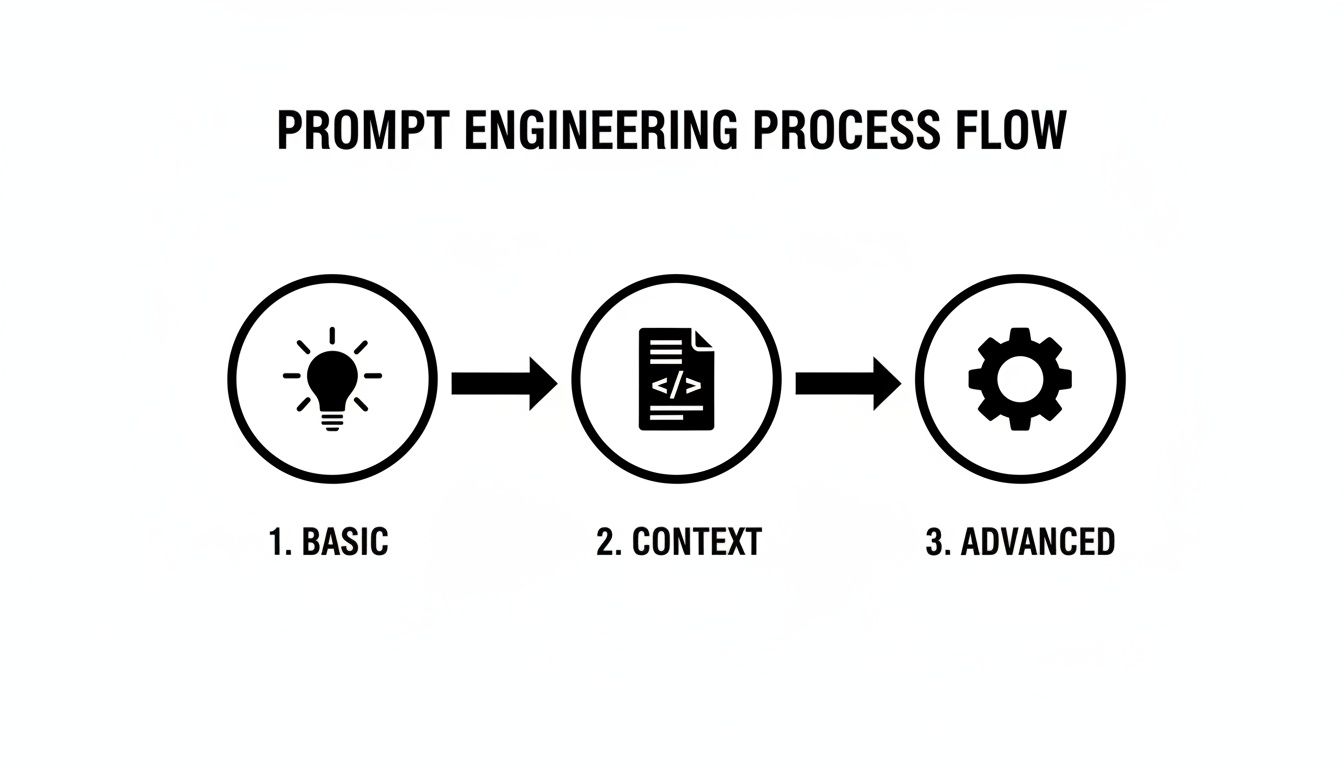
Think of it this way: each stage—Basic, Context, and Advanced—is a step up in quality. The more you put in, the more reliable the code you get out.
Debugging with Precision
We’ve all been there—staring at an ugly traceback, trying to figure out where things went wrong. It can eat up so much time. Instead of just glaring at the error message, you can hand the whole thing, plus the code around it, to your AI assistant for a much faster diagnosis. The secret is giving it enough context to work with.
Let’s say you’re hitting a KeyError in a data processing script. Don’t just paste the error line.
- Give it the full traceback.
- Include the function where the error is happening.
- Show it a sample of the data structure you’re trying to process.
A good prompt might look something like this: "Here's a traceback from my Python script and the failing function. I'm trying to process a dictionary of user data, but I'm getting a KeyError. Can you spot the bug and suggest a fix that handles missing keys gracefully?"
This turns the AI from a simple code generator into a genuine debugging partner. For those really thorny issues, our guide on how to use AI for code debugging has some more advanced strategies.
Generating Comprehensive Unit Tests
Let’s be honest, writing thorough unit tests can be a real drag, especially when you have to think through all the possible edge cases. This is a perfect job to hand off to an AI. You can ask it to generate an entire test suite for a function using a framework you already use, like pytest.
To do this, you’ll want to give it the function you need to test along with any specific requirements you have.
Prompt Example: “Write a complete pytest test suite for the following Python function. Make sure to include tests for valid inputs, an empty input list, and a case where the function should raise a
ValueError.”
What’s great about this is the AI often catches things you might have overlooked. It won’t just test the “happy path”; it will generate tests for edge cases that instantly make your code more robust and bump up your test coverage.
Modernizing and Refactoring Legacy Code
At some point, every developer inherits old code that’s a nightmare to read, let alone maintain. An AI assistant can be a lifesaver here. You can ask it to refactor a clunky function to be more “Pythonic,” improve its readability, or even point out potential performance bottlenecks.
This is more important than ever. AI coding tools are becoming standard practice; in 2025, 44% of professionals reported using them every day. This trend is happening alongside huge leaps in Python’s own performance. For instance, just upgrading to Python 3.13 can give you an ~11% speed boost. If you’re stuck on an even older version, you could see a massive 42% performance increase without changing a single line of code—a migration AI is perfectly suited to help with.
To get started, just feed the AI a piece of that old code with a prompt like: "Refactor this Python code to follow modern best practices. I want you to replace the manual loop with a list comprehension, add type hints, and make the variable names more descriptive."
With just a little guidance, you get cleaner, more maintainable code with a fraction of the manual effort.
Scaling AI Adoption Across Your Engineering Team
Getting a team to actually use AI coding tools effectively is about more than just handing out licenses. When one developer gets good with an AI assistant, they see a personal productivity boost. But when an entire team shares what works? That’s a real competitive advantage.
The goal is to shift from scattered, individual experiments to a structured system that delivers tangible results. It’s about building a framework where one person’s discovery doesn’t stay siloed but gets captured, shared, and turned into a team-wide best practice. This way, everyone levels up together, and you get a much bigger return on your investment in these tools.
Build a Shared Prompt Library
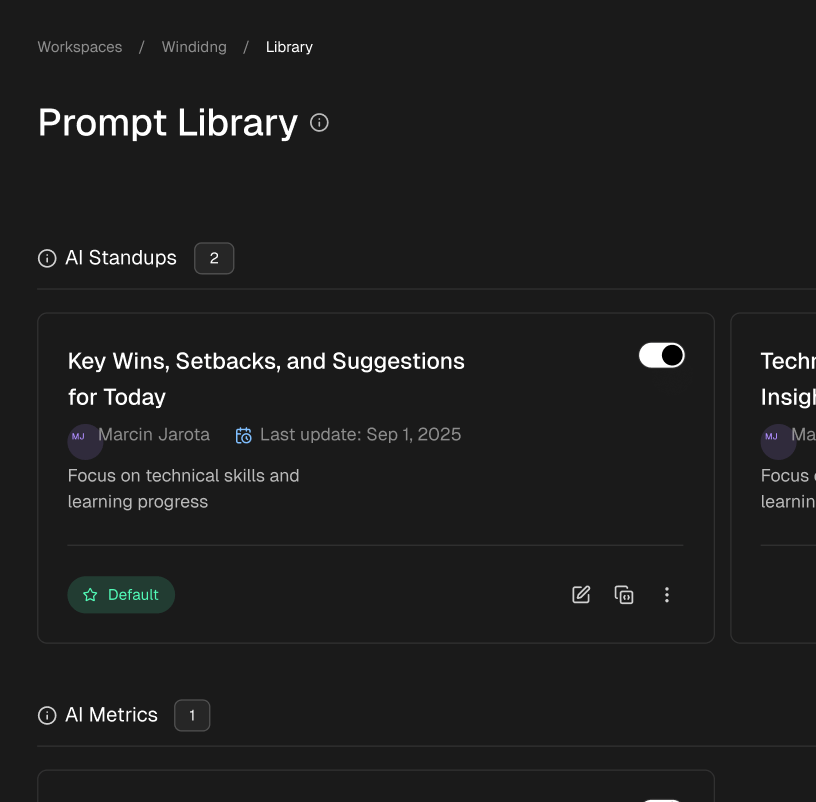
The quickest way to get everyone on the same page is by creating a shared library of proven prompts—we like to call them “cheatcodes.” Think about it: when a developer figures out the perfect prompt for generating robust unit tests or refactoring a gnarly Django model, that’s a golden nugget of knowledge that shouldn’t get lost.
You can set this up in a central spot that everyone can access. A simple Git repo, a Confluence page, or even a dedicated channel in Slack or Teams works great. The key is to make it easy for engineers to both contribute their own prompts and find what they need for common tasks.
Organize it by what you’re trying to do:
- Testing: Prompts for generating
pytestfixtures, mocking dependencies, and creating edge case tests. - Refactoring: Templates for modernizing legacy code, improving readability, or applying a new design pattern.
- Documentation: Cheatcodes for writing clear docstrings or generating API documentation from code.
A shared library does more than just save time. It creates a baseline for quality and consistency across the board, ensuring everyone is building on the most effective techniques your team has discovered.
Create a Culture of Collaborative Learning
A prompt library is a great start, but you also need a living, breathing feedback loop. This is where culture comes in.
Try setting up regular, informal sessions where developers can share their AI wins and struggles. A quick “show and tell” during a weekly meeting or a dedicated Slack channel can make a huge difference. This is where the magic happens.
One engineer might have found a better way to provide context for a tricky debugging session, while another has a clever trick for generating more accurate database queries. Sharing these small victories helps everyone feel more comfortable with the learning curve and shows the practical, day-to-day value of these tools.
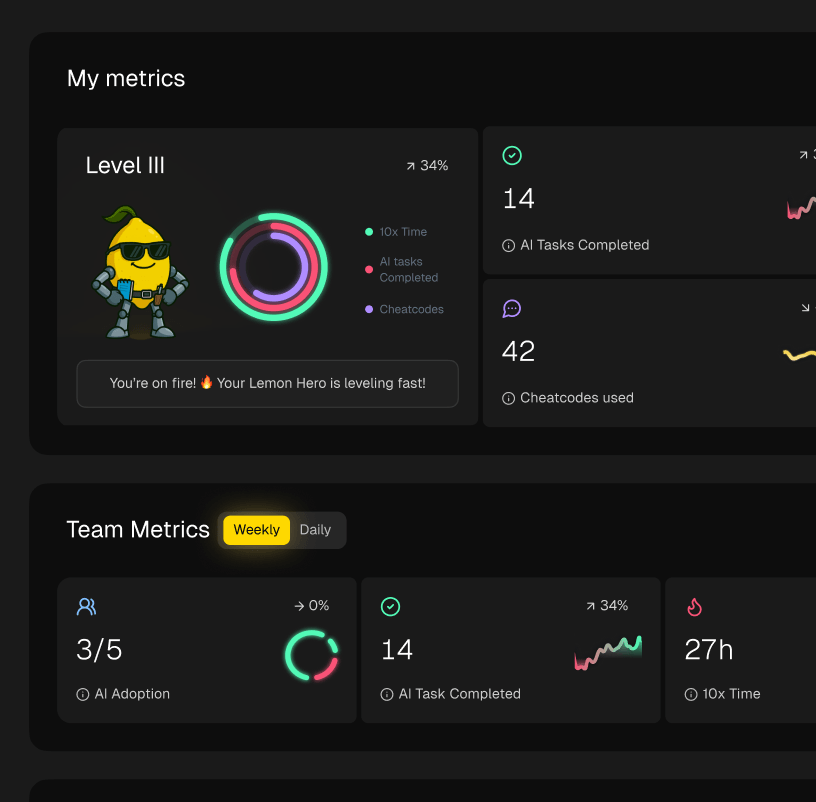
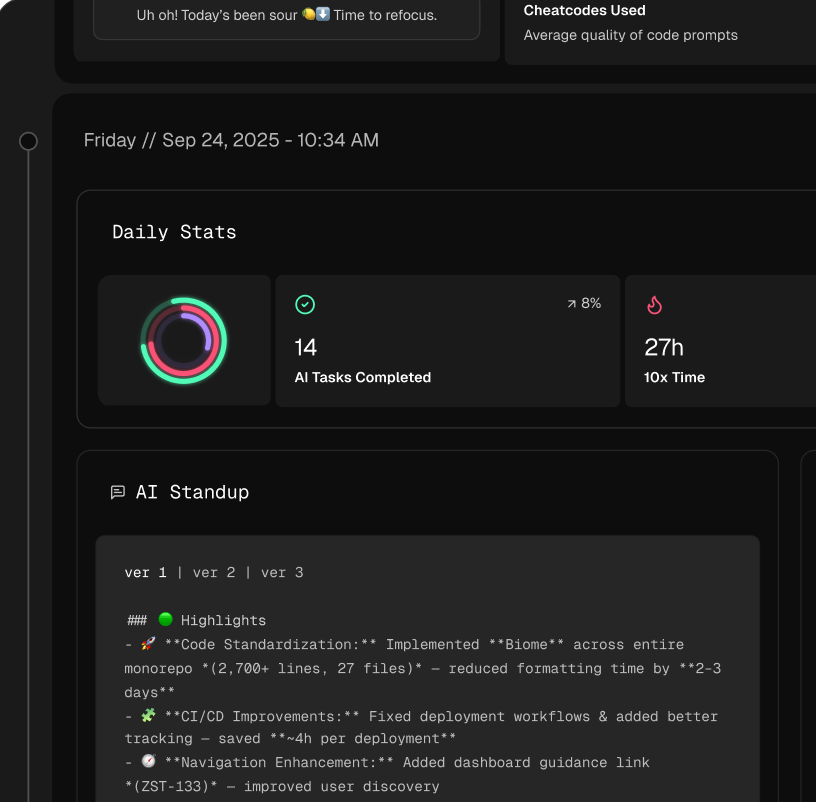
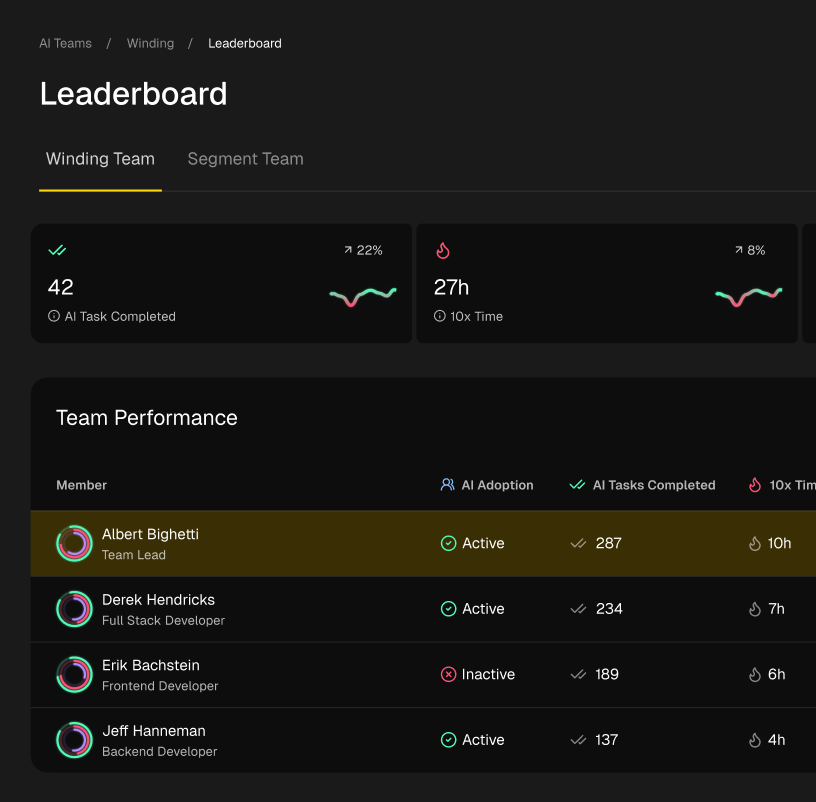
Python’s massive popularity, with over 64,000 open US vacancies as of February 2025, means you’re working with a huge and diverse talent pool. To help manage and grow that talent, platforms like Zest can turn AI coding metrics into actionable team insights. This helps you spot where people are getting stuck and scale the best practices across the whole organization.
By making AI adoption a team sport, you’re not just deploying a tool; you’re building a more skilled, efficient, and collaborative engineering culture. You can read more about Python’s popularity and what it means for the job market to understand the landscape better.
Frequently Asked Questions About AI in Python
As developers start weaving AI assistants into their Python work, the same questions and concerns tend to surface. It’s totally normal to wonder which tool is best, what the security risks are, and how you’re supposed to justify the cost to your boss. Getting good answers to these is the key to making AI a natural part of your coding routine.
Let’s tackle some of the most common questions developers have when they first dip their toes into AI-powered Python development.
Which AI Code Assistant Is Best for Python?
Honestly, there’s no single “best” tool out there. It really comes down to what feels right for your specific workflow.
GitHub Copilot is the big name on the block for a reason. Its integration with VS Code is seamless, which is a huge plus since most Python devs are already comfortable in that environment. It’s fantastic at those inline, “finish-my-thought” suggestions and can feel like a genuine extension of your own brain.
Then you have tools like Cursor. It’s a different beast—an AI-first IDE built from the ground up for this kind of interaction. It brings a deeper, project-wide context to the table that can be incredibly powerful. My advice? Try both. See which one clicks and actually helps you ship code faster. The real skill isn’t in mastering one specific tool, but in learning how to ask the right questions—how to write prompts that get you exactly what you need.
Can AI Introduce Security Risks in My Python Code?
Yes, absolutely. This is a big one, and you can’t afford to ignore it. AI models learn from a massive ocean of public code, much of it from GitHub. The problem is, that ocean contains plenty of code with security holes, old-school bad habits, and insecure patterns.
Think of the AI as a super-enthusiastic junior dev. It’s helpful, but it doesn’t have your experience or judgment.
You are still the senior developer in the room. It’s on you to review, understand, and validate every single line of code the AI suggests. Make sure it aligns with your team’s security standards before you even think about committing it.
If you’re bringing AI into your workflow, having Static Application Security Testing (SAST) tools in your CI/CD pipeline goes from being a good idea to an absolute must.
How Do I Prove the Value of AI Coding Tools to My Manager?
To get buy-in from management, you need to speak their language. That means showing them hard data, not just telling them how much you love the tool. The best approach is to run a small, controlled pilot program with a few developers on your team.
During the pilot, track metrics that tie directly back to business outcomes. Don’t just say it makes you “more productive.” Show them the numbers.
- Time Savings: How much faster are you getting through repetitive stuff like writing boilerplate code or cranking out unit tests? Track the hours.
- Quality Improvement: Are you catching more AI-generated bugs in code review? Or, on the flip side, is the AI helping you fix existing bugs faster?
- Velocity: Can you measure a real-world difference in how long it takes to get a feature from idea to deployment?
Walking into a meeting and saying, “Our team cut the time it takes to write full unit test coverage by 30% by using this AI assistant,” is a powerful, concrete argument. It frames the tool as a smart investment, not just another cool toy. This data-driven proof is always going to be more persuasive than just talking about general productivity boosts.
Master AI Python Coding
Turn your AI assistant into a true coding partner by mastering prompts and workflows that deliver production-ready results.
📊 Core Metrics
- Time Saved on Tests — hours reclaimed by generating unit tests automatically
- Refactor Efficiency — speed of modernizing legacy code vs. manual effort
- Prompt-to-Code Accuracy — percentage of AI-generated code committed without major edits
🕹️ My Cheatcodes
- 🌱 Context First — always provide the surrounding code and the end goal
- 🦎 Chain Prompts — break down complex tasks into a conversational back-and-forth
- ⚡ Constrain the Output — explicitly state Python versions, libraries, and style guides
📈 Reflection Points
- 💡 Am I blindly trusting the AI's output?
- 🧩 Is my prompt specific enough to avoid ambiguity?
- 📘 Did I save this effective prompt for team reuse?
Gallery
Lemon shots